 EN
 IT Italiano
 ES Español
 FR Français
 DE Deutsch
Description
What it is
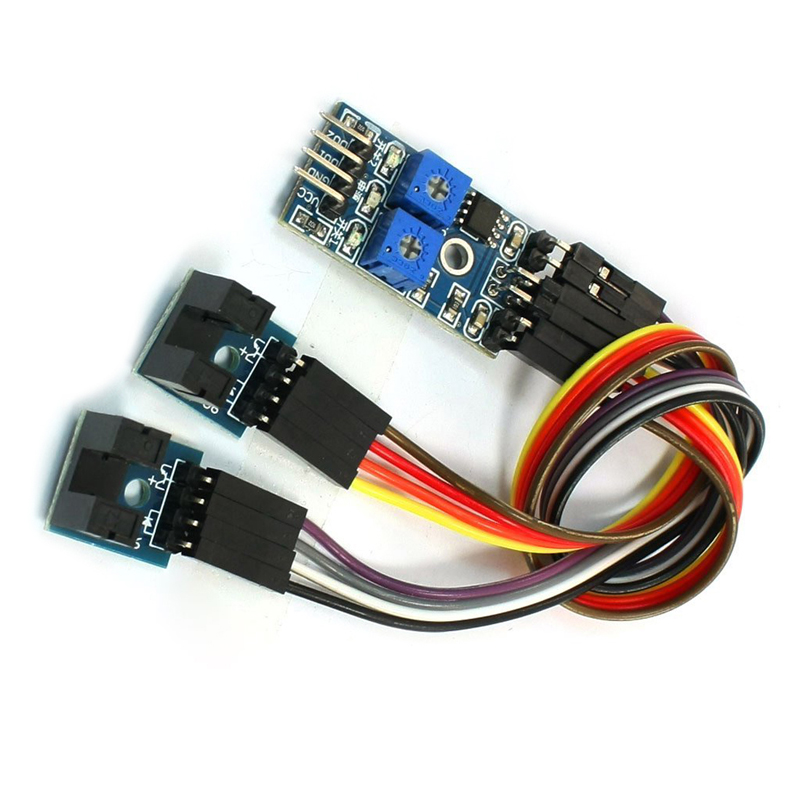
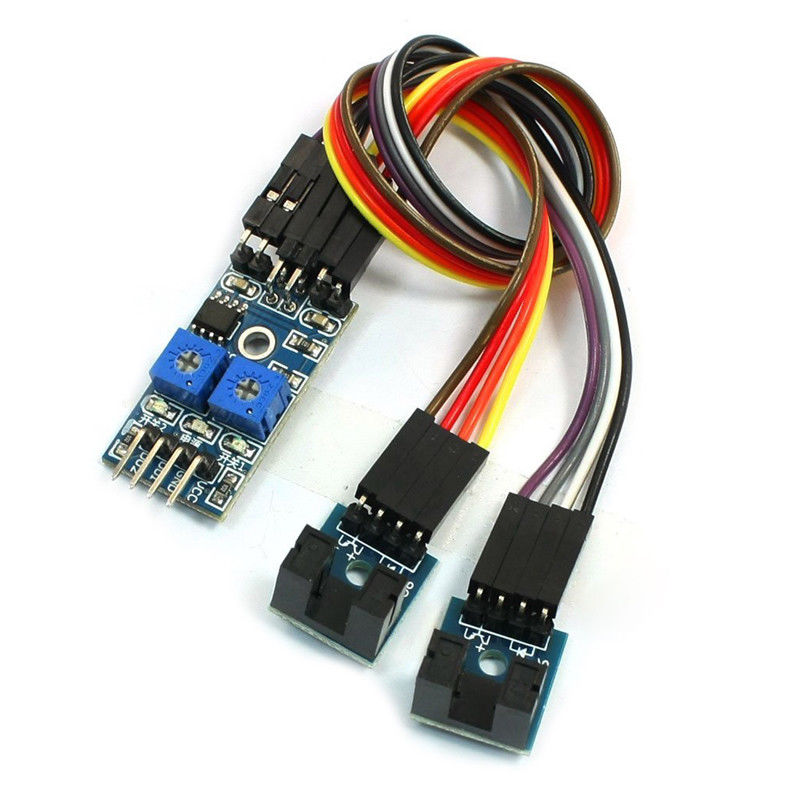
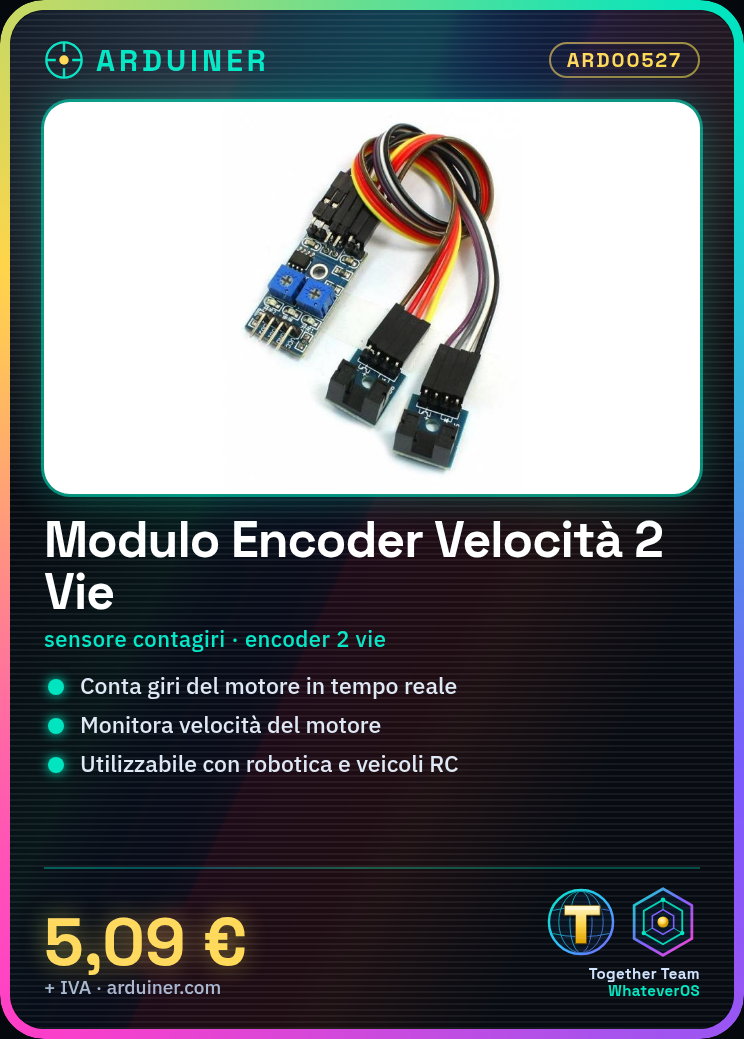
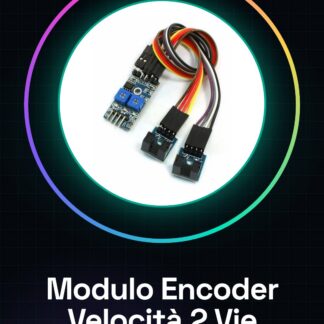
The digital 2-channel encoder speed sensor module for motors is a useful component for monitoring the speed and position of motors in various projects, such as robotics or remote-controlled vehicles. This module allows you to control the number of motor revolutions and its speed.
Features
- Digital 2-channel encoder speed sensor for motors
- Perfect for Arduino projects
What it is for
This module is ideal for monitoring motor speed and counting revolutions in various applications, such as robotics or remote-controlled vehicles. It can be used by both beginners and more experienced makers. For example, it can be connected to the motor of an RC airplane’s propeller to monitor real-time speed.
Tutorial: How to use Speed Sensor Module
This module is ideal for monitoring motor speed and counting revolutions in various projects, such as robotics or remote-controlled vehicles. It is suitable for both beginners and more experienced makers.
What you need
- Arduino Uno
- USB A-MicroB Cable
- Motors Connection
Steps
- Connect the module to pin 2 and 3 of the Arduino using the GPIO cables.
- Check the correct polarity of the motor connector with the module.
- Download the example sketch from the Arduino website.
- Compile and send the sketch to the Arduino via the IDE.
- Open the serial monitor to view the received data.
- Modify the sketch if necessary, adding features such as revolution counting or average speed.
- Check the module specifications on the datasheet to optimize power usage and performance.
Example code
// Includi la libreria TimerOne
#include <TimerOne.h>

volatile int count = 0;
const int pinA = 2;
const int pinB = 3;

void setup() {
    pinMode(pinA, INPUT);
    pinMode(pinB, INPUT);
    attachInterrupt(0, pulseCount, RISING);
}

void loop() {}

void pulseCount() {
    count++;
}
Mini project
Create a RPM counting system for your RC model airplane. Connect the module to the propulsion motor and monitor the speed in real-time.
Common mistakes
- Incorrect polarity between motor connector and module.
- Incorrect or inverted switch pin configuration.
- Serial data not updating due to an error in the sketch.
- High power consumption due to suboptimal configuration.
Recommended accessories
- Arduino Uno
- 3D Printed Case Prototype
- LiPo Battery
- DC Motors
Frequently asked questions
How can I count motor RPM?
Use the pulse count received on pins A and B.
What are the speed limitations?
Check the datasheet for accurate specifications.
Reviews
There are no reviews yet.