 EN
 IT Italiano
 ES Español
 FR Français
 DE Deutsch
Description
What it is
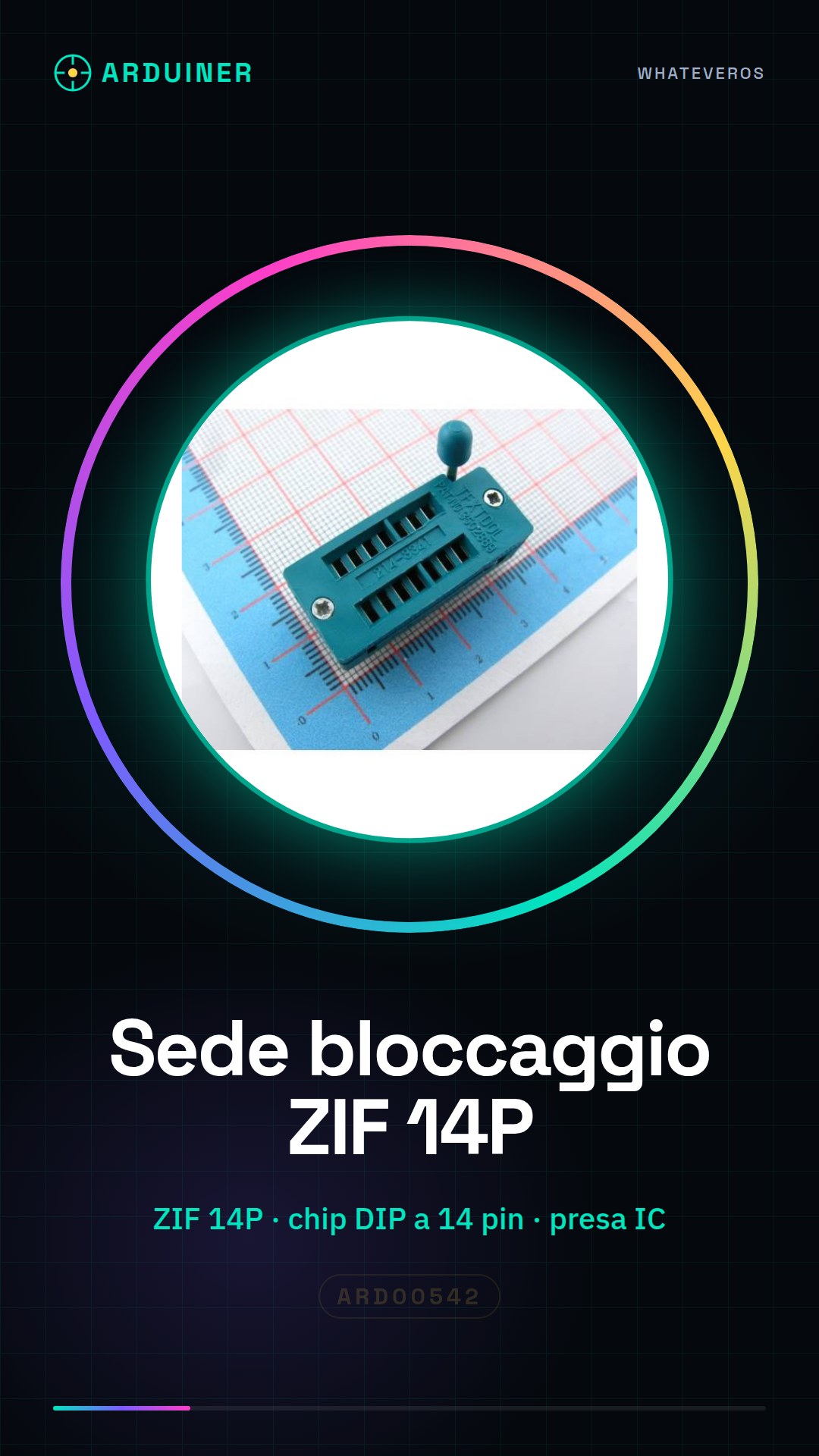
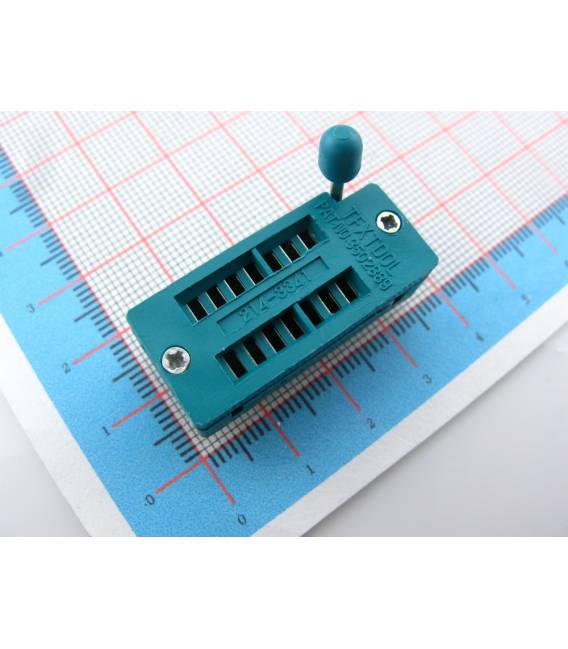
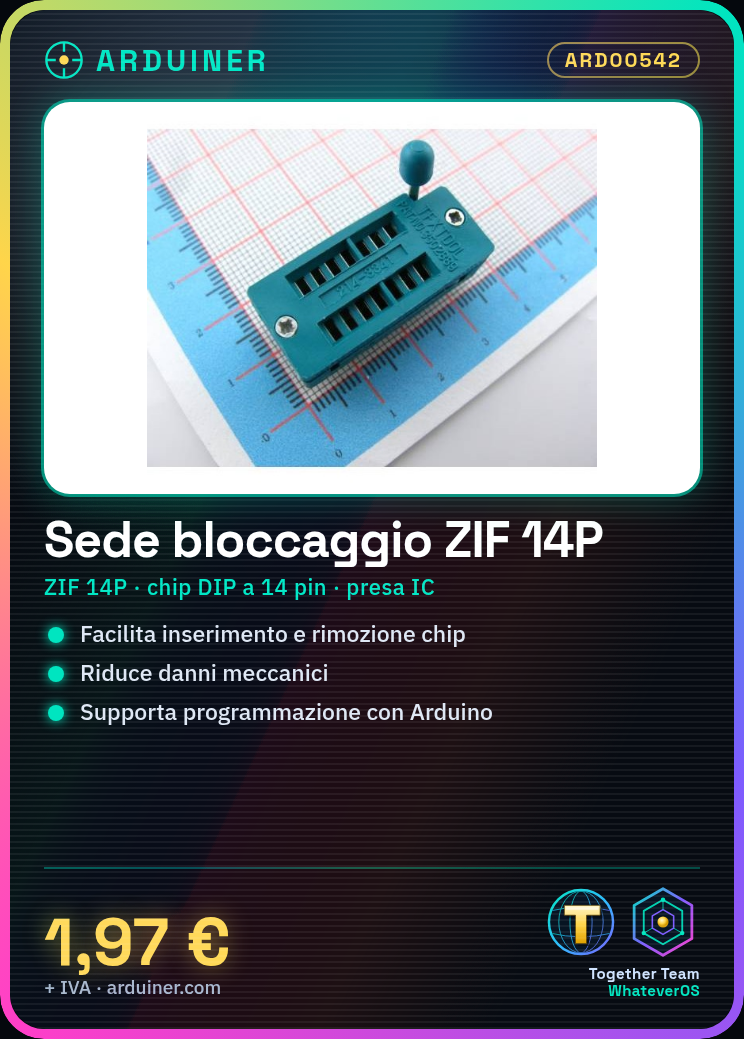
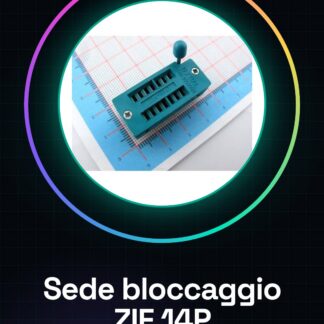
ZIF (Zero Insertion Force) socket for 14-pin DIP chip. This device is designed to facilitate the safe insertion and removal of semiconductors without causing mechanical damage.
Features
- 14P socket, 14PIC test socket, 14P live socket
- IC socket for 14-pin DIP chip
What it is for
Ideal for programming and testing semiconductors. Allows for the creation of simple circuits, for example, by connecting an LED to one of the digital pins of the DIP chip.
Tutorial: How to use ZIF 14P Socket
The ZIF (Zero Insertion Force) 14P socket is a useful tool for makers and electronics enthusiasts working with 14-pin DIP chips. This socket allows for easy insertion and removal of the chip without damaging it, making programming and analysis of semiconductors simpler.
What you need
- 14-pin DIP chip
- Arduino or PIC programmer
- power supply
Steps
- Gently insert the DIP chip into the ZIF socket, ensuring that each pin is properly aligned.
- Close the ZIF socket lever to securely hold the chip in place.
- Connect the ZIF socket to an Arduino or PIC programmer via the appropriate connectors.
- Program the chip using the Arduino IDE or your preferred programming tool.
- Check the datasheet of your chip for the correct power supply configuration if necessary.
- Once programming is complete, gently open the lever and remove the chip from the ZIF socket.
- Repeat steps 1-5 for each programming or chip analysis operation.
Mini project
Create a simple circuit with an LED connected to one of the digital pins of your DIP chip. Program the chip so that the LED turns on and off periodically.
Common mistakes
- Do not properly align the chip pins during insertion.
- Damage the lever or ZIF socket with excessive force.
- Omit to check the power supply configuration on the chip’s datasheet.
- Use an incompatible DIP chip (for example, 28 pins instead of 14).
Recommended accessories
- Arduino Uno
- PIC Programmers
- USB Power Supplies
- 14-pin DIP Chips
Frequently asked questions
How do I use the ZIF socket?
The ZIF socket is used to easily insert and remove DIP chips without damaging the leads.
What types of chips can I program with this socket?
You can use this socket for 14-pin DIP chips, always verifying compatibility on the chip’s datasheet.
Reviews
There are no reviews yet.