 EN
 IT Italiano
 ES Español
 FR Français
 DE Deutsch
Description
What it is
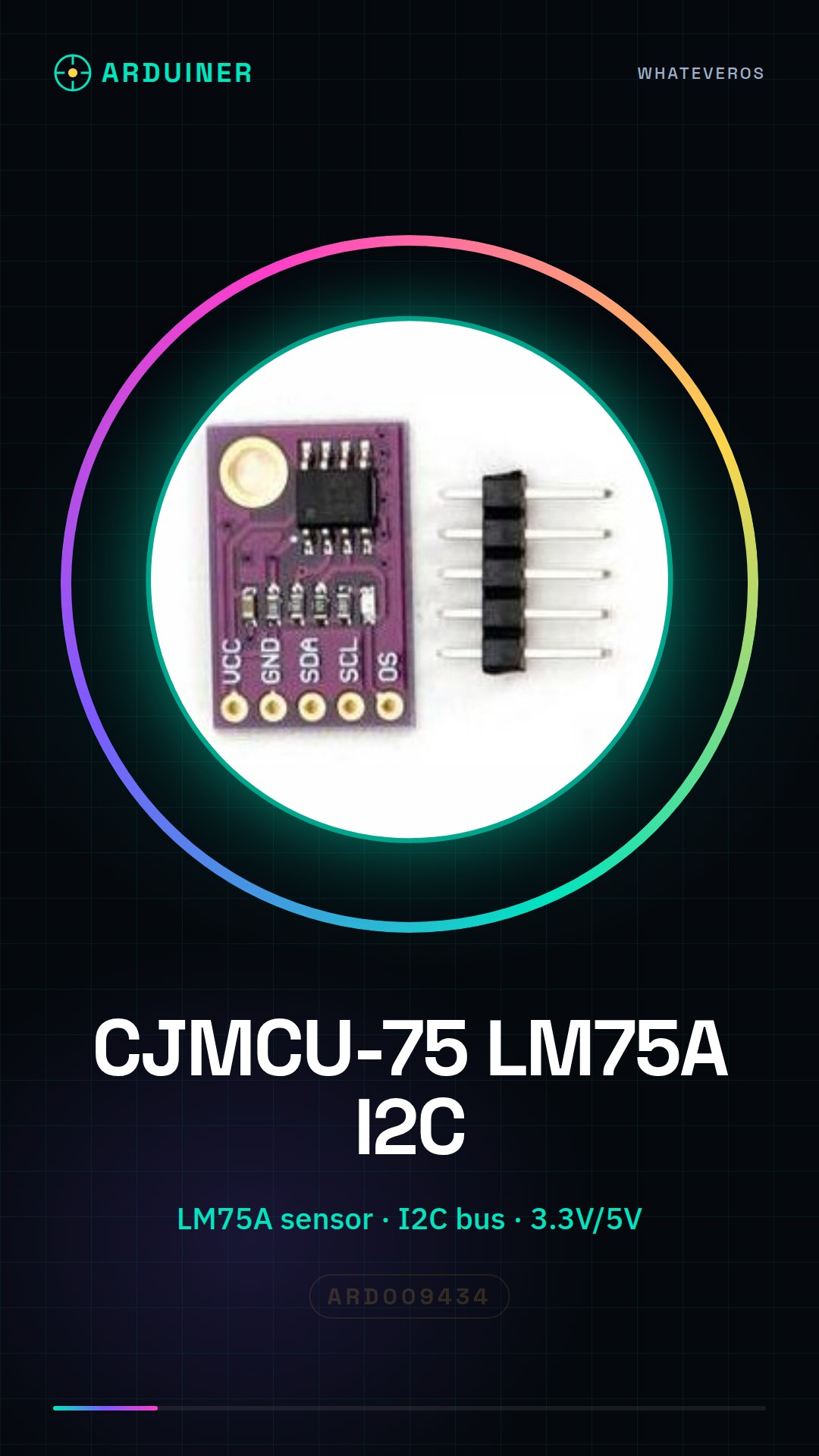
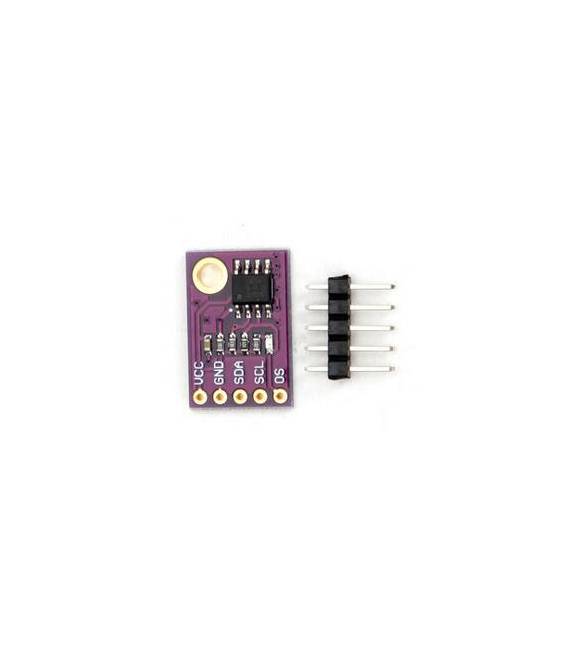
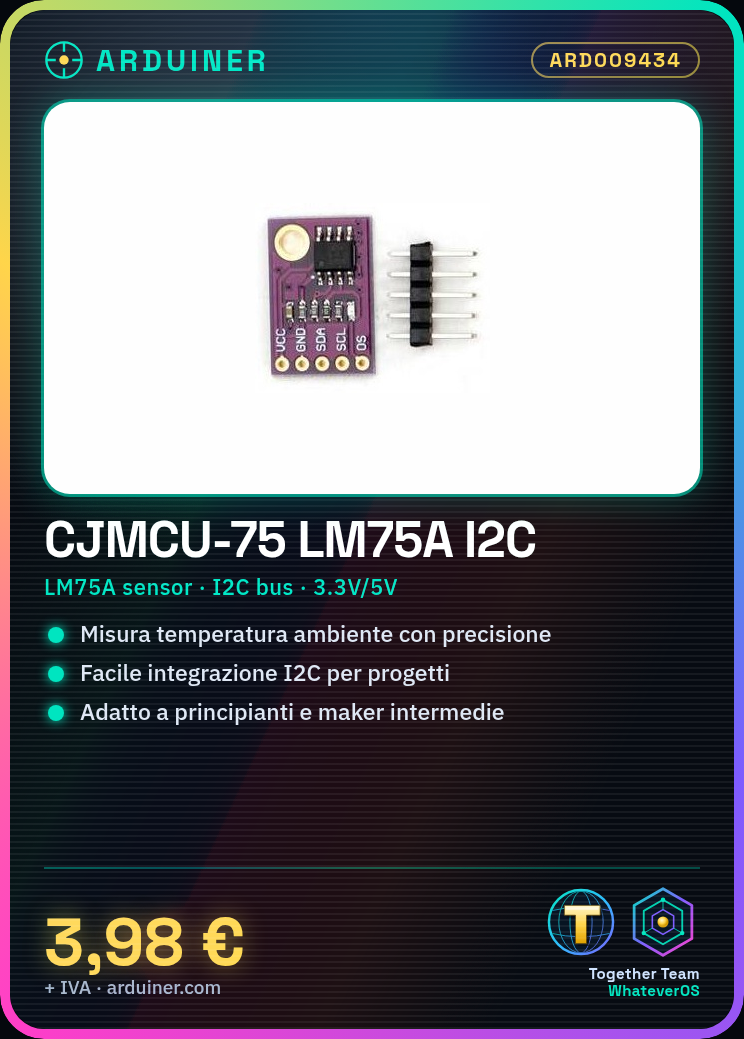
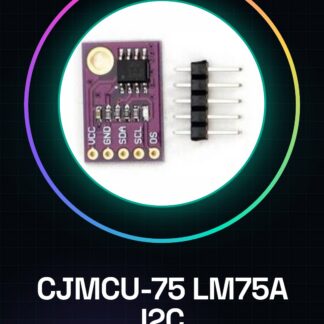
The CJMCU-75 LM75A module is a development board for an I2C temperature sensor based on the LM75A chip. This device allows for precise ambient temperature measurement with ease of integration into electronic and IoT projects.
Features
- I2C Temperature Sensor based on LM75A
- High precision for temperature measurement
What it is for
The CJMCU-75 module is ideal for projects requiring accurate ambient temperature measurement. It can be used by beginners and intermediate makers to create temperature alert systems or integrate it with LCD matrix displays.
Tutorial: How to use CJMCU-75 LM75A I2C Temperature Sensor Development Board Module
This I2C temperature sensor is ideal for measuring ambient temperatures with precision. Useful for beginners and intermediate makers.
What you need
- Arduino or compatible
- I2C Cable (SCL and SDA)
- Power connection points for 3.3V or 5V
- Computer with Arduino IDE
Steps
- 1. Connect the sensor to the Arduino using I2C cables (SCL and SDA).
- 2. Connect VCC to the 3.3V or 5V of the Arduino.
- 3. Connect GND to the GND of the Arduino.
- 4. Download and install the Arduino IDE.
- 5. Create a new project in the IDE.
- 6. Copy and paste the following code:
- 7. `#include
void setup() {
Wire.begin();
Serial.begin(9600);
}void loop() {
int t = Wire.readByte();
Serial.println(t);
}` - 8. Upload the code to the Arduino.
- 9. Check the serial monitor to view the temperature.
Example code
```
#include <Wire.h>

void setup() {
  Wire.begin();
  Serial.begin(9600);
}

void loop() {
  int t = Wire.readByte();
  Serial.println(t);
}
```
Mini project
Create a temperature alert system for an environment. Connect the sensor to an LCD matrix display to show the temperature in degrees Celsius.
Common mistakes
- Check the datasheet: ensure that the power supply is compatible (3.3V or 5V).
- Check the datasheet: ensure that the I2C frequency is correct (100 kHz).
- Check the datasheet: do not use unused pins to avoid interference.
- Check the datasheet: ensure that the pull-up resistor is correct.
Recommended accessories
- LCD matrix display
- 5V power supply cable
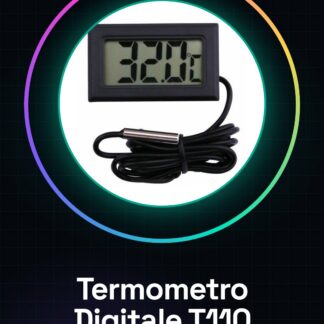
- LCD temperature display
Frequently asked questions
Does the sensor work with 3.3V and 5V?
Yes, it works with both voltage levels.
How can I display the temperature in Fahrenheit?
Convert the value by reading the sensor in degrees Celsius and multiply by 1.8, then add 32.
Does the sensor work with Arduino Nano?
Yes, it works with Arduino Nano.
Reviews
There are no reviews yet.