 EN
 IT Italiano
 ES Español
 FR Français
 DE Deutsch
Description
What it is
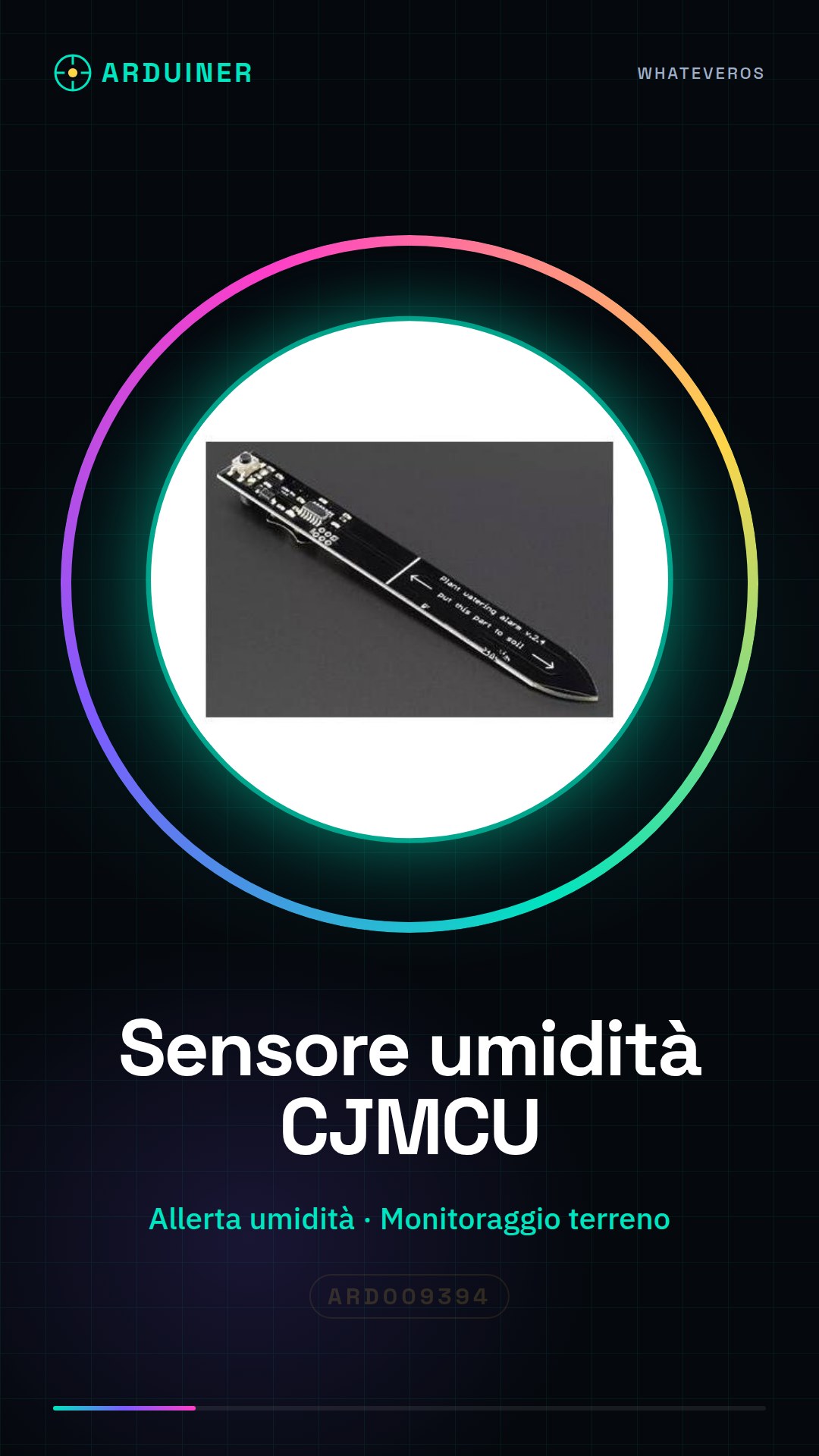
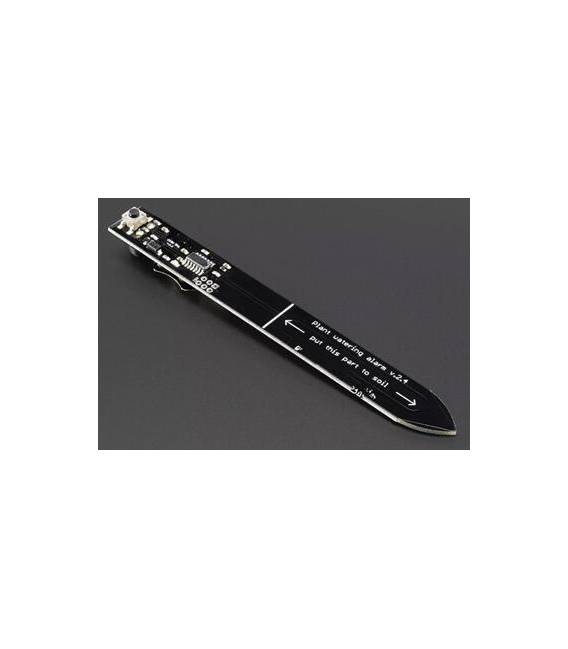
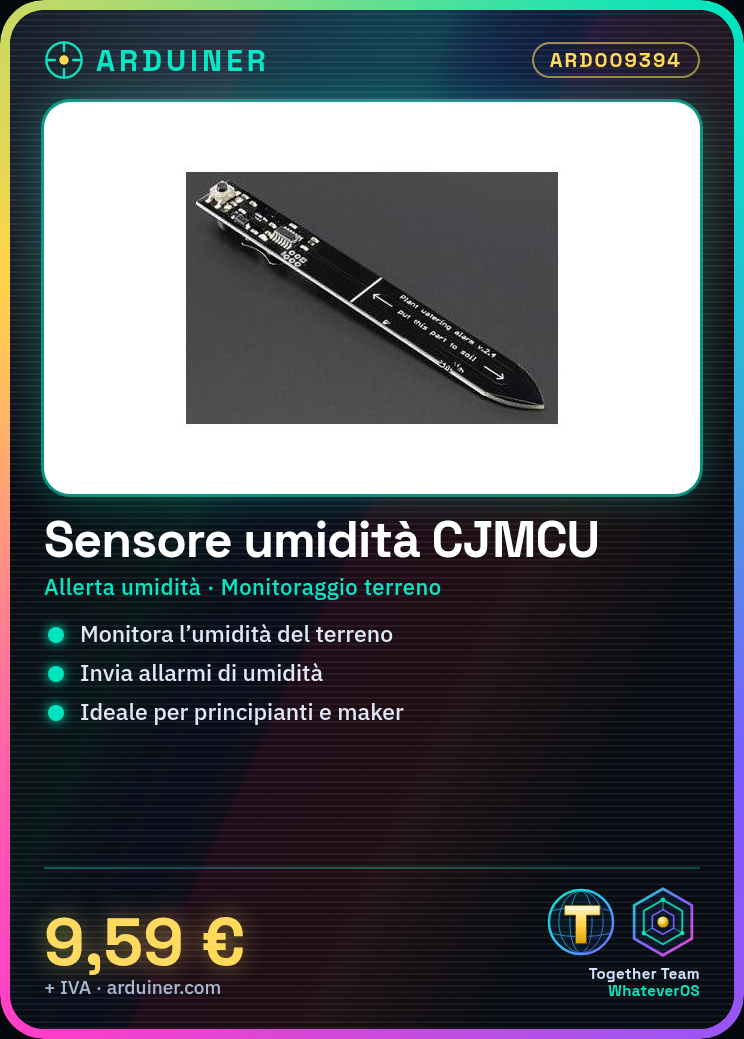
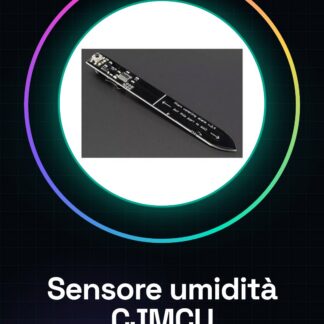
The CJMCU humidity sensor is a device for monitoring soil moisture in automatic irrigation systems or DIY projects. This sensor sends alerts when soil moisture conditions exceed set limits.
Features
- Humidity sensor for automatic irrigation systems
- Alert on low or high soil moisture
What it is for
The CJMCU sensor is ideal for beginners and makers who want to automate their garden. It can be used to create an automatic irrigation system based on soil moisture.
Tutorial: How to use CJMCU Humidity Sensor
The CJMCU humidity sensor is a useful device for monitoring soil moisture in automatic irrigation systems or DIY projects. It is ideal for beginners and makers who want to automate their garden.
What you need
- Arduino Uno
- USB cable
- Connect to PC
- Arduino IDE software
Steps
- Connect the pins of the humidity sensor to the digital pins of the Arduino (check the datasheet for precise specifications).
- Open the Arduino IDE software and load a simple sketch that reads values from the sensor.
- Configure the Arduino IDE for proper serial communication, displaying real-time humidity data.
- Install a remote monitoring application (optional) to receive email or push notification alerts when the humidity level is too low.
- Modify the sketch to calculate humidity values in percentage, using the formula provided in the sensor datasheet.
- Test the manual irrigation system before activating it automatically.
- Configure an alarm system that activates the irrigation system when the humidity is below a set threshold.
- Implement a data logging solution to track humidity variations over time.
Example code
void setup() {
  Serial.begin(9600);
}

void loop() {
  int val = analogRead(A0); // Leggi il valore dal sensore di umidità
  Serial.println(val);
}
Mini project
Create an automatic irrigation system for a houseplant based on the CJMCU humidity sensor. Configure the Arduino to send email alerts when the soil is too dry.
Common mistakes
- Connecting the sensor pins incorrectly
- Not configuring serial communication correctly
- Using an inappropriate humidity threshold for the system
Recommended accessories
- Arduino Uno R3
- ESP8266 Wi-Fi Module
- LiPo 18650 Battery
- 5V Relay
Frequently asked questions
How can I calibrate the humidity sensor?
Calibrate the sensor by measuring the soil moisture in known conditions and comparing the read values with the expected ones.
The sensor is not working, what should I do?
Check the pin connections and verify that the power supply voltage is correct.
Reviews
There are no reviews yet.