 EN
 IT Italiano
 ES Español
 FR Français
 DE Deutsch
Description
What it is
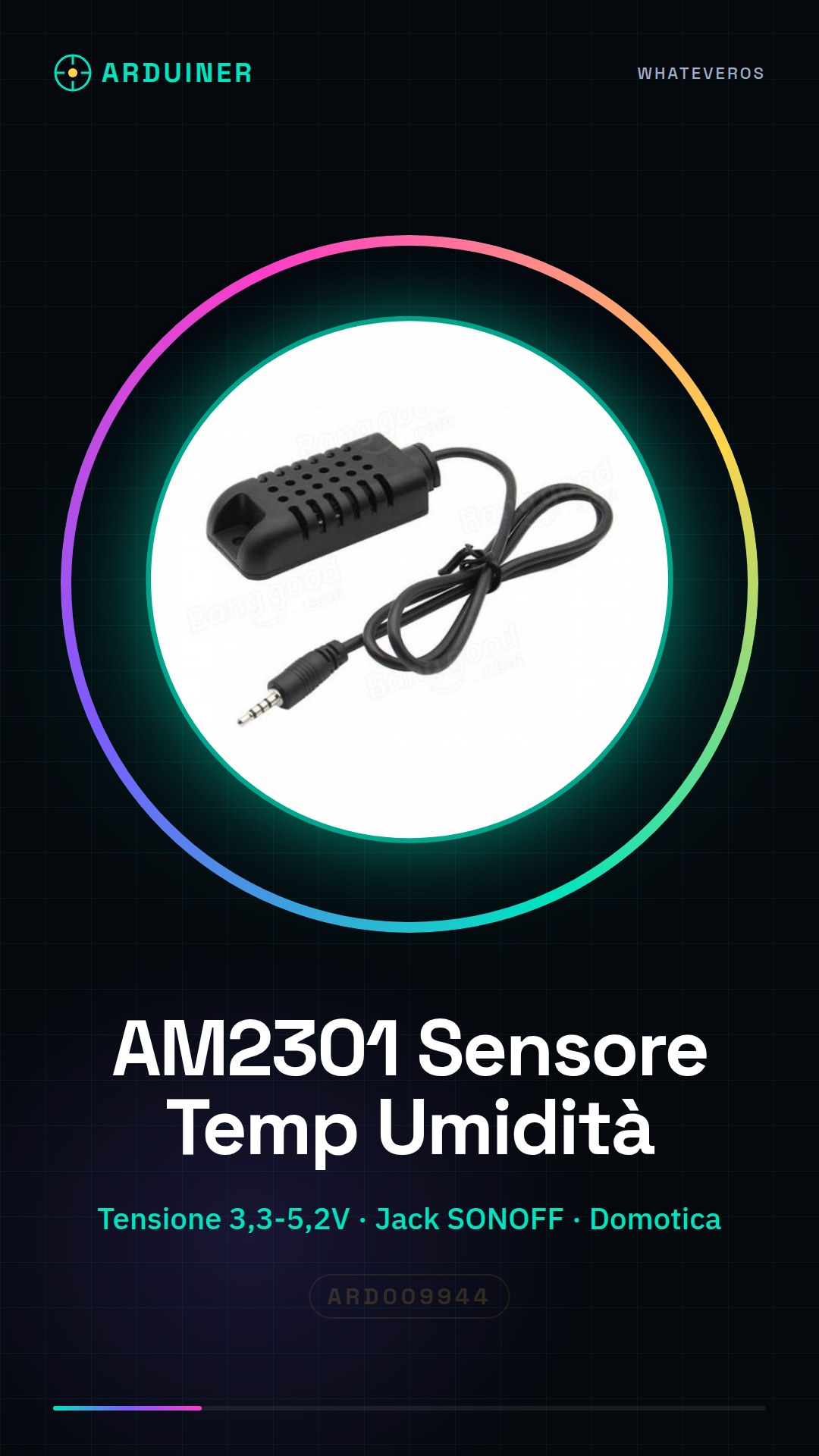
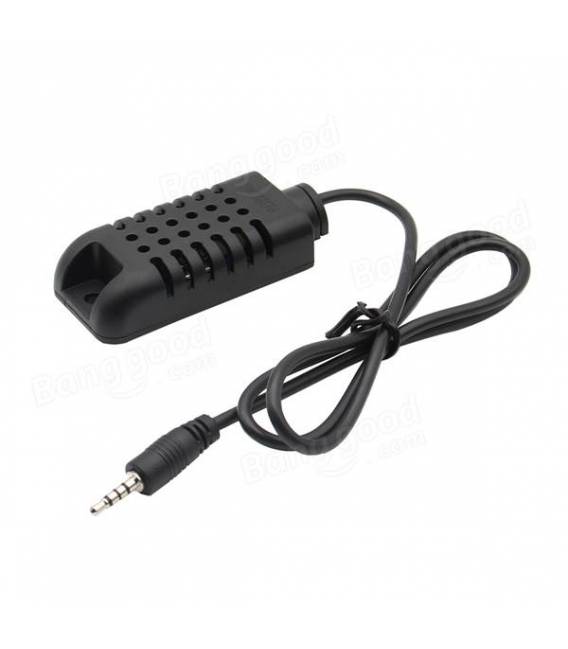
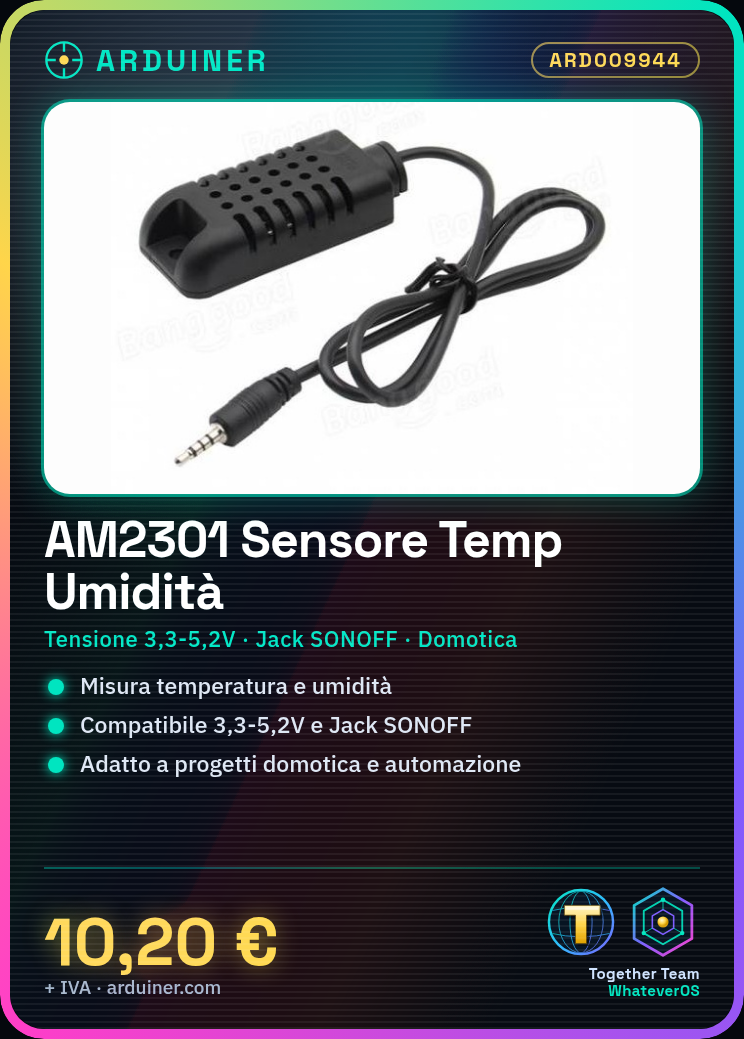
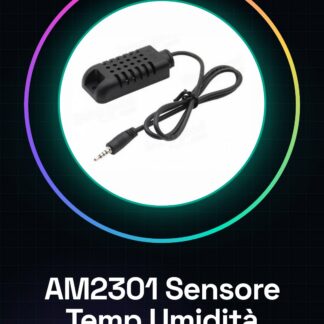
The AM2301 module is a high-precision sensor for measuring temperature and humidity. It is designed to be used in various contexts, including Arduino, SONOFF, and 3D printing projects.
Features
- Compatible with power supply voltage from 3.3V to 5.2V
- Jack connection compatible with SONOFF
- Measures temperature and humidity
What it is for
Ideally used for home automation and smart home projects. Can be integrated into humidity alert devices with LED alarms.
Tutorial: How to use AM2301
The AM2301 sensor measures temperature and humidity, ideal for home automation and smart home projects.
What you need
- AM2301
- Arduino
- Connection cable
- Pull-up resistor
Steps
- 1. Install Arduino IDE.
- 2. Connect AM2301 to Arduino: VCC to 5V, GND to GND, DHT_DATA to one of the digital pins.
- 3. Add pull-up resistor between VCC and DHT_DATA.
- 4. Load example sketch DHT.
- 5. Check datasheet for specific pins.
- 6. Modify sketch to display data.
- 7. Test functionality with Serial Monitor.
- 8. Adjust connections if necessary.
Example code
```cpp
#include <DHT.h>

#define DHTPIN 2
#define DHTTYPE DHT11

DHT dht(DHTPIN, DHTTYPE);

void setup() {
  Serial.begin(9600);
  dht.begin();
}

void loop() {
  delay(2000);
  float h = dht.readHumidity();
  float t = dht.readTemperature();
  Serial.print("Humidity: "); Serial.print(h);
  Serial.print("% "); Serial.print("Temp: "); Serial.print(t);
  Serial.println(" C");
}
```
Mini project
Create a humidity alert device with LED alarm.
Common mistakes
- Connect VCC to 3.3V instead of 5V.
- Omit pull-up resistor.
- Do not verify connections on the datasheet.
- Write incorrect Arduino code.
Recommended accessories
- LED
- Resistor for LED
- Battery
- Metal contact
Frequently asked questions
The sensor does not read correctly.
Check connections and try reinserting the sensor.
What is the difference between DHT11 and DHT22?
AM2301 is DHT22. DHT11 and DHT22 differ in precision and temperature range.
How can I calibrate the sensor?
The sensor does not require calibration. Check connections and environment.
The sensor does not work with Arduino Nano.
Check compatibility of VCC and DHT_DATA pin. It may be necessary to use a different pin.
Reviews
There are no reviews yet.