 EN
 IT Italiano
 ES Español
 FR Français
 DE Deutsch
Description
What it is
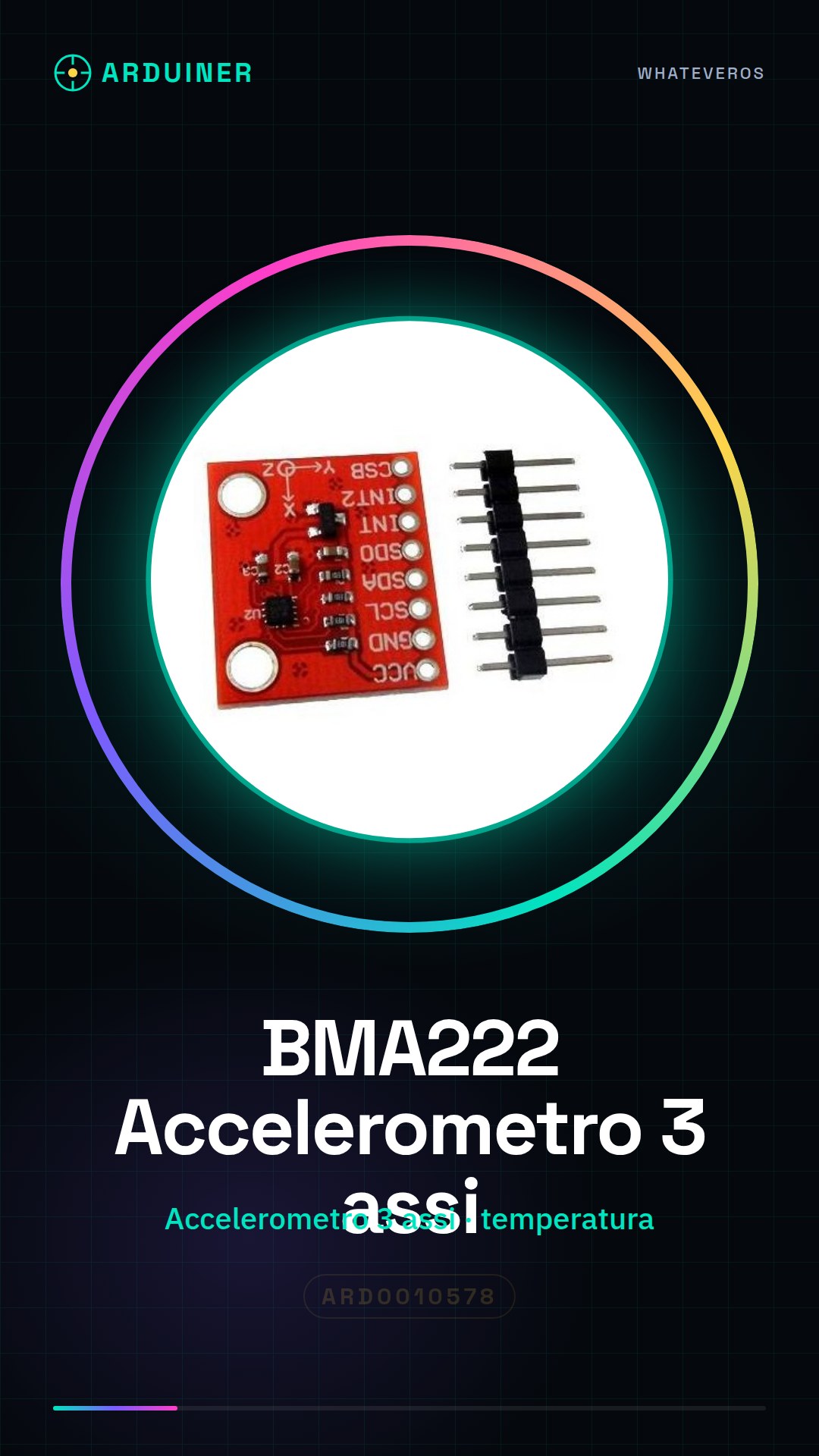
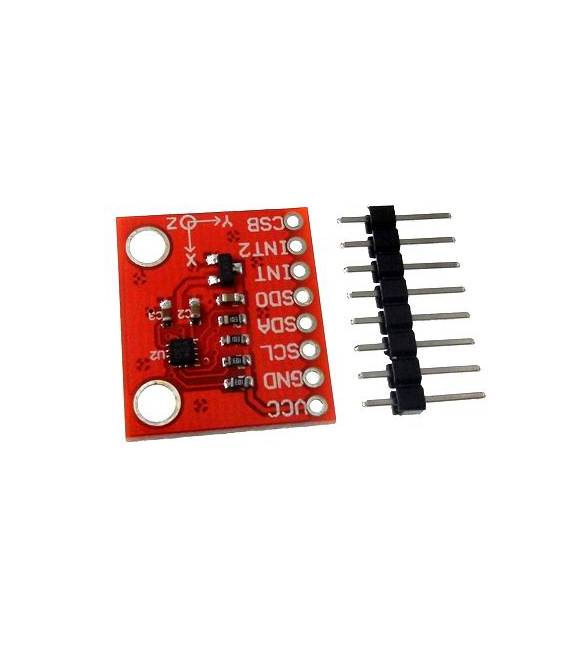
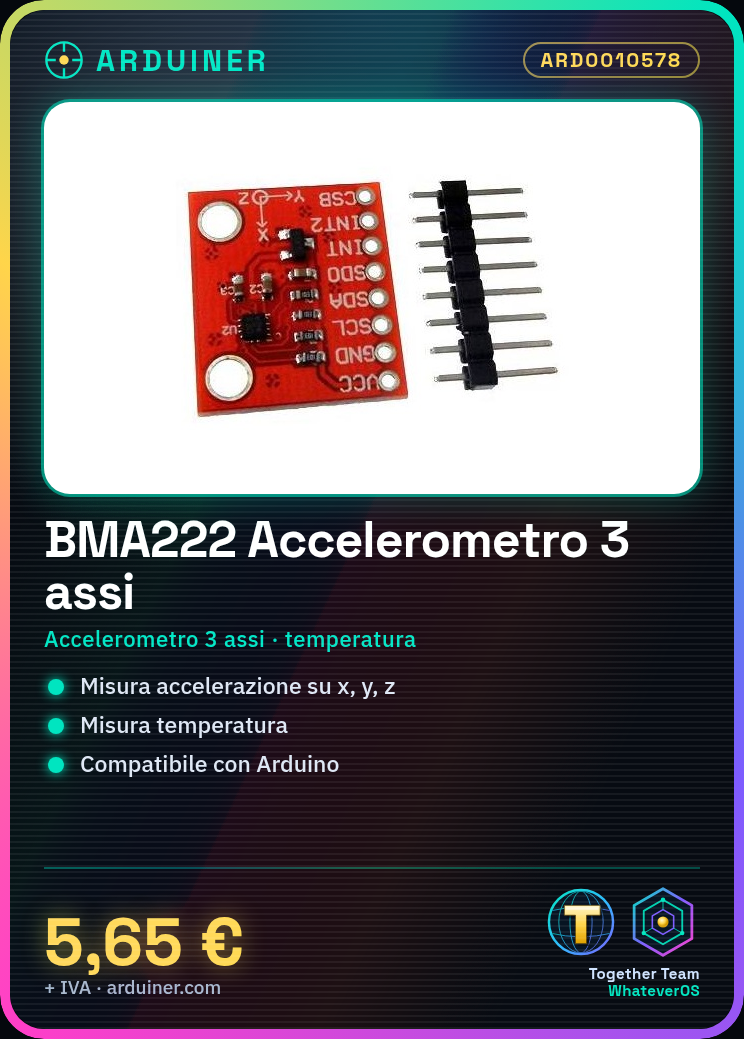
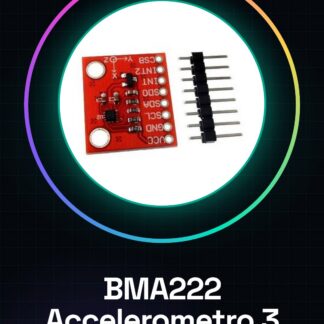
The BMA222 Accelerometer Module 3-axis with temperature module compatible with Arduino is an electronic component that allows measuring acceleration in three directions (x, y, z) and temperature. It is designed to be used with programming platforms such as Arduino.
Features
- 3-axis Accelerometer
- Temperature Measurement
- Compatible with Arduino
What it is for
This module can be used in a wide range of projects, such as creating robotic carts that react to gestures, motion detection systems, or tilt sensors. The temperature measurement can be useful for monitoring the temperature of electronic components or for meteorological applications.
Tutorial: How to use BMA222
The BMA222 is a 3-axis accelerometer with temperature compatible with Arduino, ideal for measuring acceleration and temperature in movement projects.
What you need
- BMA222
- Arduino
- Duemilanove cable
- pull-up resistor
Steps
- 1. Connect the BMA222 to your Arduino’s I2C bus.
- 2. Connect the pull-up resistor between VCC and SDA/SCL.
- 3. Download the Adafruit_BMA222 library from GitHub.
- 4. Include the library in your sketch.
- 5. Initialize the accelerometer in the setup():
`Adafruit_BMA222 bma;` - 6. Read the accelerometer data in the loop():
`bma.acceleration(&x, &y, &z);` - 7. Print the values in Serial Monitor:
`Serial.print(x); Serial.print(“,”); Serial.println(y);` - 8. Check the datasheet for additional configuration options.
Example code
```
#include <Adafruit_BMA222.h>
Adafruit_BMA222 bma;

void setup() {
  Serial.begin(9600);
  bma.begin();
}

void loop() {
  int16_t x, y, z;
  bma.acceleration(&x, &y, &z);
  Serial.print(x); Serial.print(","); Serial.println(y);
}
```
Mini project
Build a robotic cart that moves in response to gestures. Use the BMA222 to detect acceleration and control the DC motor.
Common mistakes
- Forget the pull-up resistor.
- Connect the BMA222 to the SPI bus instead of I2C.
- Fail to initialize the accelerometer correctly.
- Fail to read the values correctly in Serial Monitor.
Recommended accessories
- DC Motors
- Electrical Protection
- 10kΩ Resistor
- Connecting Wires
Frequently asked questions
How can I test the detected temperature?
Use `bma.temperature(&temp);` in loop() and print `temp` in Serial Monitor.
Does the BMA222 work with Arduino Nano?
Yes, the BMA222 is compatible with Arduino Nano.
What are the detection limits of the accelerometer?
Check the datasheet for the accelerometer detection limits.
Reviews
There are no reviews yet.