 EN
 IT Italiano
 ES Español
 FR Français
 DE Deutsch
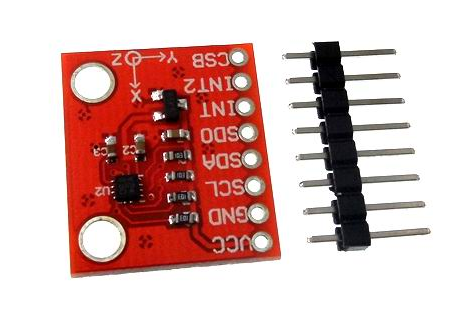
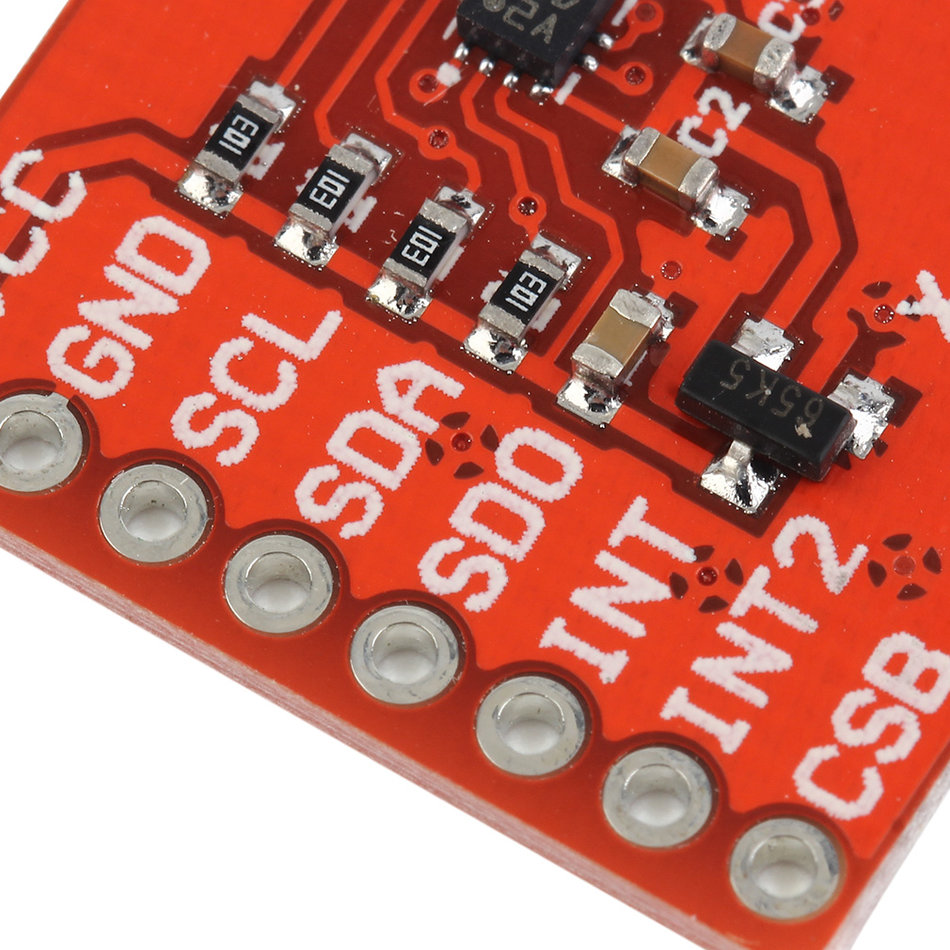
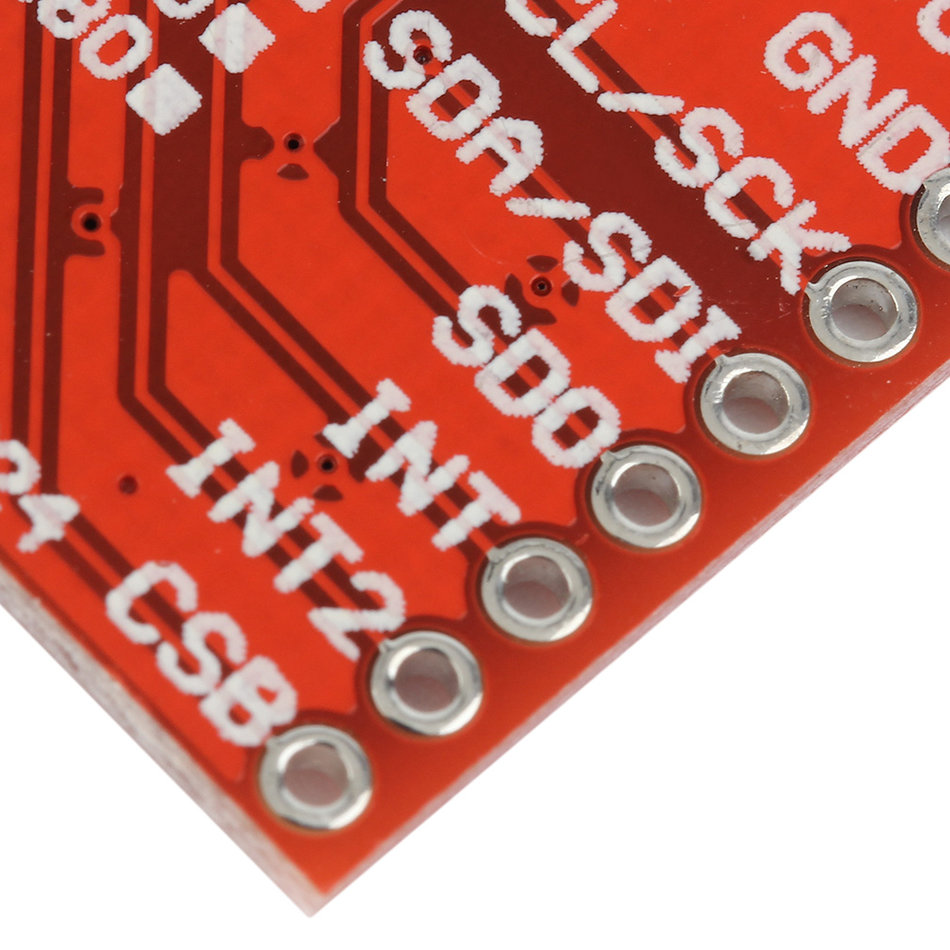
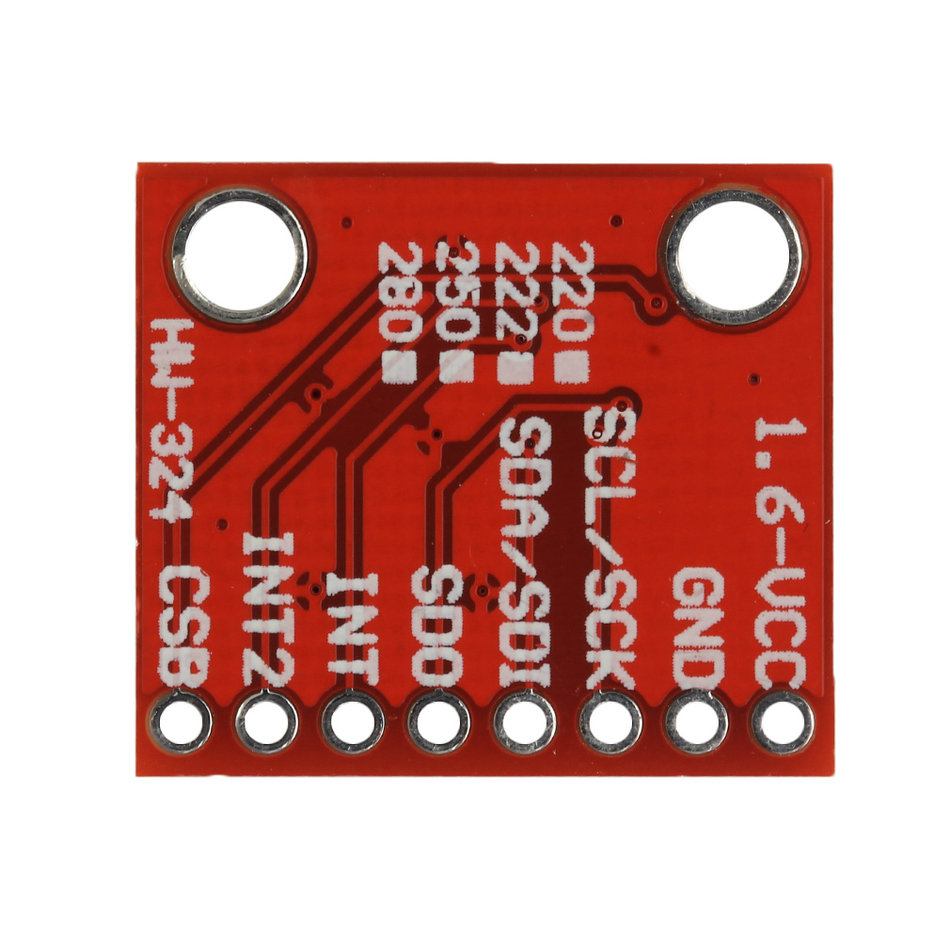
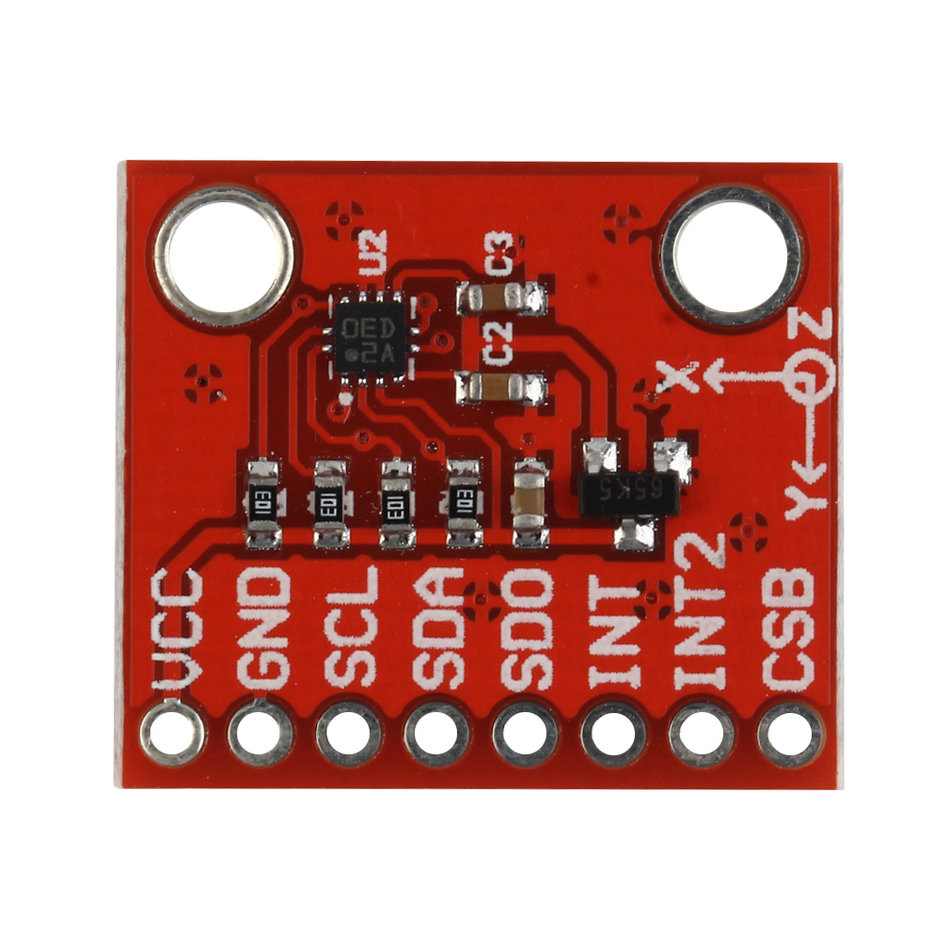
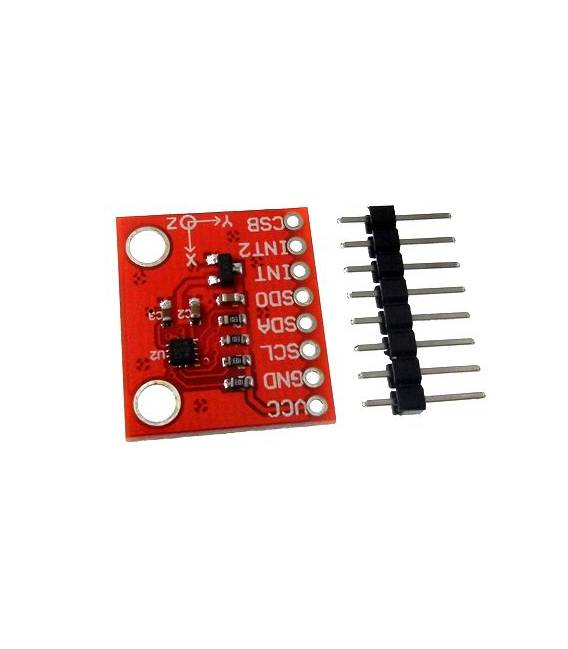
Description
What it is
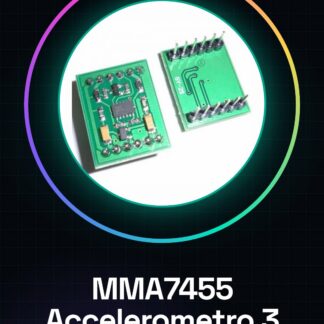
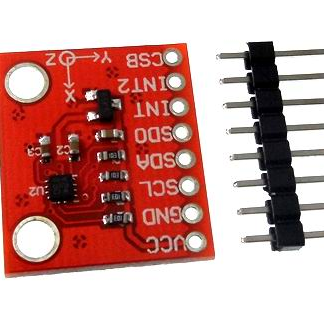
The BMA220 is a three-axis digital accelerometer. It measures accelerations on three independent axes, providing information about the movement and stability of an object.
Features
- 3 axes of measurement
- Type: Digital Accelerometer
- SKU: ARD0010577
- Price: 8.74 €
What it is for
The BMA220 accelerometer is useful for projects that require movement measurement, such as motion games, robots, stability systems, and monitoring applications. It is compatible with Arduino and other microcontrollers.
Tutorial: How to Use Accelerometer BMA220
The BMA220 accelerometer measures accelerations on three axes to control movement. Useful for projects that require motion sensitivity.
What you need
- Arduino or compatible
- Power cable
- Multimeter (for verification)
- Wire Library
Steps
- 1. Install the Wire library in your Arduino IDE.
- 2. Connect GND and VCC of BMA220 to Arduino.
- 3. Connect SDA to an I2C pin of Arduino (A4 or SDA).
- 4. Connect SCL to another I2C pin (A5 or SCL).
- 5. Insert code to initialize the accelerometer.
- 6. Read data from I2C and print it.
- 7. Add functions to control movements.
- 8. Test the device with a simple sketch.
Example code
void setup() { Wire.begin(); Wire.beginTransmission(0x18); Wire.write(0x0F); Wire.endTransmission(); } void loop() { Wire.requestFrom(0x18, 6); if (Wire.available() == 6) { int16_t ax = Wire.read() << 8 | Wire.read(); int16_t ay = Wire.read() << 8 | Wire.read(); int16_t az = Wire.read() << 8 | Wire.read(); Serial.print(ax); Serial.print(","); Serial.print(ay); Serial.print(","); Serial.println(az); } }Mini project
Create a motion-based game using the BMA220 oscillations in 30 minutes.
Common mistakes
- Forget to install the Wire library.
- Connect I2C pins incorrectly.
- Omit initial accelerometer configuration.
- Fail to verify I2C connectivity with a multimeter.
Recommended accessories
- Angle sensors
- Portable batteries
- LCD display
- Microphone
Frequently asked questions
What are the minimum requirements for the BMA220 accelerometer?
Minimum requirements: Arduino or compatible, available I2C pins, 3.3V-5V power supply.
Can this accelerometer be used with microcontrollers other than Arduino?
Yes, it is compatible with any microcontroller that supports I2C.
What are the main features of the BMA220 accelerometer?
12-bit precision, measurement range 2g, 4g, 8g, 16g, 24g.
How can I verify I2C connectivity?
Use a multimeter to check the correct connection of the SDA and SCL pins.
Reviews
There are no reviews yet.