 EN
 IT Italiano
 ES Español
 FR Français
 DE Deutsch

Description
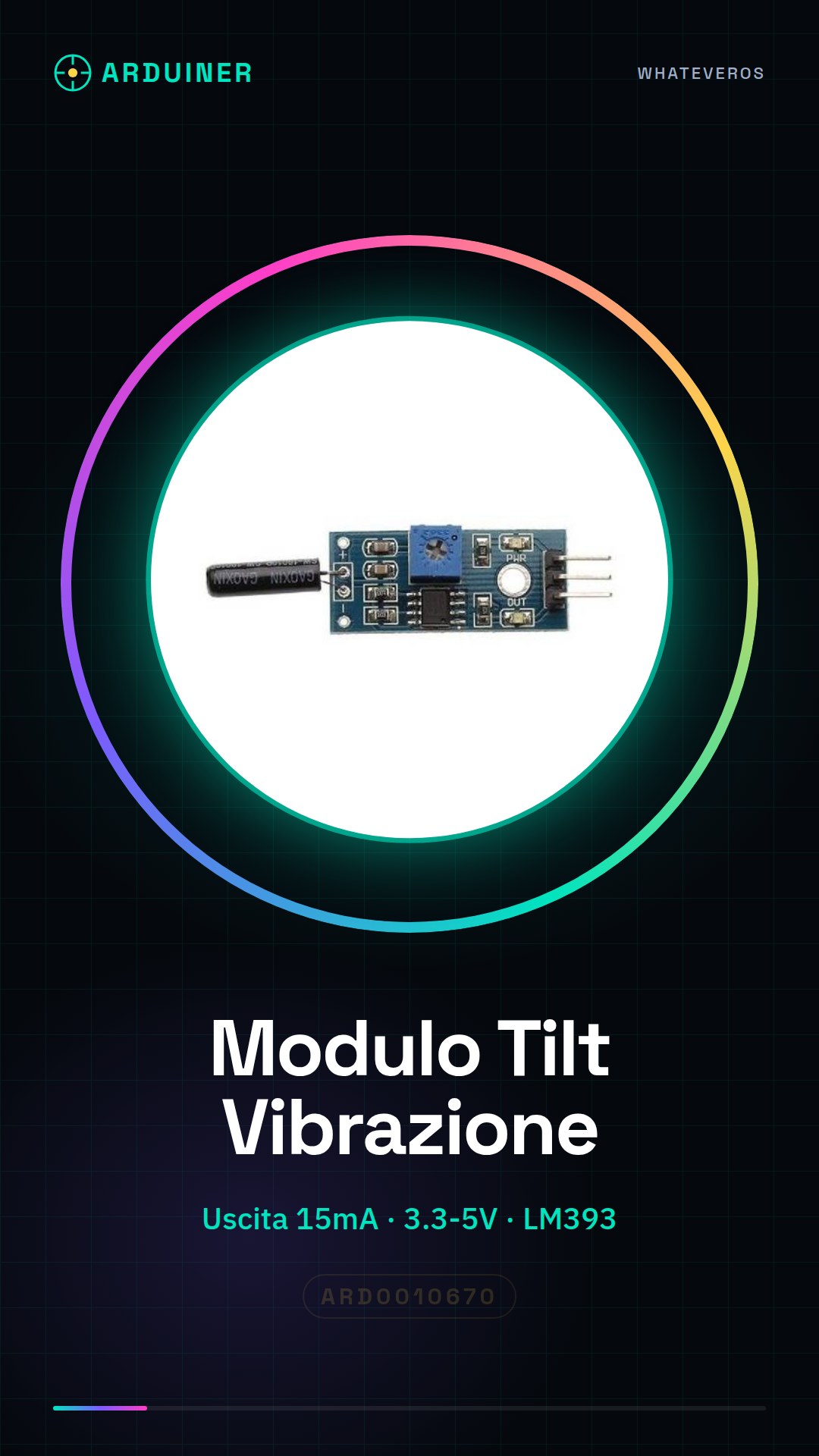
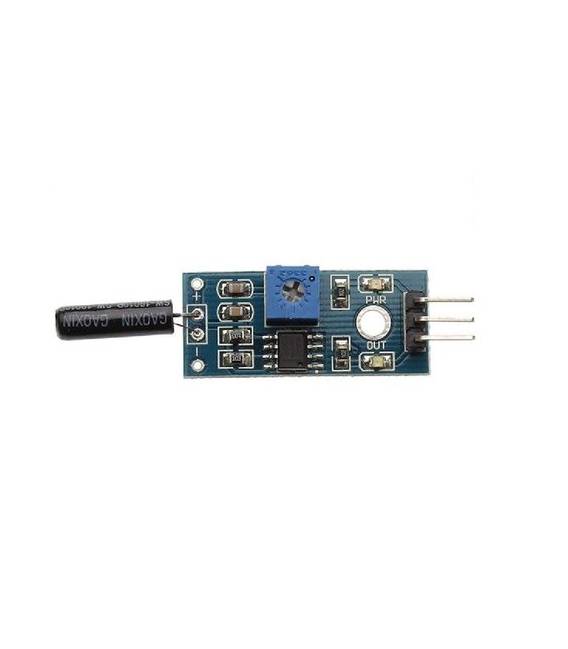
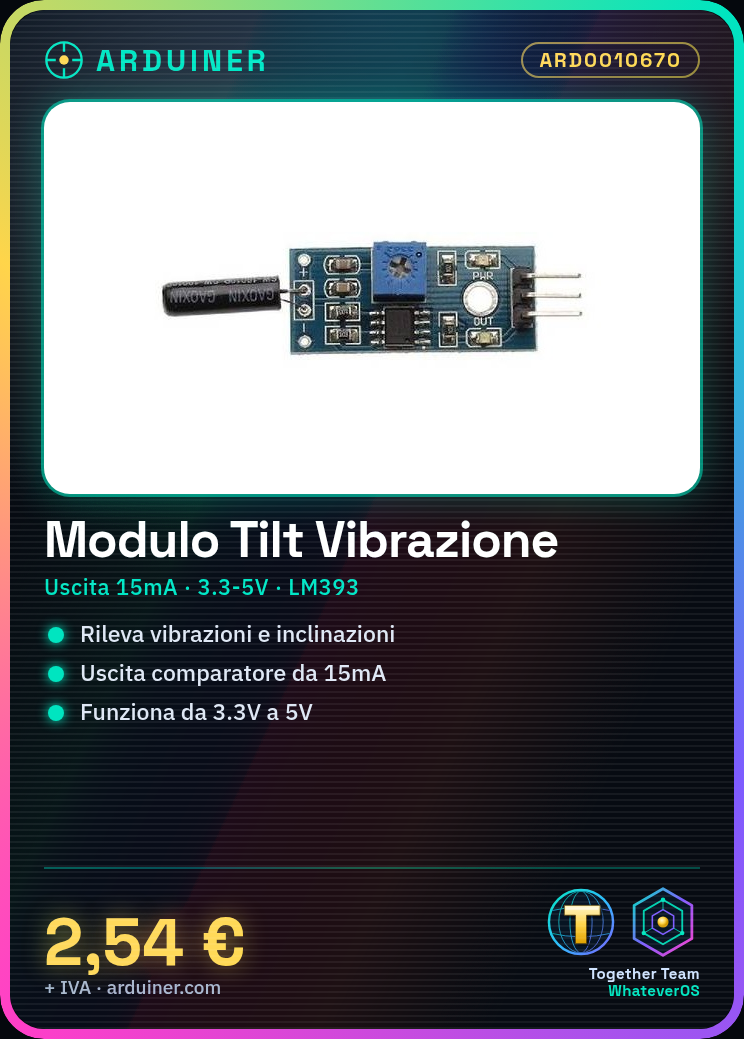
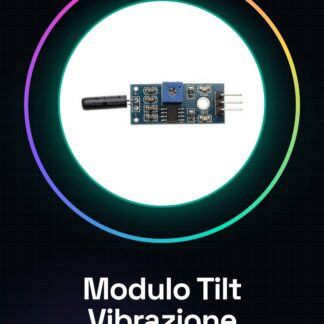
Tilt Vibration Sensor Module SW-18015P
Some great ideas to use this module with:
Build your own car alarm!
Create an entry door alarm!
Features:
– Comparator output over 15mA
– Operates with voltage from 3.3V to 5V
– Output type: digital switching value output (0/1)
– Uses the voltage comparator series LM393
– PCB format: 3.2×1.4cm
Tutorial: How to use the Tilt Vibration Sensor SW-18015P
This sensor helps you detect vibrations and tilts. Useful for motion and vibration projects.
What you need
- Arduino or compatible
- Connection cable
- Multimeter (optional)
Steps
- 1. Connect the sensor to pin A0 of Arduino.
- 2. Download the provided Arduino code.
- 3. Load the code onto your Arduino.
- 4. Verify the reading with a multimeter (optional).
- 5. Try moving the sensor and observe the changes.
- 6. Read the datasheet for advanced configurations.
Example code
```
#include <Wire.h>

void setup() {
  Serial.begin(9600);
}

void loop() {
  int value = analogRead(A0);
  Serial.println(value);
  delay(100);
}
```
Mini project
Create a vibration alarm. Connect the sensor to a relay and use the previous code to activate the relay when the sensor detects a vibration.
Common mistakes
- Connect the sensor to VCC and GND without A0.
- Forget to upload the code.
- Use unsupported pins.
- Ignore the pull-up configuration.
Recommended accessories
- Relay
- Power cable
- Acoustic alarm
Frequently asked questions
Does the sensor work with Arduino Uno?
Yes, it works with Arduino Uno.
Can I use this sensor to detect weak vibrations?
Yes, but check the sensitivity in the datasheet.
Does the sensor work with Arduino Nano?
Yes, it also works with Arduino Nano.

Reviews
There are no reviews yet.