 EN
 IT Italiano
 ES Español
 FR Français
 DE Deutsch
Description
What it is
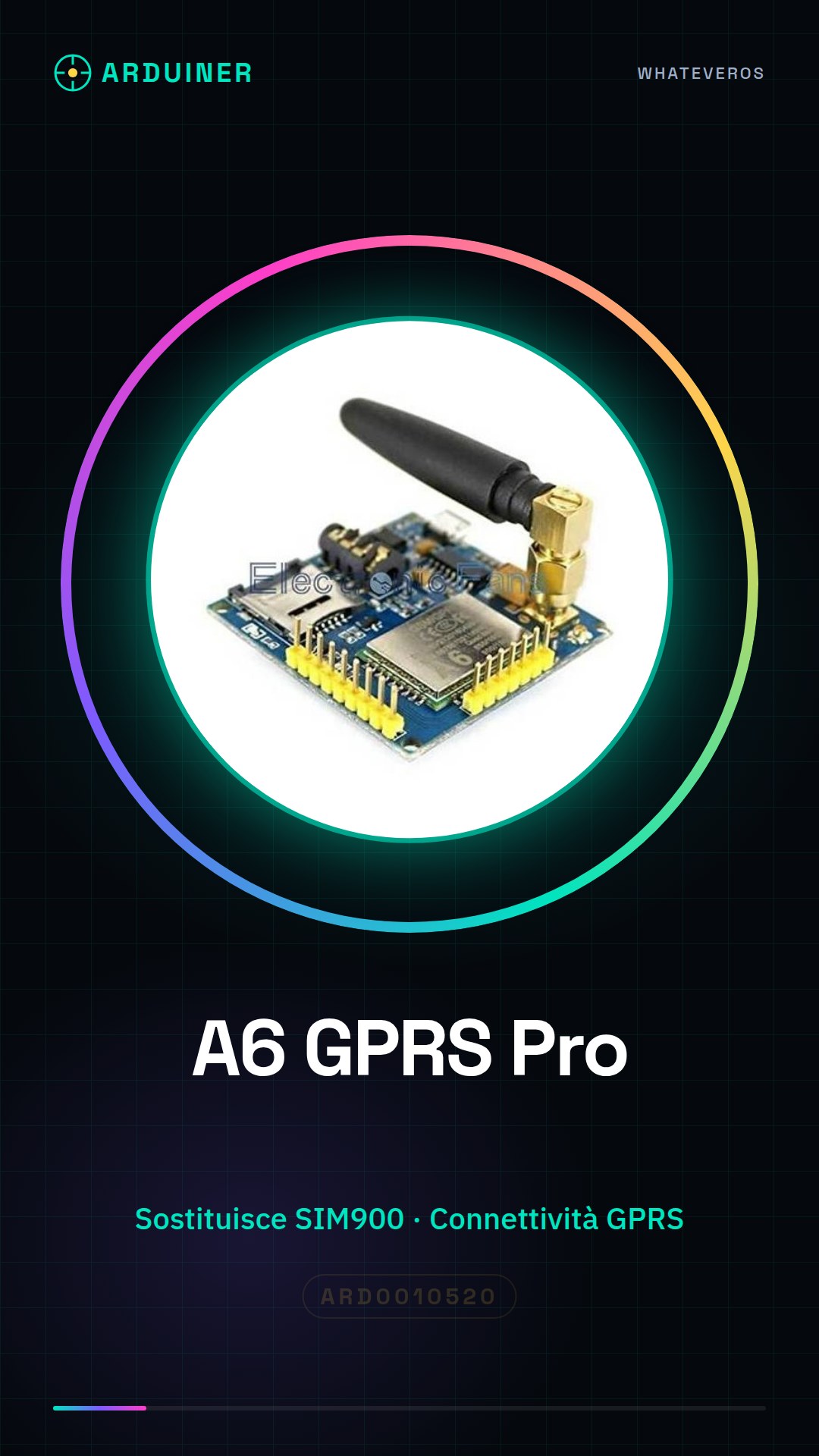
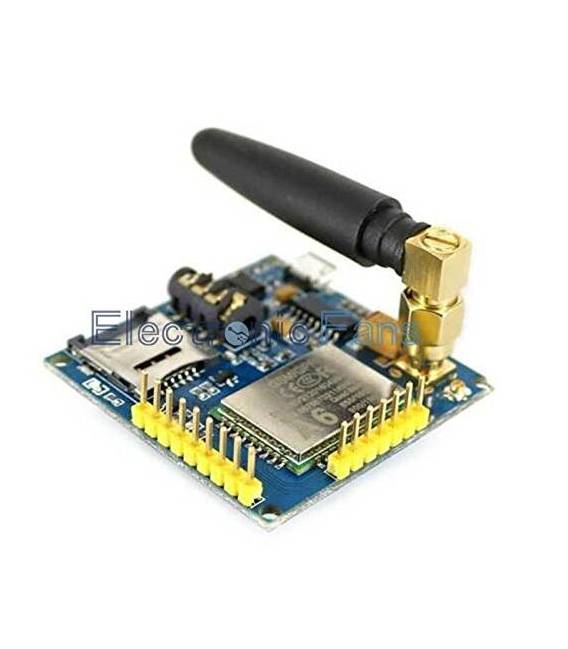
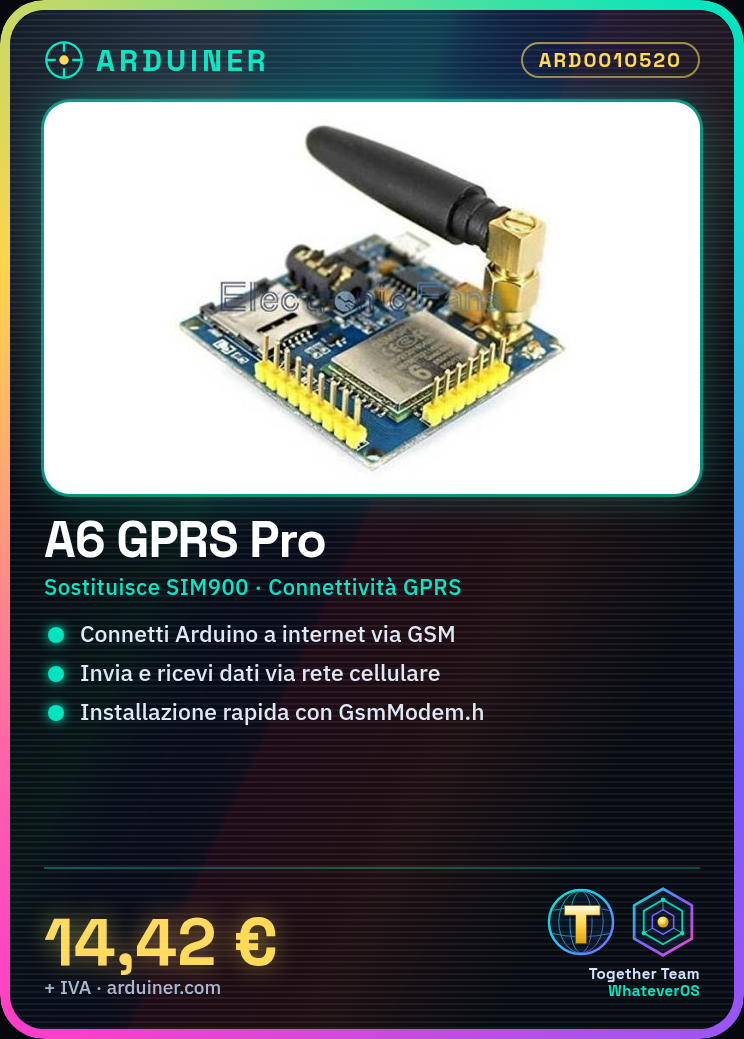
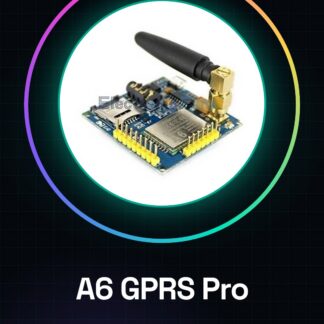
The A6 GPRS Pro is a development board for Arduino that replaces the SIM900 module. It allows Arduino projects to connect to the internet via cellular GPRS/GSM network, sending and receiving data.
Features
- Replaces the SIM900 module
- GPRS/GSM Connection
- Development board for Arduino
What it is for
The A6 GPRS Pro is ideal for creating connected devices. Examples of use include home alarm systems that send SMS notifications upon activation.
Tutorial: How to Use GPRS/GSM A6 Pro Module
The GPRS/GSM A6 Pro module allows you to connect to the internet via the cellular network, enabling your Arduino projects to send and receive data at any time. Ideal for beginners who want to create connected devices.
What you need
- Arduino Uno or compatible
- GPRS/GSM A6 Pro module
- USB Type B to micro USB cable
- SIM card
Steps
- Connect the GPRS/GSM A6 Pro module to the Arduino serial interface.
- Install the GsmModem.h library in the Arduino package manager.
- Load the example sketch provided with the library onto the Arduino.
- Insert a valid SIM card into the module.
- Check the datasheet for the power supply pin of the module and connect it to 3.3V or 5V of the Arduino.
- Open the serial monitor in Arduino IDE and check that the module connects correctly to the GSM/GPRS network.
- Modify the sketch to send a test SMS or make a test call.
- Check the datasheet for specific commands of the module for advanced functions.
Example code
// Esempio di codice minimo
#include <GsmModem.h>

SoftwareSerial gprsSerial(2, 3); // RX | TX
GsmModem gprs(gprsSerial);

void setup() {
  Serial.begin(9600);
  gprs.begin(19200);
}

void loop() {}
Mini project
Create a home alarm system that sends an SMS notification when activated.
Common mistakes
- The module does not connect to the GSM/GPRS network.
- Syntax error in the Arduino code.
- Problems with the SIM card or remaining credit.
- Insufficient power supply for the GPRS/GSM module.
Recommended accessories
- LiPo battery
- Relay Module
- Wireless sensors
- LCD display
Frequently asked questions
What is the maximum transmission speed?
Check the module datasheet.
Can it work with any GSM/GPRS network?
Yes, but check the frequencies your provider operates on.
How can I get the complete technical documentation?
Download the datasheet from the manufacturer’s website.
Reviews
There are no reviews yet.