 EN
 IT Italiano
 ES Español
 FR Français
 DE Deutsch
Description
What it is
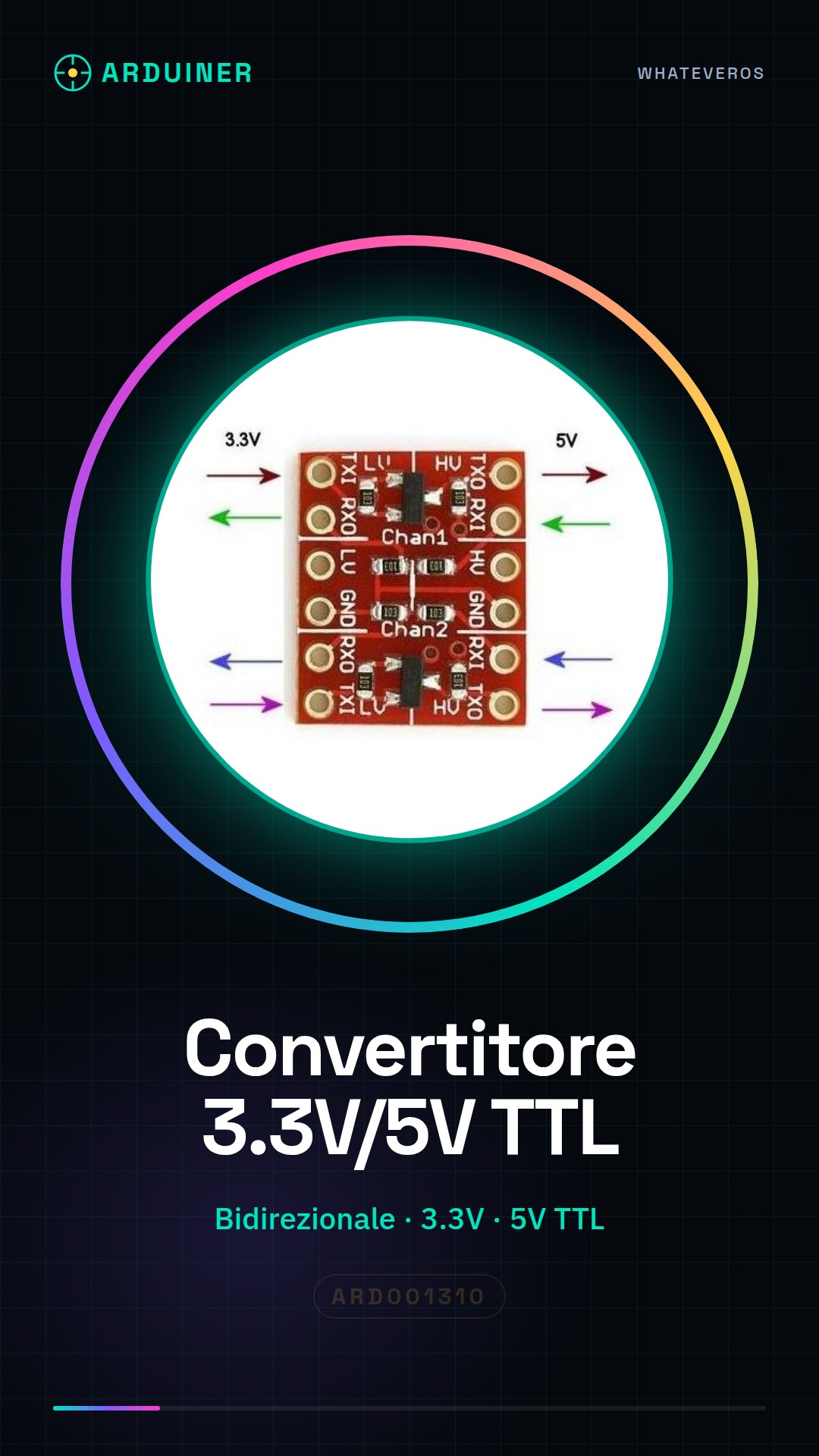
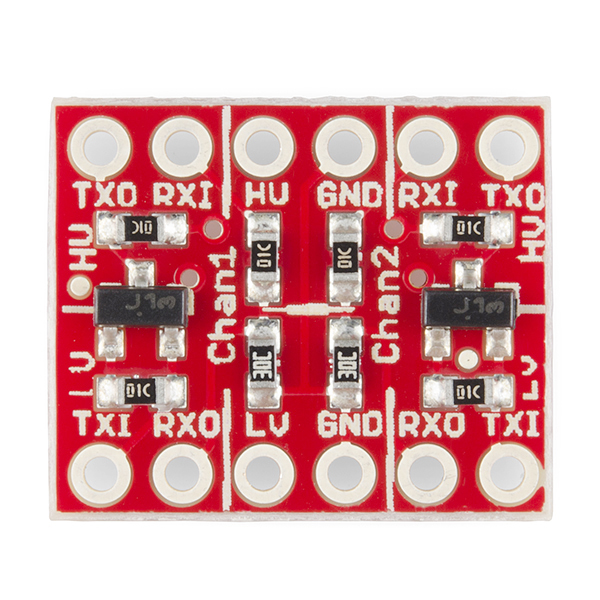
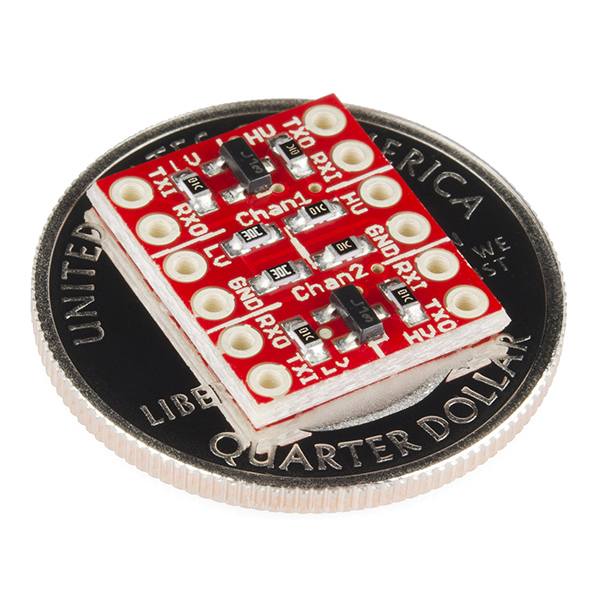
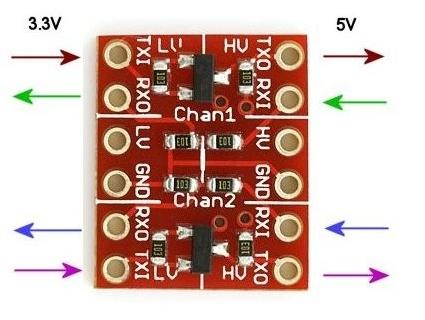
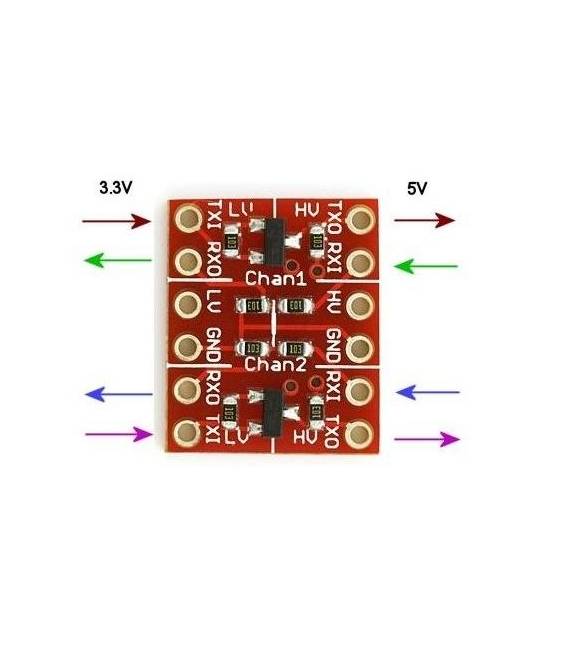
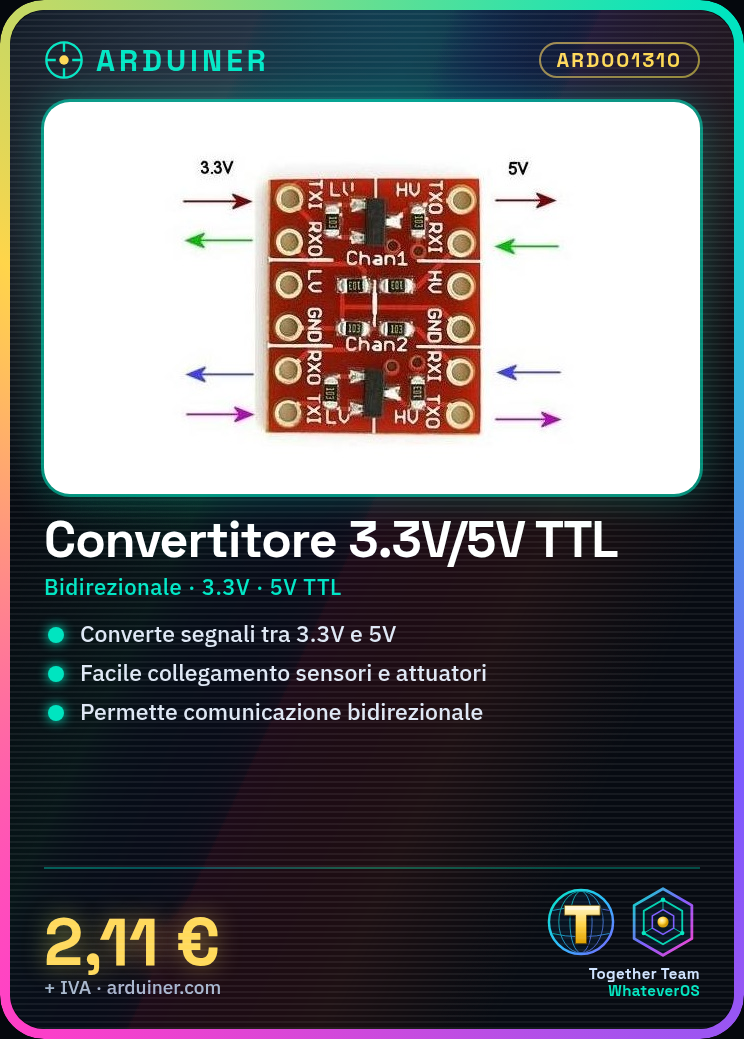
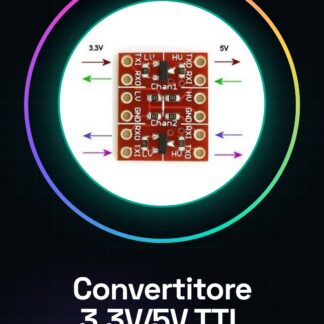
The Bidirectional Logic Level Converter 3.3V 5V TTL for Arduino is a fundamental component that allows communication between electronic devices with different supply voltages, such as 3.3V sensors or microcontrollers and 5V circuits.
Features
- Bidirectional converter for 3.3V and 5V TTL logic levels
What it is for
It is used to easily interconnect Arduino circuits with components operating at different voltages, for example, to connect a 3.3V sensor to a 5V actuator or vice versa. Useful in open-source electronics projects such as those based on Arduino or ESP.
Tutorial: How to use Bidirectional Logic Level Converter 3.3V/5V
The bidirectional logic level converter is a crucial component for Arduino projects that require communication between devices with different supply voltages, such as 3.3V sensors or microcontrollers and 5V circuits. This tutorial will guide you through the installation and operation of the converter for beginners and intermediate makers.
What you need
- Arduino Uno
- Bidirectional Logic Level Converter
- USB Cable
- Breadboard Connection
Steps
- Connect the VCC pin of the converter to the corresponding voltage (3.3V or 5V) of the Arduino.
- Connect the GND pin of the converter to the GND of the Arduino.
- Connect the data lines (D0-D7) of the converter to the digital pins of the Arduino according to the project requirements.
- Verify the correct connection using a multimeter or the built-in LED to monitor the signals.
- Write an Arduino sketch to test bidirectional communication between devices at different voltages.
- If necessary, add pull-up/pull-down resistors to the data pins to avoid electronic interference.
Example code
void setup() {
  pinMode(2, INPUT);
  pinMode(3, OUTPUT);
}

void loop() {
  digitalWrite(3, HIGH);   // invia segnale alto al dispositivo a 5V/3.3V
  delay(1000);
  digitalWrite(3, LOW);    // invia segnale basso al dispositivo a 5V/3.3V
  delay(1000);
}
Mini project
Create a control system with a 3.3V sensor and a 5V actuator, using the level shifter to manage bidirectional communication.
Common mistakes
- Connect the VCC or GND pin to the data signal.
- Failing to properly verify the power supply voltages of connected devices.
- Omitting necessary pull-up/pull-down resistors to stabilize the signal.
- Using a non-bidirectional level shifter when a bidirectional one is required.
Recommended accessories
- Arduino Uno R3
- DHT11 Sensor 3.3V/5V
- 5V Relay Actuator
Frequently asked questions
Can the level shifter be used to power devices?
No, the logic level shifter does not provide electrical power to connected devices.
What is the maximum recommended data speed?
Check the specific component’s datasheet.
Reviews
There are no reviews yet.