 EN
 IT Italiano
 ES Español
 FR Français
 DE Deutsch
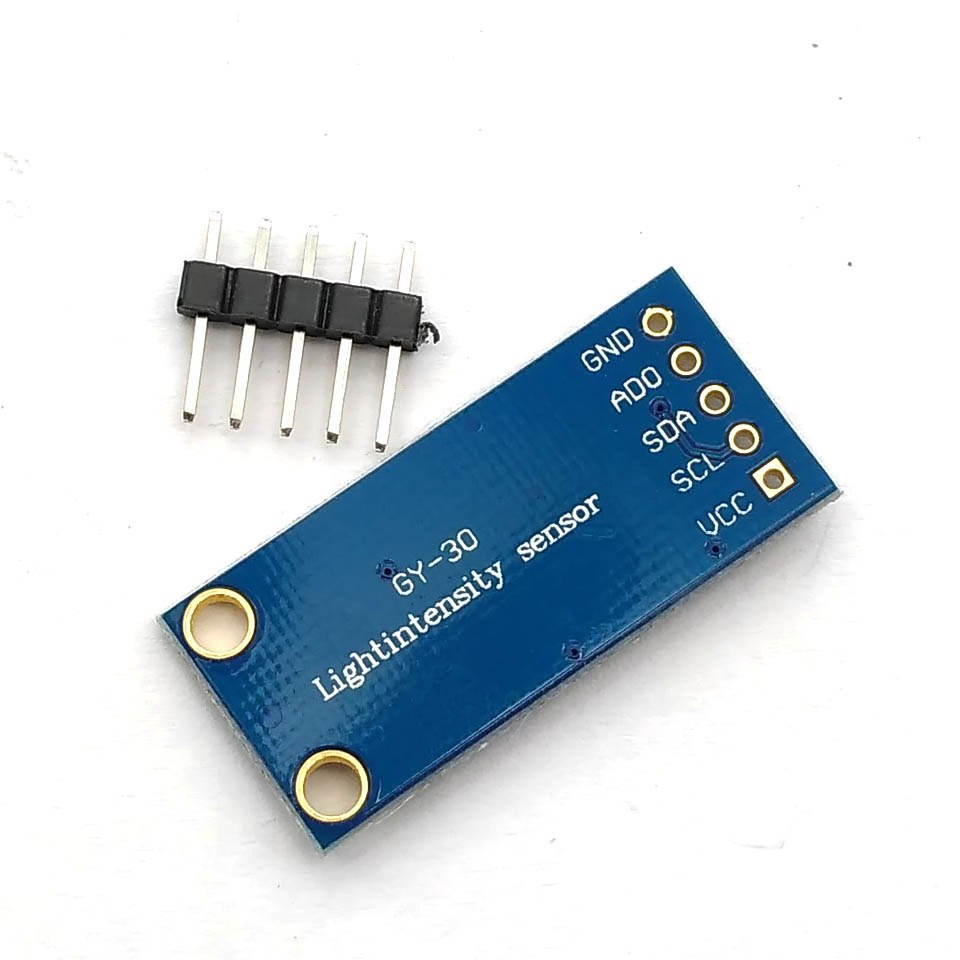
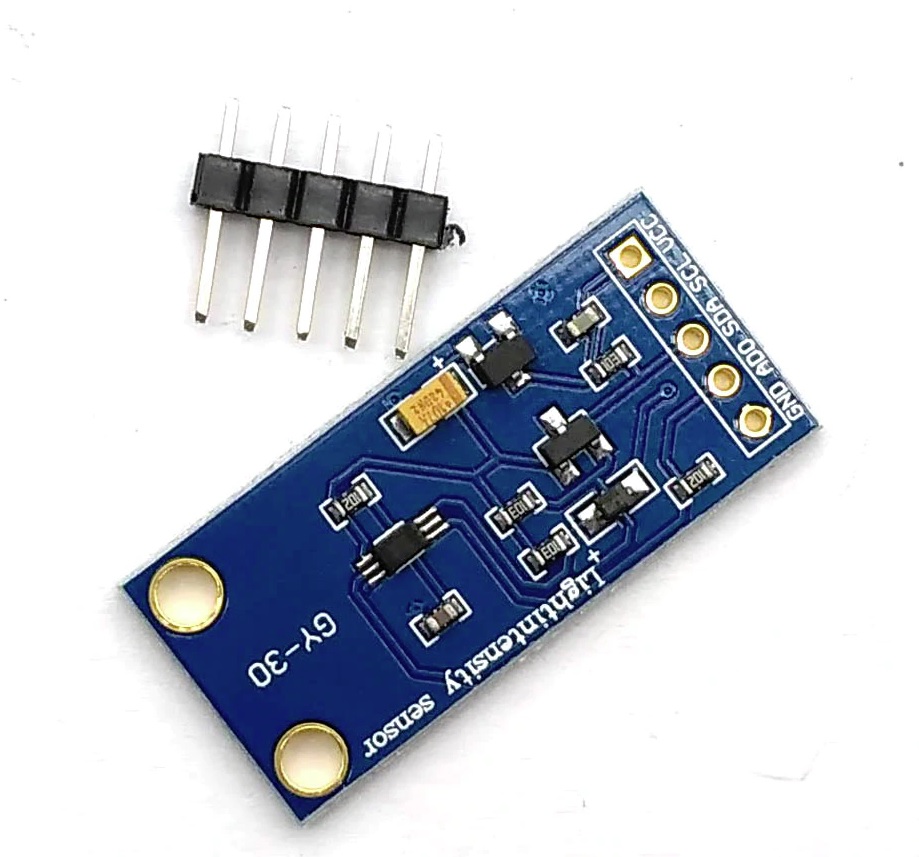
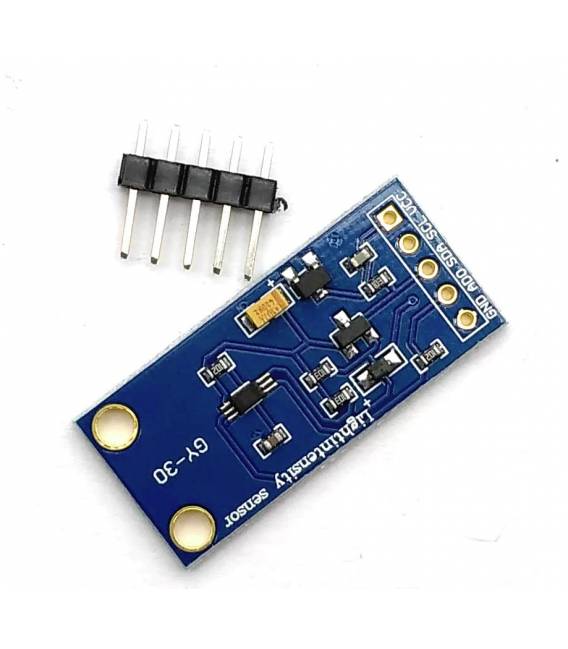
Description
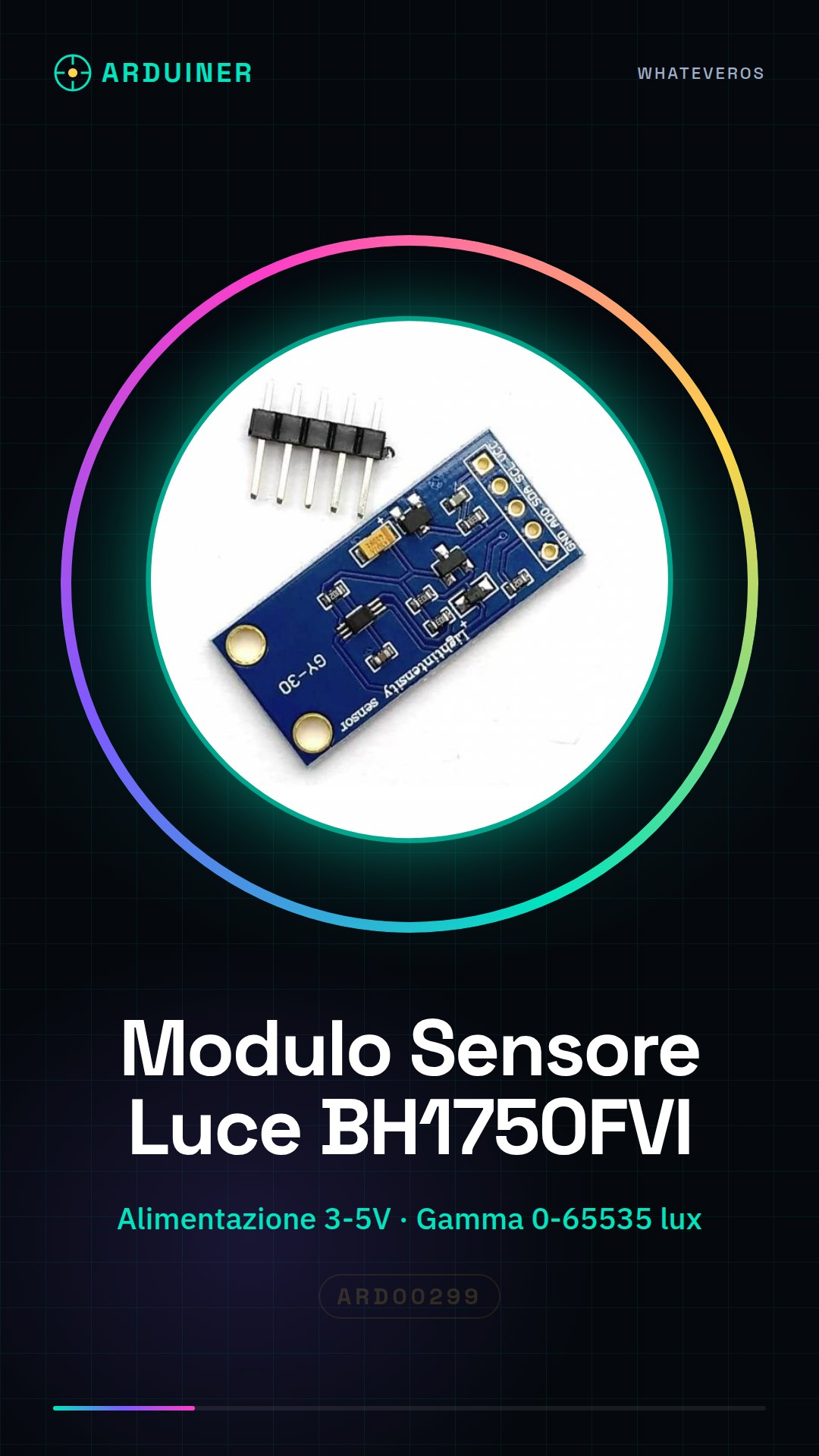
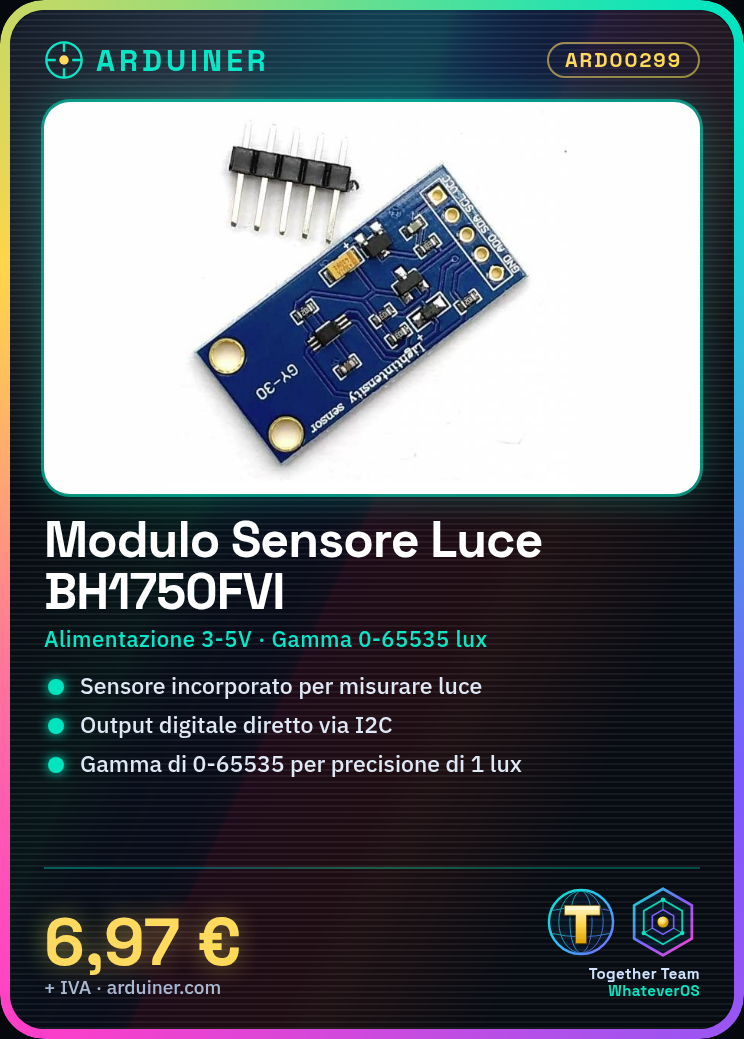
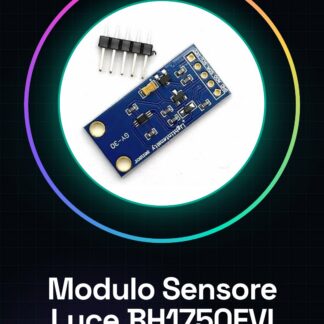
Digital Light Intensity Sensor Module BH1750FVI for Arduino GY-30
power supply: 3-5 v
data range: 0-65535
built-in sensor and bit-ad converter
direct digital output, bypassing complex calculations, no calibration needed
does not distinguish between ambient light
close to the visual sensitivity characteristics of spectral features
for a wide range of light intensities, with high precision measurement down to 1 lux
We have datasheets available for all components, if not present in the product download sheet, send us a message via the contact form and we will publish it as soon as possible on our website.
Tutorial: How to Use the BH1750FVI Light Sensor
The BH1750FVI module measures ambient light intensity. Ideal for projects requiring light detection.
What you need
- Arduino
- USB A-MicroB Cable
- Light Sensors
Steps
- Connect the BH1750FVI module to the Arduino via I2C (SDA and SCL).
- Install the Adafruit_BH1750 library.
- Initialize the sensor in the Arduino code.
- Read the ambient light values.
- Display the data on the serial monitor.
Example code
Adafruit_BH1750 light = Adafruit_BH1750();
Serial.begin(9600);
light.begin(BH1750_ONE_TIME_HIGH_RES_MODE);
float lux = light.readLightLevel();
Serial.println(lux);
Mini project
Build a home security system that triggers a notification when the light drops below a certain value.
Common mistakes
- I2C connection error
- Incorrect data from the sensor
- Issues with the Adafruit_BH1750 library
Recommended accessories
- Arduino Uno R3
- Adafruit BH1750 Library
- USB Serial Monitor
- Arduino Prototyping Kit
Frequently asked questions
How can I control the lighting?
Use the serial monitor to display the light values.
The sensor is not working.
Check the I2C connection and the installation of the Adafruit_BH1750 library.
Reviews
There are no reviews yet.