 EN
 IT Italiano
 ES Español
 FR Français
 DE Deutsch
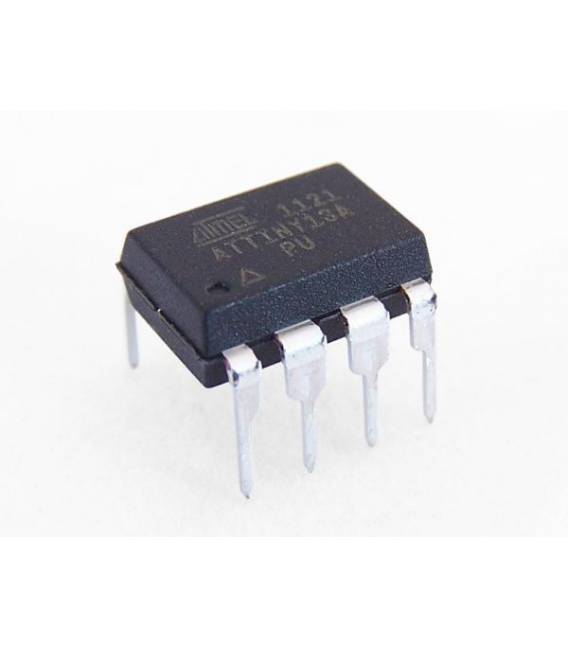
Description
High-quality electronic components for robotics and automation projects
Tutorial: How to use ATTINY13A-PU
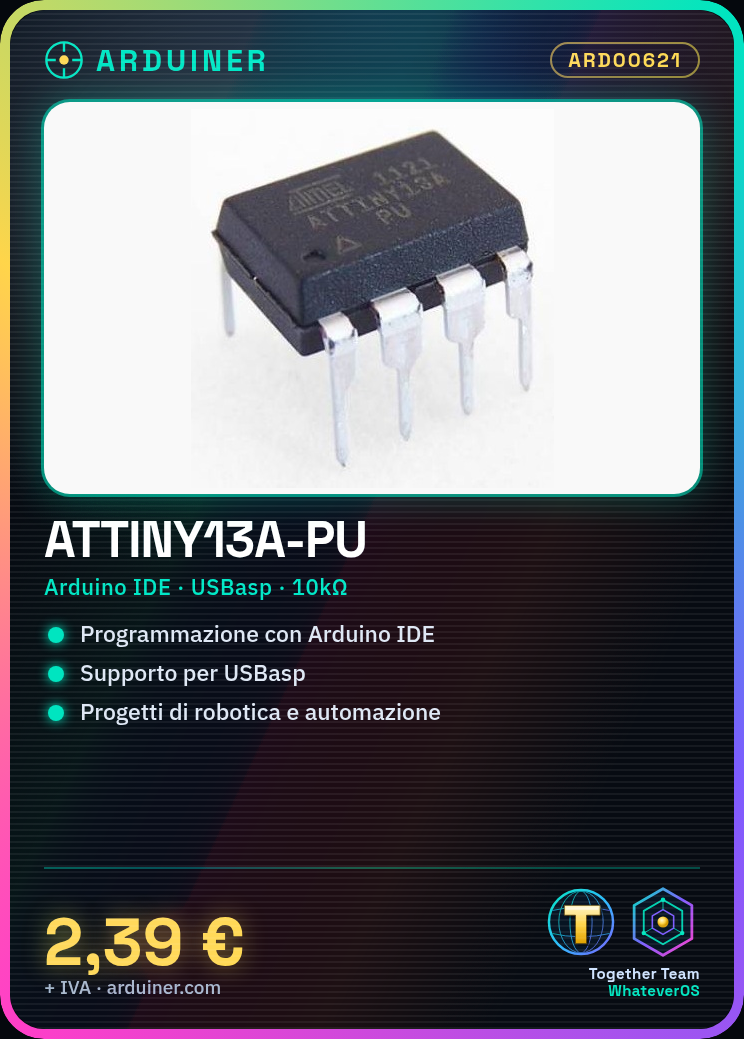
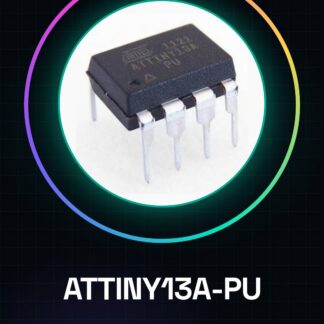
The ATTINY13A-PU microcontroller is ideal for basic control projects. It is useful for beginners and intermediate designers.
What you need
- ATTINY13A-PU
- Arduino IDE
- 10kΩ Resistor
- USB Cable
Steps
- Load the USBasp driver on your Arduino UNO.
- Download and install the bootloader for ATTINY13A-PU.
- Connect the microcontroller to your Arduino UNO via USBasp.
- Configure your Arduino IDE for the microcontroller.
- Write the code to control the microcontroller.
- Upload the code to the microcontroller.
- Test the functionality.
- Check the datasheet for further settings.
Example code
void loop() {}Mini project
Create an 8-LED counter.
Common mistakes
- Forgetting to load the bootloader.
- Properly connecting the microcontroller.
- Use an improperly configured IDE.
Recommended accessories
- 5mm LED
- 220Ω Resistor
- Multimeter
- Breadboard
Frequently asked questions
Can I use other IDEs?
Yes, but make sure they support the ATTINY13A-PU microcontroller.
Which IDE is recommended?
Arduino IDE is the most commonly used.
How long does the setup take?
approximately 30 minutes.
Reviews
There are no reviews yet.