 EN
 IT Italiano
 ES Español
 FR Français
 DE Deutsch
Description
What it is
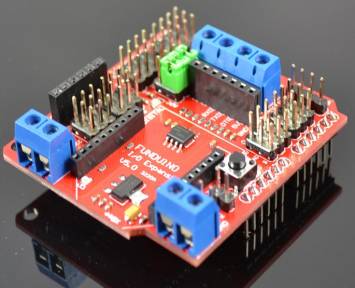
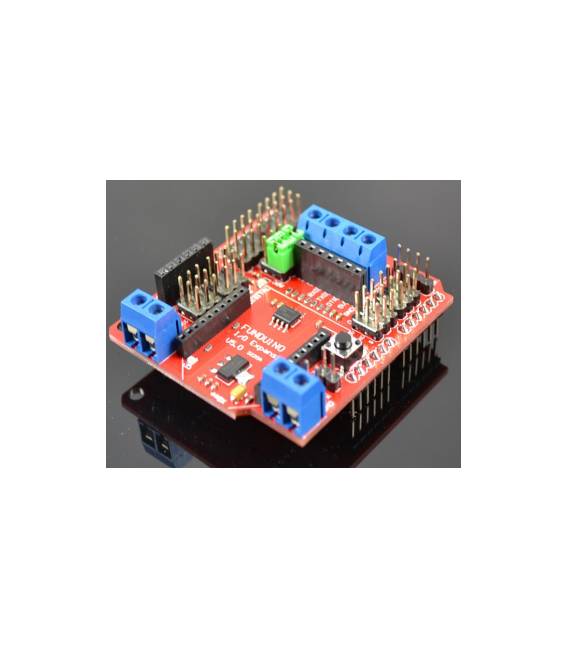
The Arduino Xbee V5 sensor expansion board, BLUEBEE (SKU: ARD0011084), allows you to add Bluetooth and RS485 functionality to your Arduino.
Features
- Bluetooth Interface
- RS485 Interface
- Compatible with Arduino
What it is for
The BLUEBEE board is useful for projects that require bidirectional communication between devices. You can use it to create environmental monitoring systems with temperature and humidity sensors, or to connect robotic devices.
Tutorial: How to use BLUEBEE
The BLUEBEE is a module that allows you to connect your Arduino to Bluetooth and RS485 devices. It is useful for projects that require bidirectional communication.
What you need
- An Arduino shield
- Power cable
- RS485 sensor or device
- Bluetooth device
Steps
- 1. Install the BLUEBEE on your Arduino.
- 2. Connect the RS485 pins to your sensor.
- 3. Connect the BLUEBEE TX pin to the sensor RX pin.
- 4. Connect the RX pin of the BLUEBEE to the TX pin of your sensor.
- 5. Connect the VCC pin of the BLUEBEE to the power supply of your Arduino.
- 6. Connect the GND pin of the BLUEBEE to the GND of your Arduino.
- 7. Load the provided Arduino code.
- 8. Configure your smartphone or computer to connect to the Bluetooth device.
Example code
```void loop() {}```Mini project
Create an environmental monitoring system with a temperature and humidity sensor connected to the BLUEBEE.
Common mistakes
- Do not correctly connect the RS485 pins.
- Forget to configure the Bluetooth device.
- Power the BLUEBEE with an incorrect voltage.
- Do not install the Bluetooth driver correctly.
Recommended accessories
- Temperature and humidity sensor
- Power cable
- Bluetooth device
Frequently asked questions
How can I connect to the Bluetooth device?
Install a Bluetooth app on your smartphone and search for the device with your BLUEBEE name.
Which RS485 pins do I need to connect?
Connect pins A and B of your RS485 detector to the RX and TX pin of the BLUEBEE.
Does the BLUEBEE work with Arduino Uno?
Yes, the BLUEBEE is compatible with Arduino Uno.
Can I use a different power supply than the standard one?
Check the datasheet for the correct power supply voltage.



Reviews
There are no reviews yet.