 EN
 IT Italiano
 ES Español
 FR Français
 DE Deutsch
Description
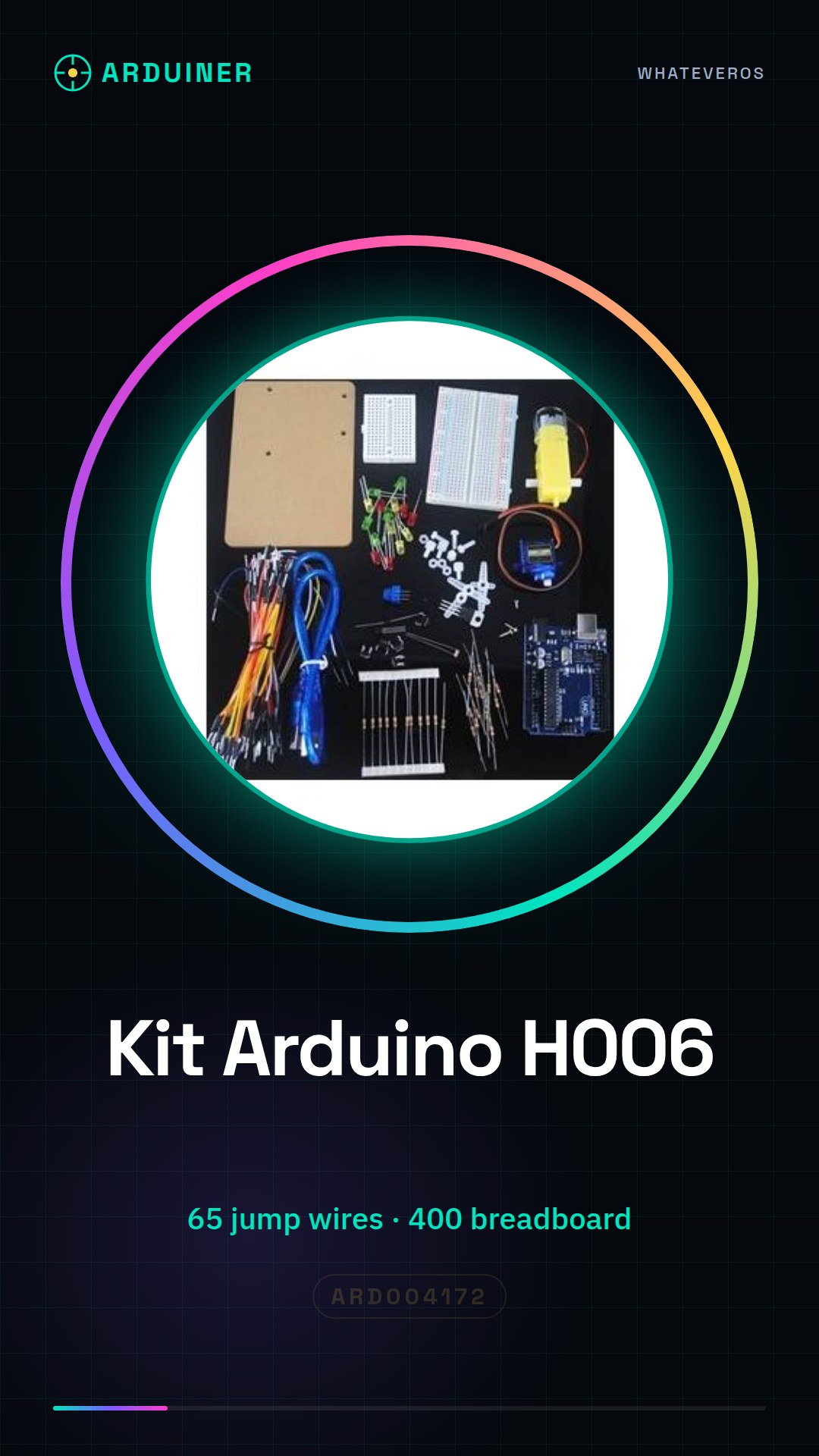
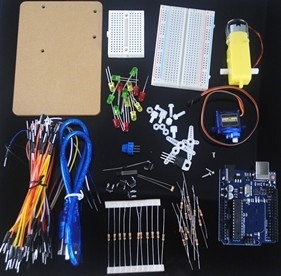
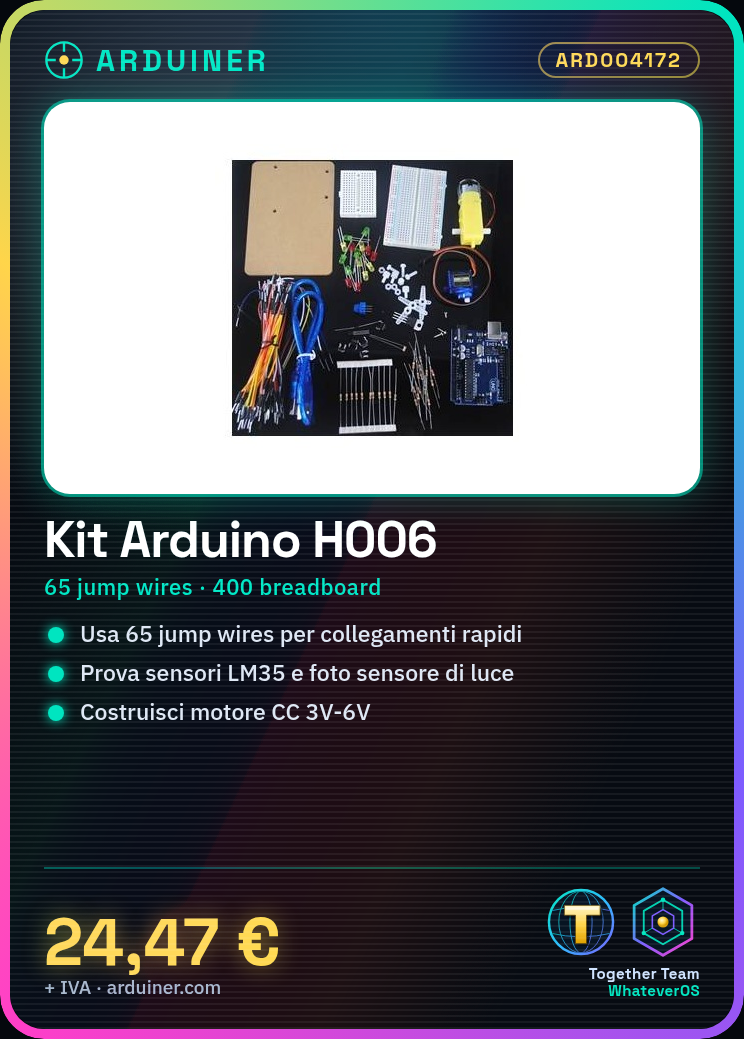
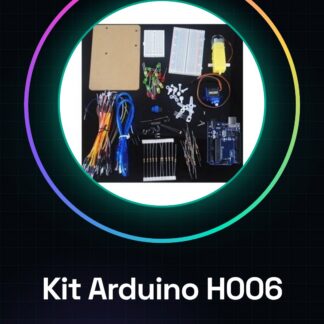
Arduino Learning Kit H006
< tr> 65 PCS Breadboard Jump Wires 1 < tr>
400 breadboard < / td>
1 < tr> Acrylic experimental platform for
Arduino UNO R3 board mounting 1 < tr> Red LED 5 < tr>
Yellow LED < / td >
5 < tr>
Buttons < / td>
5 < tr>
Light sensor resistor < / td>
1 < tr>
Temperature sensor LM35 < / td>
1 < tr>
220 ohm resistor < / td>
10 < tr>
10k ohm resistor < / td>
10 < tr>
2.2K ohm Resistor < / td>
5
| Kit List | Qty < / strong> |
| R3 Board + USB Cable | 1 |
| Green LED </ td > | 5 |
| 9G Servo | 1 |
| 3V-6V Double Shaft DC Motor | 1 |
| TIP120 Darlington Transistor | 1 |
Tutorial: How to use the Arduino H006 Learning Kit
This kit is ideal for beginners and intermediates in electronics and Arduino programming. It contains everything needed to start building projects.
What you need
- Arduino H006
- USB Cable
- Personal Computer with Arduino IDE
- LED Bulb
- 220Ω Resistor
- 3V Battery
Steps
- Download and install the Arduino IDE.
- Connect the Arduino H006 to your PC with the USB cable.
- Check the datasheet for pinout specifications.
- Connect the resistor to GND and pin 13 of the Arduino.
- Connect the LED bulb to pin 13 and VCC.
- Open a new sketch in the Arduino IDE.
- Write the code: `void setup() {} void loop() {}`.
- In the `setup()` section, write: `pinMode(13, OUTPUT);`.
Example code
```
void setup() {}
void loop() { digitalWrite(13, HIGH); delay(1000); digitalWrite(13, LOW); delay(1000); }
```
Mini project
Build an on/off signal for the LED bulb.
Common mistakes
- Do not connect the bulb directly to VCC without a resistor.
- Forget to install the Arduino IDE.
- Write the Arduino code correctly.
- Do not check the pinout on the datasheet.
Recommended accessories
- 3V battery
- 220Ω resistor
- LED bulb
- USB cable
Frequently asked questions
How can I verify the pinout?
Check the product datasheet.
What are the specifications of the 3V battery?
Check the battery datasheet.
Can I use another LED?
Yes, but make sure the voltage and current are compatible.
Reviews
There are no reviews yet.