 EN
 IT Italiano
 ES Español
 FR Français
 DE Deutsch
Description
What it is
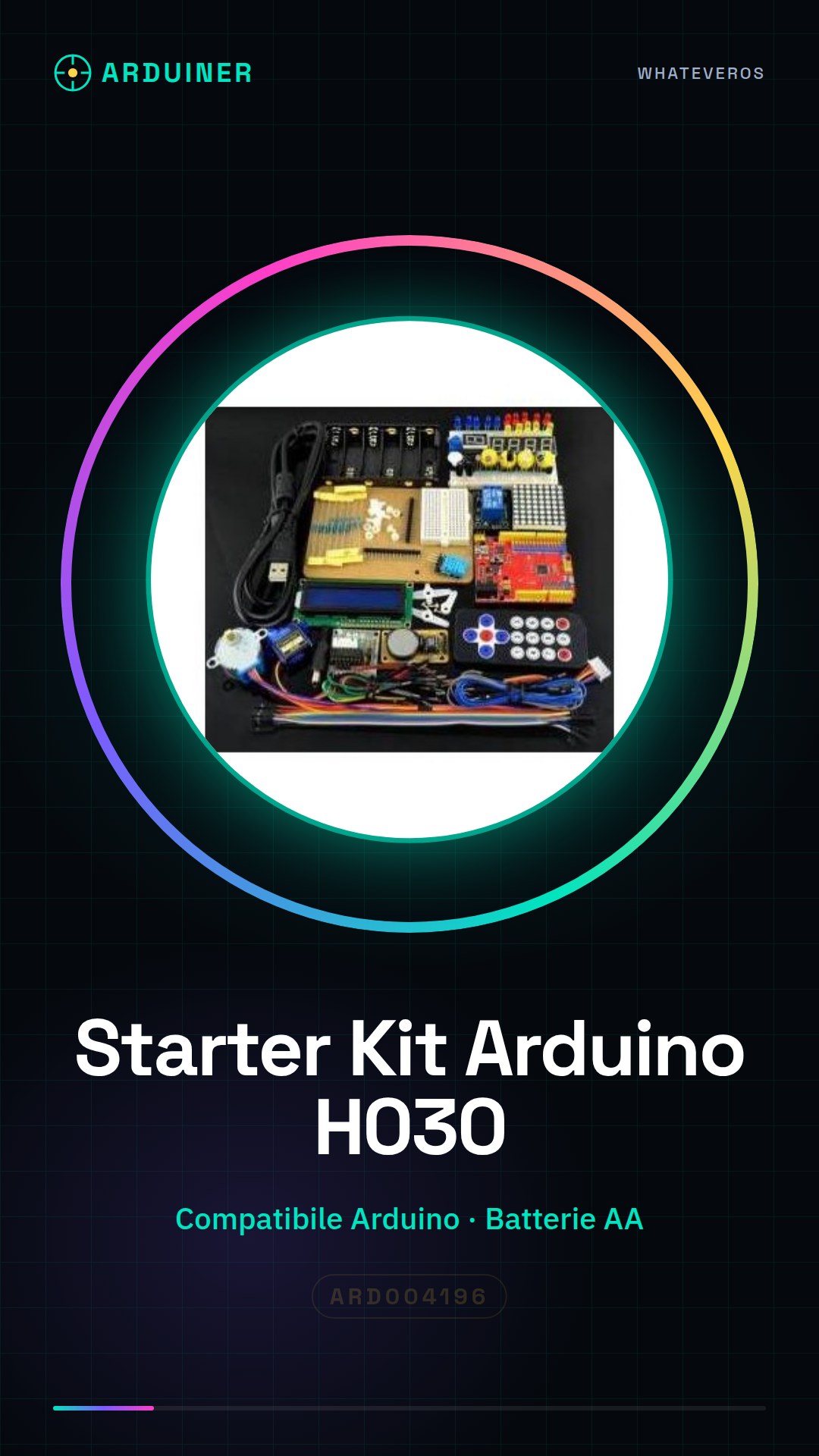
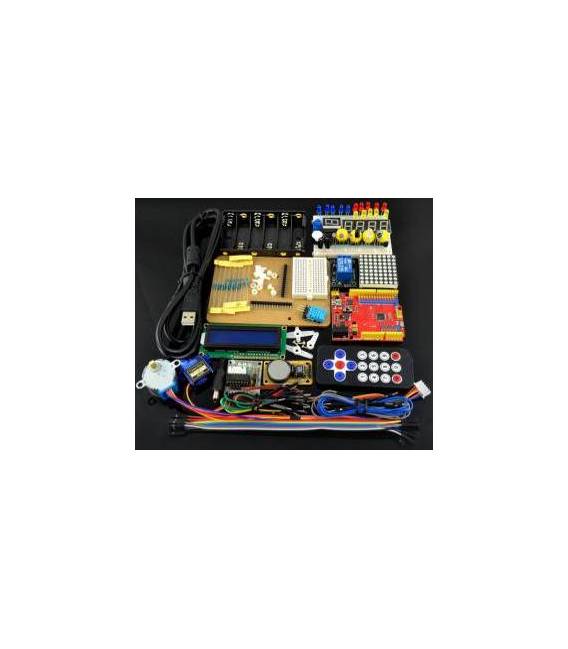
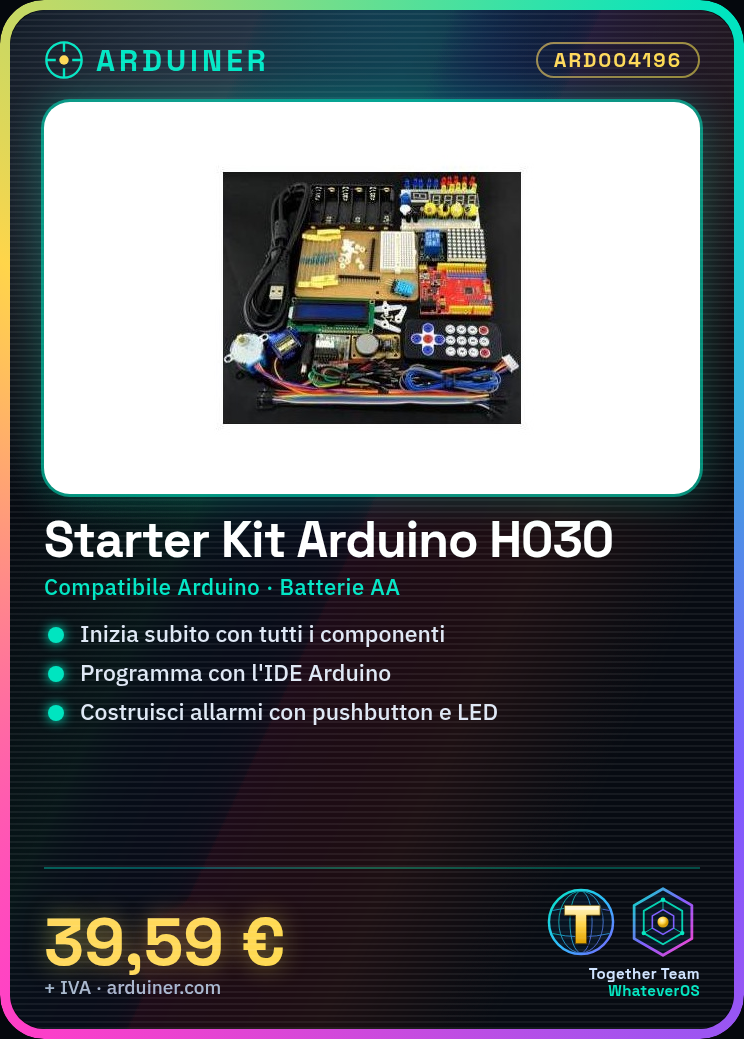
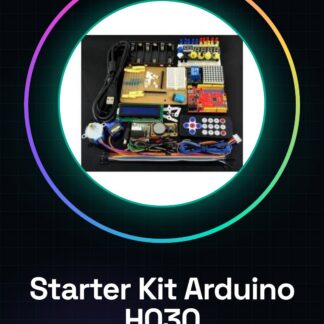
The Arduino H030 2014 Starter Kit is a complete package designed for electronics enthusiasts who want to start working with Arduino. This kit includes all the components necessary to get started in the world of programming and electronic projects.
Features
- Compatible with Arduino
What it is for
The H030 2014 Starter Kit is ideal for beginners who want to learn to program and create projects using Arduino. You can use this kit to explore various types of applications, such as creating an emergency alarm with the pushbutton and the LED.
Tutorial: How to Use H030 Starter Kit
The H030 Starter Kit helps you start Arduino programming in a simple and practical way. Useful for beginners and for those who want to explore Arduino-based projects.
What you need
- Arduino H030
- PC with Arduino IDE
- USB cable
- Alkaline AA battery (2)
Steps
- Download and install the Arduino IDE on PC.
- Connect the Arduino H030 to your PC with the USB cable.
- Open the ‘Blink’ example code in the IDE.
- Upload the code to the Arduino.
- Connect the batteries to the Arduino.
- Turn on the batteries.
- The LED should blink.
- Check the datasheet for further details
Example code
void setup() { pinMode(13, OUTPUT); } void loop() { digitalWrite(13, HIGH); delay(1000); digitalWrite(13, LOW); delay(1000); }Mini project
Create an emergency alarm using the pushbutton and the LED.
Common mistakes
- Forget to connect the batteries.
- Use an incompatible USB cable.
- Upload the code to the Arduino without first connecting it.
- Forget to install the Arduino IDE.
Recommended accessories
- Pushbutton
- 10kΩ resistor
- Test lead for connections
- LED
Frequently asked questions
How can I check compatibility with other Arduinos?
Check the datasheet of your Arduino.
Can I use rechargeable AA batteries?
Yes, but make sure they are compatible with your Arduino’s voltage.
What should I do if the LED doesn’t blink?
Check the LED connection and the code in the IDE.
Reviews
There are no reviews yet.