 EN
 IT Italiano
 ES Español
 FR Français
 DE Deutsch
Description
What it is
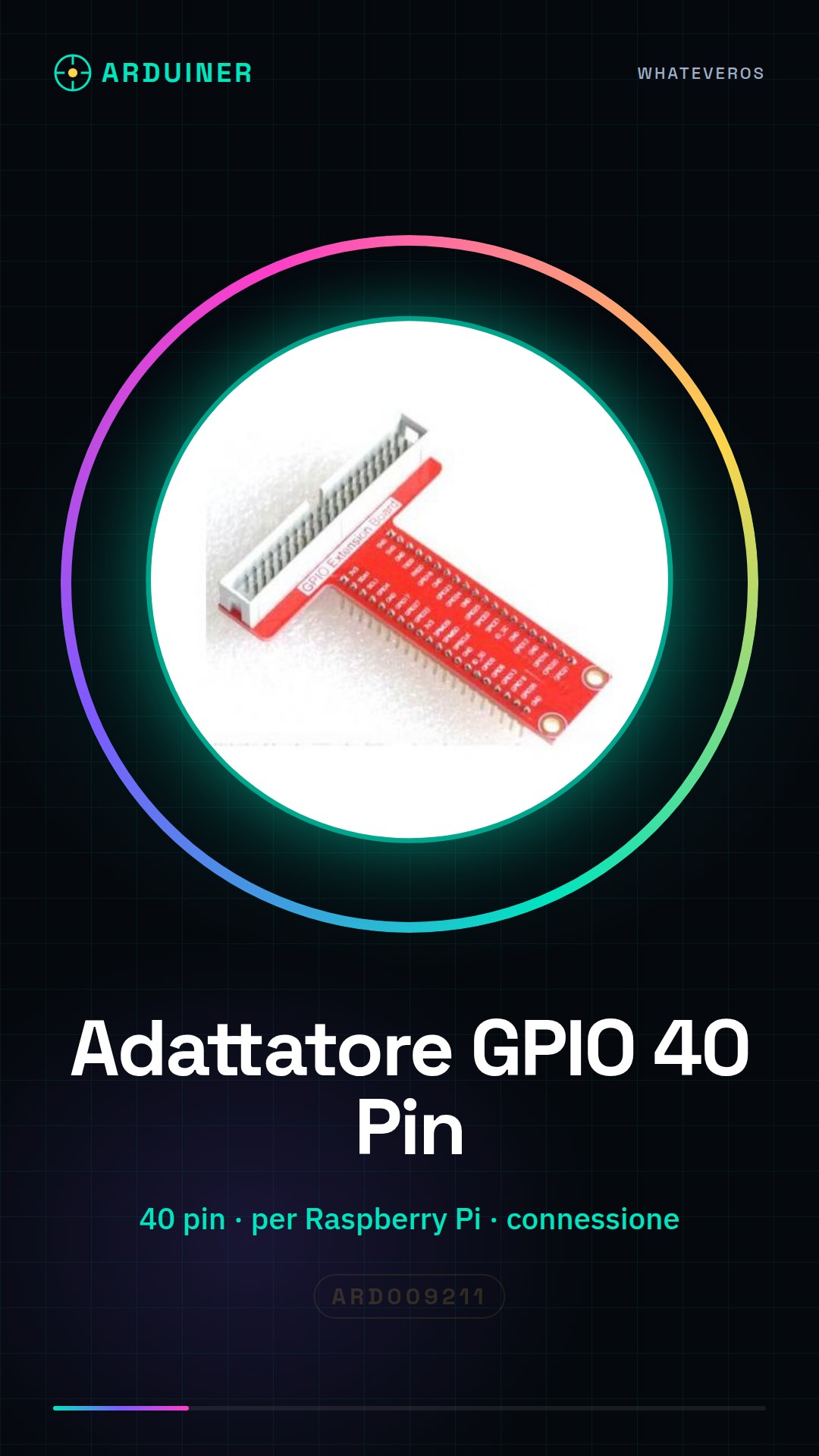
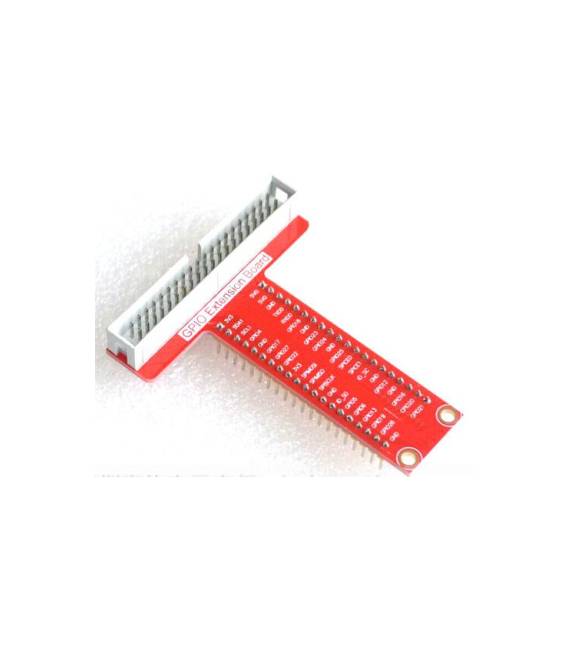
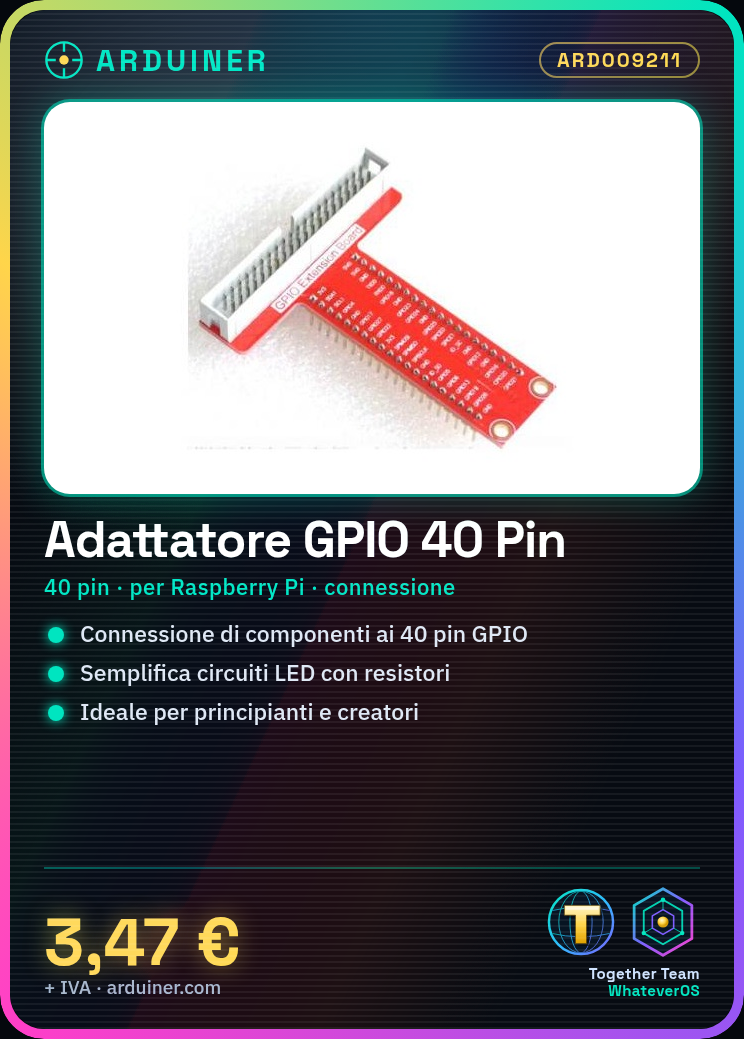
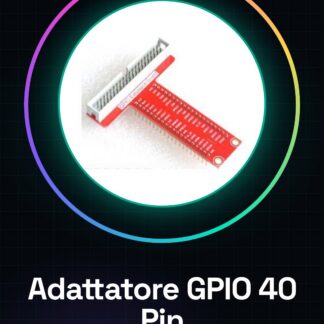
The Raspberry Pi T type 40 pin GPIO adapter board is a device that allows electronic components to be connected to the Raspberry Pi’s GPIO pins. This adapter facilitates the integration of various devices with the Raspberry Pi, enabling greater flexibility in creations.
Features
- Raspberry Pi T type 40 pin GPIO Adapter Board
- Enables the connection of electronic components to the Raspberry Pi’s GPIO pins
What it is for
The GPIO adapter is ideal for beginners and creators who want to use a larger number of GPIO pins. It can be used to create simple lighting circuits with LEDs and resistors, or to connect other electronic devices.
Tutorial: How to use Raspberry Pi T type 40 pin GPIO Adapter Board
The GPIO T Type 40 pin adapter allows for extending the functionality of the Raspberry Pi. Ideal for beginners and creators who want to use a larger number of GPIO pins.
What you need
- Raspberry Pi GPIO Adapter Board T Type 40 pin
- Raspberry Pi
- Connection Cables
- GPIO Components (sensors, relays, etc.)
Steps
- 1. Ensure the Raspberry Pi is powered off.
- 2. Disconnect power from the Raspberry Pi.
- 3. Connect the GPIO adapter board to the back of the Raspberry Pi.
- 4. Check the datasheet for the corresponding pin number.
- 5. Connect the Raspberry Pi GPIO pins to the corresponding pins on the board.
- 6. Connect power to the Raspberry Pi.
- 7. Power on the Raspberry Pi.
- 8. Configure the GPIO pins through the operating system.
Mini project
Create a simple lighting circuit with an LED and a resistor. Connect the LED to the GPIO pin on the adapter board.
Common mistakes
- Do not verify the corresponding pins on the datasheet.
- Connect the GPIO adapter board while the Raspberry Pi is powered on.
- Ignore GPIO pin configuration.
- Do not use low-quality cables.
Recommended accessories
- LED
- Resistor
- Multimeter
- Connection wires
Frequently asked questions
How can I verify the corresponding pins?
Check the GPIO adapter board datasheet.
Can I use the GPIO adapter board with a Raspberry Pi 4?
Yes, but check compatibility on the datasheet.
How long does it take to configure the GPIO pins?
A few minutes, depending on your familiarity with the operating system.
Reviews
There are no reviews yet.