 EN
 IT Italiano
 ES Español
 FR Français
 DE Deutsch
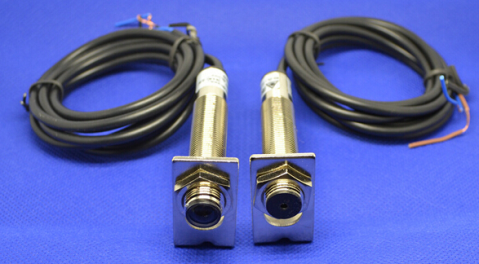
Description
What it is
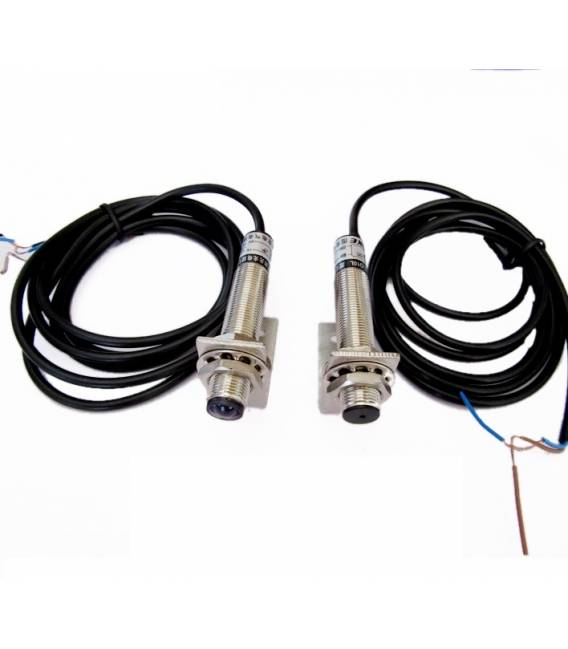
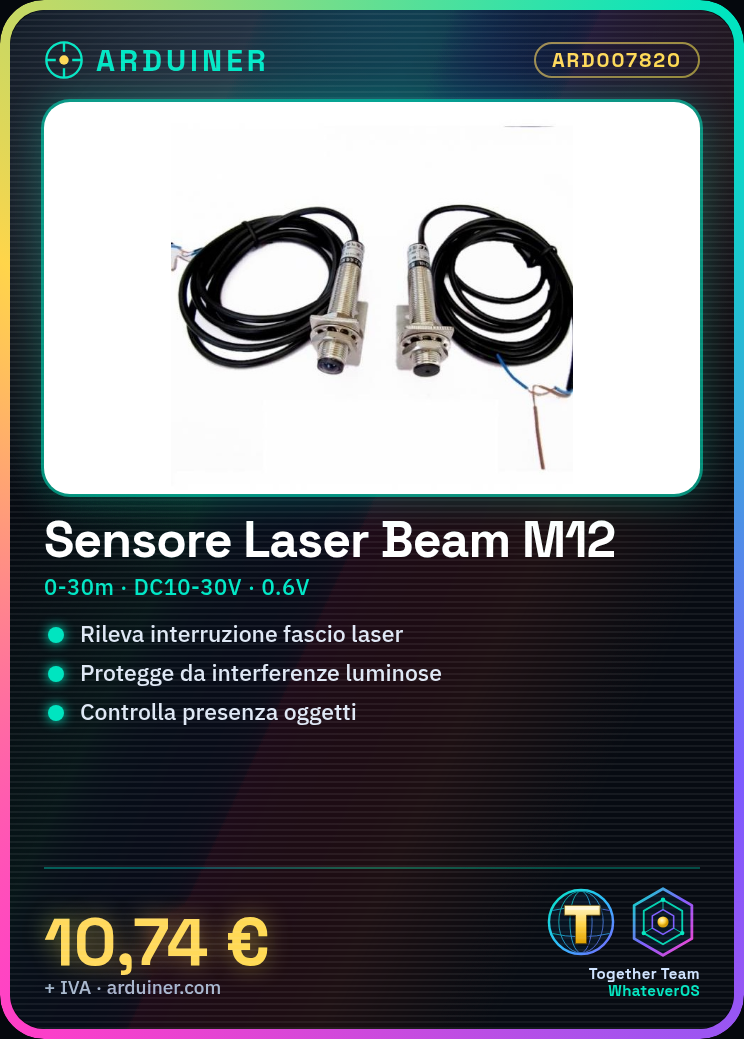
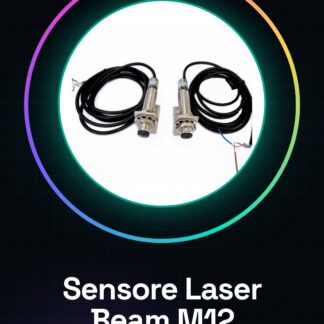
The M12 NPN laser beam sensor pair consists of a transmitter and a receiver used to detect the interruption of the laser beam. It is ideal for applications requiring protection from light interference or for object presence detection.
Features
- Operational distance: 0-30 meters
- Operating voltage: DC10V-30V
- Induction: output voltage signal that interrupts the light (voltage difference 0.6V)
What it is for
The M12 NPN laser beam sensors are useful for creating domestic or industrial security systems. They can be integrated into Arduino or ESP projects to activate alarms when the laser beam is interrupted.
Tutorial: How to use Anti-Interference M12 NPN Laser Beam Sensor Pair
The M12 NPN anti-interference laser beam sensor is ideal for security and presence detection applications. It is particularly useful in industrial or domestic environments where preventing false alarms caused by ambient light is desired.
What you need
- Arduino Uno
- USB cable
- M12 connectors
- Power supply
Steps
- Connect the transmitter and receiver to the circuit using M12 connectors.
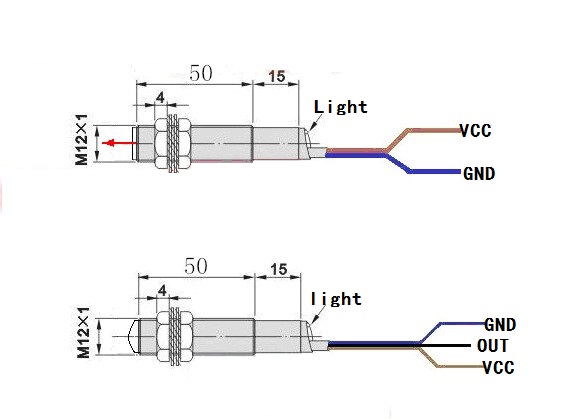
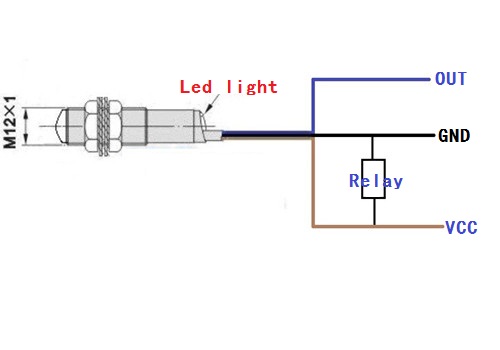
- Check the polarity of the NPN sensor pins (VCC, GND, OUT).
- Connect the Arduino Uno to the power supply and then connect it to the computer via USB.
- Download the Arduino code onto the microcontroller.
- Configure the Arduino pins for input/output to read the sensor state.
- Position the transmitter and receiver so that the laser beam is interrupted only by objects or people.
- Test the sensor functionality by moving an object between the two sensors.
- Check the datasheet for any additional specifications required for the project.
Example code
void setup() {
  pinMode(A0, INPUT);
}

void loop() {
  int val = digitalRead(A0);
  if (val == HIGH) {
    Serial.println("Laser beam interrotto");
  }
}
Mini project
Create a home security system that activates an alarm when the laser beam is interrupted.
Common mistakes
- Do not verify the pin polarity.
- Imprecise placement of the transmitter and receiver.
- Insufficient power supply for the sensors.
- Ignore the specifications on the datasheet.
Recommended accessories
- Arduino Uno
- USB cable
- M12 connectors
- 3D printed case for Arduino
Frequently asked questions
How can I improve the accuracy of the sensor?
Position the transmitter and receiver in an environment with constant light and reduced interference.
What are the distance limits for this sensor?
Check the datasheet for the maximum distance specifications.
Reviews
There are no reviews yet.