 EN
 IT Italiano
 ES Español
 FR Français
 DE Deutsch
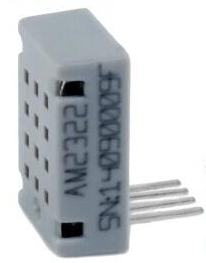
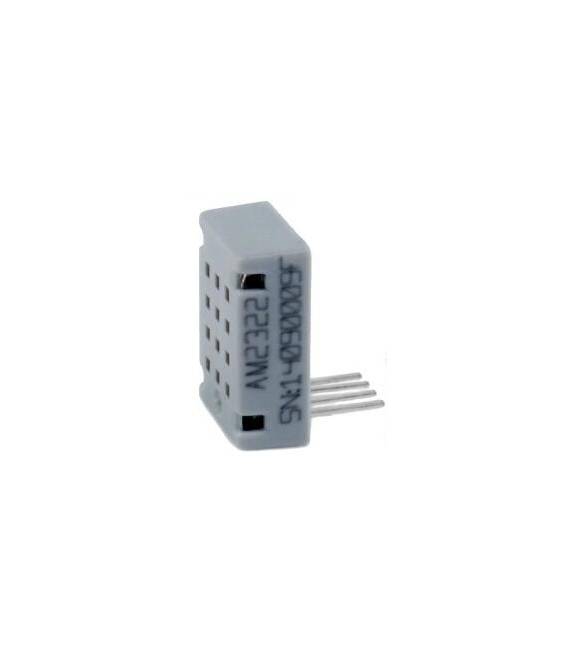
Description
Tutorial: How to Use the AM2322 Sensor
The AM2322 sensor measures ambient temperature and humidity, ideal for climate monitoring and automation projects.
What you need
- Arduino UNO or compatible
- Power cable (5V)
- Pull-up resistor (10kΩ)
- Connector for the sensor
Steps
- 1. Connect the sensor to pin D2 of your Arduino (check the datasheet).
- 2. Attach the pull-up resistor between VCC and GND.
- 3. Download the example code to your Arduino.
- 4. Load the code and verify the data.
- 5. Use the DHT library to read the data.
- 6. Configure the pin and function of the library.
- 7. Run the code and view the data.
- 8. Test the sensor in various environmental conditions.
Example code
```
#include <DHT.h>

#define DHTPIN 2
#define DHTTYPE DHT22

DHT dht(DHTPIN, DHTTYPE);

void setup() {
  Serial.begin(9600);
  dht.begin();
}

void loop() {
  float humidity = dht.readHumidity();
  float temperature = dht.readTemperature();
  Serial.print("Humidity:");
  Serial.print(humidity);
  Serial.print("% ");
  Serial.print("Temp:");
  Serial.print(temperature);
  Serial.println(" *C");
  delay(2000);
}
```
Mini project
Build a simple climate monitoring system. Connect the sensor to your Arduino, load the code, and place the system in a corner of the room to monitor temperature and humidity.
Common mistakes
- Forget to connect the pull-up resistor.
- Incorrect pin assignment.
- Wrong DHT library version.
- Not using the correct baud rate.
Recommended accessories
- LCD Display for graphical display
- Framborella for sensor protection
- Control panel for Arduino
Frequently asked questions
How can I check if the sensor is working correctly?
Run the example code and verify that the temperature and humidity data are correct.
Does the sensor work with Arduino Uno R3?
Yes, the sensor is compatible with Arduino Uno R3.
What are the power requirements for the sensor?
The sensor requires 5V power supply.
Reviews
There are no reviews yet.