 EN
 IT Italiano
 ES Español
 FR Français
 DE Deutsch
Description
Tutorial: How to Use AM2320 Sensor
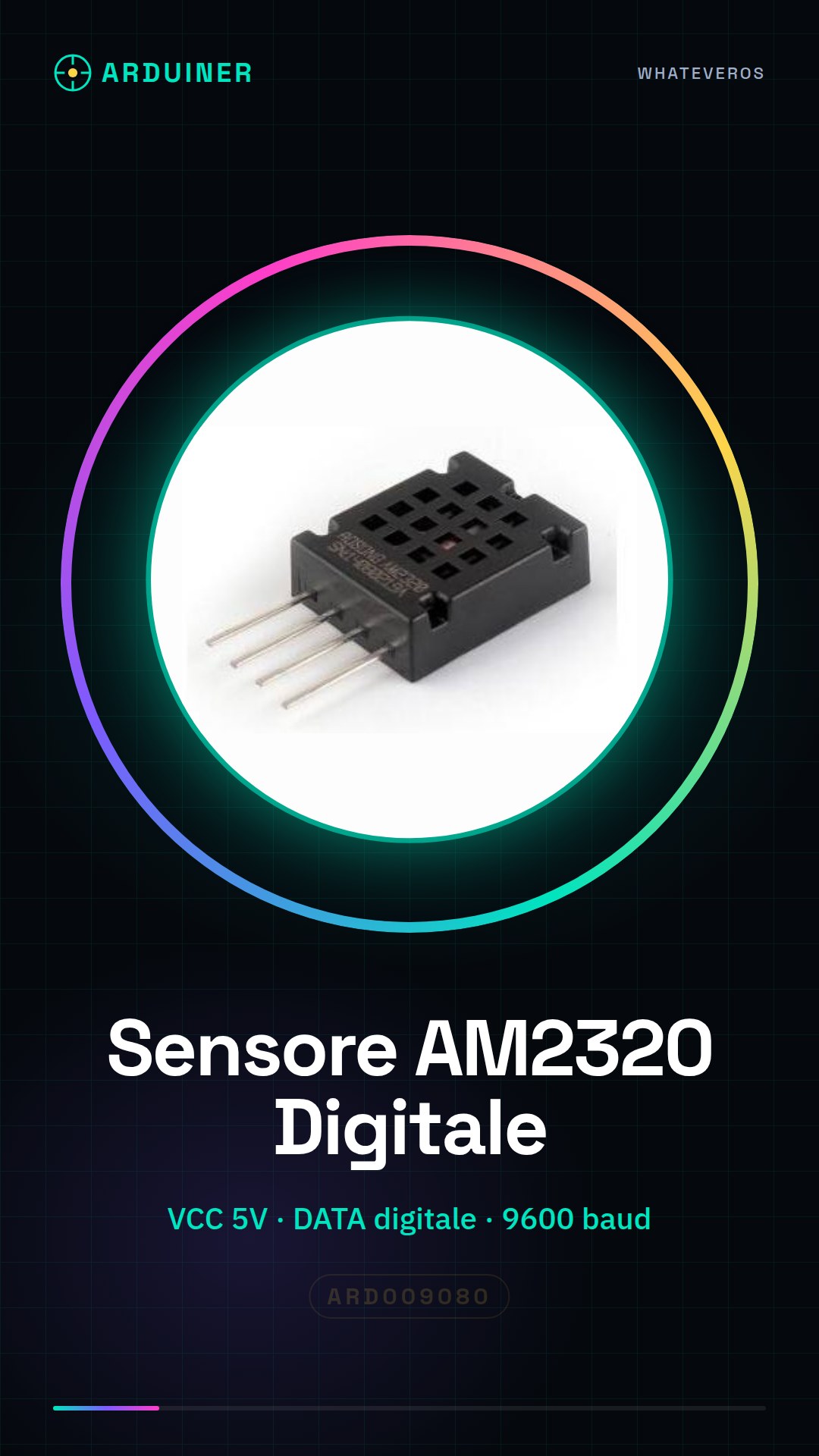
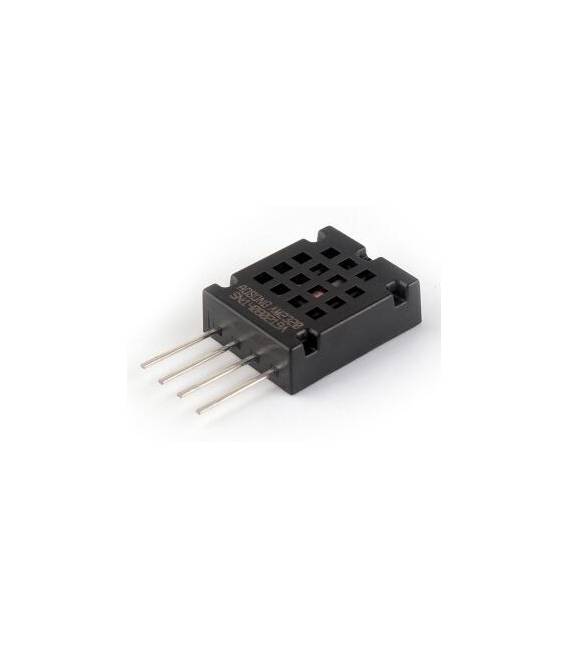
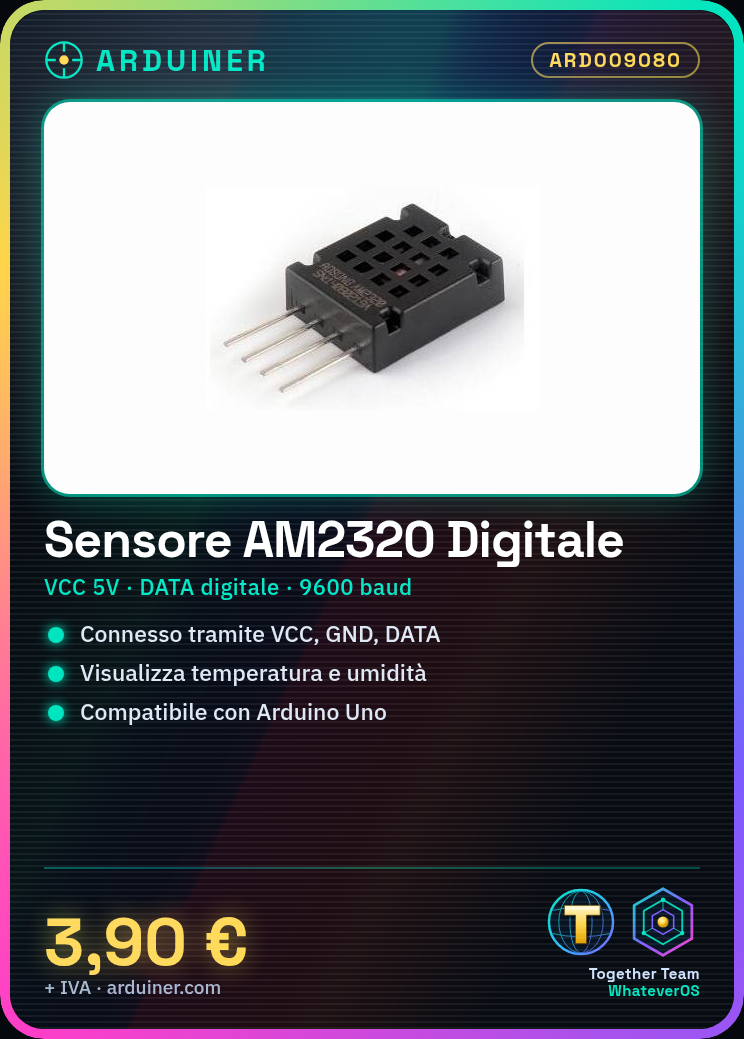
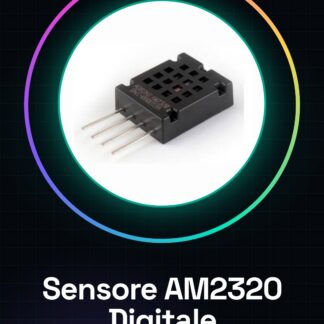
The digital humidity sensor AM2320 is ideal for accurately monitoring temperature and humidity. It is suitable for both home and professional projects.
What you need
- Arduino Uno
- USB Cable
- Computer with Arduino IDE Installed
Steps
- Connect the VCC pin of the sensor to the 5V of the Arduino
- Connect the GND pin of the sensor to one of the GND pins of Arduino
- Connect the DATA pin of the sensor to pin D2 (or another digital pin) of Arduino
- Install the Adafruit_AM2315.h library from the Arduino library manager
- Upload the following sketch to your Arduino
- Open the Serial Monitor at a speed of 9600 baud
- Check that the temperature and humidity values are displayed correctly
Example code
// Includi la libreria
#include <Adafruit_AM2315.h>
// Crea un oggetto del sensore
Adafruit_AM2315 am2315 = Adafruit_AM2315();
void setup() {
  Serial.begin(9600);
}
void loop() {
  float t, h;
  if (am2315.readTempAndHumidity(&t, &h)) {
    Serial.print("Temperatura: "); Serial.println(t); Serial.print("Umidade: "); Serial.println(h);
  }
}
Mini project
Create a home alarm system that alerts when humidity exceeds 70% or temperature rises above 25°C
Common mistakes
- Electrical safety not respected
- DATA pin connected to the wrong pin
- Library not installed correctly
- Serial Monitor configured with a different speed
Recommended accessories
- Arduino Uno R3
- USB A-Micro B cable
- 16×2 I2C LCD Display
Frequently asked questions
How do you connect the AM2320 sensor?
The sensor is connected to the Arduino via the VCC, GND, and DATA pins.
Which libraries are required to use this sensor?
The Adafruit_AM2315 library is the most commonly used with Arduino.
Reviews
There are no reviews yet.