 EN
 IT Italiano
 ES Español
 FR Français
 DE Deutsch
Description
What it is
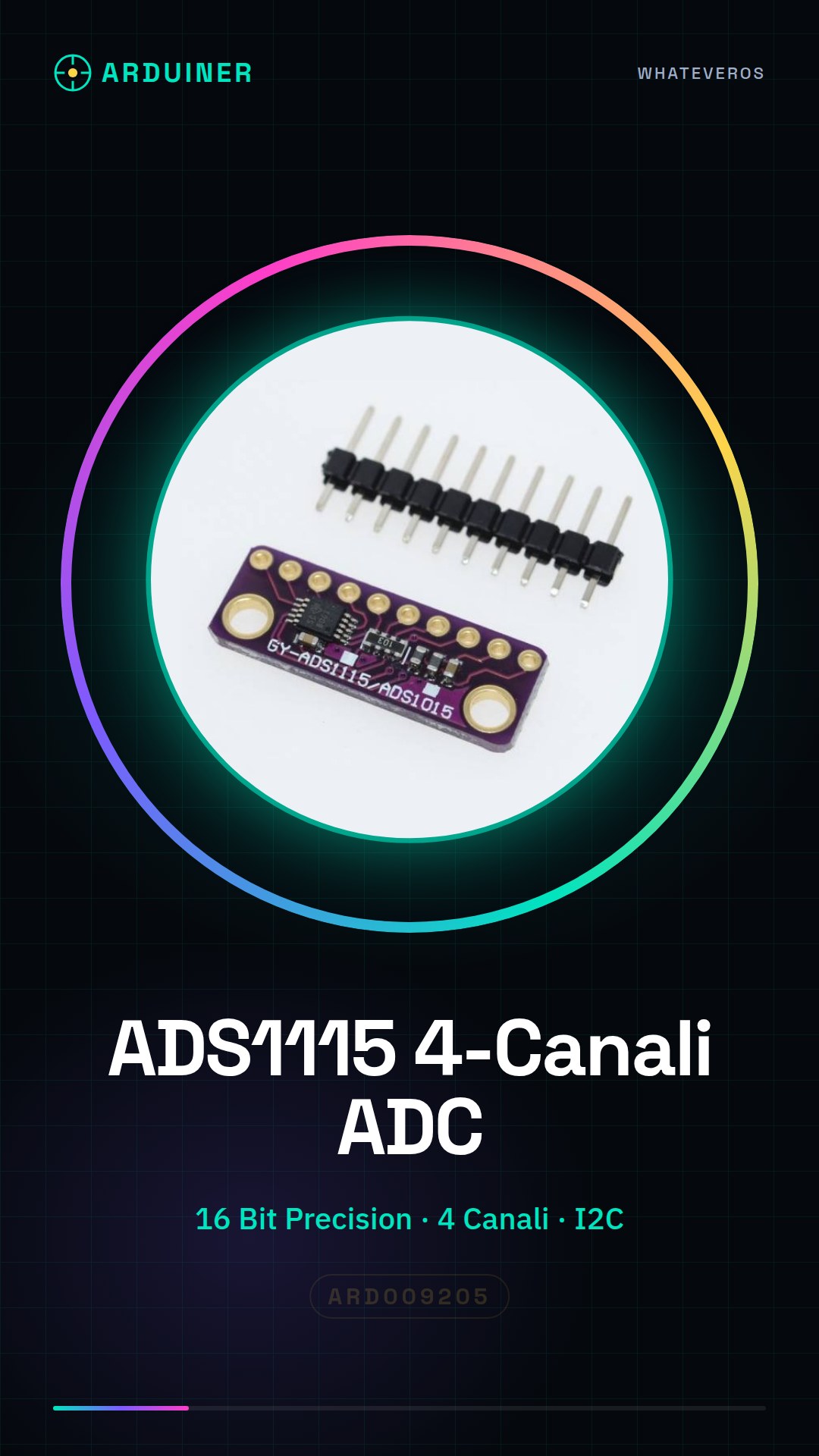
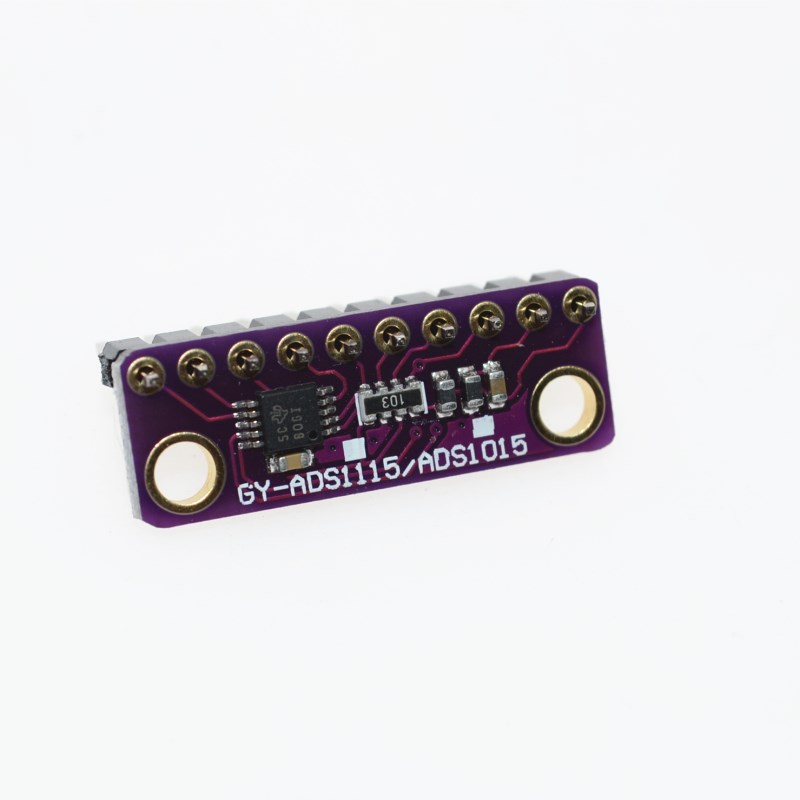
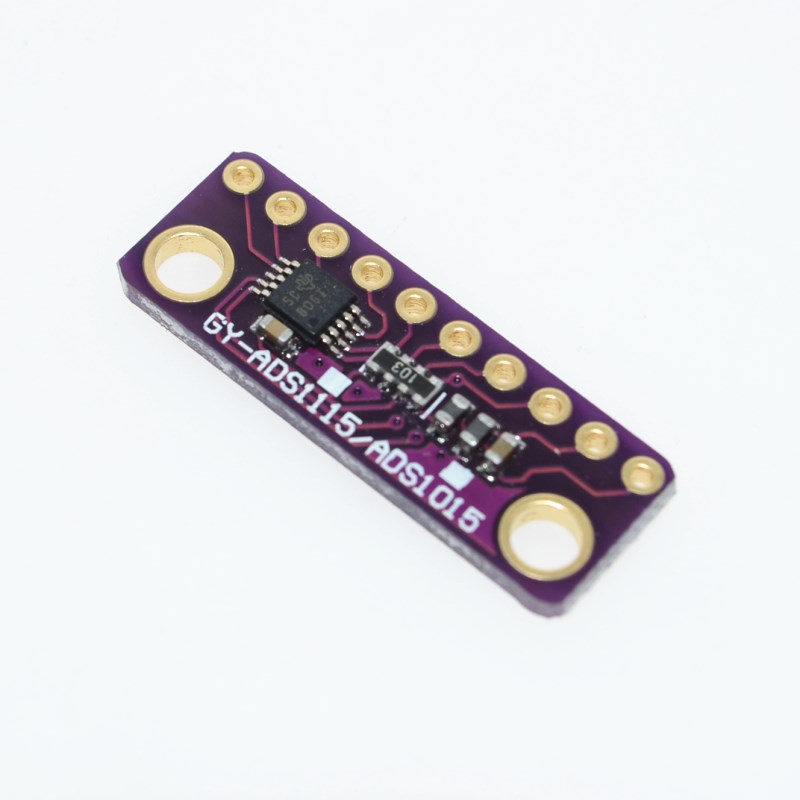
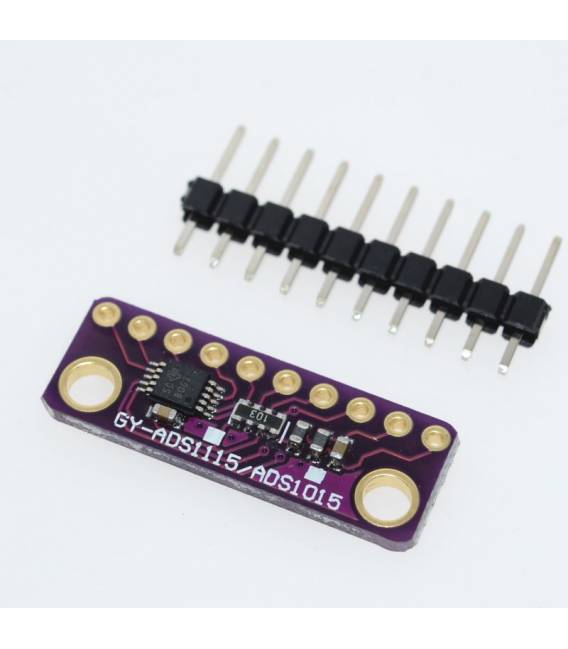
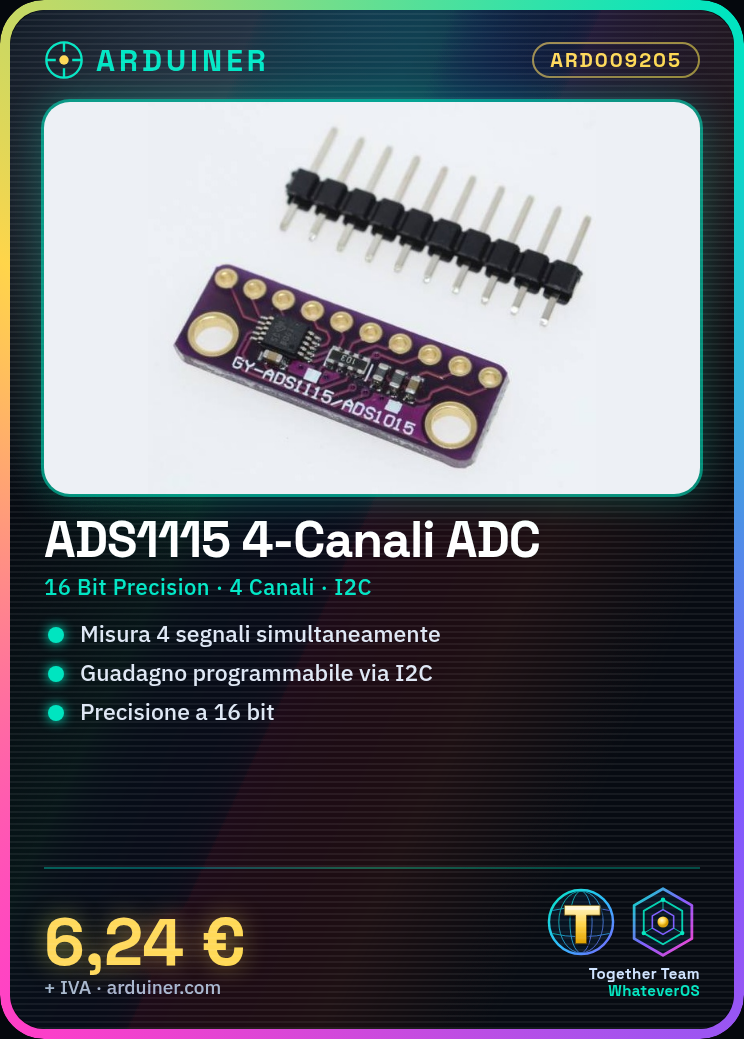
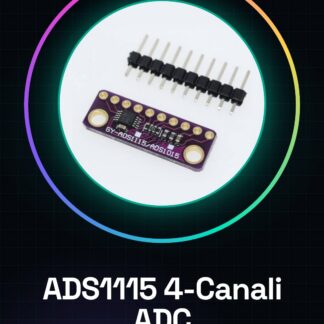
The ADS1115 is a 16-bit analog-to-digital converter (ADC) for Arduino. It offers high measurement precision and allows simultaneous acquisition of analog signals from four input channels.
Features
- 16-bit precision
- 4 input channels
- I2C interface
- Programmable gain
What it is for
The ADS1115 is ideal for projects requiring high measurement precision, such as control systems, temperature, humidity, or pressure sensors. It can be used with Arduino and other microcontrollers compatible with the I2C interface.
Tutorial: How to use ADS1115
The ADS1115 is a 16-bit analog-to-digital converter (ADC) ideal for projects requiring high precision, such as delicate measurements or control systems. Useful for beginners and intermediate makers.
What you need
- Arduino or compatible
- 4-pin connector
- 4.7kΩ pull-up resistor
- 3.3V/5V power cable
- Analog sensors
Steps
- 1. Install the Adafruit ADS1x15 library in the Arduino IDE.
- 2. Connect ADS1115: VCC to 3.3V/5V, GND to GND, SDA to SDA, SCL to SCL, AGND to GND, VDD to 3.3V.
- 3. 4-pin connector: VCC to 3.3V, AGND to GND, D0/D1/D2/D3 to ADC pin.
- 4. Add a 4.7kΩ pull-up resistor between SDA and SCL.
- 5. Configure the ADC channels on Arduino.
- 6. Write code to read ADC values.
- 7. Check the datasheet for precision parameters.
- 8. Test the device with a sensor.
Example code
```cpp
#include <Adafruit_ADS1X15.h>

Adafruit_ADS1115 ads;

void setup() {
  ads.begin();
}

void loop() {
  int16_t result = ads.readADC_Differential_0_1();
  Serial.println(result);
}
```
Mini project
Build a voltage measurement system with a potentiometer.
Common mistakes
- Forget to configure the ADC pins.
- Power the device with a voltage source other than 3.3V/5V.
- Use an incompatible sensor.
- Omit the pull-up resistor.
Recommended accessories
- Potentiometer
- Analog sensors
- Arduino Uno
- 3.3V/5V power cable
Frequently asked questions
How can I verify the precision of the ADS1115?
Check the datasheet for precision values and compare them with your results.
Which sensors can I use with the ADS1115?
Any analog sensor with a compatible voltage range.
Can I use the ADS1115 with Arduino Nano?
Yes, it is compatible with any Arduino microcontroller.
Reviews
There are no reviews yet.