 EN
 IT Italiano
 ES Español
 FR Français
 DE Deutsch
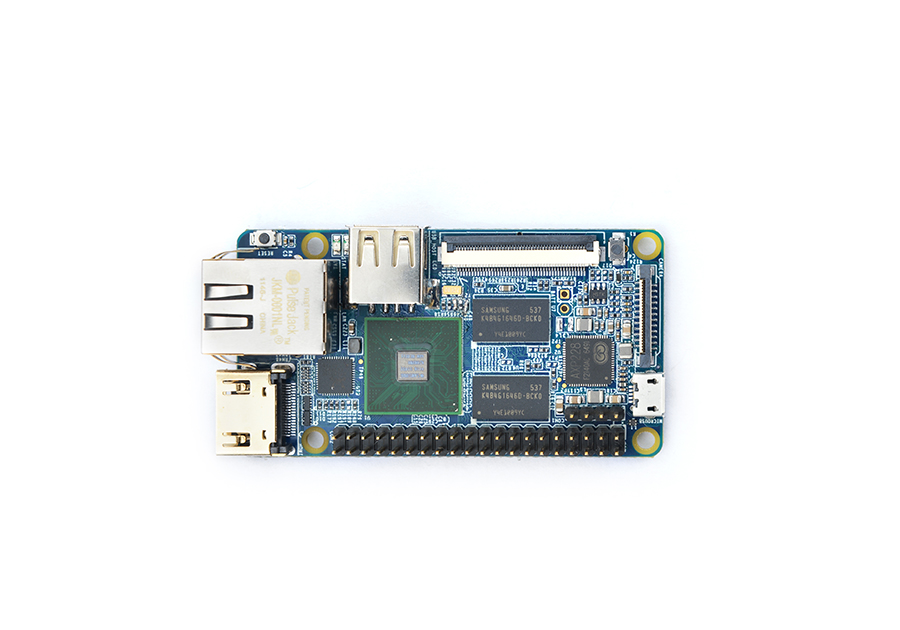
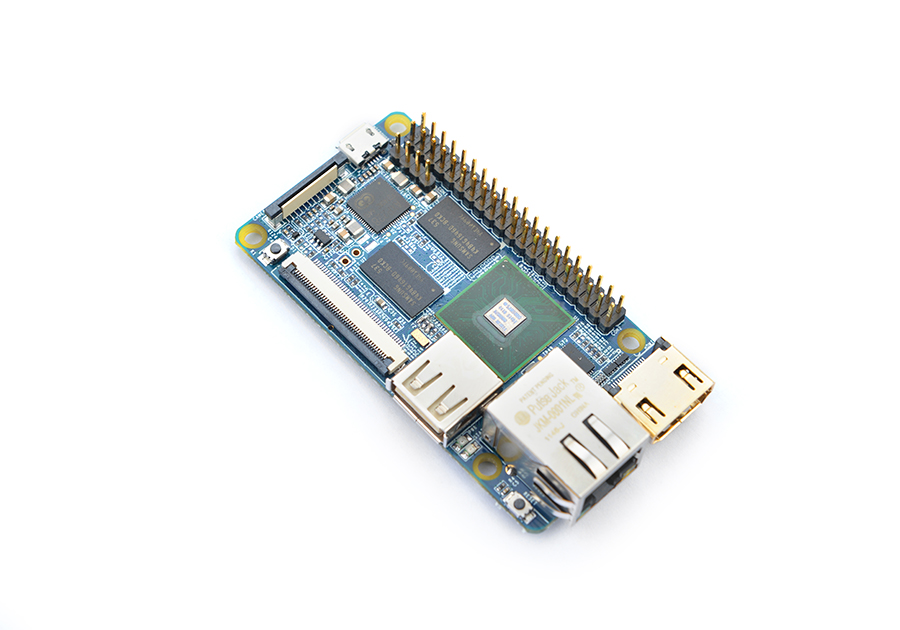
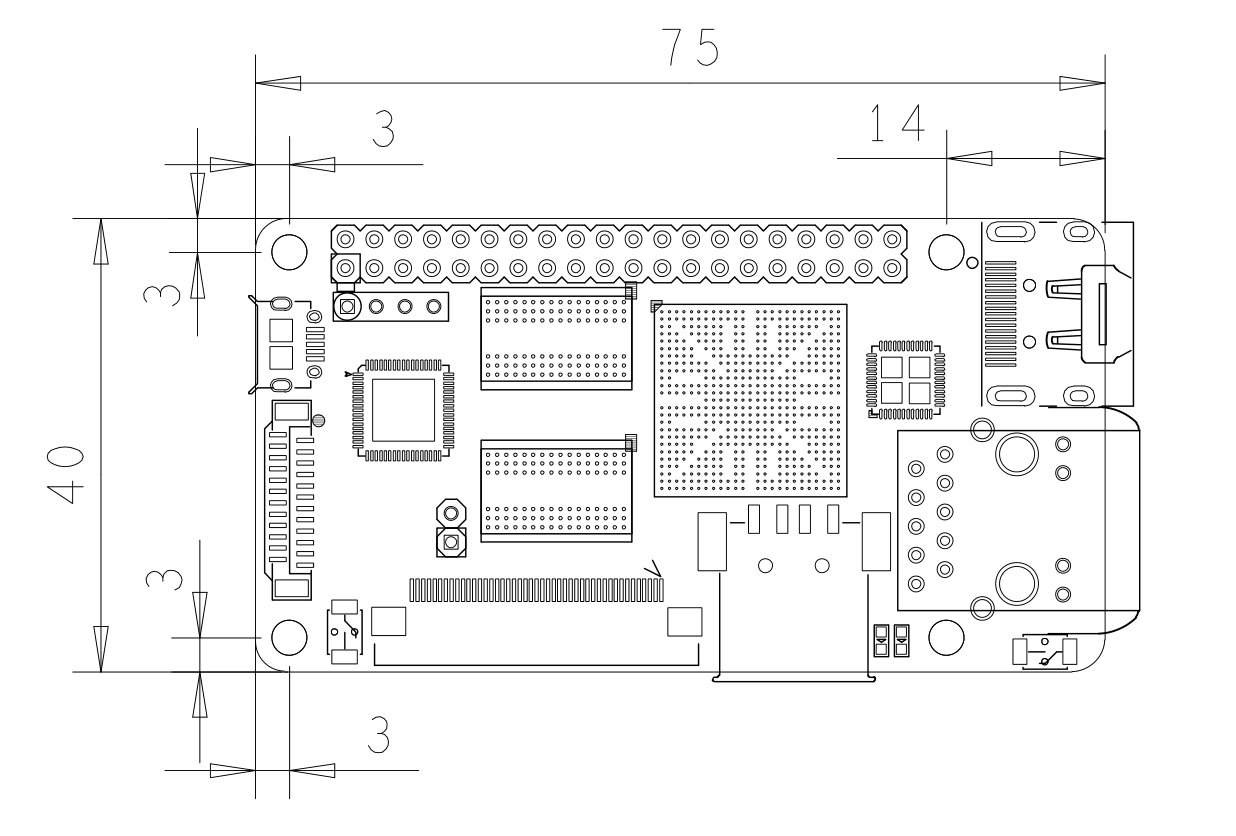
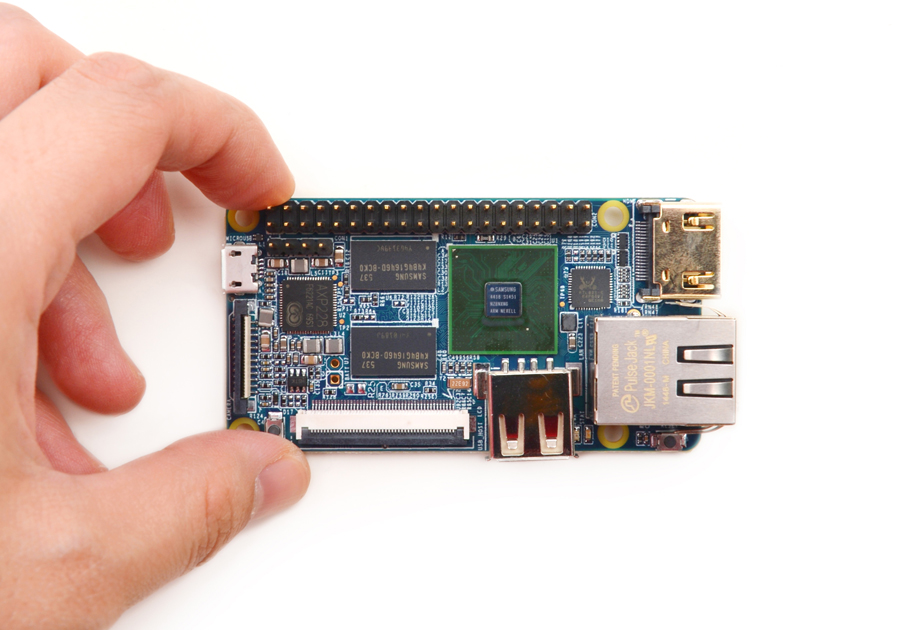
Description
What it is
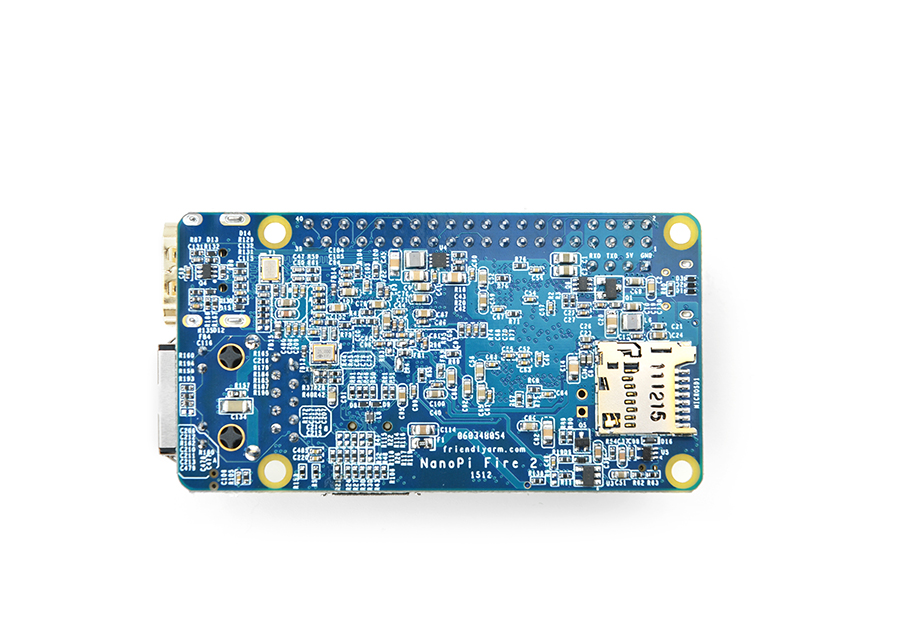
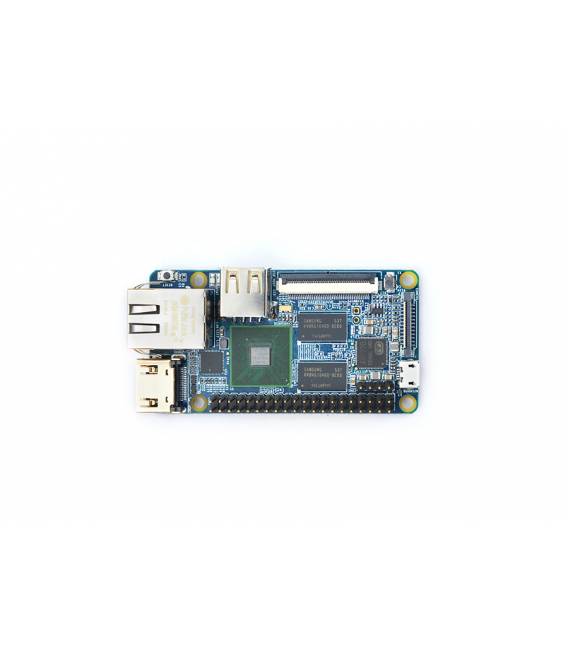
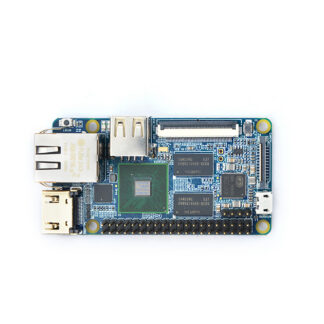
Nano Pi 2 Fire is a mainboard designed for developers and makers who want to create fast and functional prototypes for Arduino and Internet of Things (IoT) projects. Based on an ARM microcontroller, it offers high performance in a compact space.
Features
- Powerful mainboard based on ARM
- Ideally suited for Arduino and IoT projects
What it is for
Nano Pi 2 Fire is ideal for both beginners and intermediate developers. You can use it to create simple LED signals by connecting an LED to pin 13 and writing `digitalWrite(13, HIGH);` in the `setup()` method. Additionally, it is compatible with various programming languages and frameworks that support Arduino.
Tutorial: How to use Nano Pi 2 Fire
The Nano Pi 2 Fire is an ARM-based microcontroller designed to create fast and functional prototypes. Ideal for beginners and intermediates.
What you need
- Nano Pi 2 Fire
- Micro USB Cable
- Power Supply
- Arduino IDE
Steps
- Download the Arduino IDE from <https://www.arduino.cc/>.
- Install the ‘PlatformIO Core’ plugin in Arduino IDE.
- Download the .pioenvs file for the Nano Pi 2 Fire from the ‘Documentation’ section.
- Open a new sketch in Arduino IDE.
- Insert the minimum code: `#include <Arduino.h>
void setup() {}
void loop() {}`. - Save the file as `nanoPi2Fire.ino`.
- Select ‘PlatformIO Core’ as IDE.
- Select ‘Nano Pi 2 Fire’ as board.
- Upload the code to the Nano Pi 2 Fire using the micro USB cable.
Example code
```
#include <Arduino.h>
void setup() {}
void loop() {}```
Mini project
Create a simple LED signal. Connect an LED to pin 13 and write `digitalWrite(13, HIGH);` in `setup()`. Run the code to turn on the LED.
Common mistakes
- Do not use a standard USB cable, use the micro USB.
- If the Nano Pi 2 Fire is not detected, make sure the ‘PlatformIO Core’ plugin is installed correctly.
- Check the datasheet for power supply specifications.
- Ensure the firmware is up to date.
Recommended accessories
- LED
- LED Resistor
- Micro USB Cable
- Power Supply
Frequently asked questions
How can I check if the firmware is up to date?
Visit the official Nano Pi 2 Fire website and check the current firmware version.
What are the power supply specifications?
Check the datasheet.
Can I use this product for large-scale projects?
The Nano Pi 2 Fire is ideal for prototypes and small-scale projects. For more complex projects, consider commercial options.
Reviews
There are no reviews yet.