 EN
 IT Italiano
 ES Español
 FR Français
 DE Deutsch
Description
What it is
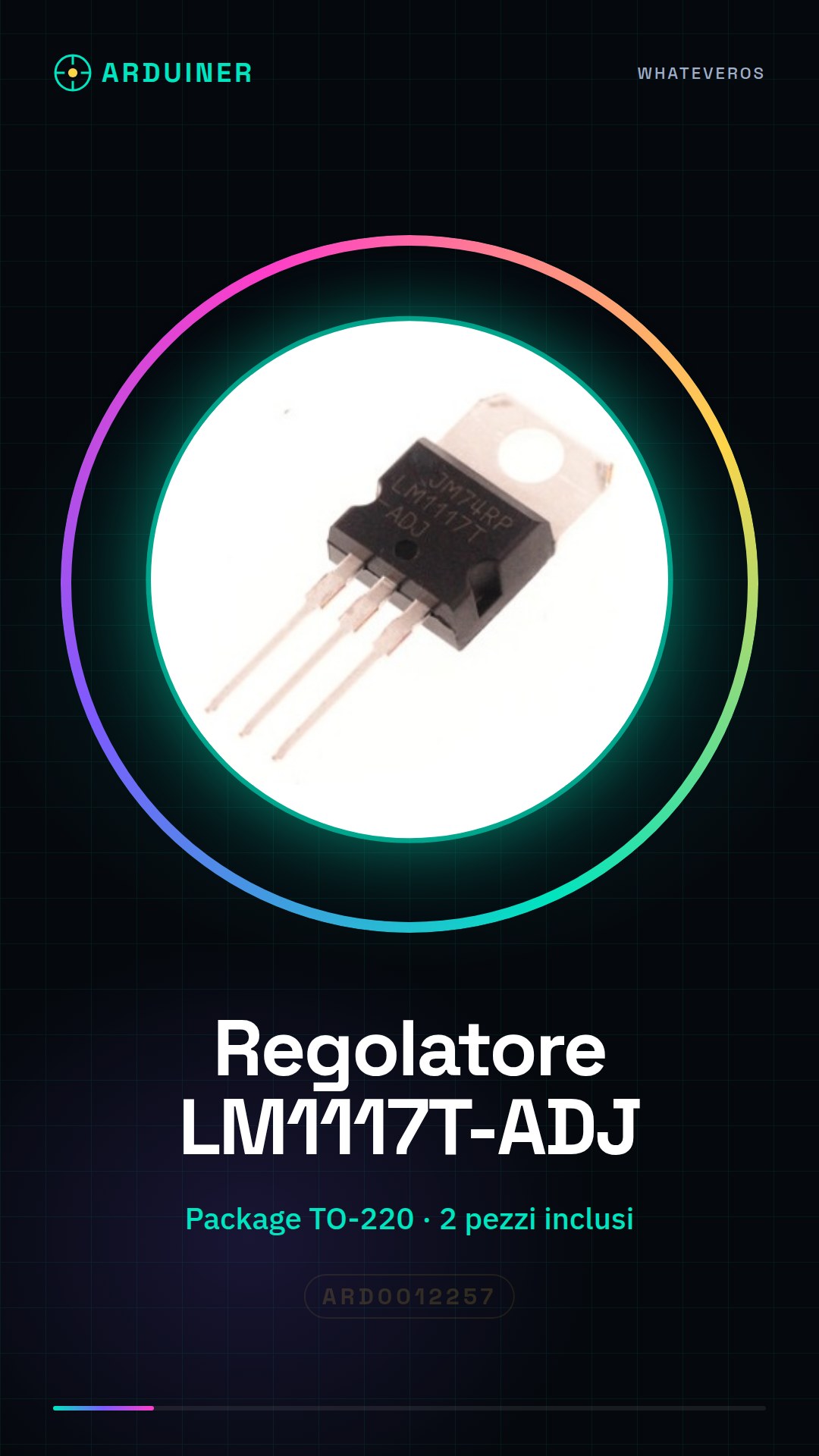
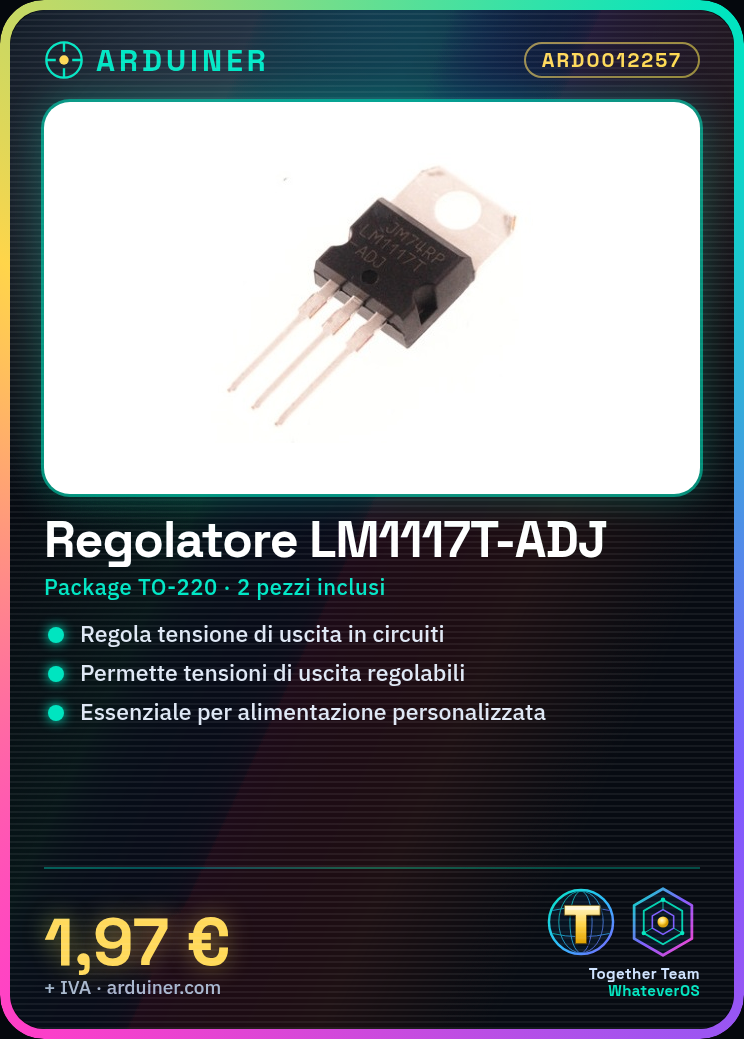
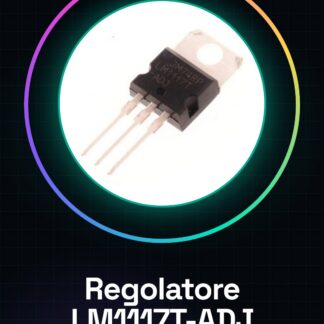
The LM1117T-ADJ TO-220 voltage regulator is an electronic component used to regulate the output voltage in electronic circuits. This adjustable voltage regulator allows for the generation of adjustable output voltages, making it an essential component for projects requiring customized power supply.
Features
- Adjustable Voltage Regulator LM1117T-ADJ
- Package TO-220
- 2 pieces included
What it is for
The LM1117T-ADJ TO-220 voltage regulator is ideal for electronic projects requiring adjustable power supply, such as Arduino and 3D printing projects. It can be used to power sensitive circuits and to create circuits that regulate voltage to power devices such as RGB LEDs.
Tutorial: How to Use LM1117T-ADJ TO-220 Voltage Regulator
The LM1117T-ADJ TO-220 voltage regulator is a fundamental component for electronic projects requiring a variable output voltage. Ideal for Arduino and 3D printing projects, it allows managing the voltage to power sensitive circuits.
What you need
- Arduino Uno
- Breadboard
- Jumper wires
- Resistors
- Multimeter
Steps
- Check the power supply voltage of your project and make sure the LM1117 regulator can handle it (check the datasheet).
- Connect the regulator’s ground to the ground of your circuit.
- Connect the regulator’s input to the positive terminal of your power supply.
- Connect a wire between the regulator’s output and the reference voltage pin.
- Connect a resistor between the reference voltage pin and ground.
- Adjust the output voltage of the regulator by changing the value of the resistor.
- Check the output voltage using a multimeter.
- Test the circuit with an LED or another device to ensure the voltage is correct.
Mini project
Create a simple circuit that regulates the voltage to power an RGB LED. Use the LM1117 regulator to change the LED color.
Common mistakes
- Do not check the supply voltage before connecting the regulator.
- Do not properly connect the regulator’s ground.
- Do not correctly adjust the resistance for the reference voltage.
- Do not test the output voltage before using the circuit.
Recommended accessories
- Variable resistors
- Digital multimeter
- Large breadboard
- Variable power supply
Frequently asked questions
How do you adjust the output voltage?
Use a resistor between the reference voltage pin and ground to adjust the output voltage.
What voltages can it handle?
Check the datasheet for the minimum and maximum input voltage.

Reviews
There are no reviews yet.