 EN
 IT Italiano
 ES Español
 FR Français
 DE Deutsch
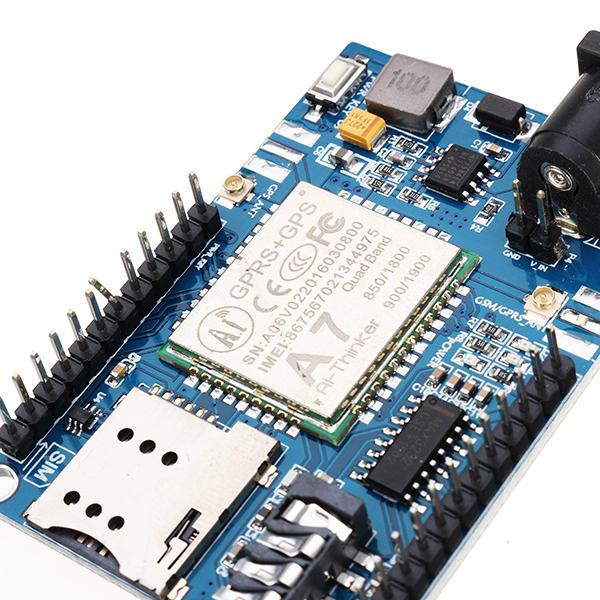
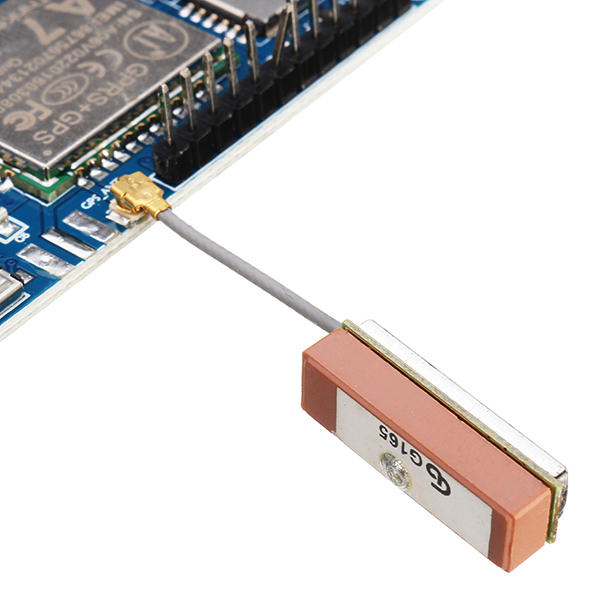
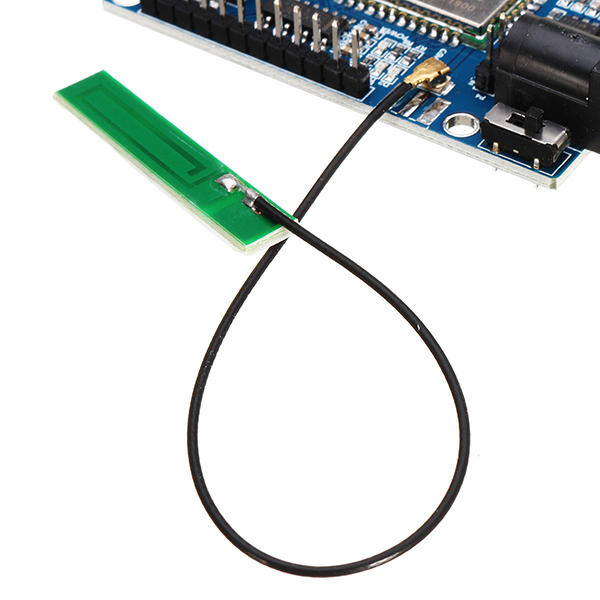
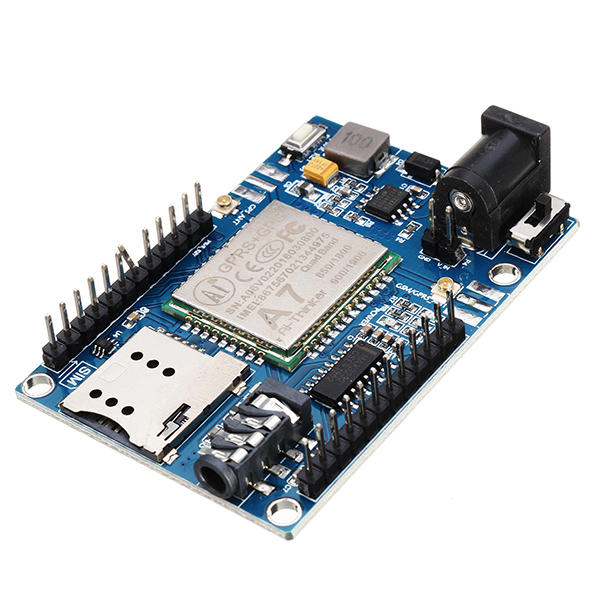
Description
What it is
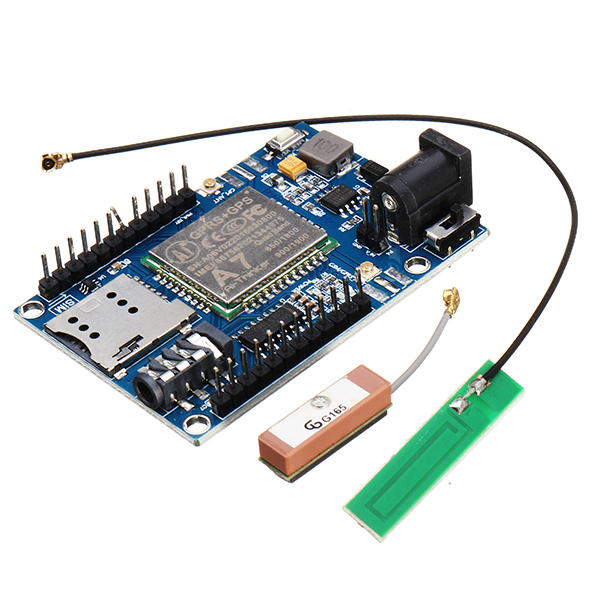
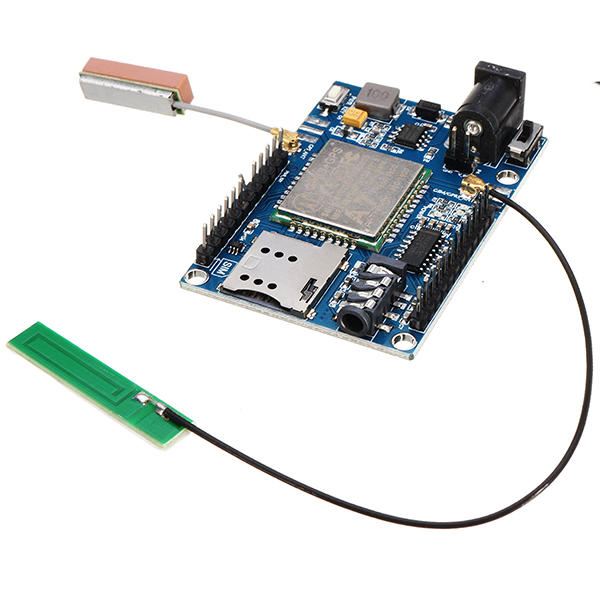
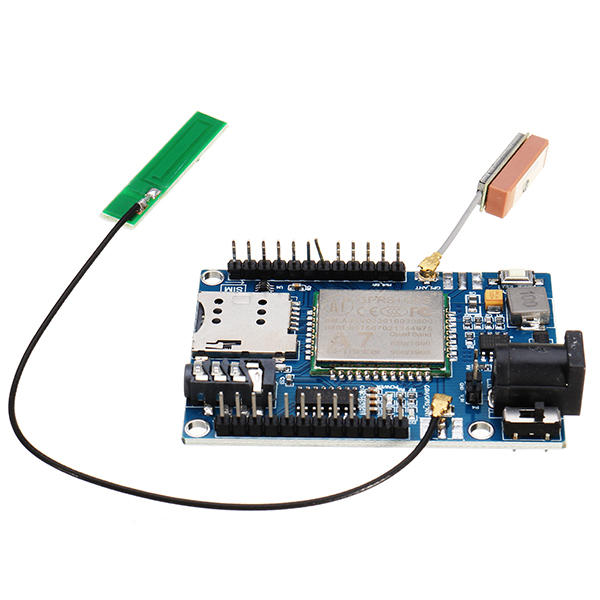
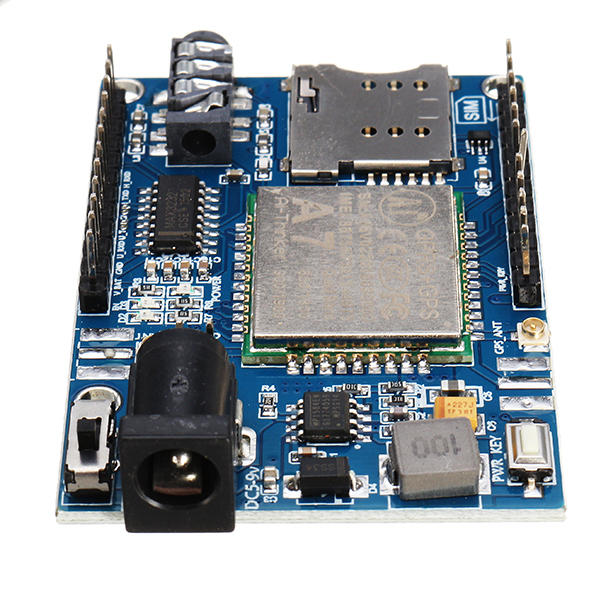
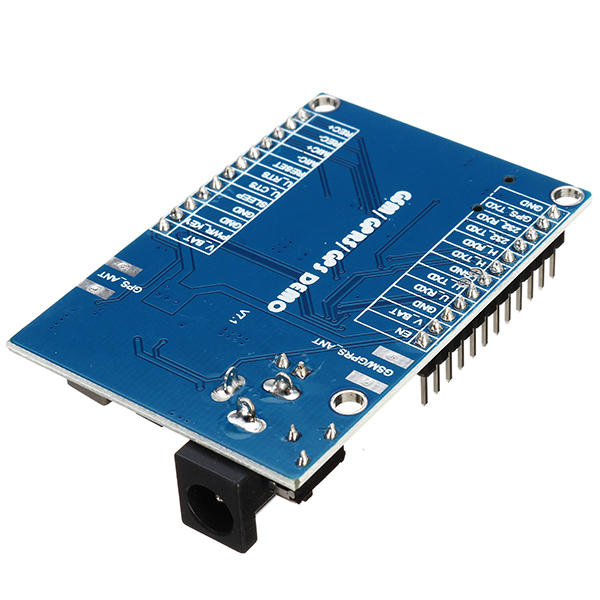
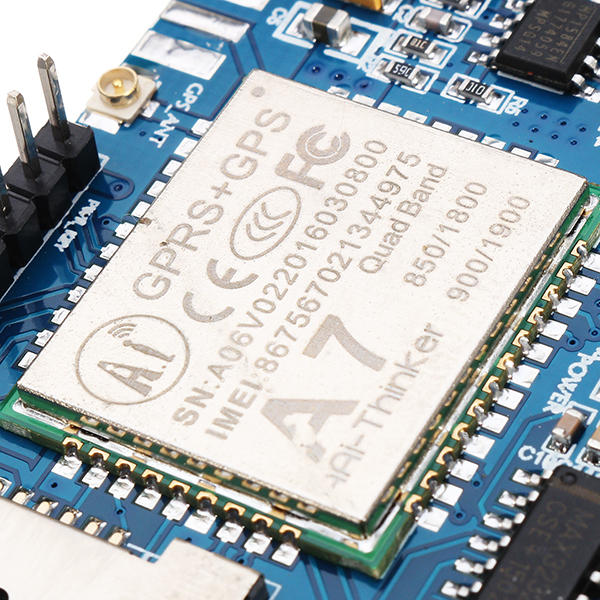
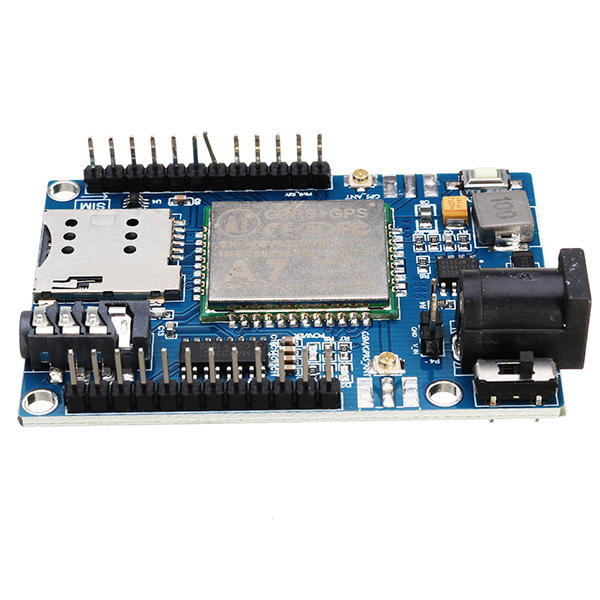
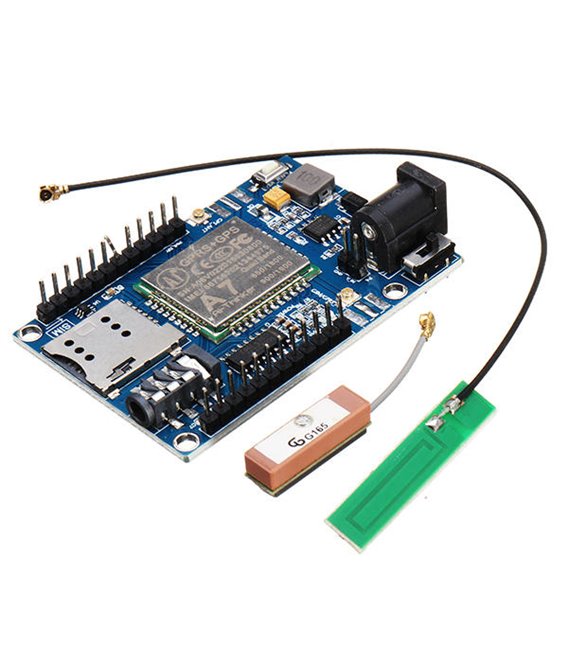
The A7 GSM GPRS GPS 3 in 1 Shield is a shield for Arduino that integrates GSM/GPRS communication and GPS functionality. It allows adding SMS sending and receiving capabilities, GPRS data network connection, and GPS position determination to an Arduino project.
Features
- GSM/GPRS Connection
- GPS Connection
- Voice Support
- Power Supply: DC 5-9V
- Microcontroller: STM32 or 51MCU (check datasheet)
- Compatibility: Arduino (check datasheet)
What it is for
The A7 Shield is ideal for IoT projects requiring remote communication and localization. Example usage: create an emergency alert system via SMS by connecting the module to Arduino and uploading a sketch that sends a message when a motion detector is triggered.
Tutorial: How to use A7 GSM GPRS GPS 3 in 1 Shield Module DC 5-9V STM32 51MCU for Arduino
This module allows you to add communication and GPS positioning functionality to your Arduino project. Useful for remote monitoring and localization projects.
What you need
- Arduino compatible
- Cable for connection
- Insulating tape
- Multimeter
Steps
- 1. Check the module specifications in the datasheet.
- 2. Connect the shield module to Arduino using the indicated pins.
- 3. Power the module with a DC power supply from 5 to 9V.
- 4. Verify correct power supply with the multimeter.
- 5. Download and install the module driver on Arduino IDE.
- 6. Load the example sketch onto Arduino.
- 7. Verify GPRS/GSM connection using a test module.
- 8. Add GPS and SMS functionality to your sketch.
Example code
```
#include <SoftwareSerial.h>
SoftwareSerial gsmSerial(2, 3); // RX, TX
void setup() {
  Serial.begin(9600);
  gsmSerial.begin(9600);
}
void loop() {
  if (gsmSerial.available()) {
    Serial.write(gsmSerial.read());
  }
}
```
Mini project
Create an emergency alert system using SMS. Connect the shield module to Arduino, load the SMS alert sketch, and send a message when a motion detector is triggered.
Common mistakes
- Incorrect power supply: make sure to use a DC power supply from 5 to 9V.
- Incorrect connections: verify the power and communication pins correctly.
- Outdated driver: make sure to use the latest driver.
- Non-working code: verify the GPRS/GSM connection before implementing advanced features.
Recommended accessories
- Arduino Uno
- Motion detector
- Connection cable
- GSM antenna
Frequently asked questions
Is the module compatible with Arduino Uno?
Yes, the module is compatible with Arduino Uno.
Which power supply to use?
Use a DC power supply from 5 to 9V.
Which pins to use?
Use the pins indicated in the datasheet for power and communication.
Does the module support GPS only in active mode?
Yes, the module supports GPS positioning in active mode.
Reviews
There are no reviews yet.