 EN
 IT Italiano
 ES Español
 FR Français
 DE Deutsch
Description
What it is
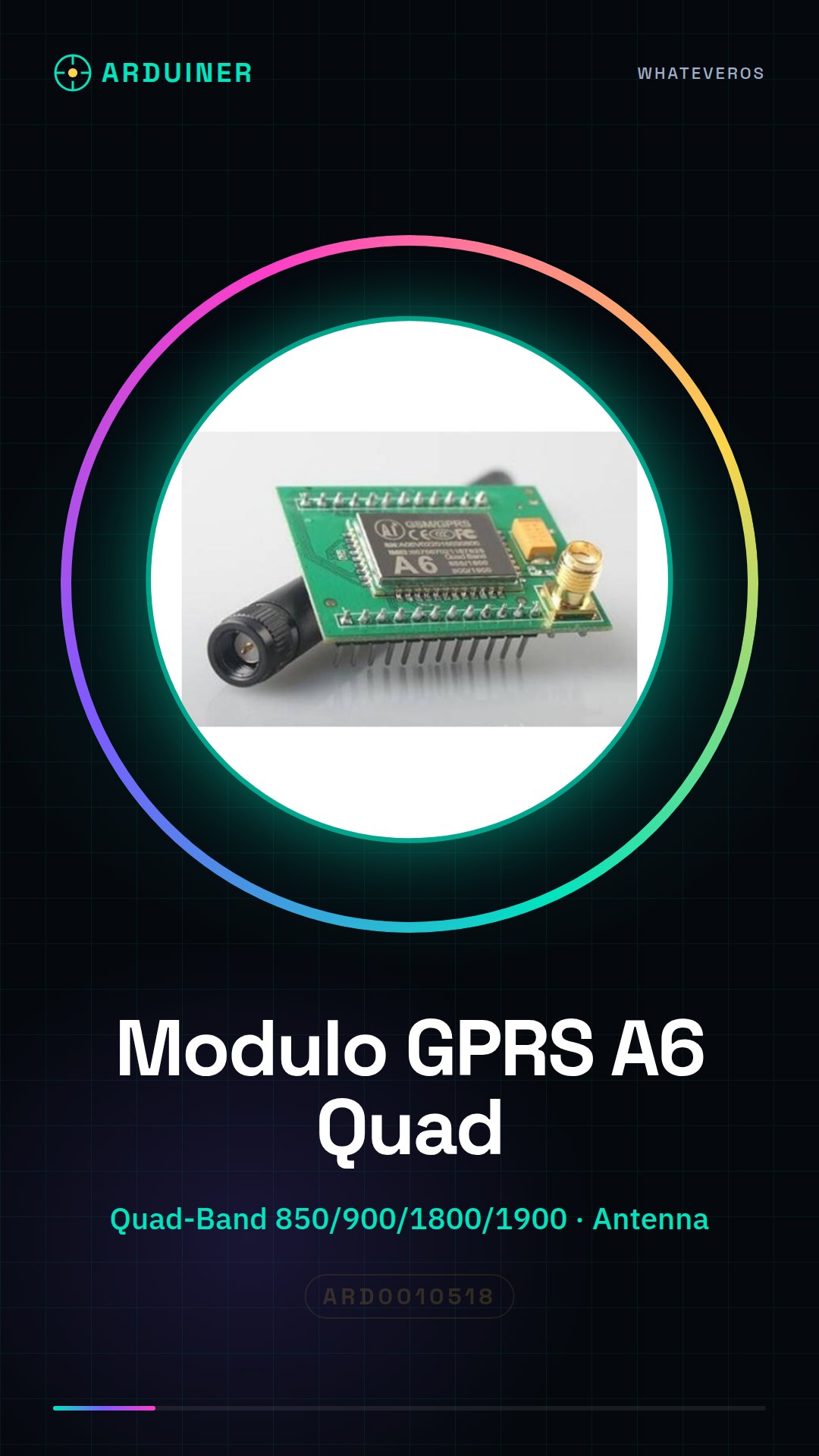
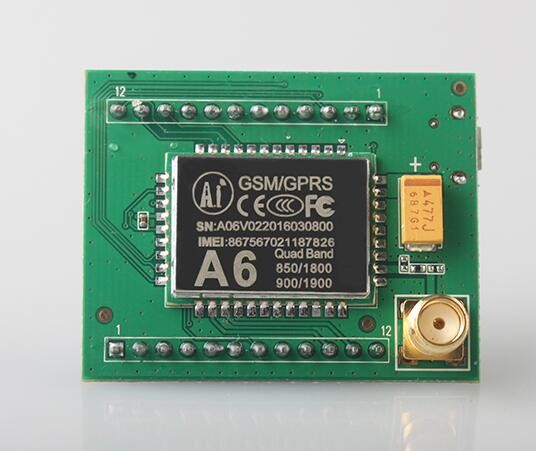
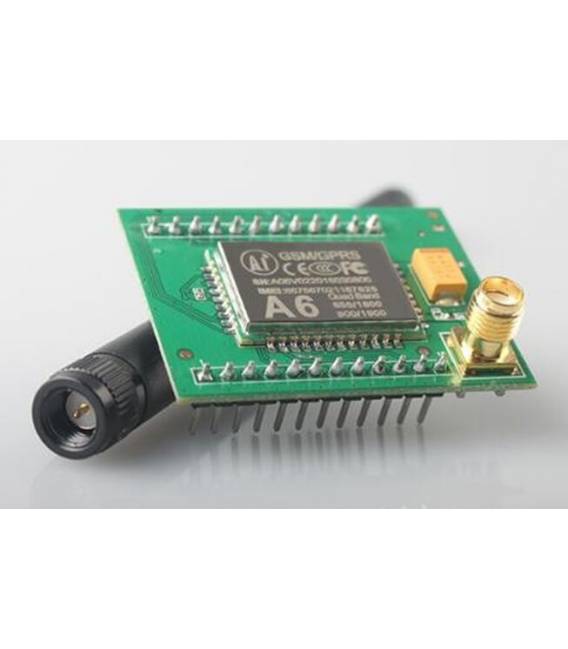
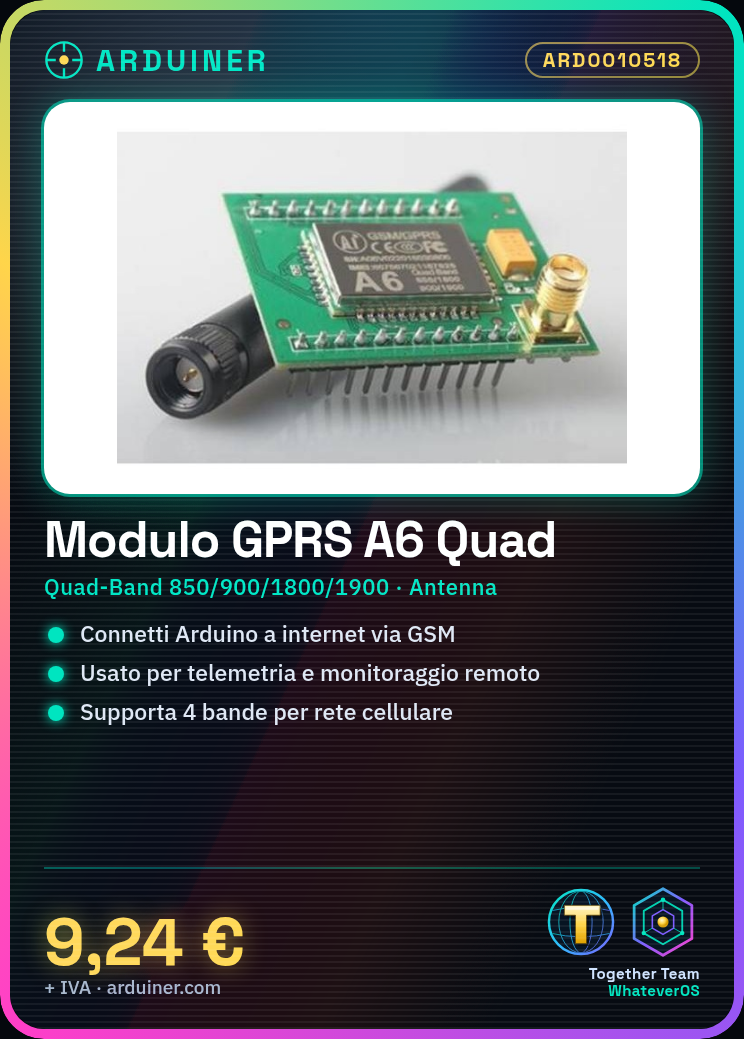
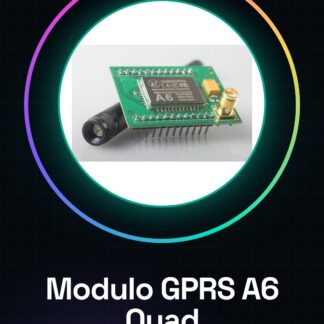
The GPRS GSM A6 Quad-Band module is a tool that allows Arduino projects to connect to the internet via cellular GSM network.
Features
- Quad-Band (850/900/1800/1900 MHz)
- Compatible with Arduino
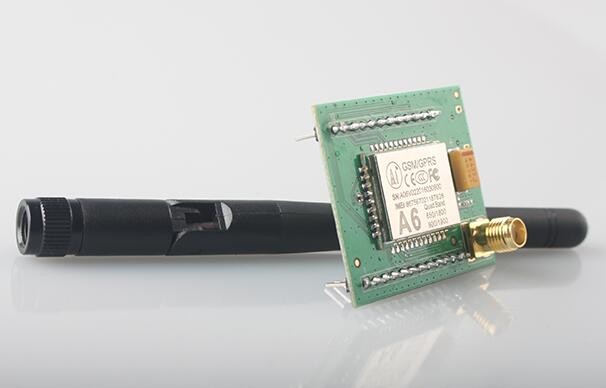
- Includes integrated antenna
- SKU: ARD0010518
- Price: 9.24 €
What it is for
This module is useful for projects that require internet connectivity via cellular network, such as telemetry, remote device monitoring, or bidirectional communication. Example: a temperature sensor that sends data to a remote server.
Tutorial: How to use the GPRS GSM A6 Quad-Band Module
The GPRS GSM A6 Quad-Band module allows you to connect your Arduino projects to the internet via cellular. Useful for telemetry, monitoring, or remote communication projects.
What you need
- Arduino
- FFC cable for Shield module
- GPRS Antenna
- 3.3V Pilot
Steps
- 1. Ensure the GPRS GSM A6 Quad-Band module is properly installed on your Arduino Shield.
- 2. Connect the GPRS antenna to the dedicated interface on the module.
- 3. Connect to the module using an FFC cable.
- 4. Check the datasheet for the correct supply voltage (3.3V).
- 5. Load the following Arduino sketch: `GSM.begin(9600);`
- 6. Verify the connection with `Serial.println(GSM.getSignalQuality());`
- 7. Configure the modem with `GSM.sendAtCommand(“AT+CGREG?”, 10000);`
- 8. Verify the network with `Serial.println(GSM.getSignalQuality());`
Example code
GSM.begin(9600);
Serial.println(GSM.getSignalQuality());
GSM.sendAtCommand("AT+CGREG?", 10000);
Serial.println(GSM.getSignalQuality());
Mini project
Create an environmental monitoring device that sends temperature and humidity data to a remote server.
Common mistakes
- Do not use voltages other than 3.3V.
- Do not connect the antenna correctly.
- Omit the modem configuration.
- Forget to verify the network quality.
Recommended accessories
- Arduino UNO
- GPRS Antenna
- FFC Cable
- 3.3V Battery
Frequently asked questions
How can I verify the network quality?
Execute `Serial.println(GSM.getSignalQuality());`
Can I use this module with Arduino Mega?
Yes, but check the voltage compatibility.
Does the module support multiple cellular networks?
Yes, it supports multiple cellular networks (Quad-Band).
Can I use a different pilot than 3.3V?
No, check the datasheet for the power supply voltage.
Reviews
There are no reviews yet.