 EN
 IT Italiano
 ES Español
 FR Français
 DE Deutsch
Description
Technical Description
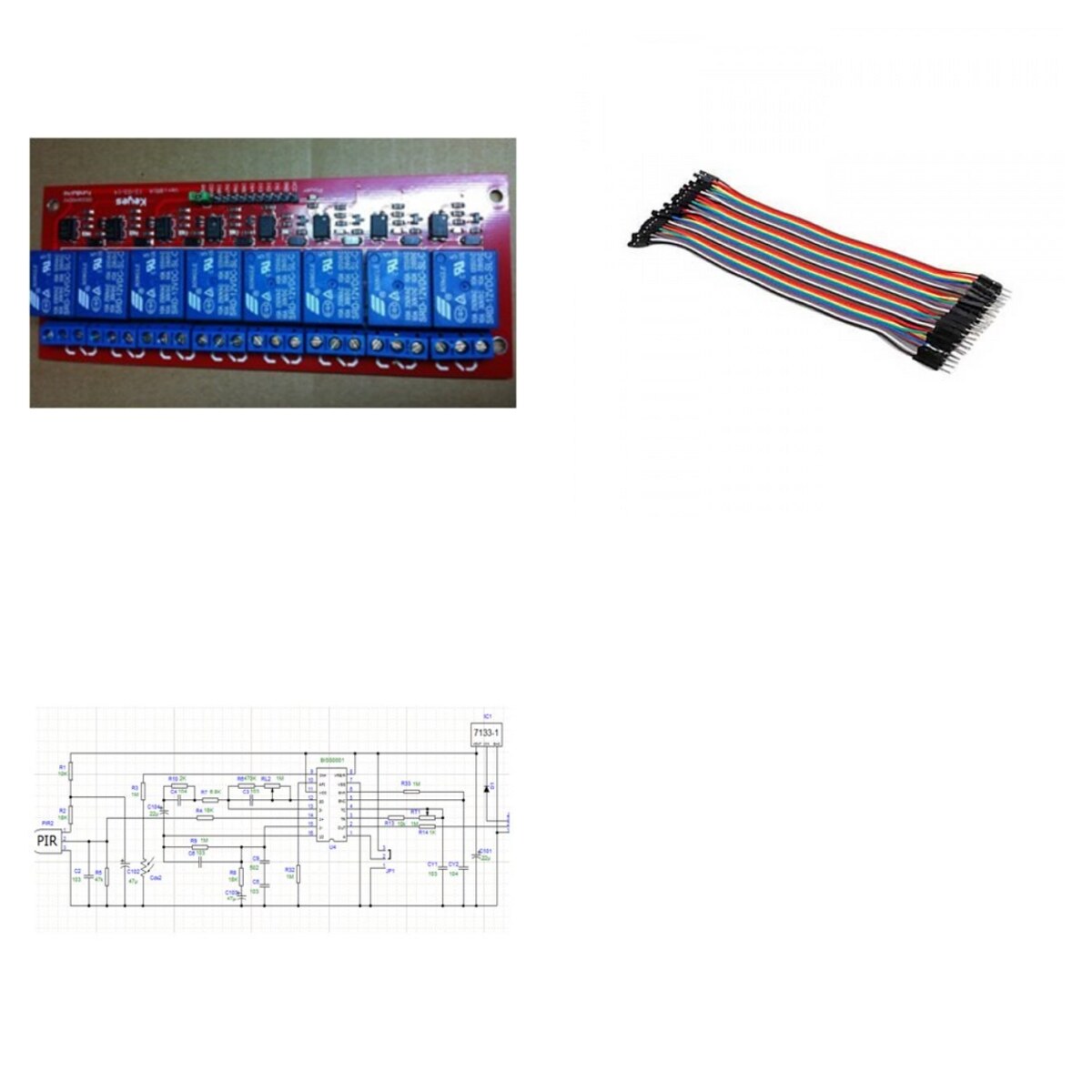
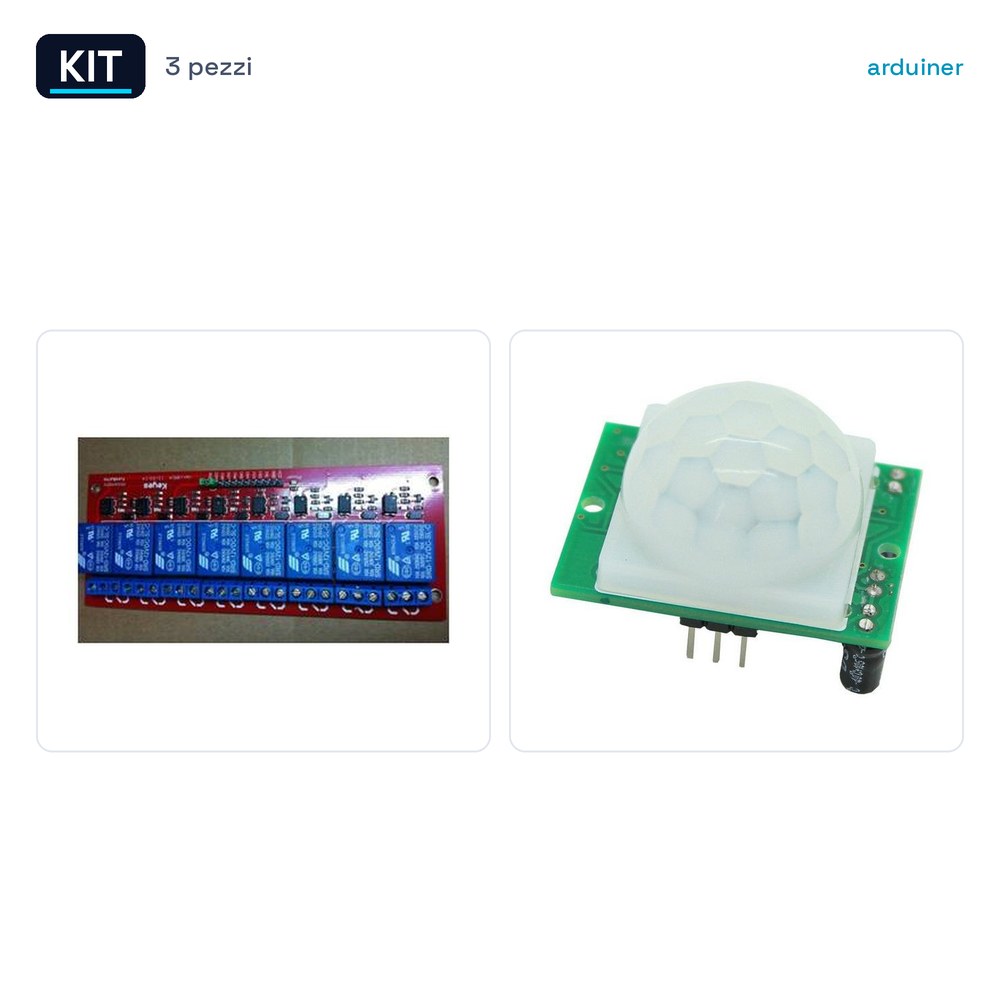
The 8 Channel 12V Relay Shield Module for Arduino ARM PI is a component that allows controlling electrical devices from a microcontroller like Arduino or Raspberry Pi. The module includes 8 relays that can handle loads up to 12V. Each relay is controlled by a single input pin of the microcontroller, allowing to activate or deactivate electrical devices based on system conditions. The kit also includes 40 jumper cables of 20 cm to facilitate connections between the module and other components.
The module is equipped with an infrared PIR motion sensor HC-SR501, which can be used to activate or deactivate the relays based on the presence of movement. This makes the module suitable for automatic control applications in domestic or industrial environments.
The module is designed to be mounted on a breadboard or an Arduino board, offering a flexible solution for prototyping and implementing automation projects.
Key Specifications
| Parameter | Value |
| Model | Kit 8 Channel 12V Relay Shield Module for Arduino ARM PI |
| Number of relays | 8 |
| Supply voltage | 12V |
| Jumper cables included | 40 |
| Length of jumper cables | 20cm |
| Jumper cable connector type | Male-Male, Male-Female |
| Motion sensors included | 1 |
| Type of motion sensor | HC-SR501 |
| Module dimensions | N/D (see manufacturer’s datasheet) |
| Container | N/D (see manufacturer’s technical sheet) |
Installation and Usage
- Connect the relay module to the breadboard or Arduino board using the included jumper cables.
- Connect the PIR motion sensor to the relay module following the provided documentation.
- Power the relay module with a 12V power source.
- Check that the relay module is properly powered and that the status LEDs are lit.
- Run a simple test sketch to verify the operation of the relays and the motion sensor.
Compatibility and Requirements
- The module is compatible with Arduino and Raspberry Pi microcontrollers.
- To use the module, a microcontroller with at least 8 digital input pins is required.
- The module can be used with various types of electrical loads up to 12V.
Limitations and Important Notes
- The module cannot handle electrical loads greater than 12V.
- The PIR motion sensor has a limited detection range.
- Make sure to use appropriate jumper cables for connections.
- The module does not include an overcurrent or short circuit protection system.
Troubleshooting
The relays do not activate.
Probable cause: The module is not properly powered.
Solution: Check that the power supply is correctly connected and provides 12V.
The motion sensor does not detect movement.
Probable cause: The motion sensor is not properly configured.
Solution: Re-read the motion sensor documentation and check the connections.
The relays activate uncontrollably.
Probable cause: The microcontroller does not send the correct commands.
Solution: Check the microcontroller code and ensure that the input pins are correctly configured.
The relays do not activate when the motion sensor detects movement.
Probable cause: The motion sensor is not properly connected to the relay module.
Solution: Check the connections between the motion sensor and the relay module according to the provided documentation.
Use cases
Automatic lighting system
Objective: To automatically turn on the lights in the presence of motion.
What is needed: 8 Channel 12V Relay Shield Module for Arduino ARM PI
Steps: 1) Connect the relay module to the lights. 2) Connect the motion sensor to the relay module. 3) Configure the microcontroller to turn on the lights when the sensor detects motion.
Expected result: The system automatically turns on the lights when motion is detected.
Automatic irrigation system
Objective: To automatically activate the sprinklers in the presence of motion.
What is needed: 8 Channel 12V Relay Shield Module for Arduino ARM PI
Steps: 1) Connect the relay module to the sprinklers. 2) Connect the motion sensor to the relay module. 3) Configure the microcontroller to activate the sprinklers when the sensor detects motion.
Expected result: The system automatically activates the sprinklers when motion is detected.
Home Security System
Objective: Automatically activate security lights when motion is detected.
Kit 8 Channel 12V Relay Shield Module for Arduino ARM PI
Steps: 1) Connect the relay module to the security lights. 2) Connect the motion sensor to the relay module. 3) Configure the microcontroller to activate the security lights when the sensor detects motion.
Expected result: The system automatically activates the security lights when motion is detected.
Automatic Door Control System
Objective: Automatically open doors in the presence of motion.
What’s needed: 8 Channel 12V Relay Shield Module for Arduino ARM PI
Steps: 1) Connect the relay module to the door motors. 2) Connect the motion sensor to the relay module. 3) Configure the microcontroller to open the doors when motion is detected.
Expected result: The system automatically opens the doors when motion is detected.
Garage Door Control System
Objective: Automatically open the garage doors in the presence of motion.
What’s needed: 8 Channel 12V Relay Shield Module for Arduino ARM PI
Steps: 1) Connect the relay module to the garage door motors. 2) Connect the motion sensor to the relay module. 3) Configure the microcontroller to open the garage doors when motion is detected.
Expected result: The system automatically opens the garage doors when motion is detected.
Door Entry Control System
Objective: Automatically open the entry doors when motion is detected.
What’s needed: 8 Channel 12V Relay Shield Module for Arduino ARM PI
Steps: 1) Connect the relay module to the entry doors’ motors. 2) Connect the motion sensor to the relay module. 3) Configure the microcontroller to open the entry doors when the sensor detects motion.
Expected result: The system automatically opens the entry doors when motion is detected.
Door Exit Control System
What’s needed: 8 Channel 12V Relay Shield Module for Arduino ARM PI
Steps: 1) Connect the relay module to the exit door motors. 2) Connect the motion sensor to the relay module. 3) Configure the microcontroller to open the exit doors when the sensor detects motion.
Expected result: The system automatically opens the exit doors when motion is detected.
Access Door Control System
Kit 8 Channel 12V Relay Shield Module for Arduino ARM PI
Steps: 1) Connect the relay module to the access door motors. 2) Connect the motion sensor to the relay module. 3) Configure the microcontroller to open the access doors when the sensor detects motion.
Expected result: The system automatically opens the access doors when motion is detected.
In the package
- Kit 8 Channel 12V Relay Shield Module for Arduino ARM PI + 40 Jumper Cables 20cm Male-Male + PIR Motion Sensor
Complete the project
- 40 Jumper Cables 20cm Male-Male for Arduino: To connect the relay module to a breadboard or an Arduino board.
Technical FAQs
Can the module handle loads above 12V?
No, the module is designed to handle loads up to 12V.
Can the PIR motion sensor detect movement at long distances?
The detection range of the PIR motion sensor is limited and varies depending on the environment.
Can the module be used with microcontrollers other than Arduino and Raspberry Pi?
The module is designed to be used with Arduino and Raspberry Pi microcontrollers, but it may be adapted for other microcontrollers with some code modification.
Can the module be used without the PIR motion sensor?
Yes, the module can be used without the PIR motion sensor, but it will be necessary to configure the microcontroller to manually activate the relays or based on specific conditions.
Reviews
There are no reviews yet.