 EN
 IT Italiano
 ES Español
 FR Français
 DE Deutsch
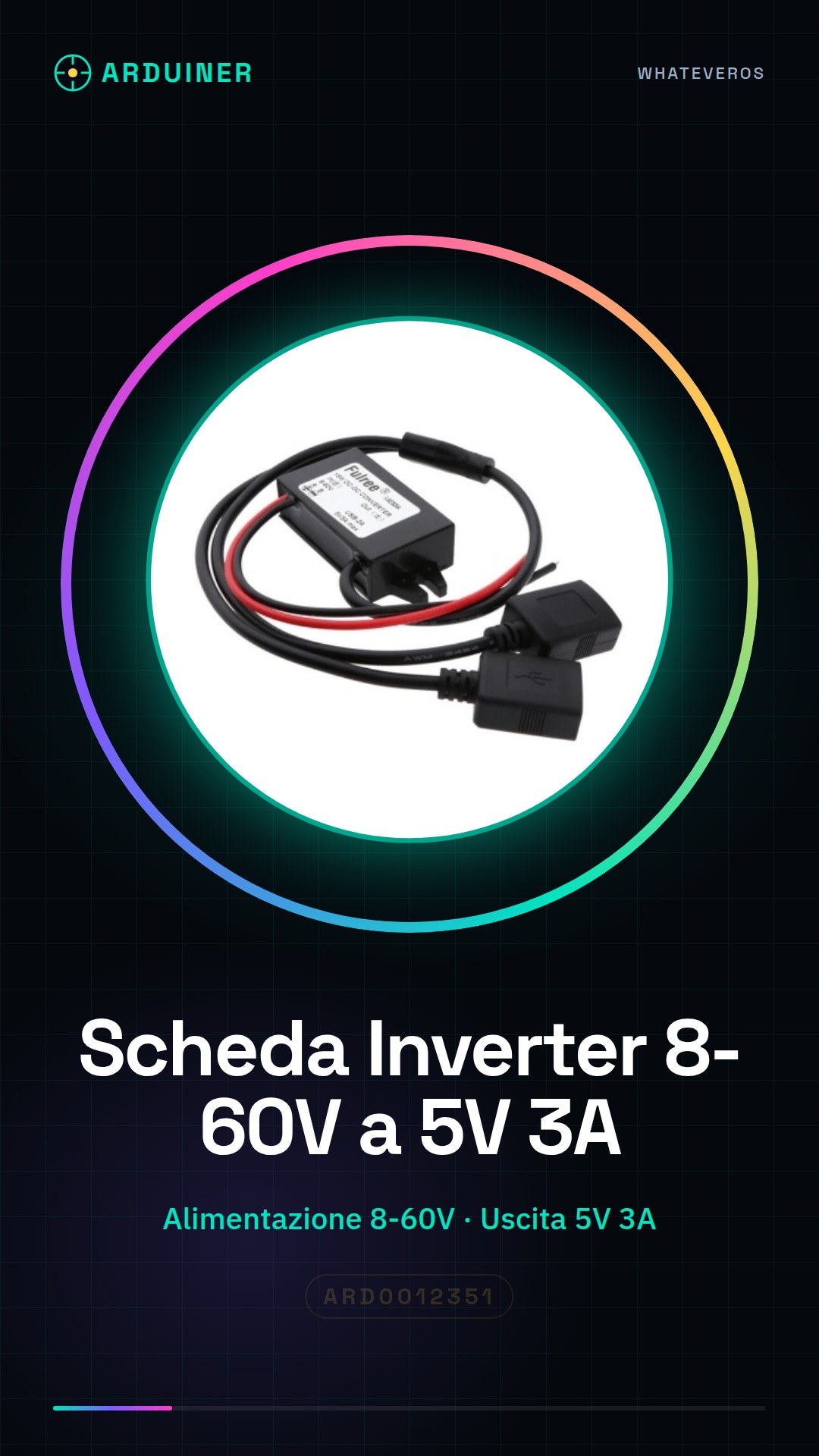
Description
What it is
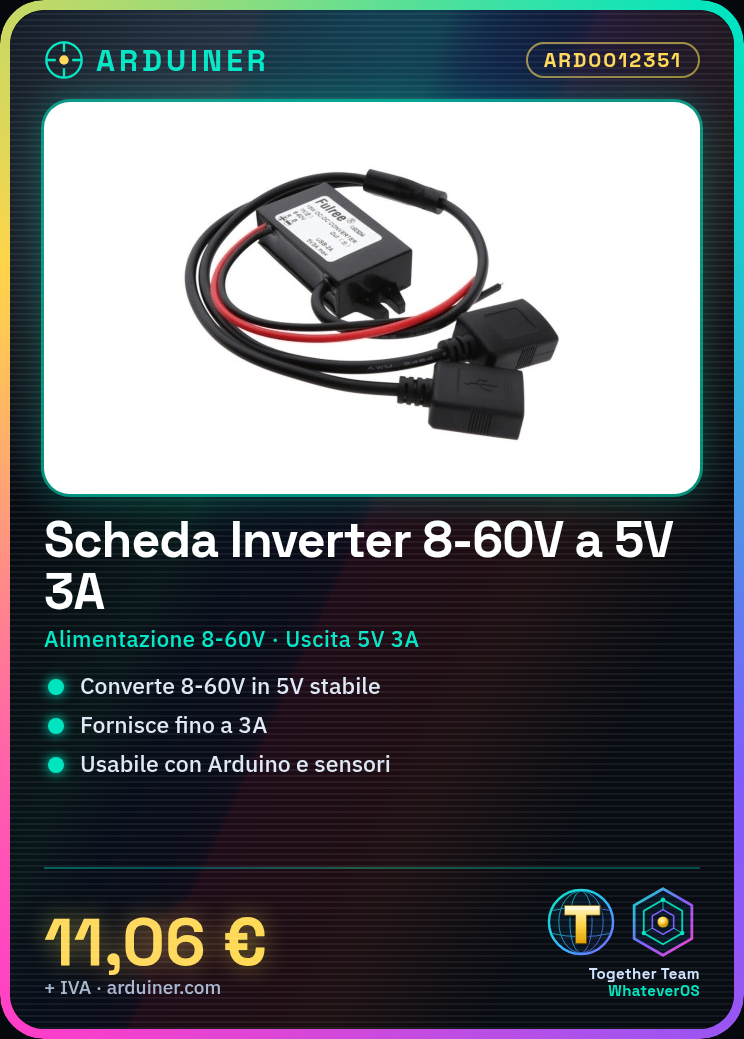
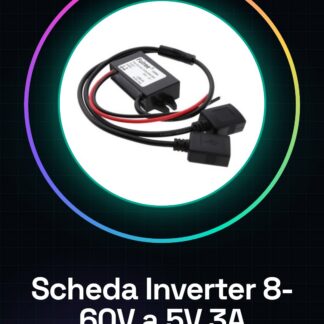
The 8-60V to 5V 3A dual USB adapter power inverter board is an ideal voltage conversion module for electronic projects requiring a stable 5V output. This device can convert a wide range of input voltages from 8 to 60V into a constant 5V output at 3A.
Features
- Input voltage range of 8-60V
- 5V output at 3A
- Dual USB adapter
What it is for
This module is perfect for Arduino projects, electronic sensors, and any device requiring a stable 5V voltage. It can be used to create an environmental monitoring system by connecting the module to an Arduino, a temperature and humidity sensor, and an OLED display.
Tutorial: How to use 8-60V to 5V 3A Power Inverter Board
The inverter voltage card is ideal for anyone who needs to convert a wide range of voltages (from 8 to 60V) into a constant output of 5V at 3A. This module is perfect for Arduino projects, electronic sensors, and any device that requires a stable 5V voltage.
What you need
- Arduino Uno or similar
- USB Connections
- Power Connections
Steps
- Connect the power input to the module (8-60V)
- Connect the USB connectors to the module
- Connect the module to the Arduino device or electronic circuit
- Check the output voltage with a multimeter (it should be 5V)
- If necessary, adjust the input power to obtain the desired voltage
Mini project
Create an environmental monitoring system by connecting this module to an Arduino, a temperature and humidity sensor, and an OLED display. The system will monitor and display environmental conditions.
Common mistakes
- Do not check the output voltage
- Connect power to the module incorrectly
- Do not check the proper connection of USB connectors
- Use a power input outside the 8-60V range
Recommended accessories
- Arduino Uno
- Temperature and Humidity Sensor DHT11
- OLED Display 0.96″, 128×64
- USB Connections
Frequently asked questions
What is the output voltage?
The output voltage is always 5V.
How much current can it provide?
It can provide up to 3A of current.
Can it be used with a 12V input?
Yes, but check the datasheet for proper configuration.
Reviews
There are no reviews yet.