 EN
 IT Italiano
 ES Español
 FR Français
 DE Deutsch
Description
What it is
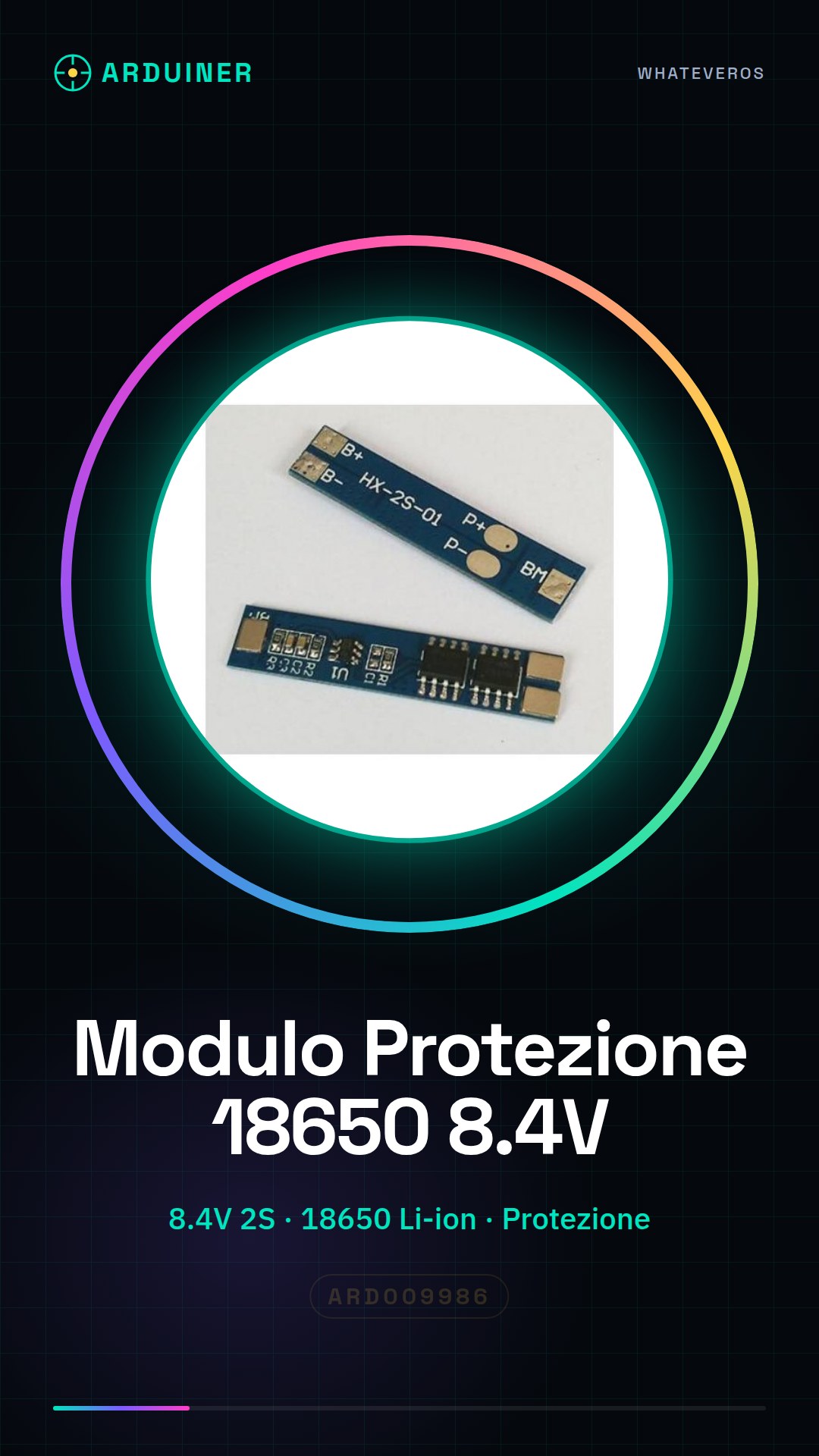
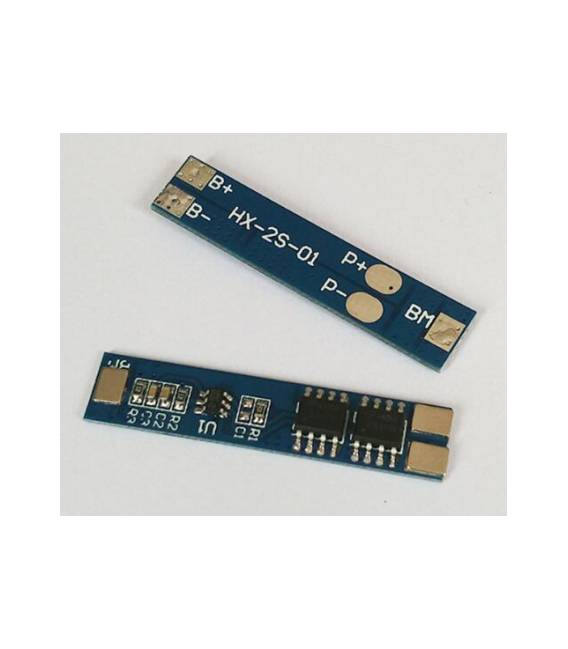
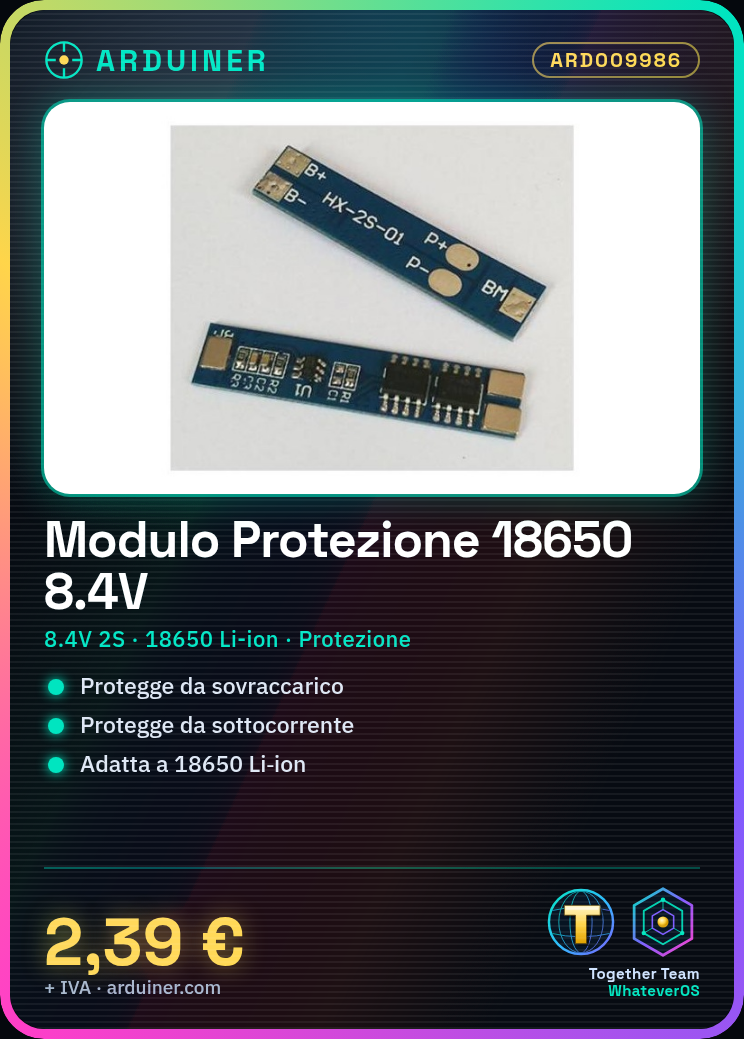
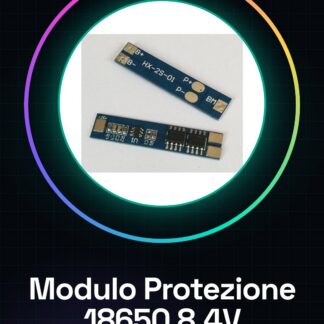
The battery protection module is an essential component for the safety of projects that use Li-ion batteries, such as those powered by two 18650 batteries. This module protects the batteries from overcharging and undercurrent.
Features
- Operating voltage: 8.4V / 7.4V (2S)
- Compatible battery: 18650 Li-ion
- Overcharge and undercurrent protection
- Maximum operating current: check datasheet
What it is for
Battery protection modules are ideal for beginner and intermediate makers working with portable devices or robots. You can use it to create a small LED flashlight powered by two 18650 batteries with protection, or connect it to an Arduino or ESP32 circuit to test it.
Tutorial: How to use 2S Battery Protection Module
The 2S battery protection module is essential to ensure the safety of your projects that use Li-ion batteries. It is ideal for beginner and intermediate makers working with portable devices or robots.
What you need
- Battery Protection Module 2S
- 18650 Battery x2
- Arduino Uno
- JST-XH Battery Head Connection
- Power Supply
Steps
- Connect the two 18650 batteries in series using the JST-XH battery head connection.
- Connect the positive and negative output terminals of the battery protection module to the positive and negative poles of the battery respectively.
- Connect the positive and negative poles of the battery protection module to a power supply or Arduino Uno to test its functions.
- Check that the battery protection module does not show signs of overcharge or excessive discharge during use.
- If necessary, use a multimeter to monitor the system voltage and current.
Mini project
Create a small LED flashlight powered by two 18650 batteries with protection. Connect the battery protection module to the circuit and test it.
Common mistakes
- Do not connect the batteries correctly.
- Ignore the voltage and current limits of the module.
- Use a non-insulated multimeter for measurement.
- Omit periodic temperature checks of the batteries.
Recommended accessories
- 18650 Battery
- JST-XH Battery Head Connection
- Digital Multimeter
- Battery Protection Kit
Frequently asked questions
What is the maximum current of the module?
Check the datasheet for the maximum current specification.
How can I test my battery protection module?
Connect it to the system and monitor the voltage and current levels with a multimeter.
Reviews
There are no reviews yet.