 EN
 IT Italiano
 ES Español
 FR Français
 DE Deutsch
Description
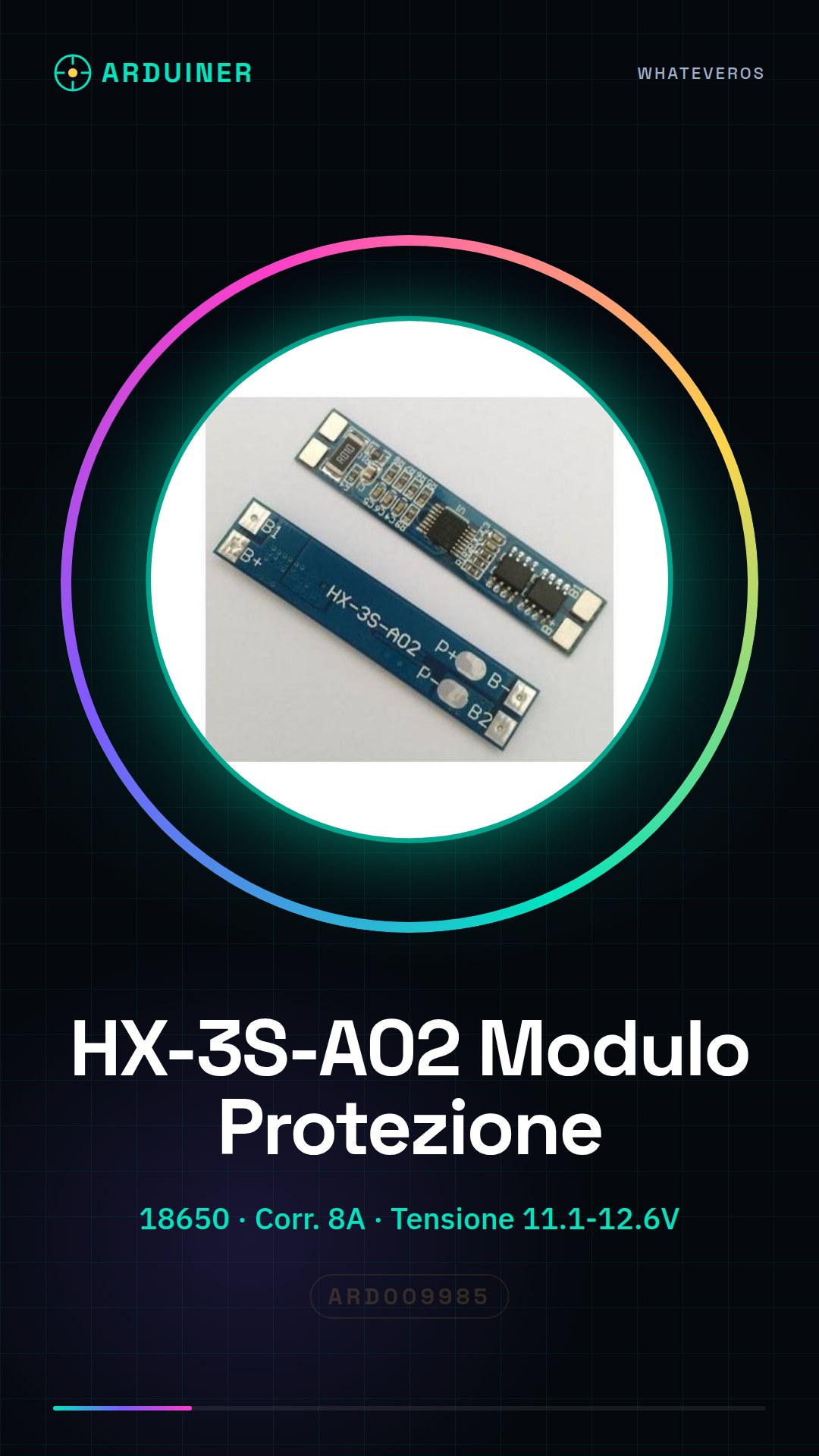
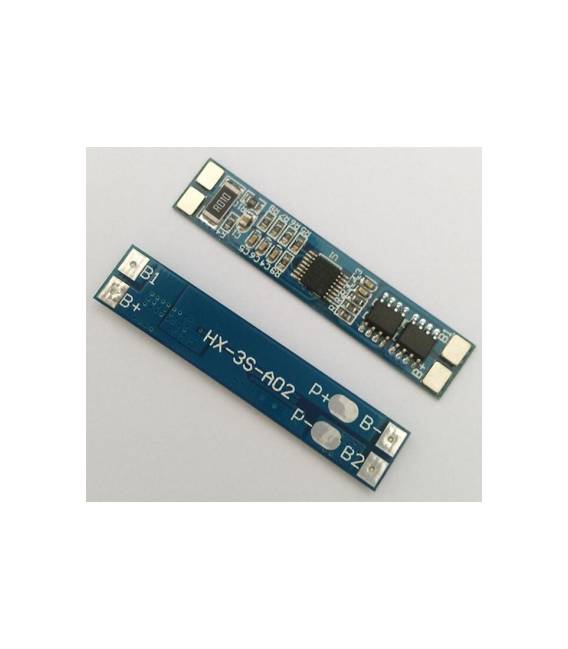
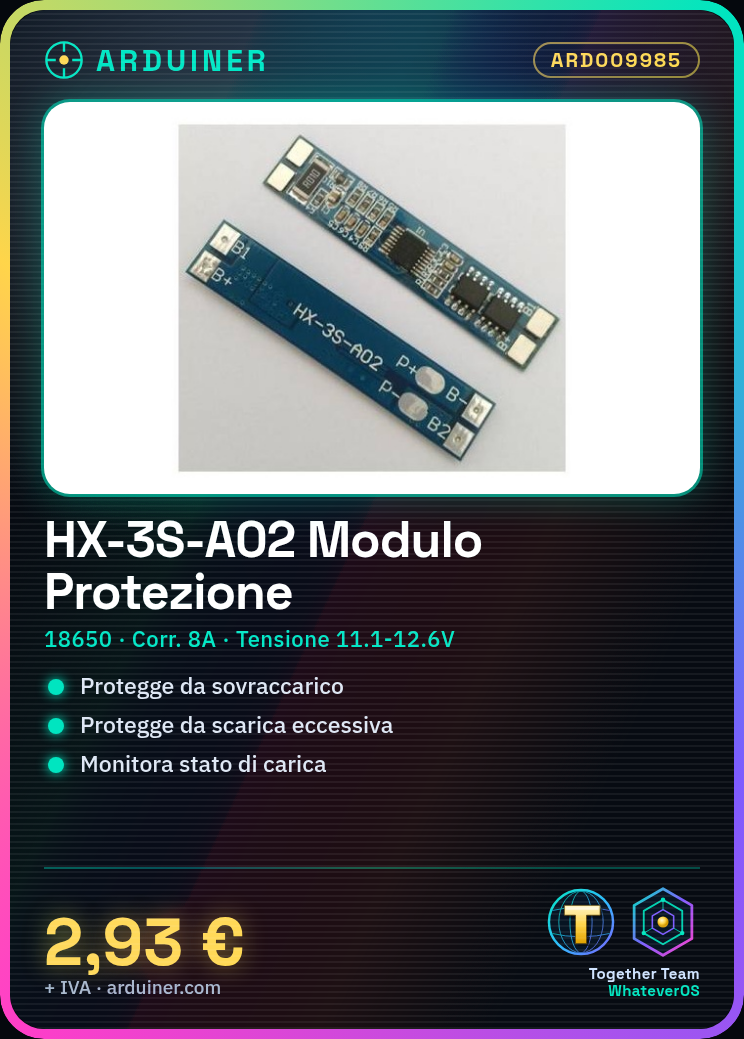
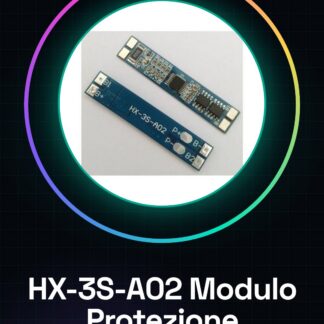
What is the Battery Protection Module HX-3S-A02? The HX-3S-A02 battery protection module is a critical component for ensuring safety and reliability in projects using Li-ion 18650 batteries. This module provides comprehensive protection against overcharging, excessive discharge, and other potentially harmful conditions.
Features:
– Compatible with 18650 batteries
– Operating range: 11.1V – 12.6V
– Maximum protection current: 8A
Why Use HX-3S-A02? Ideal for projects requiring secure battery management, such as Arduino or ESP circuits. Allows monitoring and protecting the battery’s charge state during use.
Tutorial: How to Use HX-3S-A02 The HX-3S-A02 module is perfect for safeguarding Li-ion 18650 batteries during charging and discharging processes. Useful for projects needing reliable protection.
What Do You Need?
– Li-ion 18650 Batteries
– Arduino Board
– Power Cable
Steps:
1. Ensure the HX-3S-A02 module is functioning (check datasheet).
2. Connect the module to the battery bus (3S) with dedicated cables.
3. Connect V+ and V- pins to the battery bus.
4. Connect GND pins to ground.
5. Connect SOH and Vout pins to your Arduino for health monitoring.
6. Connect CHG and DISCHG pins to your charging and discharging circuit.
7. Verify that S1-S3 pins are correctly connected to respective battery terminals.
8. Test the module’s functionality with a charge/discharge test.
Mini-project: Create a basic circuit with an Arduino, HX-3S-A02 module, and 18650 battery. Connect the module to the battery bus and Arduino for health monitoring.
Common Mistakes:
– Not testing the module before installation.
– Connecting the module without following correct configuration.
– Omitting pin verification during connection.
– Ignoring charging and discharging circuit setup.
Recommended Accessories:
– Li-ion 18650 Batteries
– Arduino Board
– Power Cable
– Multimeter
Frequently Asked Questions:
How can I verify the module’s functionality before connecting it? Check the datasheet or follow the test procedure provided by the manufacturer.
Which pins should be connected to my Arduino? Connect SOH and Vout pins to your Arduino for health monitoring and voltage readings.
Does the module work with non-18650 batteries? Verify compatibility on the datasheet.
Reviews
There are no reviews yet.