 EN
 IT Italiano
 ES Español
 FR Français
 DE Deutsch
Description
What it is
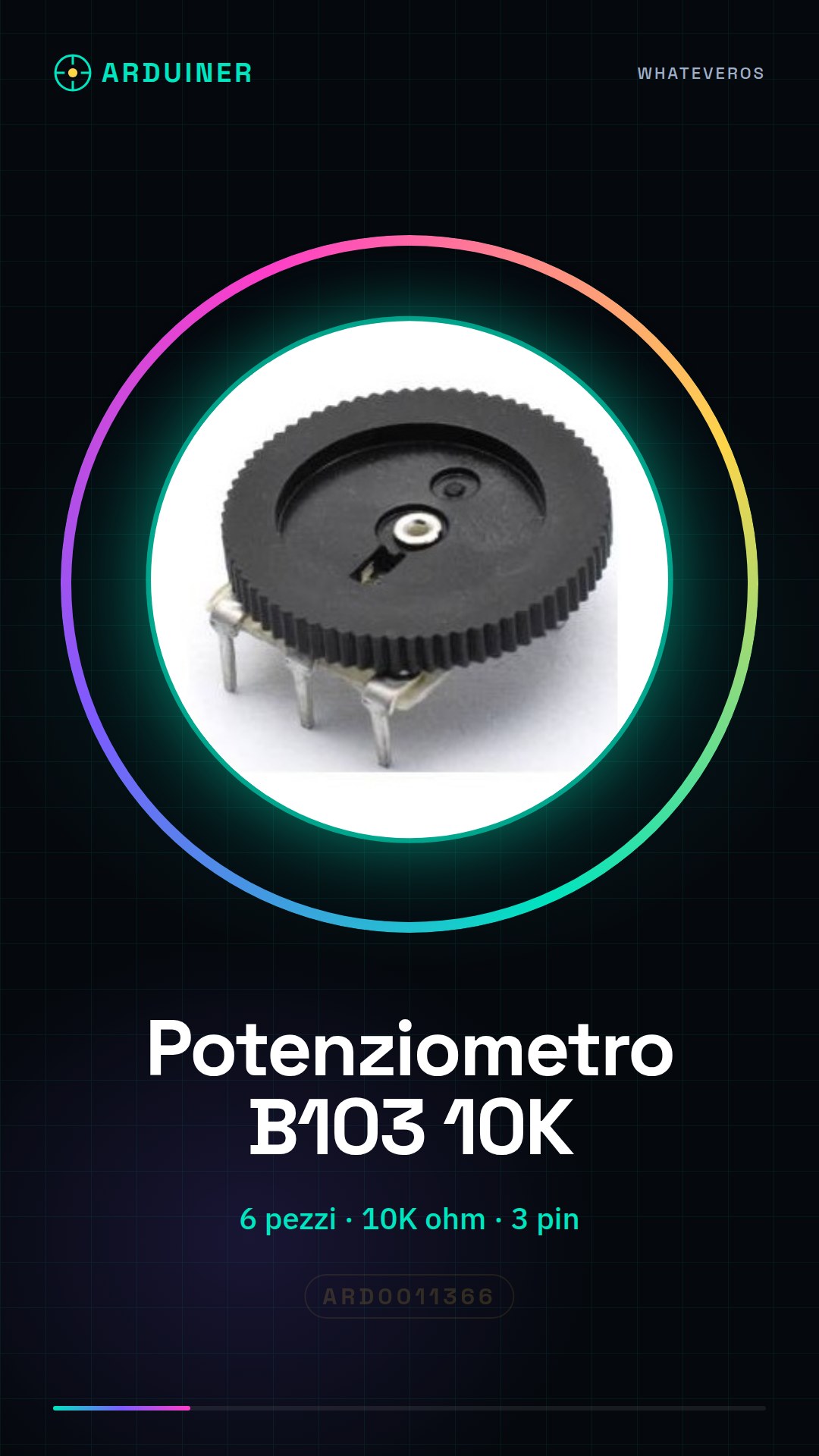
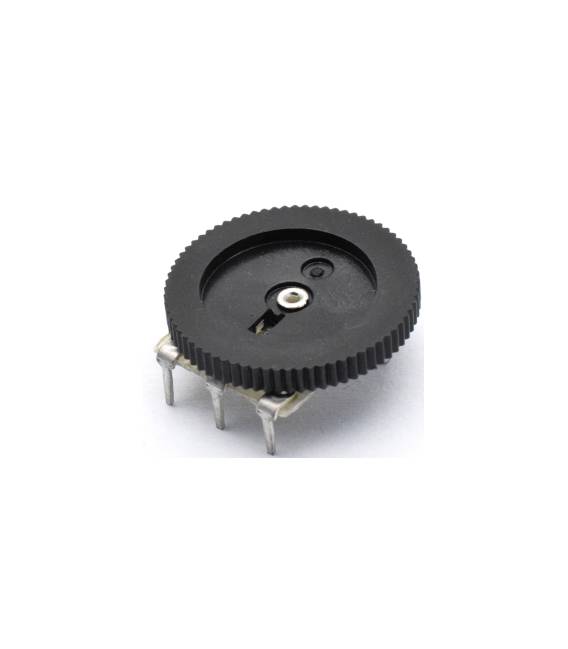
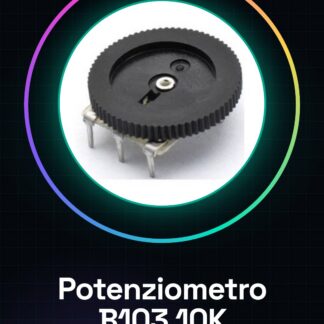
This product contains 6 pieces of double gang B103 10K potentiometer. A potentiometer is an electronic component used to adjust the flow of electric current. The double gang type offers two potentiometers in a single component.
Features
- 6 pieces
- Type: Double Gang Potentiometer
- Model: B103
- Value: 10K (10kOhm)
- Pins: 3
What it is for
Double gang potentiometers are ideal for adjusting volume, brightness, or any other analog variable in electronic projects. They are compatible with Arduino and other microcontrollers.
Tutorial: How to use Double Gang Potentiometer B103 10K
The double gang B103 10K potentiometer is an electronic component useful for adjusting volume, brightness, or any other analog variable. Ideal for Arduino and basic maker projects.
What you need
- Arduino Uno
- Test Connection
- Power Supply
Steps
- Connect the three pins of the double-ended potentiometer to a breadboard interface.
- Connect the breadboard interface to pin A0 of the Arduino for analog reading.
- Power the circuit with 5V and GND.
- Write and upload the Arduino sketch to read the values of the potentiometer.
- Monitor the Serial Monitor to see the read values of the potentiometer.
- Adjust the dial of the potentiometer to see how the values change in the Serial Monitor.
- Verify the proper functioning of the potentiometer and optimize the sketch if necessary.
- Disconnect the circuit properly to avoid electrical damage.
Example code
int val = 0;
void setup() {
  Serial.begin(9600);
}
void loop() {
  val = analogRead(A0);
  Serial.println(val);
}
Mini project
Create a volume control system for a speaker using the Arduino and the double-ended potentiometer as the control.
Common mistakes
- Do not connect the pins of the potentiometer correctly.
- Do not select the correct pin for analog reading.
- Do not verify the proper circuit power supply.
- Do not monitor the potentiometer values correctly in the Serial Monitor.
Recommended accessories
- Test Connections
- Speaker
- Arduino Uno
- Test Interface
Frequently asked questions
Which pins to use for the potentiometer?
Use pin A0 for analog reading, GND and 5V for power supply.
How to calibrate the potentiometer?
Adjust the potentiometer dial until you get the desired minimum and maximum value in the Serial Monitor.



Reviews
There are no reviews yet.