 EN
 IT Italiano
 ES Español
 FR Français
 DE Deutsch
Description
Tutorial: How to Use the DC Motor RF-500TB-12560-R
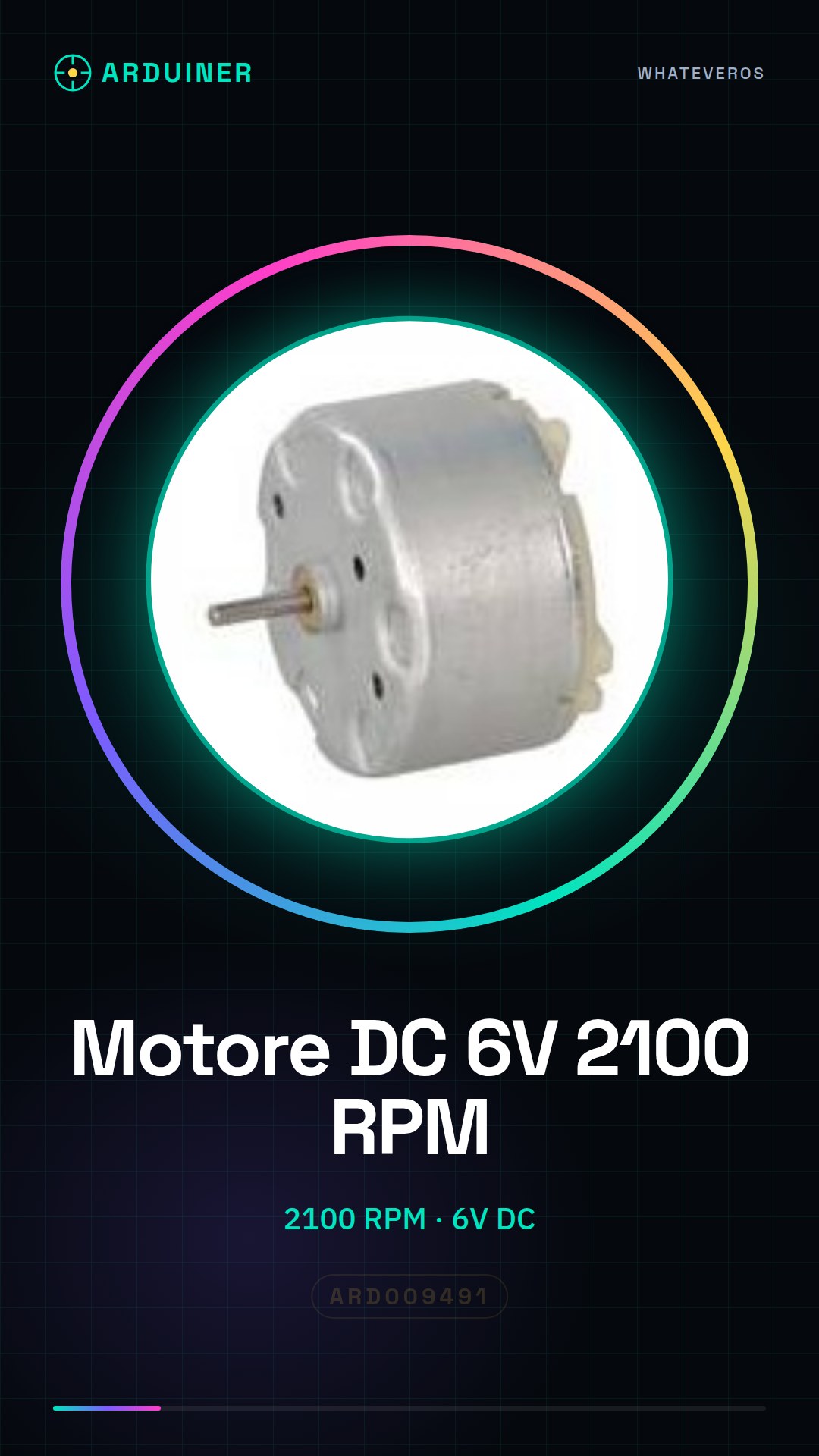
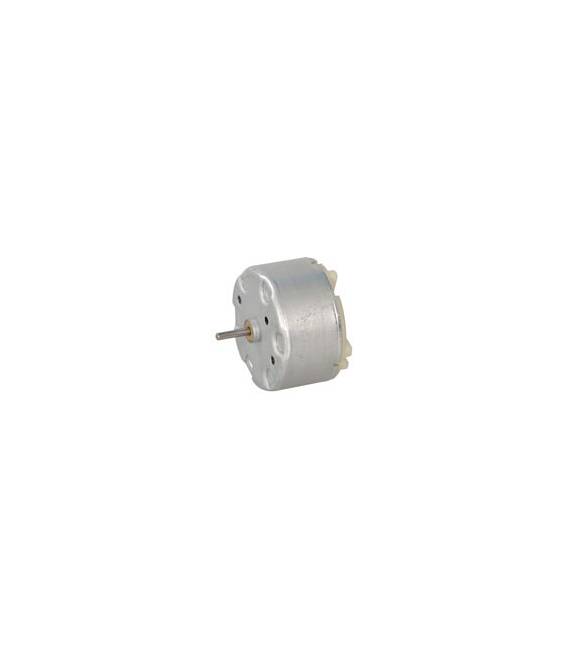
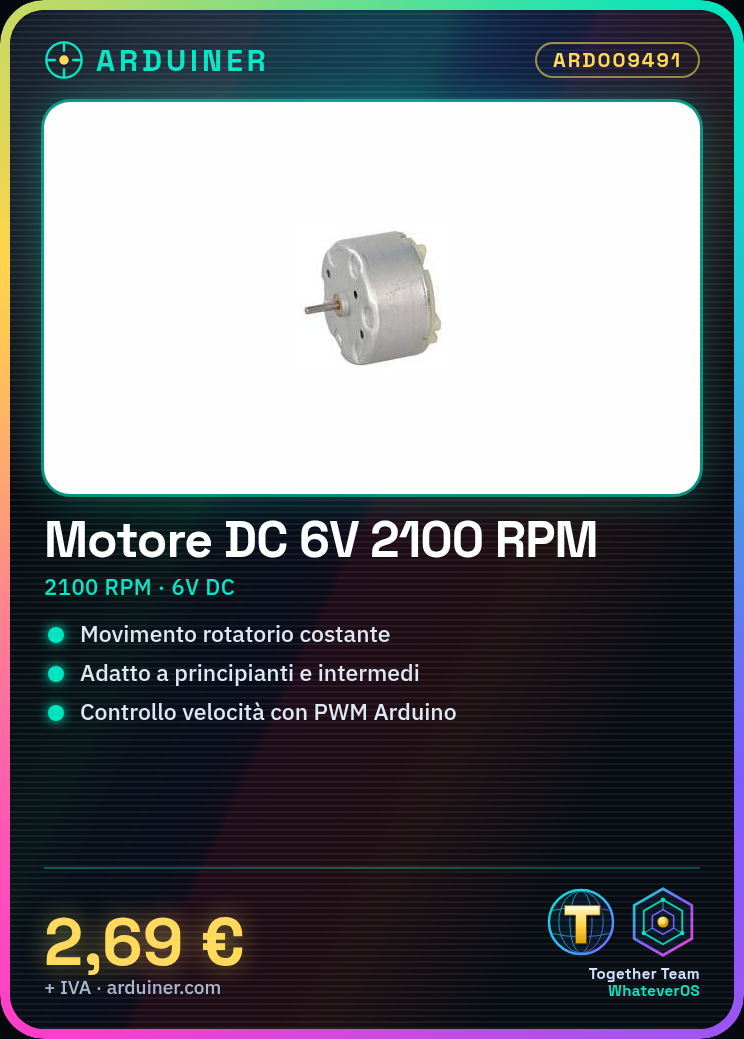
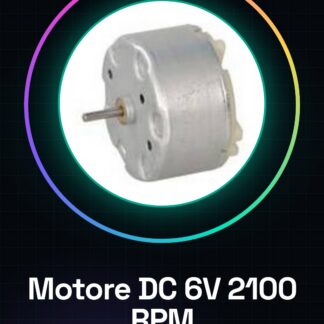
This 6V DC motor is ideal for projects requiring constant rotary motion. It is suitable for beginners and intermediates, both for experiments and small prototypes.
What you need
- Arduino Uno
- USB Connection
- Power Supply or Battery
Steps
- Check the operating voltage of the motor on the datasheet (check on the datasheet).
- Connect the Arduino Uno to the computer via USB connection.
- Connect the motor to the Arduino’s PWM output pin to regulate speed.
- Write and upload an Arduino sketch that turns the motor on and off or regulates its speed.
- Verify the motor’s power supply (verify on the datasheet).
- Test the motor’s operation with the uploaded sketch.
- If necessary, adjust the PWM values to achieve the desired speed.
- Explore further control models like PID if more precise control is desired.
Example code
void setup() {
  pinMode(9, OUTPUT);
}

void loop() {
  analogWrite(9, 128); // Imposta la velocità del motore (valori da 0 a 255)
}
Mini project
Create a simple robot prototype that moves forward and backward using two similar DC motors connected to PWM.
Common mistakes
- Connect the motor directly to a digital pin without adjusting the speed.
- Do not check the motor power supply before using it.
- Use a PWM value that is too high, damaging the motor or the Arduino.
Recommended accessories
- DC Power Supply for Arduino (ARD009456)
- Electrical Connections (ARD009478)
- 3D Print Prototype to support the motor (ARD009421)
Frequently asked questions
How powerful is this motor?
Check the datasheet for the maximum power.
Can it be used with an Arduino Nano?
Yes, but make sure the power supply is adequate and the connection is correct.
Reviews
There are no reviews yet.