 EN
 IT Italiano
 ES Español
 FR Français
 DE Deutsch
Description
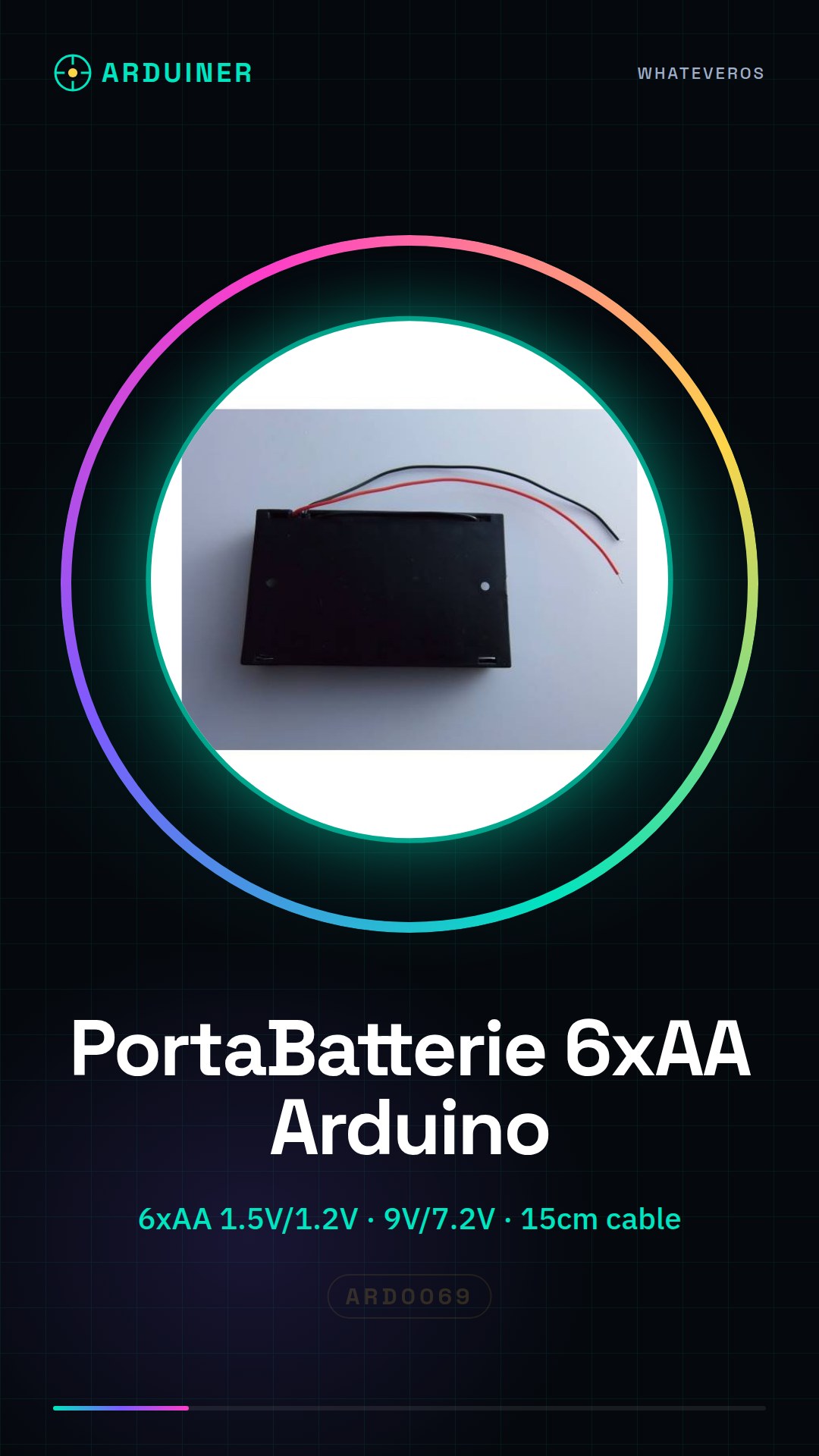
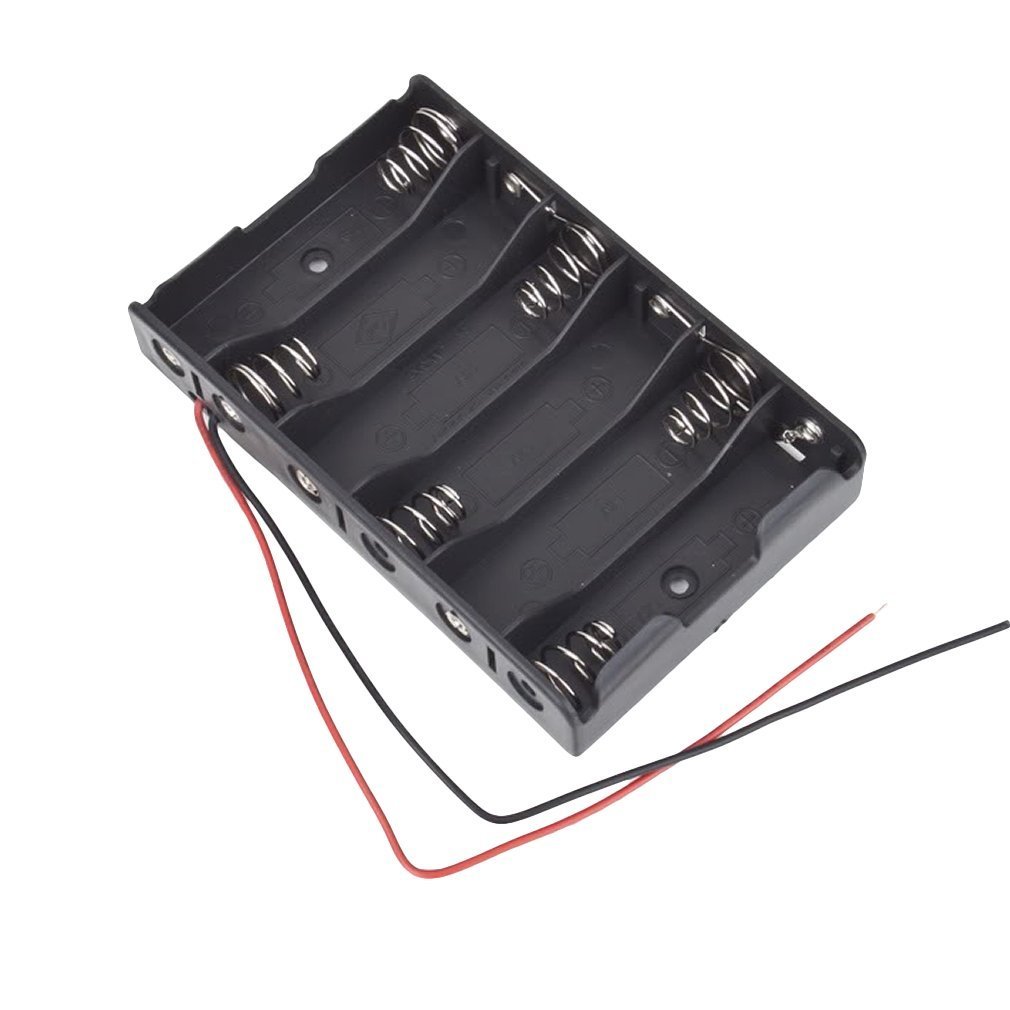
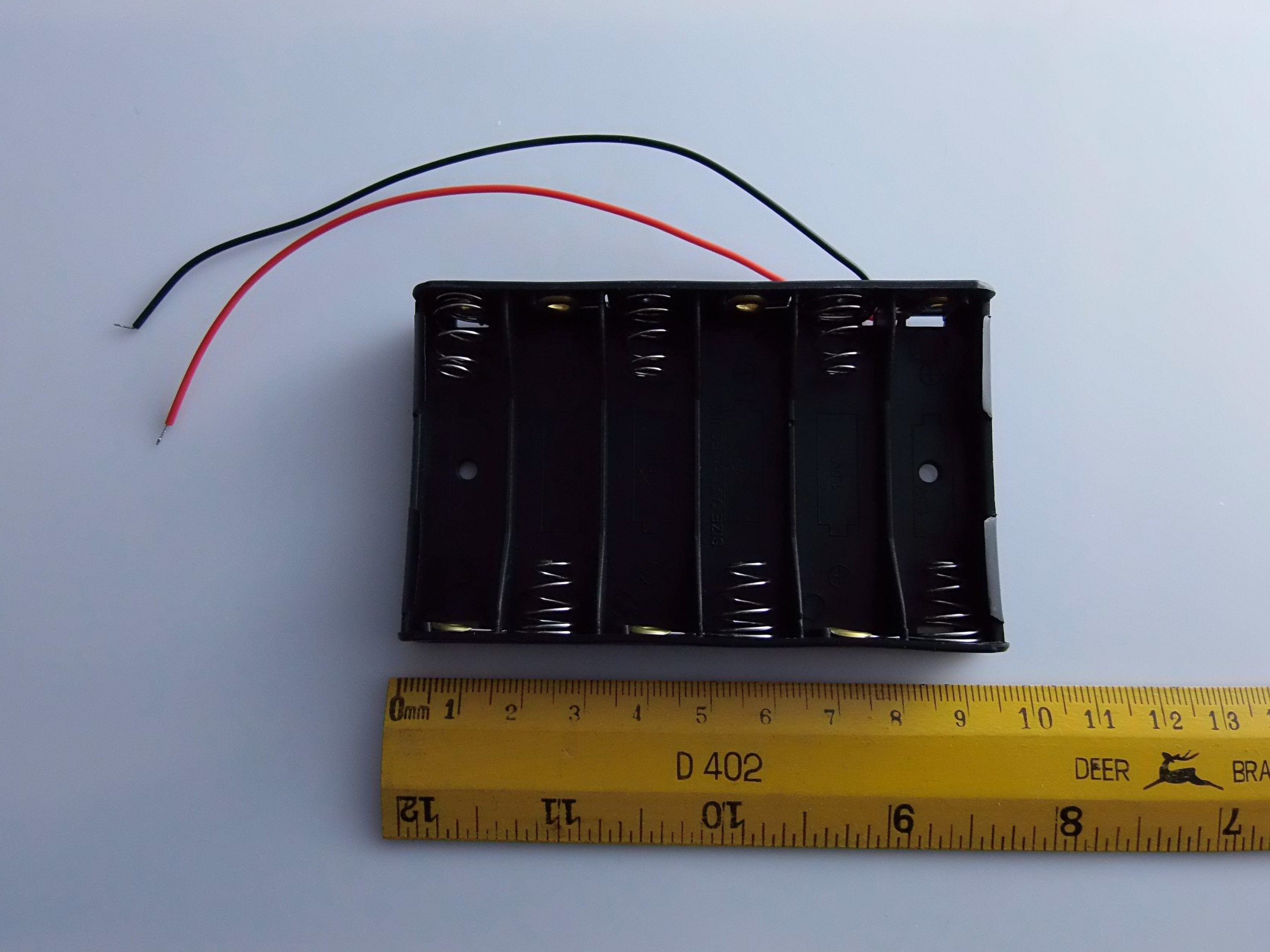
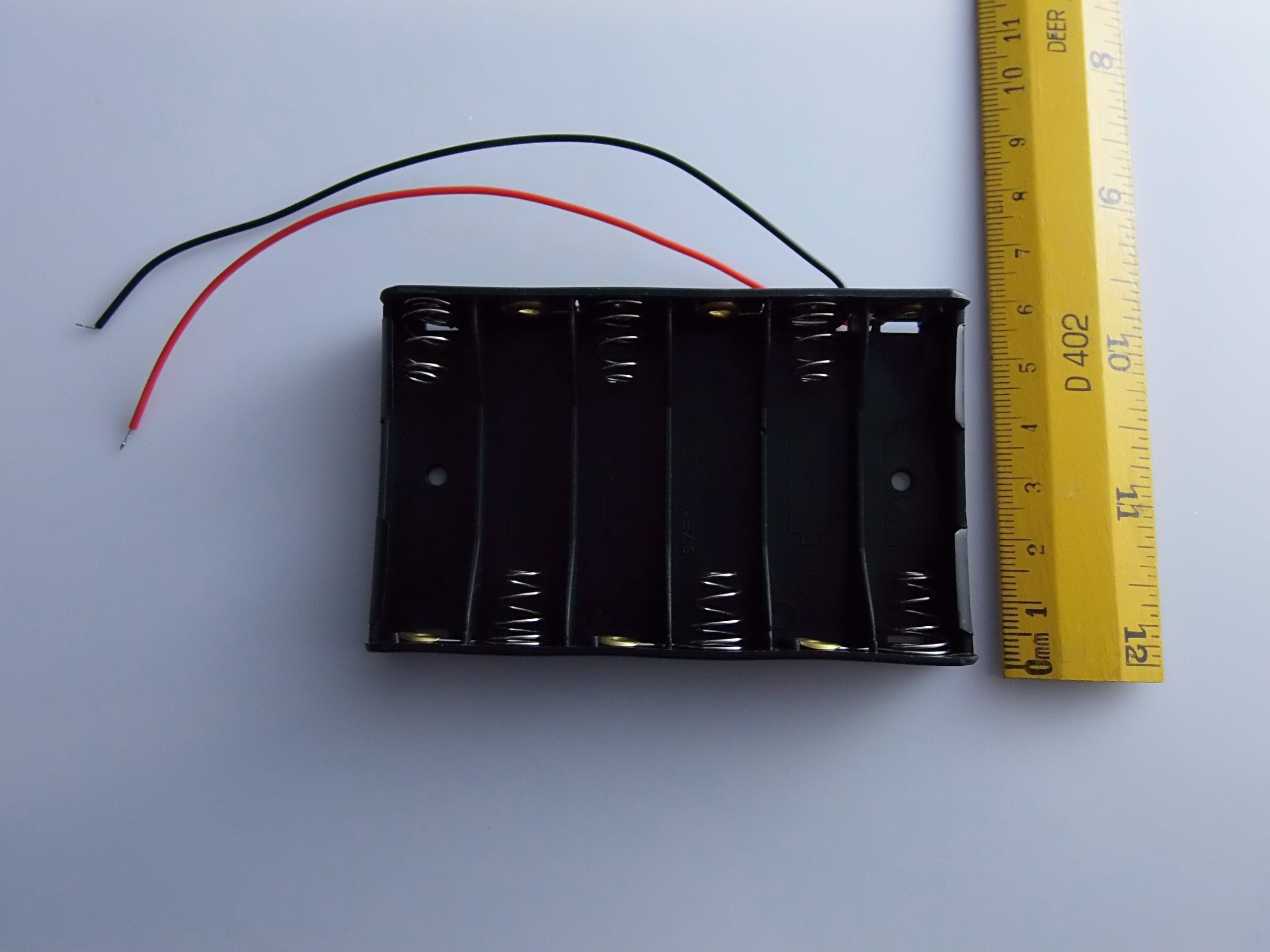
🔋 AA Battery Holder Module for Arduino with DC Power Plug
✅ General Description
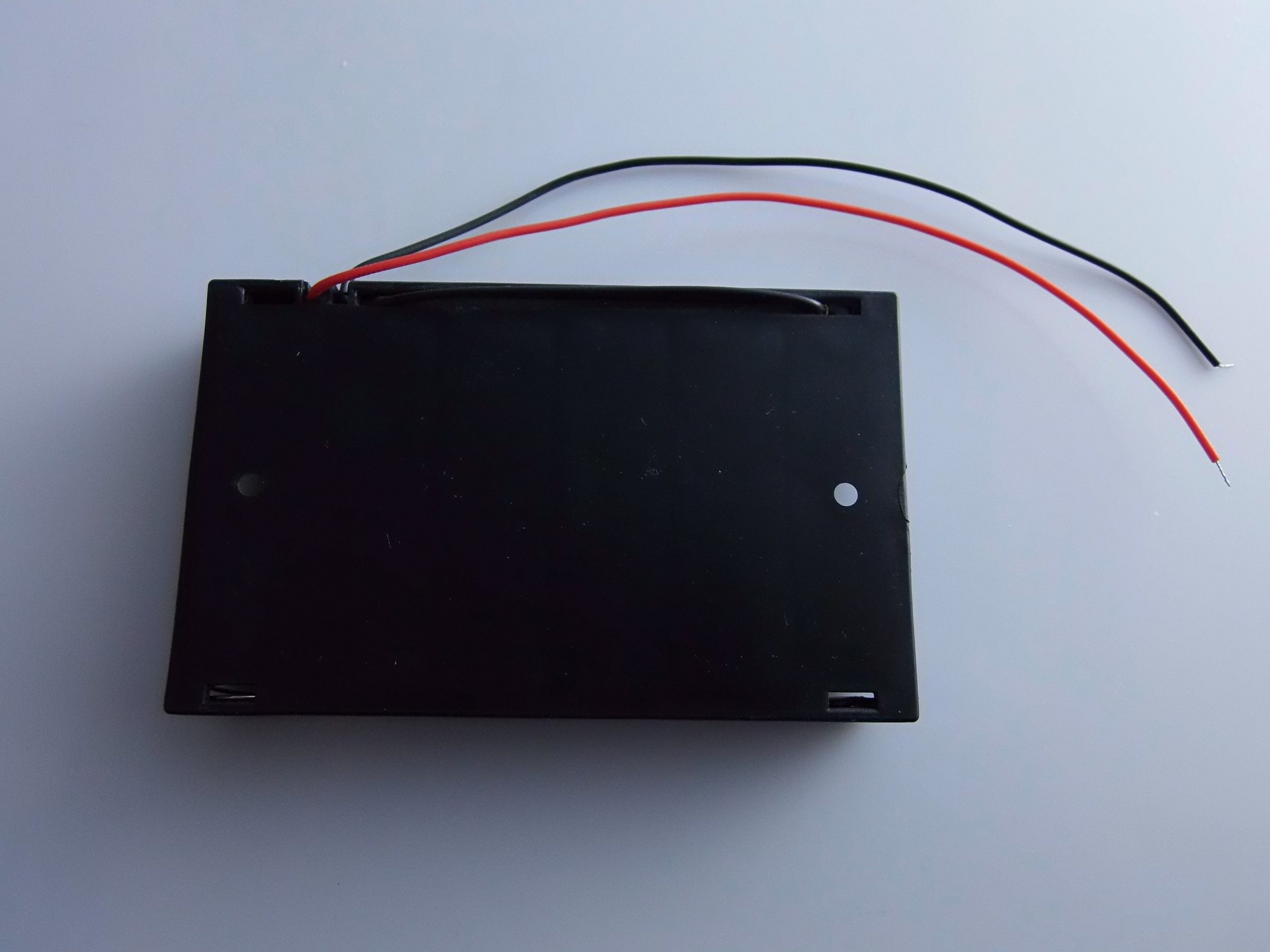
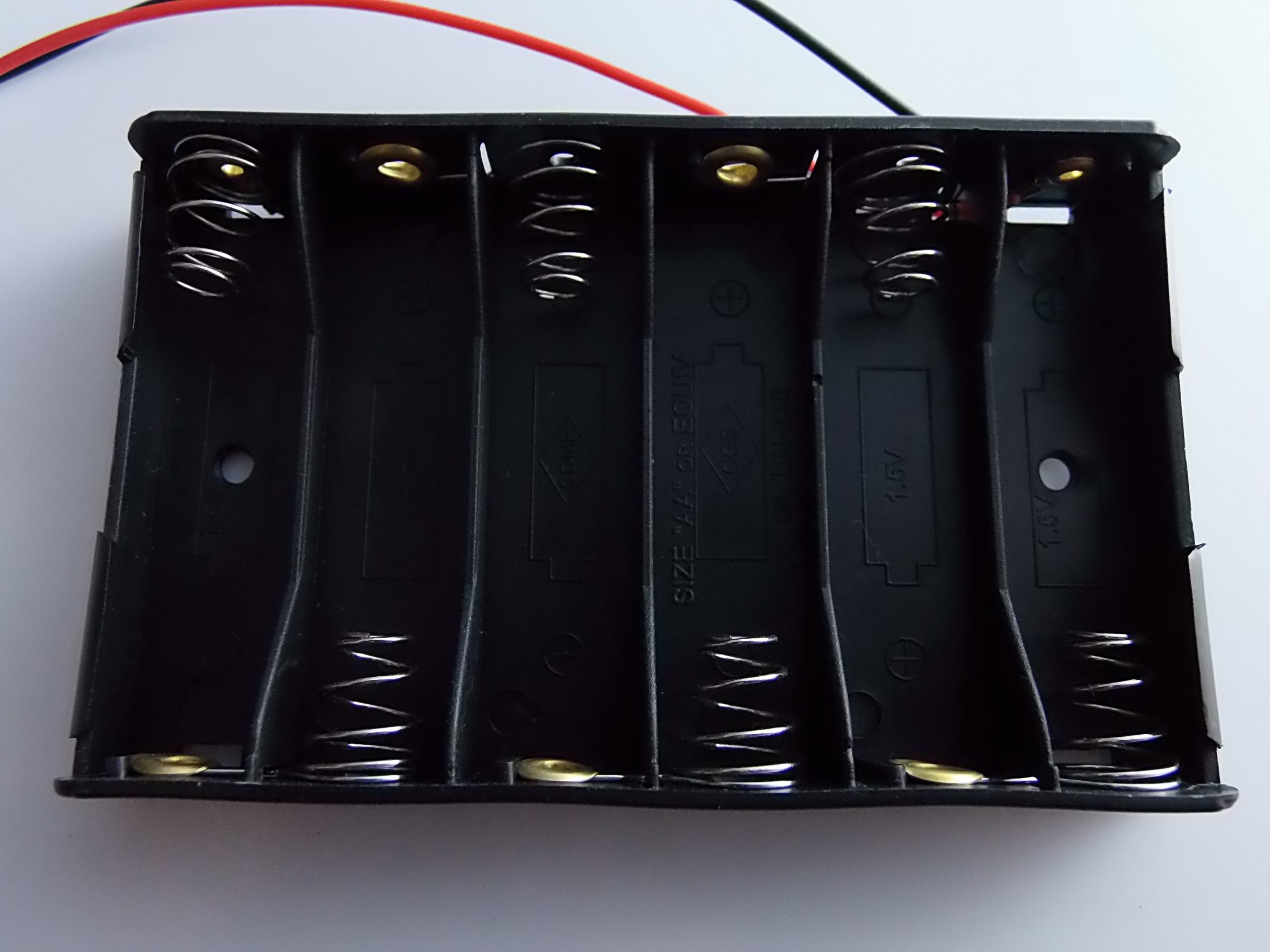
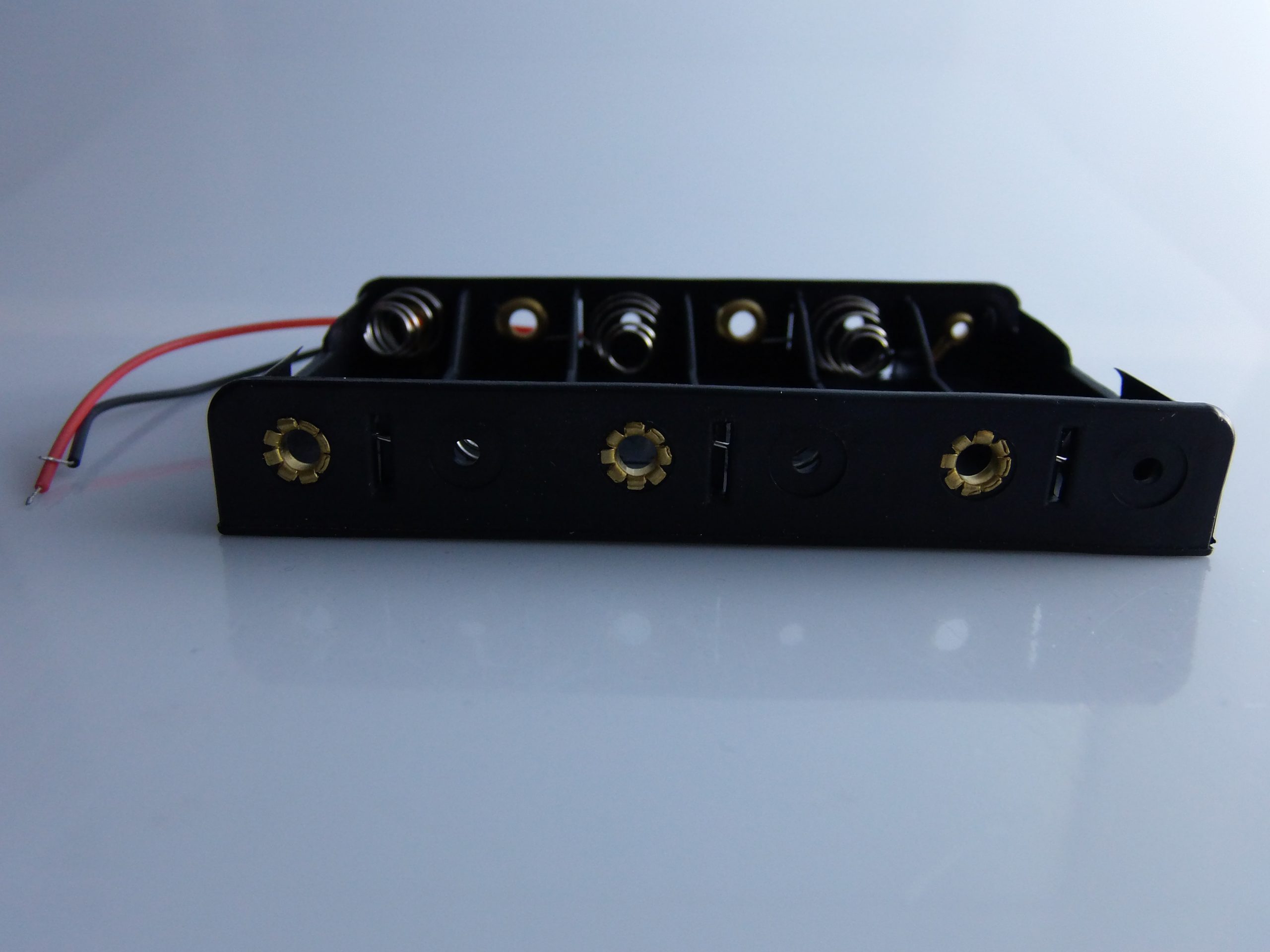
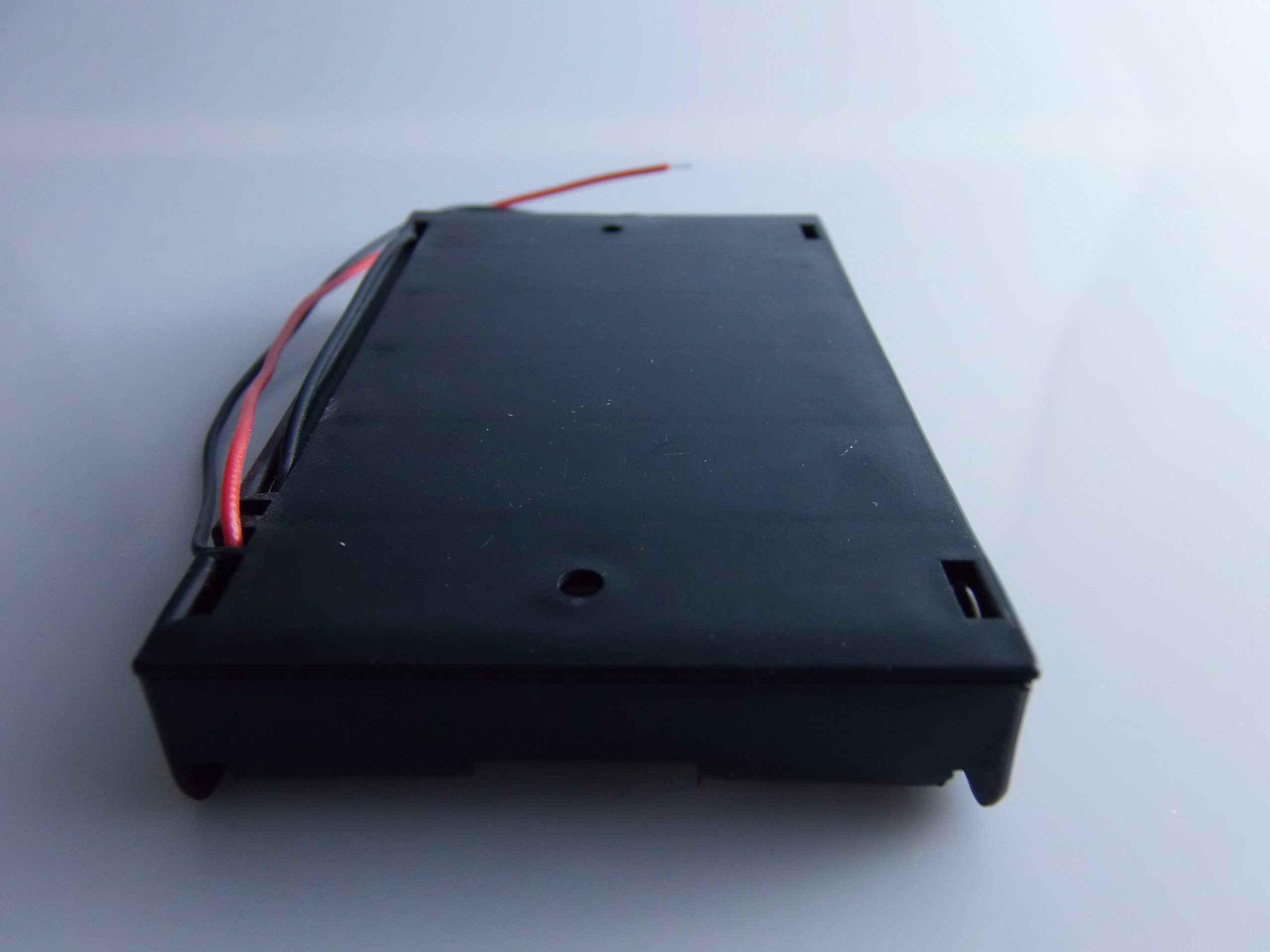
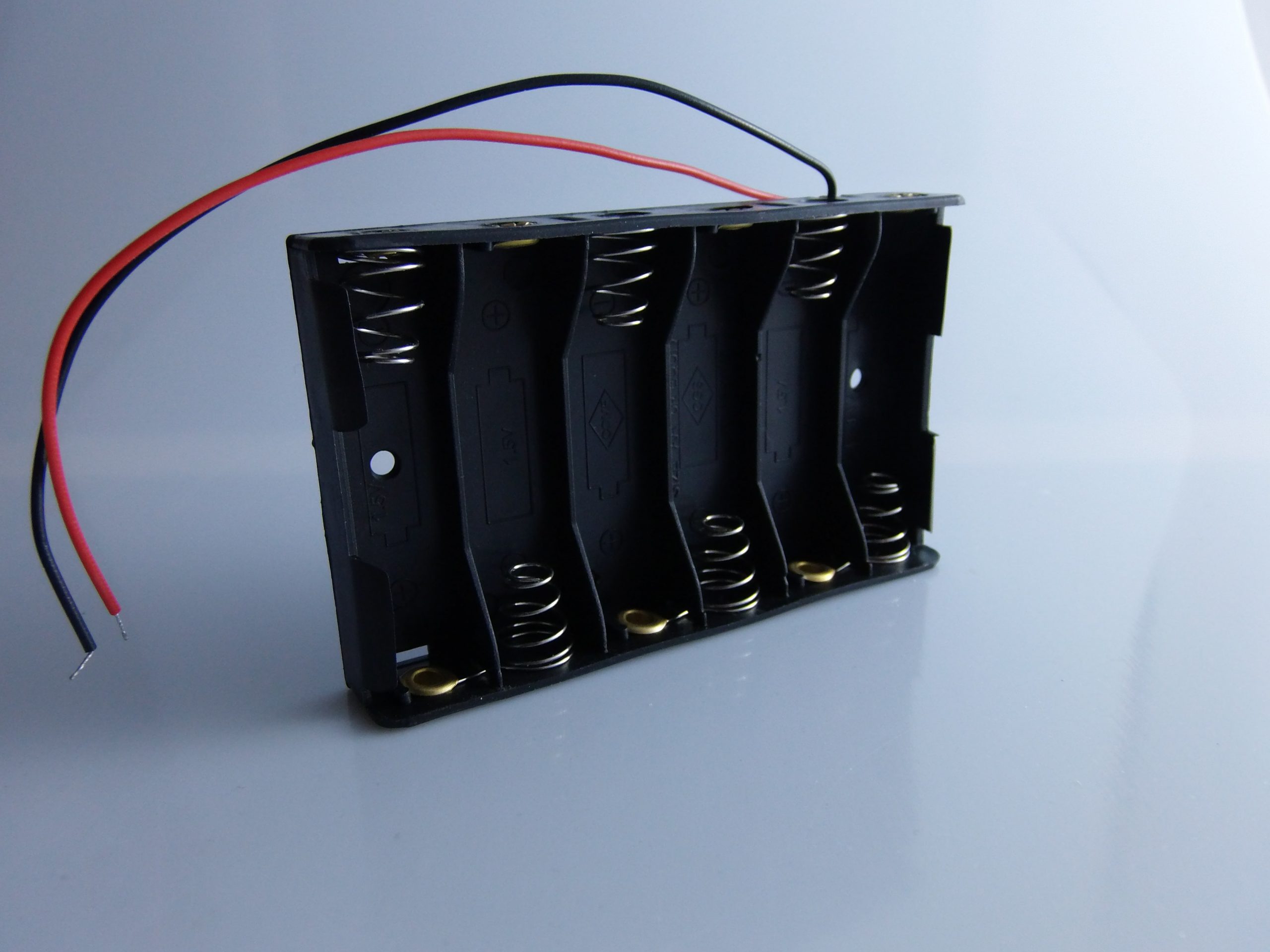
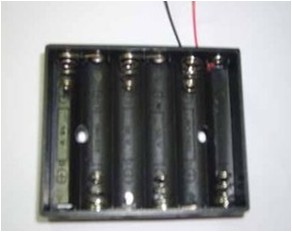
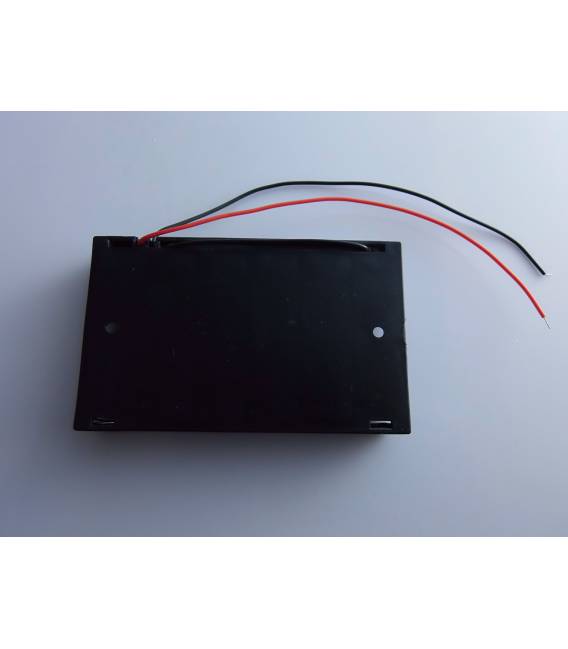
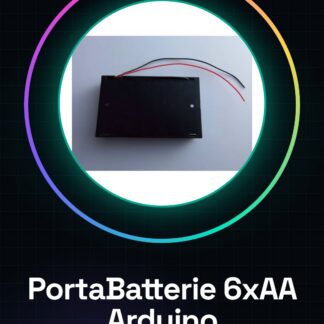
The AA battery holder is a container for six AA batteries that provides portable and autonomous power supply for projects based on Arduino, ESP32, Raspberry Pi and other microcontrollers. It features a DC jack connector (typically 5.5 mm x 2.1 mm) compatible with the standard power plug of Arduino Uno, Mega and similar boards.
⚙️ Technical Specifications
| Feature | Specification |
|---|---|
| Supported Battery Type | 6 x AA 1.5V (alkaline) or 1.2V (NiMH) |
| Output Voltage | 9V with alkaline batteries (1.5V x 6) 7.2V with rechargeable batteries (1.2V x 6) |
| Maximum Current | Depends on the batteries (typ. 1-2A) |
| Output Connector | 5.5 mm x 2.1 mm DC plug male |
| Cable Length | Approximately 15-20 cm |
| Compatibility | Arduino Uno, Mega, Leonardo, portable projects |
🧰 Advantages
- ✅ Mobile power supply for projects in environments without electricity.
- ✅ Compatible with Arduino through the power jack (barrel connector).
- ✅ Can replace a 9V wall adapter.
🧪 Usage Guide with Arduino
🔧 Connection
- Insert 6 AA batteries into the battery holder, ensuring correct polarity.
- Connect the DC jack of the battery holder to the barrel jack on the Arduino (available on Uno, Mega, Leonardo).
- Arduino will detect the voltage (7–9V) and internally regulate it to 5V through its voltage regulator.
🛑 Do not manually connect the battery holder cable to the “VIN” and “GND” pins, unless you know what you are doing. Use the DC connector.
⚠️ Important Warnings
- ✅ Do not exceed 9V at input. Some regulators on Arduino can get very hot and may be damaged with too high voltages.
- ❌ Do not connect the battery holder and the PC USB simultaneously: the protection diode handles priority, but it is better to avoid it if not necessary.
- 🔋 Check the battery status: if the total voltage drops below 6V, Arduino may not function properly.
💡 Usage Examples
🔌 Example 1: Outdoor Project with Temperature Sensor
Component: Arduino + DHT11 sensor + battery holder
- Arduino reads temperature and humidity from the sensor.
- The battery module powers the Arduino for use in the garden or greenhouse.
🔋 Example 2: Autonomous Robot
Component: Arduino + motor driver + servos + battery holder
- The module provides power to the motor system and Arduino.
- It is recommended in this case to power motors and Arduino separately with a common GND line.
🧑💻 Programming Guide (Arduino)
The battery holder does not require programming, but serves as an autonomous power source. However, you can use the code to check the residual voltage of the batteries.
📜 Code: Reading voltage on analog pin
You can read the battery voltage using a voltage divider:
🧰 Connection (requires additional hardware)
- Use two resistors (e.g., 10kΩ + 10kΩ)
- V_in (after the DC jack) → voltage divider → analog pin A0
📄 Code
const int pinTensione = A0;

void setup() {
 Serial.begin(9600);
}

void loop() {
 int valoreADC = analogRead(pinTensione);
 float tensione = valoreADC * (5.0 / 1023.0) * 2; // moltiplica per 2 per il partitore 1:1
 Serial.print("Tensione batterie: ");
 Serial.print(tensione);
 Serial.println(" V");
 delay(2000);
}
ℹ️ You can use this code to turn off the pump or a module if the voltage drops too low, preventing deep discharge of rechargeable batteries.
📚 Common Applications
- 🌿 Agricultural monitoring projects
- 🤖 Mobile robotics
- 🧪 Outdoor school experiments
- 🎡 Temporary art installations
- 📦 Portable prototypes
✅ Conclusion
The 6 x AA battery holder with DC connector It is a simple and effective solution for powering Arduino and embedded projects in environments without network power. It is ideal for:
- Mobile or outdoor projects
- Temporary solutions
- Low-cost experimentation
|
GENERAL |
MODEL |
K1209006 |
|
MATERIALS |
abs |
|
|
COMPATIBILITY |
ARDUINO |
|
|
ELECTRICAL COMPONENTS |
INPUT VOLTAGE |
3,3 – 5 V |
|
WEIGHT AND DIMENSIONS |
10g |
|
|
PACKAGE WEIGHT |
0,126 kg |
|
|
PACKAGE DIMENSIONS (L x L x A) |
7x 5 x 3 cm |
|
| PRODUCT CONTENT |
PRODUCT CONTENT |
1 x Module |
We have available the technical specifications of all components, should it not be present in the product download card, send us a message via the contact form and we will publish it as soon as possible on our website.
Tutorial: How to Use AA Battery Case for Arduino
The AA Battery Case is a practical device that allows you to power your Arduino project with alkaline batteries. Ideal for makers who want to take their devices out of the workbench, making mobility and independence from the power outlet a reality.
What you need
- 6 AA batteries
- Arduino Uno or compatible
- Connections to the circuit
Steps
- Insert 6 AA batteries into the battery case, verifying the correct polarity.
- Connect the battery case connector to the Arduino board using the VCC and GND pins.
- Check that the Arduino powers up correctly with battery power.
- If necessary, add a schottky diode to protect the power supply (check the datasheet).
- Test the project functionality without being connected to the electrical grid.
Mini project
Create a mobile weather station powered by batteries. Connect a temperature, humidity, and RGB LED light sensor that changes color based on the data collected.
Common mistakes
- Inserting batteries with reversed polarity
- Incorrect connection between the case and Arduino
- Using discharged or incompatible batteries
Recommended accessories
- Temperature and Humidity Sensors DHT11
- RGB LED controlled by Arduino
- Protective Case for Arduino Uno
Frequently asked questions
My project does not power up with batteries.
Check the battery polarity and correct connection between the case and Arduino.
Can I use other types of batteries?
Yes, but check the datasheet to make sure they are compatible with your project.
Reviews
There are no reviews yet.