 EN
 IT Italiano
 ES Español
 FR Français
 DE Deutsch
Description
What it is
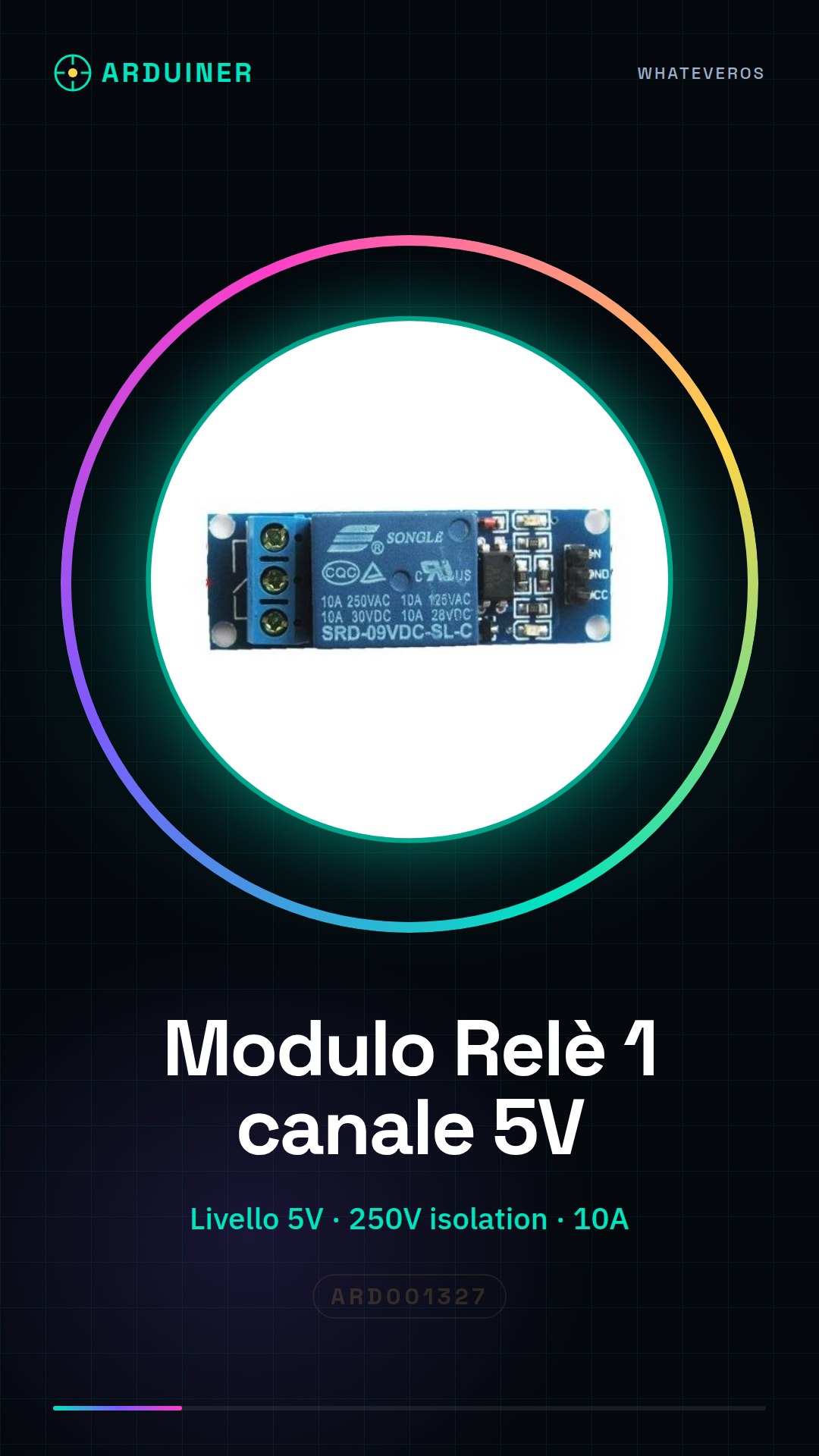
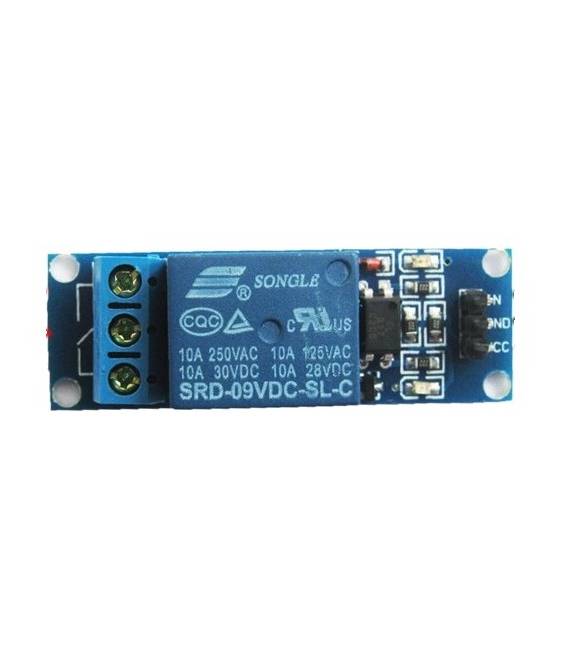
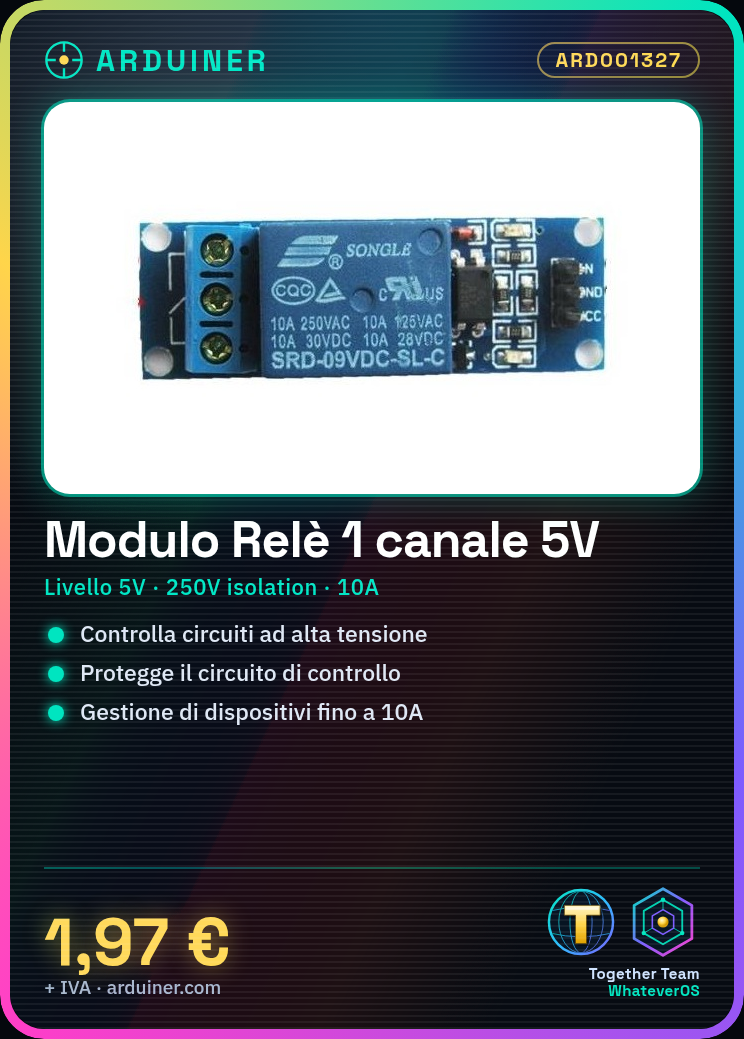
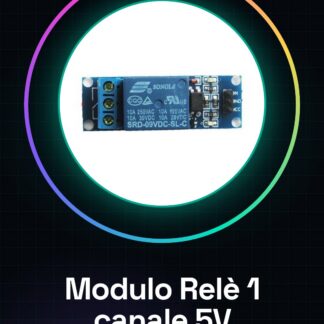
The 1 Channel 5V High Level Optoisolated 250V 10A Relay Module for Arduino is an electronic component that allows controlling high voltage and current circuits through a low-level signal (5V) from a microcontroller like Arduino. The optoisolation ensures the safety of the control circuit.
Features
- 1 relay channel
- Input level 5V
- Isolation voltage 250V
- Maximum current 10A
- Compatible with Arduino
What it is for
This module is useful for controlling high voltage and current devices, such as lamps, motors, or solenoids, from a low-level circuit like an Arduino. It can be used to create control circuits, security systems, or home automation.
Tutorial: How to use the 1 Channel 5V Relay
The 5V 1 channel relay is ideal for protecting your Arduino circuits from dangerous electrical currents. Useful for those working with low and high-level electrical devices.
What you need
- Arduino
- 5V Power Supply
- Connection Cable
- Electrical Component to Control
Steps
- 1. Mount the relay on a protoboard or breadboard.
- 2. Connect the VCC of the relay to the 5V of the Arduino.
- 3. Connect the GND of the relay to the GND of the Arduino.
- 4. Connect pin 5 of the relay to pin 11 of the Arduino.
- 5. Connect pin 6 of the relay to an electrical component (e.g., light bulb).
- 6. Connect pin 7 of the relay to GND.
- 7. Load the Arduino code.
- 8. Check the maximum current of the electrical component.
Example code
```
int relayPin = 11;
void setup() {
  pinMode(relayPin, OUTPUT);
}
void loop() {
  digitalWrite(relayPin, HIGH);
  delay(5000);
  digitalWrite(relayPin, LOW);
  delay(5000);
}
```
Mini project
Turn a light bulb on/off with a button.
Common mistakes
- Connect the relay directly to a power supply without going through the Arduino.
- Ignore the electrical protection of the relay.
- Use non-5V compatible Arduino pins.
- Omit the verification of the maximum current of the component.
Recommended accessories
- Button
- Light bulb
- Connection wire
- Breadboard
Frequently asked questions
Which Arduino pins can I use?
Use digital pins compatible with 5V, such as 2, 3, 4, 5, 6, 7, 8, 9, 10, 11, 12, 13.
Can I connect multiple relays?
Yes, but make sure to use different pins and do not exceed the current limit of the Arduino.
Does the relay work with Arduino UNO?
Yes, the 1 channel 5V relay works with Arduino UNO.
Can I connect the relay directly to a power supply?
No, connect the relay to the Arduino to protect the circuit.
Reviews
There are no reviews yet.