 EN
 IT Italiano
 ES Español
 FR Français
 DE Deutsch
Description
What it is
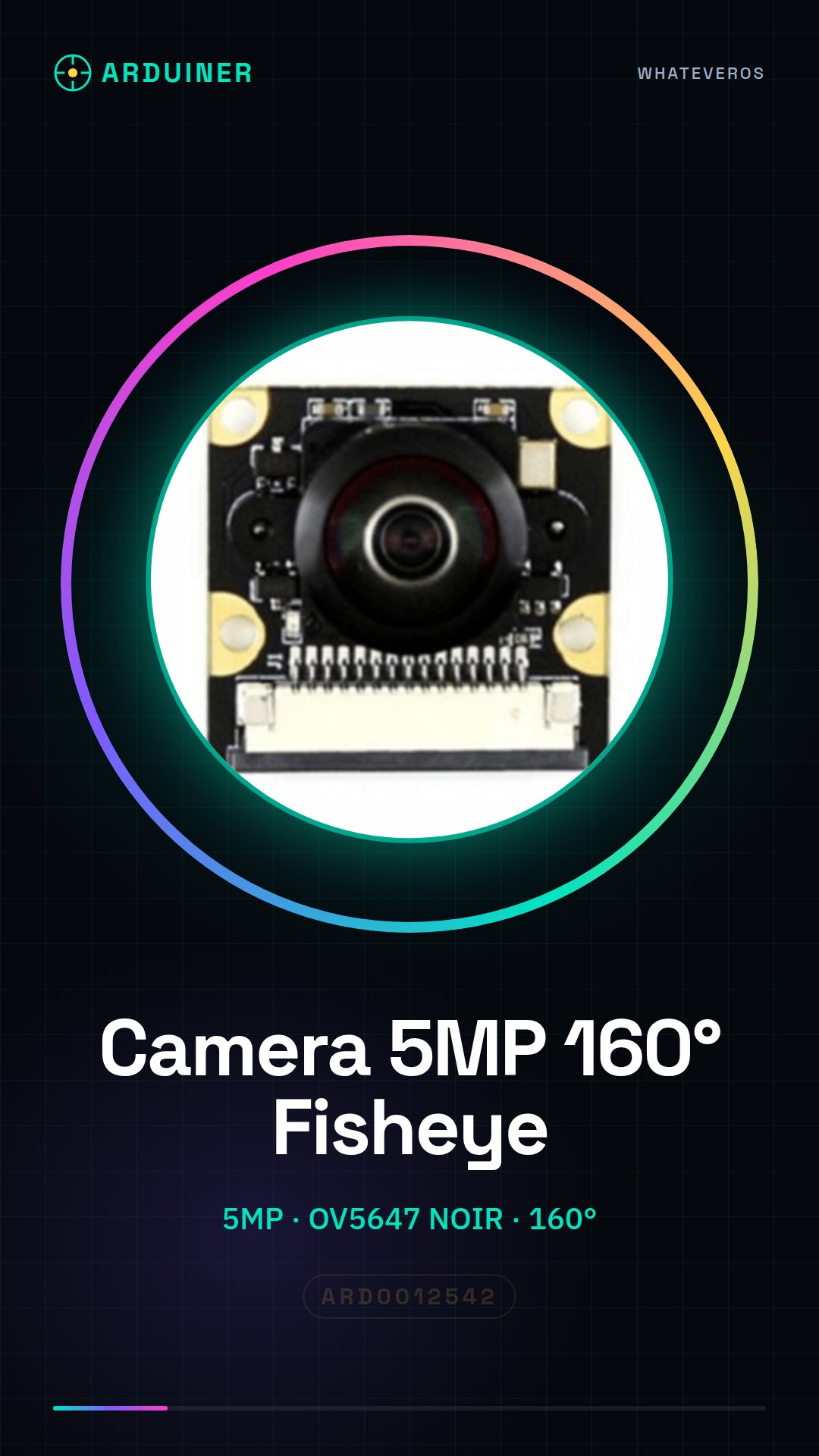
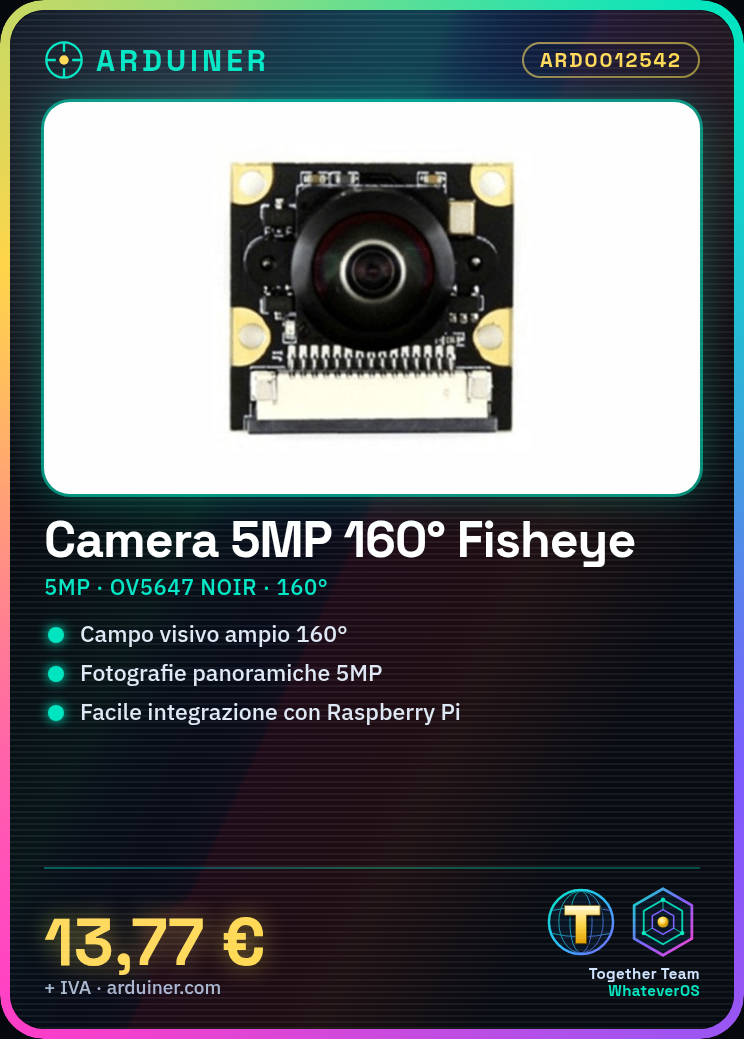
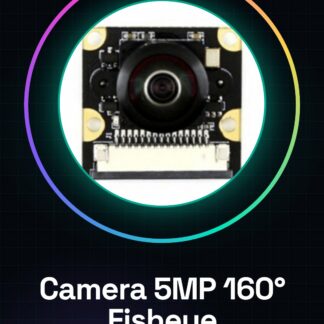
The 5MP OV5647 NOIR Fish-eye Lens Camera is a device designed for use with Raspberry Pi. This camera offers a wide 160° field of view, ideal for applications requiring a panoramic or 360-degree view.
Features
- Resolution: 5MP
- Sensor: OV5647 NOIR
- Field of view: 160°
- Lens: fish-eye
- Compatible with Raspberry Pi
What it is for
This camera is ideal for panoramic photography projects, 360-degree vision systems, and home security systems. With a wide field of view, it is useful for acquiring panoramic images without the need for complex software. It is compatible with Raspberry Pi and can be integrated into artificial vision projects.
Tutorial: How to Use the 5MP OV5647 NOIR 160° Wide-angle Camera with Fish-eye Lens for Raspberry Pi
This 5MP OV5647 NOIR fisheye camera is ideal for panoramic photography and 360-degree vision projects. It is perfect for makers working with Raspberry Pi who want to capture panoramic images without having to use complex software.
What you need
- Raspberry Pi
- SD Card with Raspbian installed
- Micro USB cable
- RCA or CSI cable (check the datasheet)
Steps
- Install Raspbian on an SD Card and connect it to the Raspberry Pi
- Connect the camera to the Raspberry Pi via the appropriate cable
- Access the Raspberry Pi via SSH or console
- Install the camera drivers with the command ‘sudo apt-get install raspberrypi-still-camera’ (check the datasheet)
- Verify the camera configuration in ‘raspi-config’ -> ‘Optional interfaces’ -> ‘Camera’ (check the datasheet)
- Test the camera with the command ‘raspistill -o photo.jpg’ (check the datasheet)
- Configure the fisheye lens to achieve the desired panorama (check the datasheet)
- Install image processing software if necessary (check the datasheet)
Example code
raspistill -o foto.jpgMini project
Create a home security system that takes panoramic photos every time a motion detector is triggered (check the datasheet)
Common mistakes
- It is not possible to access the camera after installation
- The panorama is not correct
- The image processing software does not work correctly
- Connection issues between the camera and the Raspberry Pi
Recommended accessories
- PIR motion detector
- Portable batteries for Raspberry Pi
- HDMI cable
- USB power supply for Raspberry Pi
Frequently asked questions
How can I check if my Raspberry Pi supports this camera?
Check the documentation of the Raspberry Pi model you are using to verify compatibility.
Which software is supported by this camera?
Raspbian and other Linux-based operating systems that support the V4L2 library.
Can I use this camera with Arduino?
No, this camera is designed specifically to be used with Raspberry Pi.
Reviews
There are no reviews yet.