 EN
 IT Italiano
 ES Español
 FR Français
 DE Deutsch
Description
What it is
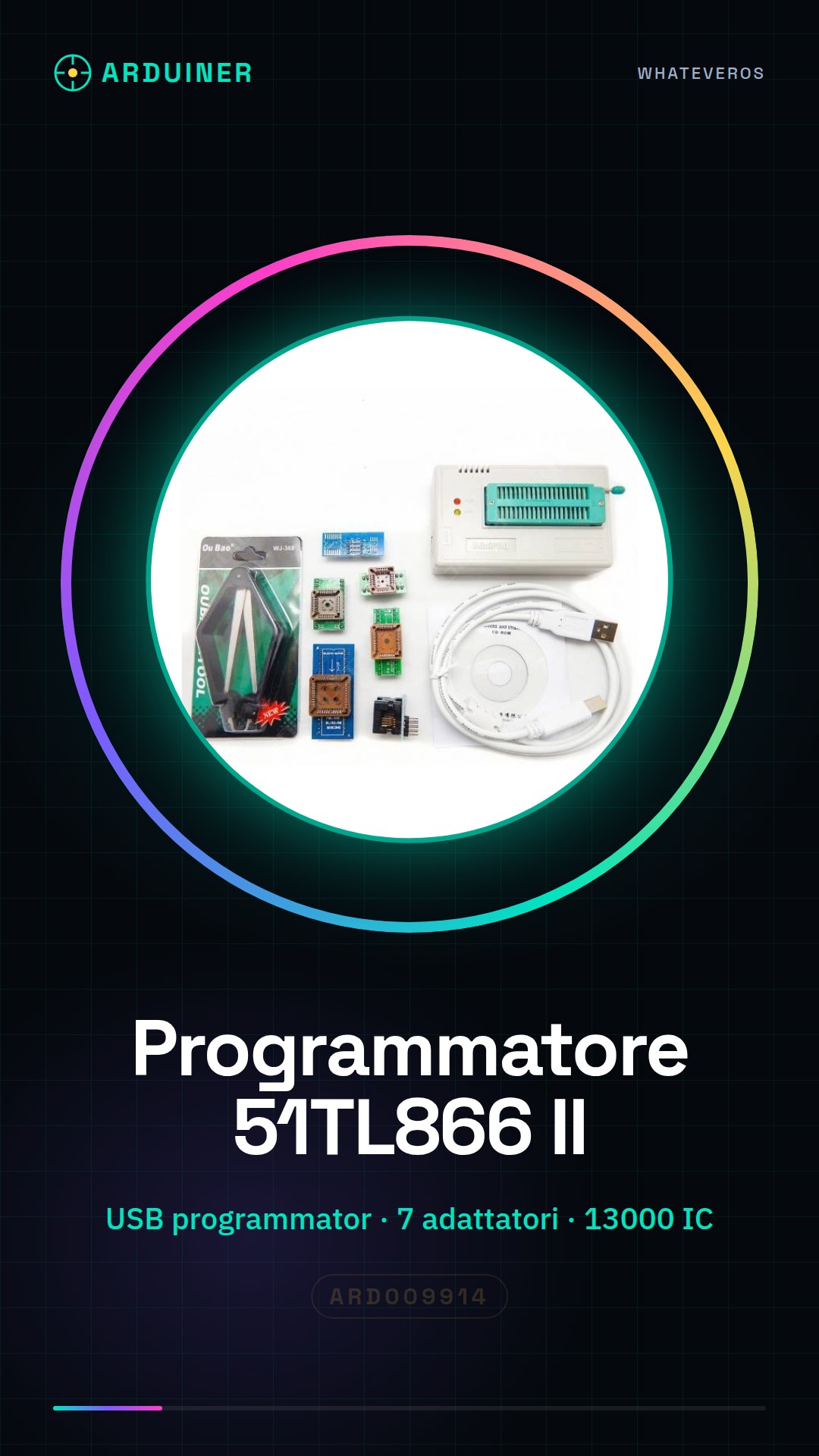
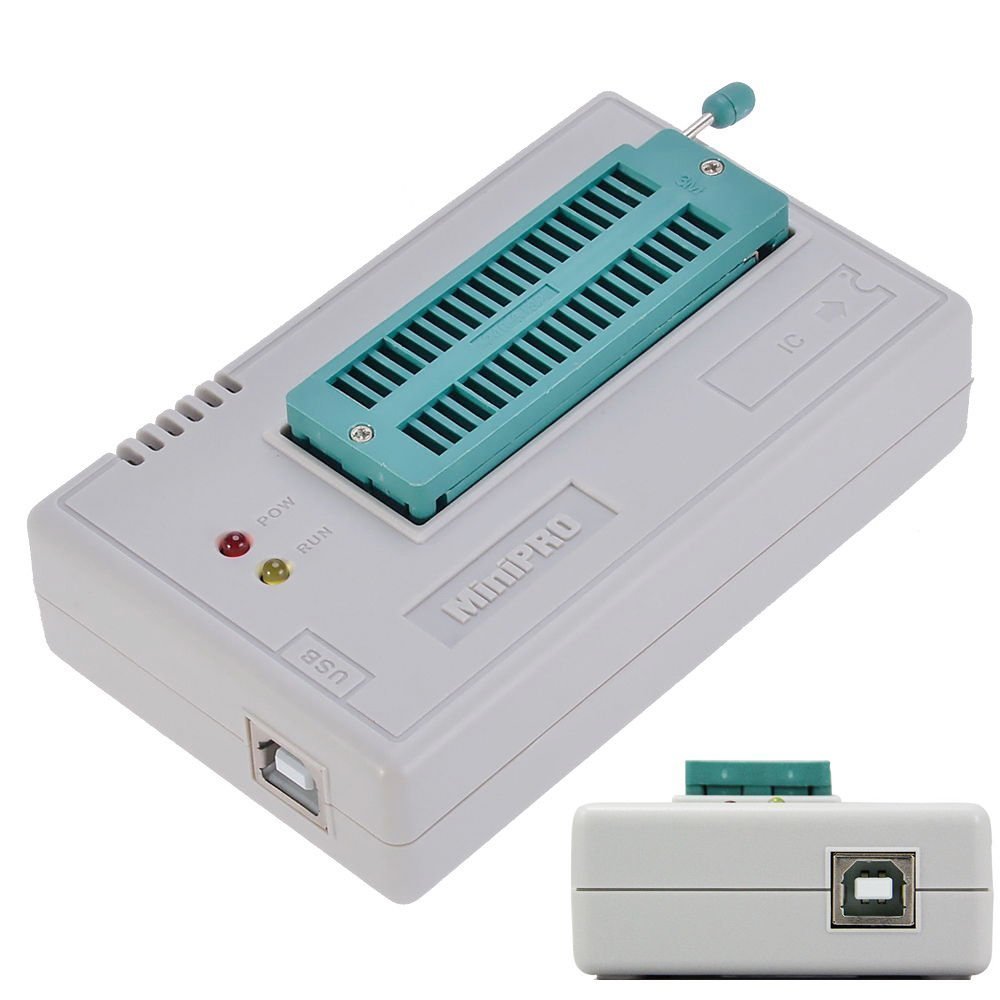
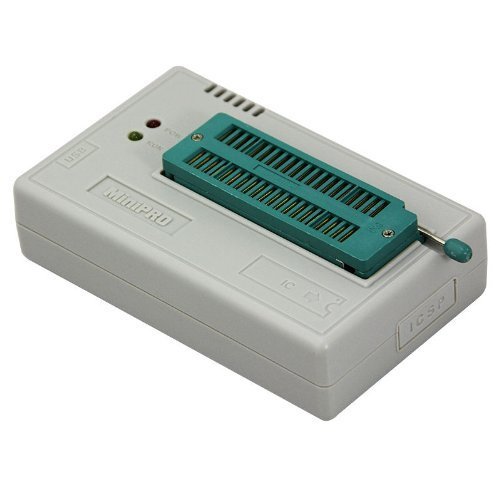
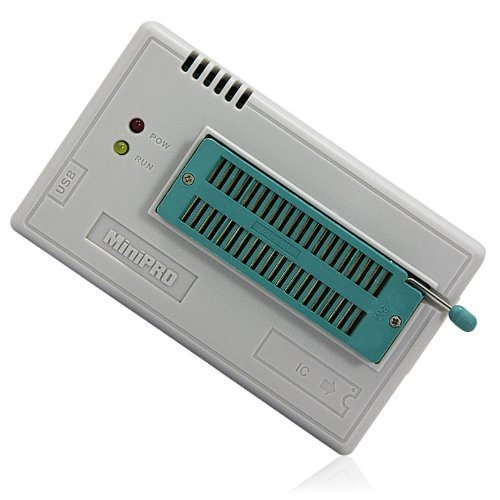
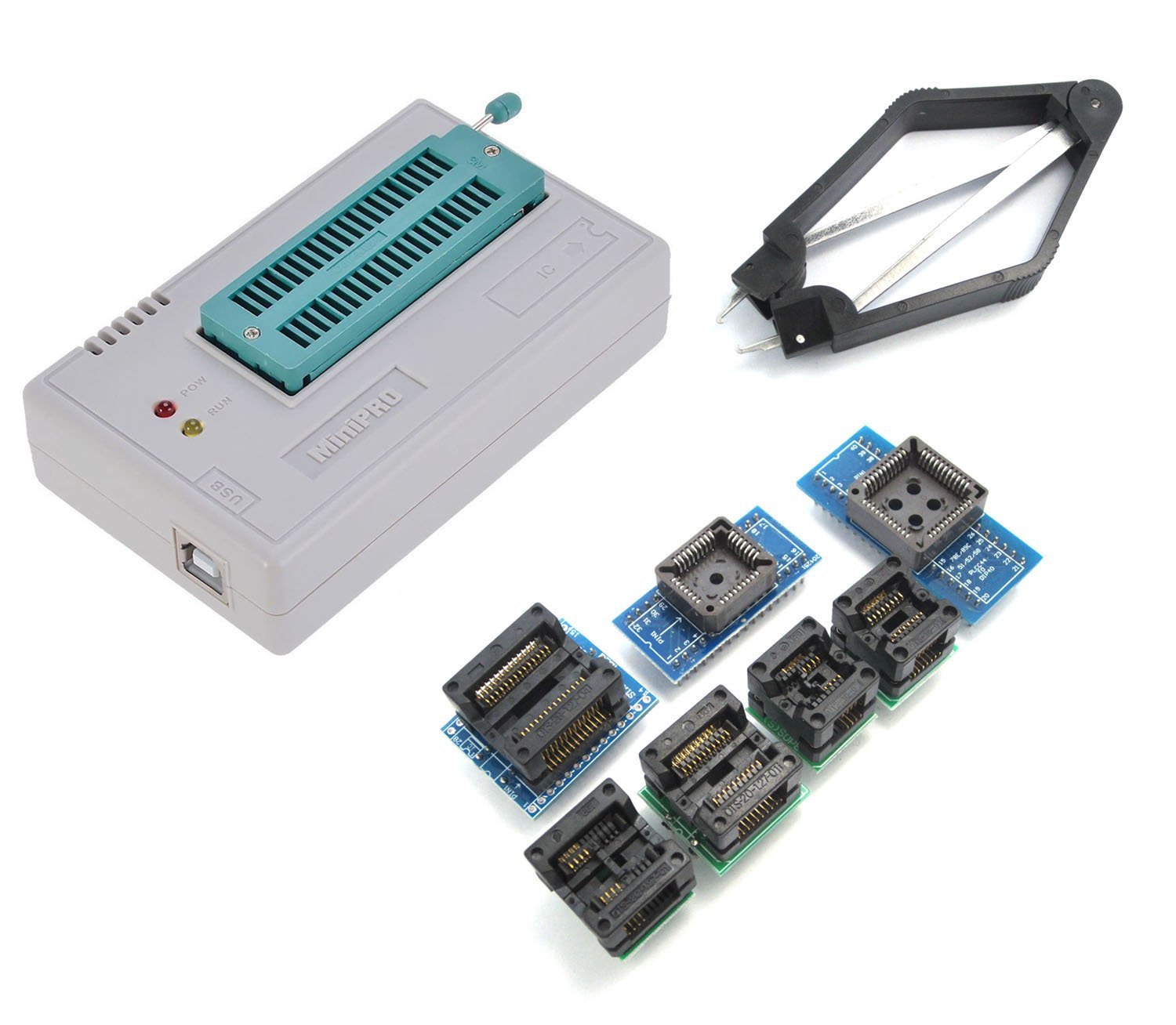
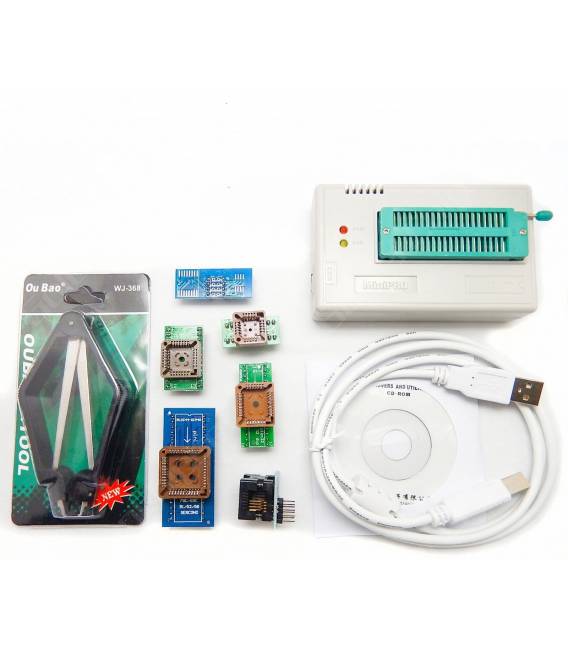
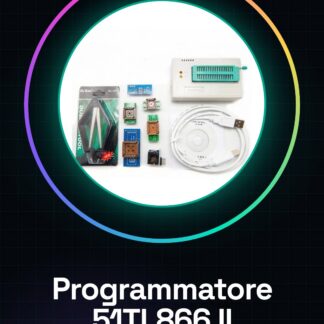
The 51TL866 II is a universal USB programmer for EEPROM and other ICs. It allows data to be loaded into chips, making data management easier in various projects.
Features
- Universal USB Programmer for EEPROM and other ICs
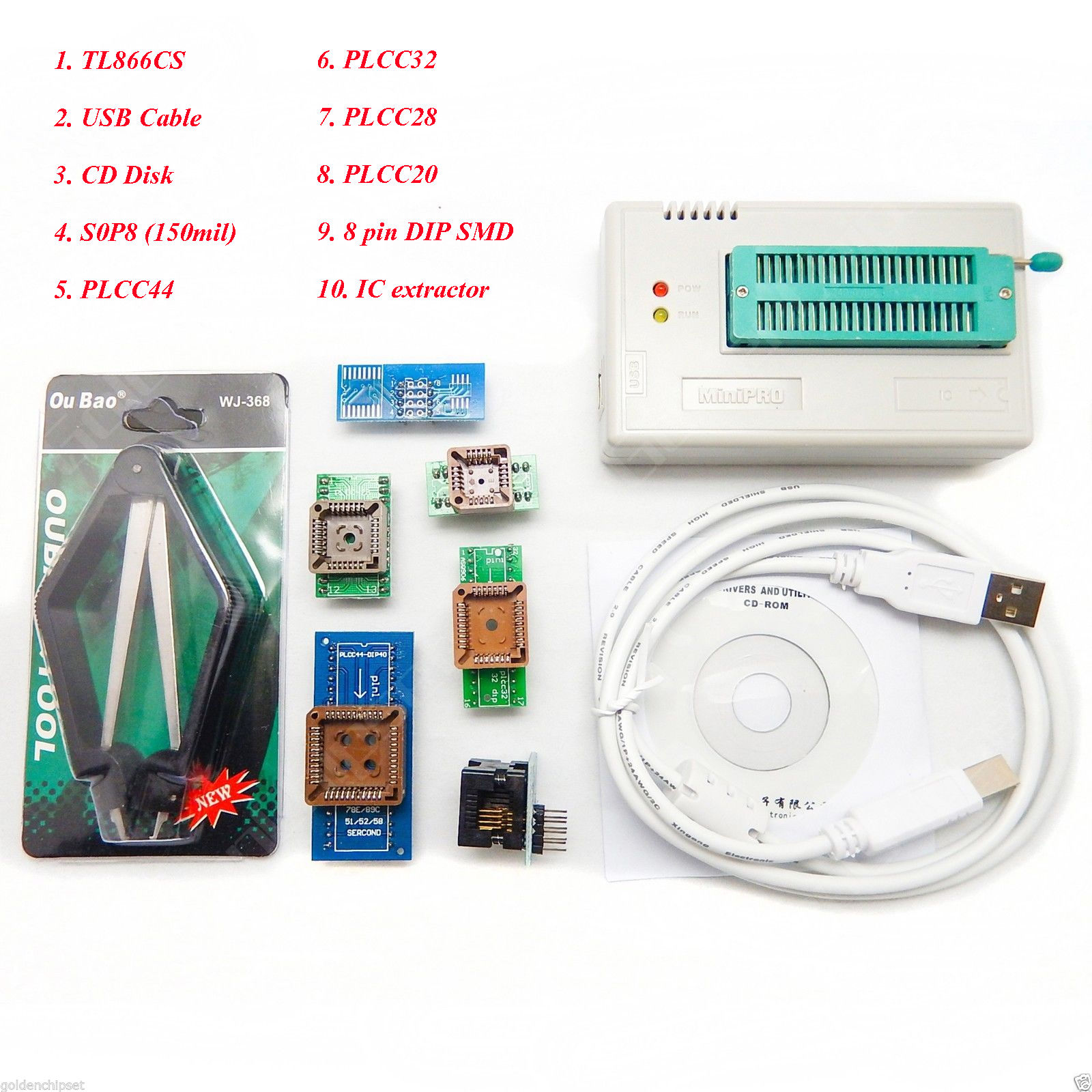
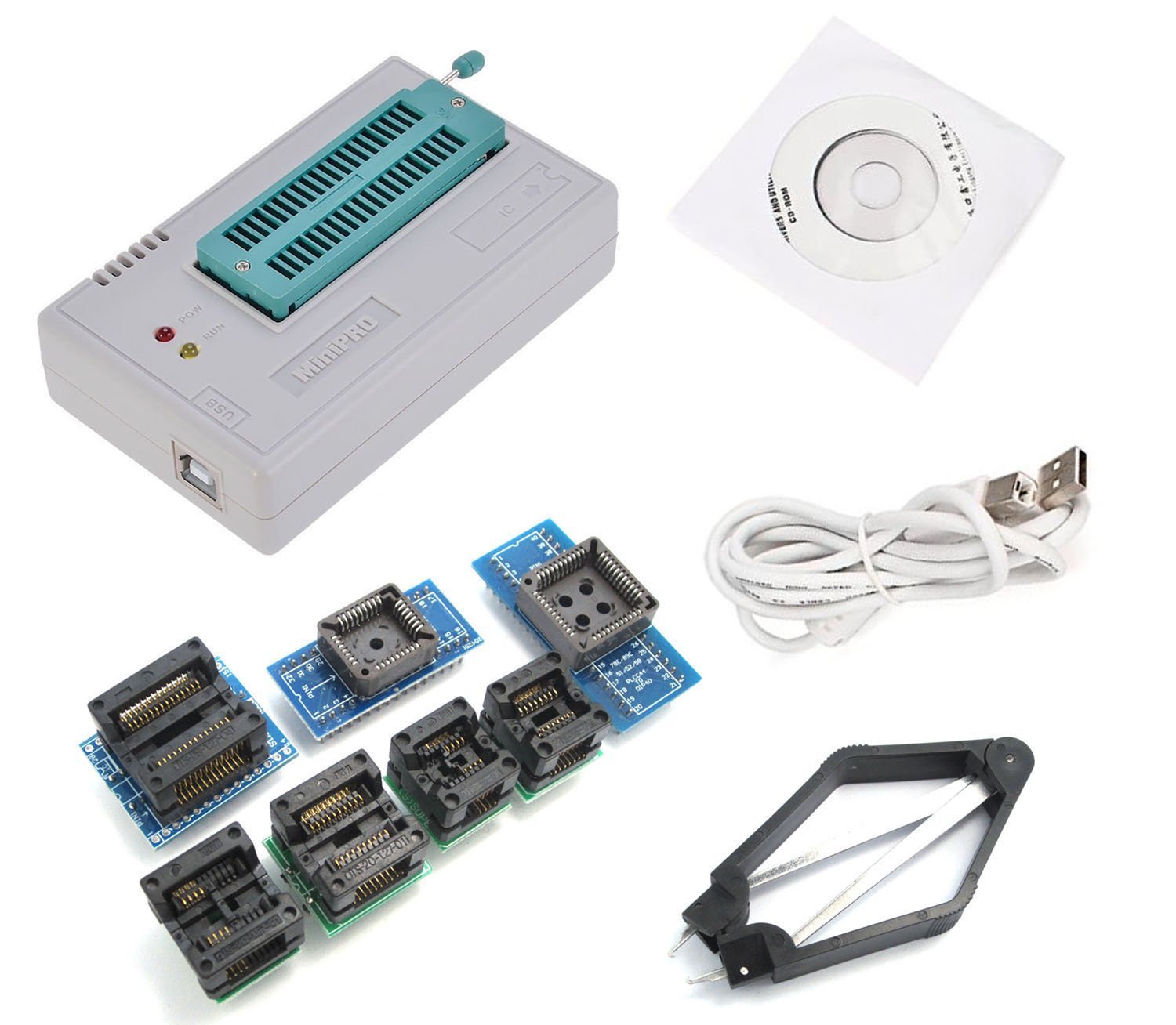
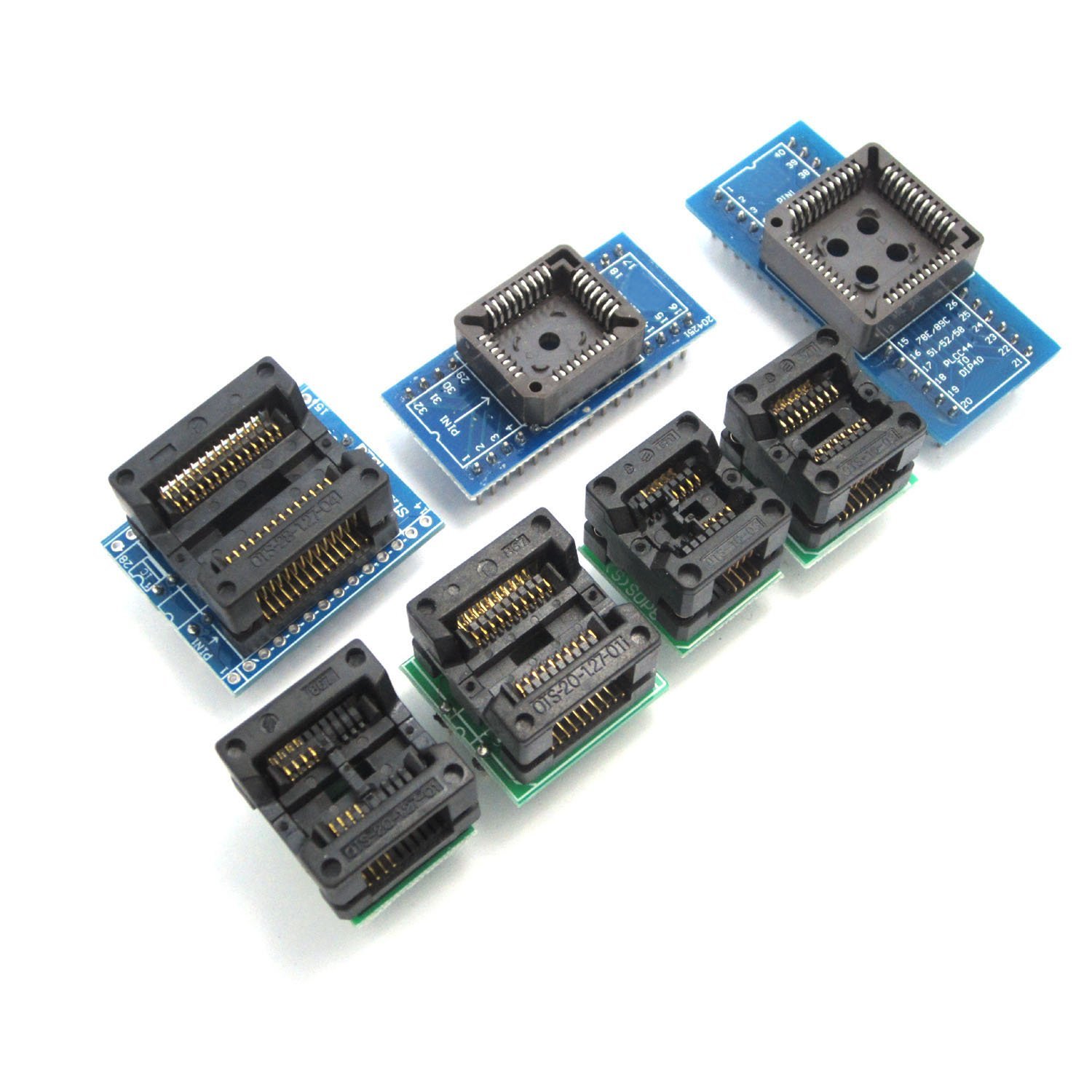
- 7 adapters included
- Compatible with 13000 types of ICs (check the datasheet)
What it is for
The 51TL866 II is useful for programming an EEPROM chip with custom data to store configuration settings in an embedded device. It can also be used for other types of ICs (check the datasheet).
Tutorial: How to use Universal USB EEPROM FLASH Programmer 51TL866 II
The Universal USB EEPROM FLASH Programmer 51TL866 II is an essential tool for programmers and makers working with EEPROM chips. This device allows you to easily load data into your chips, making data management easier in various projects.
What you need
- Computers with Windows/Linux/MacOS operating system
- USB A-Micro B cable
- Programmable EEPROM chip
Steps
- Install the software provided by the manufacturer on your computer.
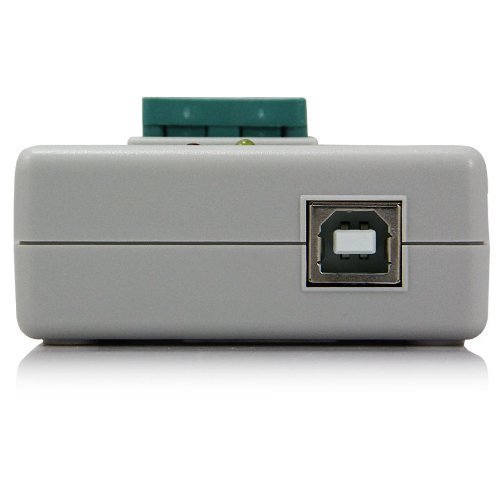
- Connect the programmer to the computer via USB cable.
- Select the correct adapter based on the type of chip you want to program (check the datasheet).
- Insert the EEPROM chip into the selected adapter.
- Open the programmer software and load the binary file containing the data to be written to the chip.
- Click on ‘Program’ or ‘Write’ to start the programming procedure.
- Verify that the process is completed without errors.
- Gently remove the chip from the programmer and use it in your project.
Mini project
Program an EEPROM chip with custom data to store configuration settings in an embedded device.
Common mistakes
- Ensure that the USB driver is correctly installed.
- Check compatibility between the chip type and the adapter used.
- Ensure that the binary file to be loaded is correct for the specific chip.
- Follow the insertion instructions for the chip to prevent damage.
Recommended accessories
- USB A-Micro B cable
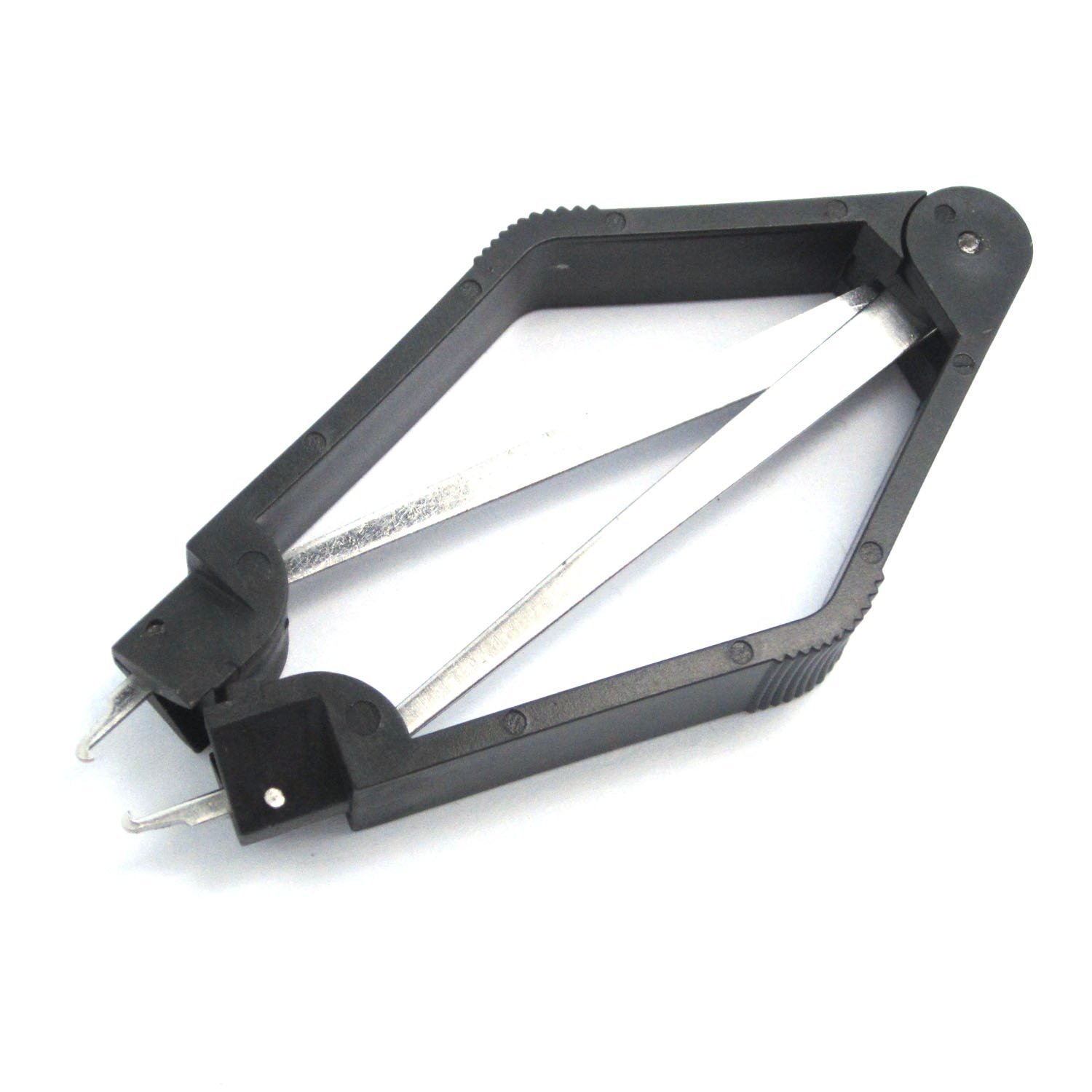
- Universal IC Adapter Kit
- Various EEPROM chips
Frequently asked questions
Does the programmer work with Windows?
Yes, the software is compatible with Windows and other operating systems.
Can I use this to program FLASH chips?
Yes, check the product datasheet for supported chip types.
Reviews
There are no reviews yet.