 EN
 IT Italiano
 ES Español
 FR Français
 DE Deutsch
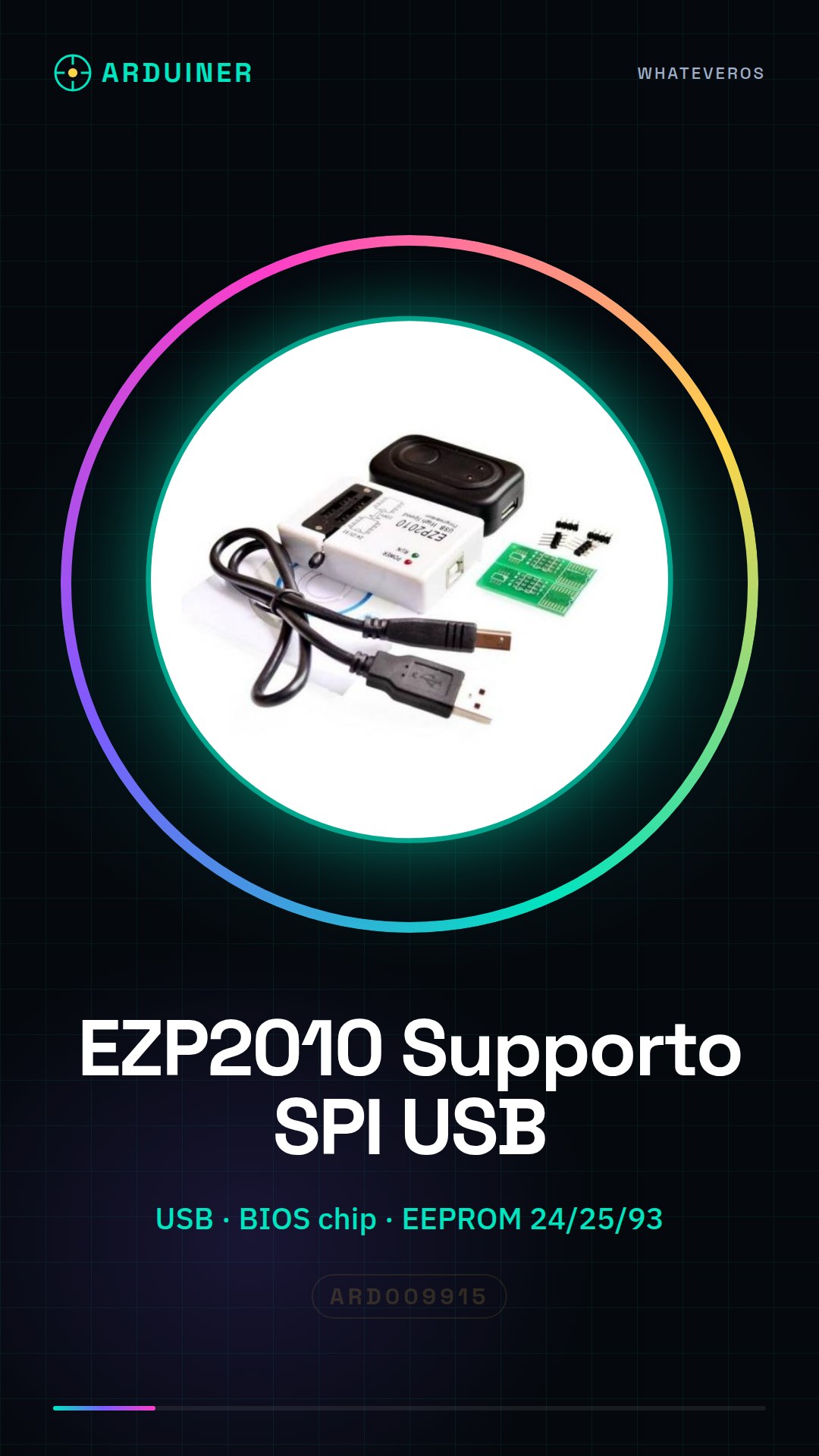
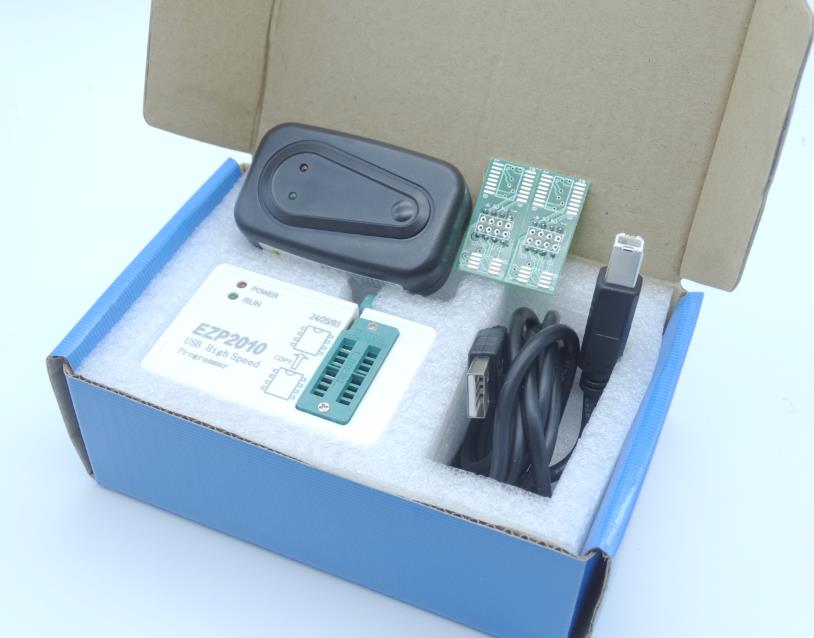
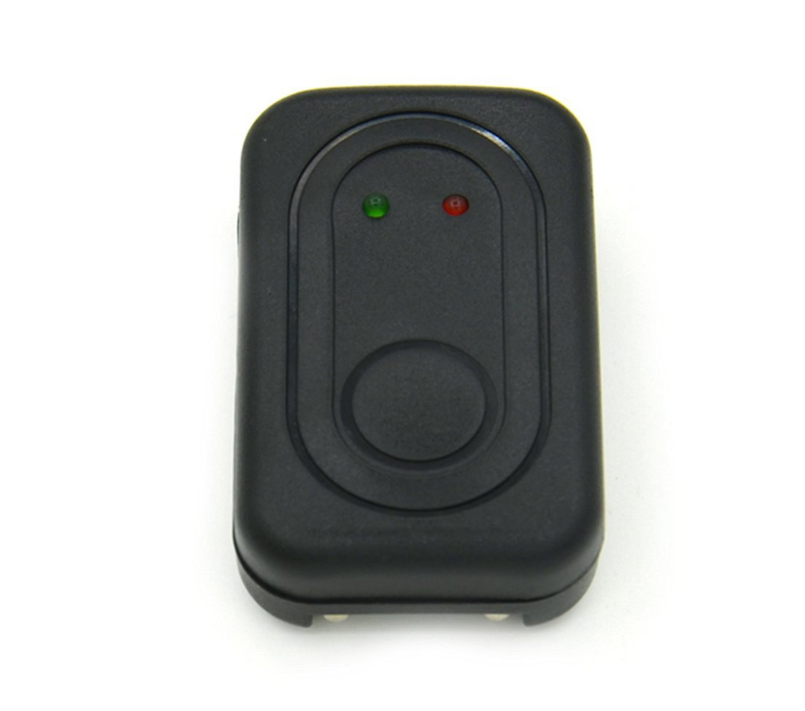
Description
What it is
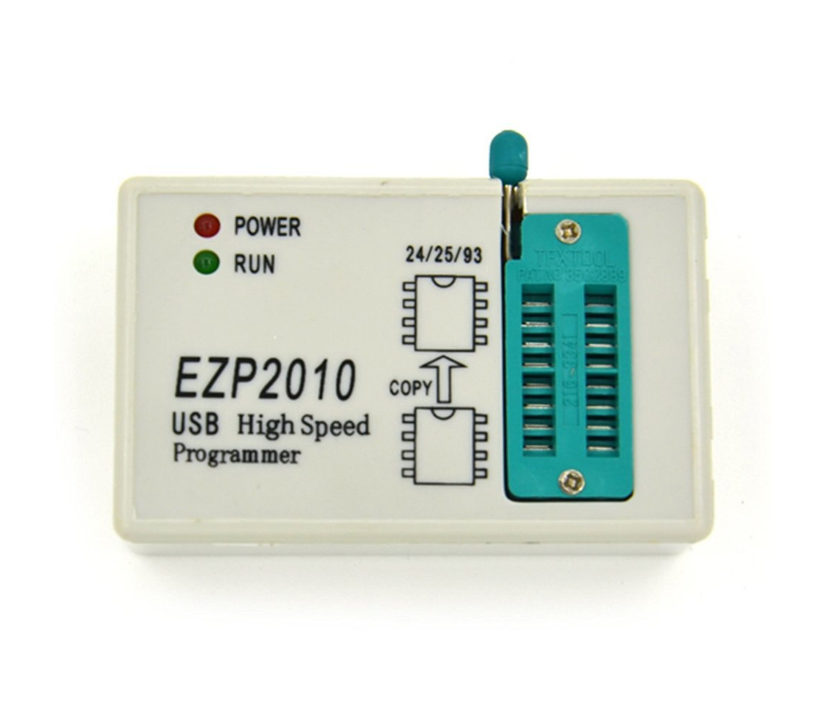
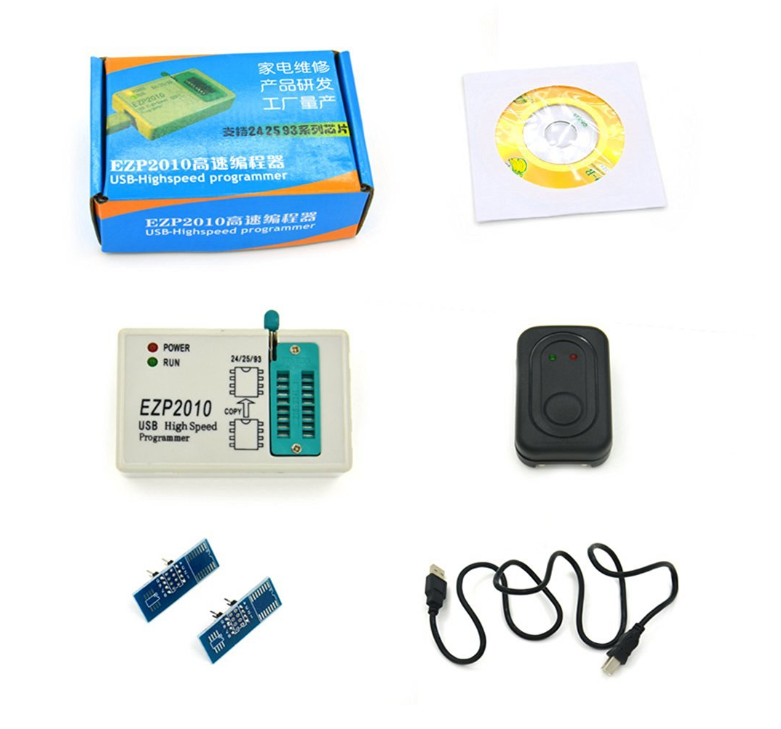
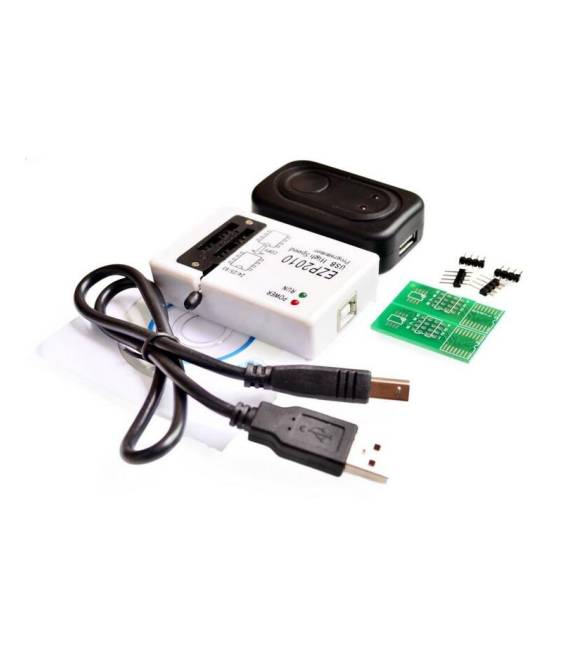
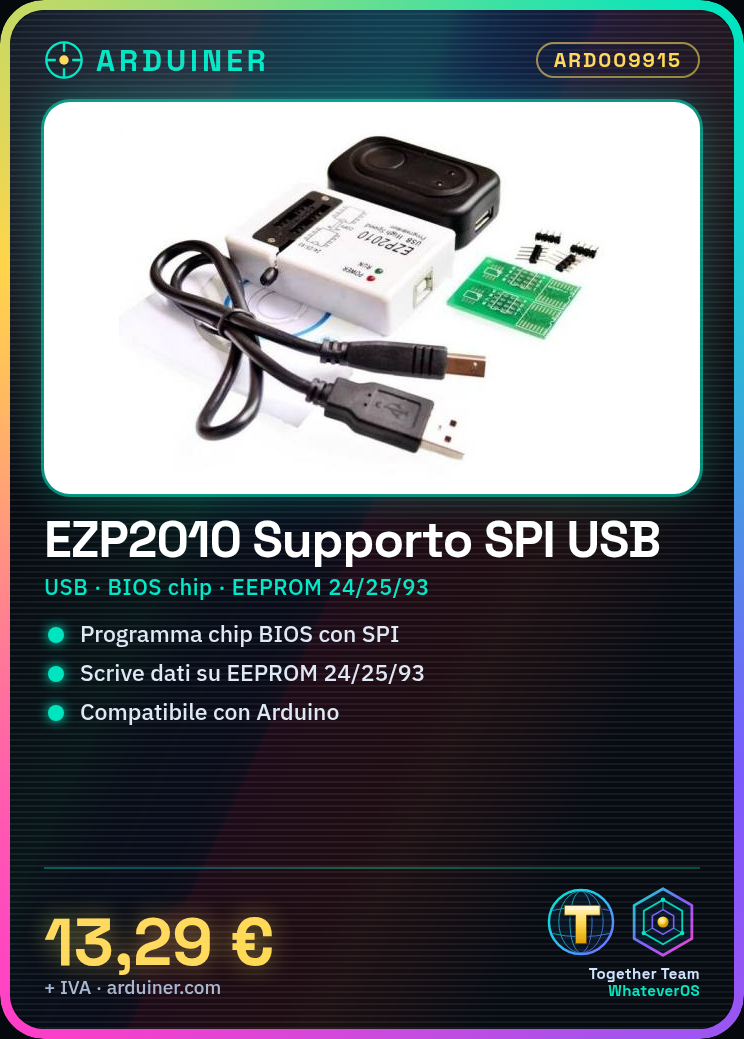
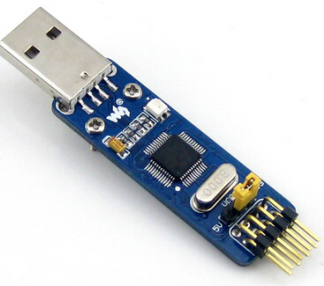
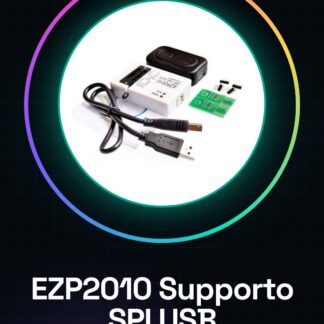
The EZP2010 programmer support is a USB device that allows the programming of BIOS and EEPROM chips through the SPI interface. It is designed to be used with Arduino and other 3D printing components.
Features
- High-speed SPI USB
- BIOS chip support
- Compatible with EEPROM 24, 25 and 93
What it is for
This programmer support is ideal for programming BIOS and EEPROM chips. It can be used by beginner and intermediate makers to store data on an EEPROM chip like the 25C1025.
Tutorial: How to use EZP2010 High-speed SPI USB programmer support
This high-speed SPI USB programmer support is ideal for those who want to program BIOS, EEPROM and other memory devices. Useful for beginner and intermediate makers.
What you need
- PC with Windows 10/11 or macOS
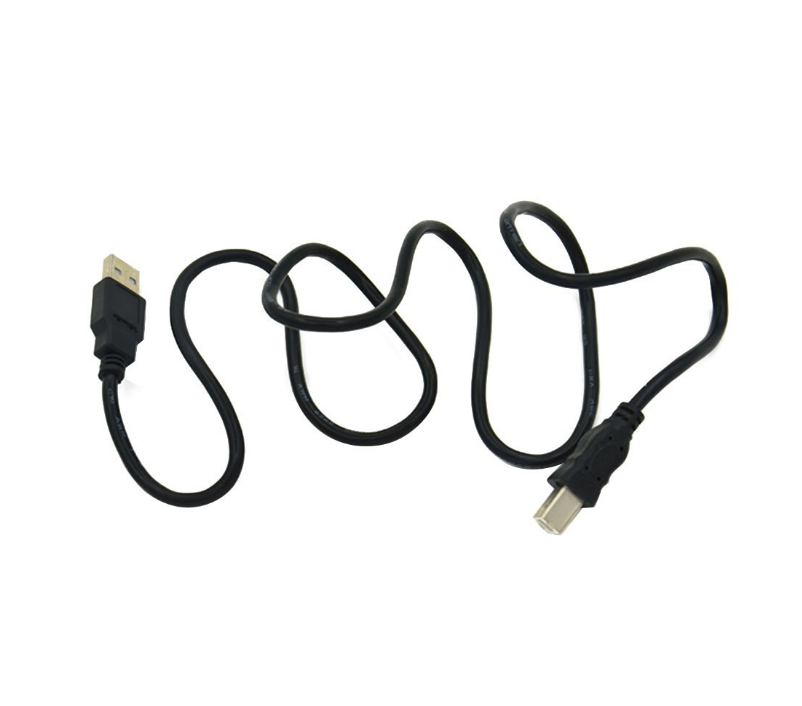
- USB A-B cable
- Arduino or other device with SPI interface
Steps
- 1. Download and install the USB driver from the official website.
- 2. Connect the programmer support to the PC.
- 3. Check the maximum supported frequency on the datasheet.
- 4. Connect the Arduino or the SPI device to the support.
- 5. Configure the Arduino IDE software for SPI.
- 6. Load the example code to test the connection.
- 7. Program the BIOS or EEPROM chip using the support.
- 8. Verify the correctness of the program.
Mini project
Program a 25C1025 EEPROM chip to store a simple message.
Common mistakes
- Do not install the correct USB drivers.
- Connect the SPI pins correctly.
- Use an unsupported Arduino IDE software.
- Do not check the maximum supported frequency.
Recommended accessories
- Arduino Nano
- 25C1025 EEPROM chip
- USB A-B cable
- Arduino IDE software
Frequently asked questions
How can I check the maximum supported frequency?
Check the programmer support datasheet.
Which operating systems does it support?
It supports Windows 10/11 and macOS.
Can I use this support with non-SPI devices?
Yes, but make sure the device supports SPI.
Reviews
There are no reviews yet.