 EN
 IT Italiano
 ES Español
 FR Français
 DE Deutsch
Description
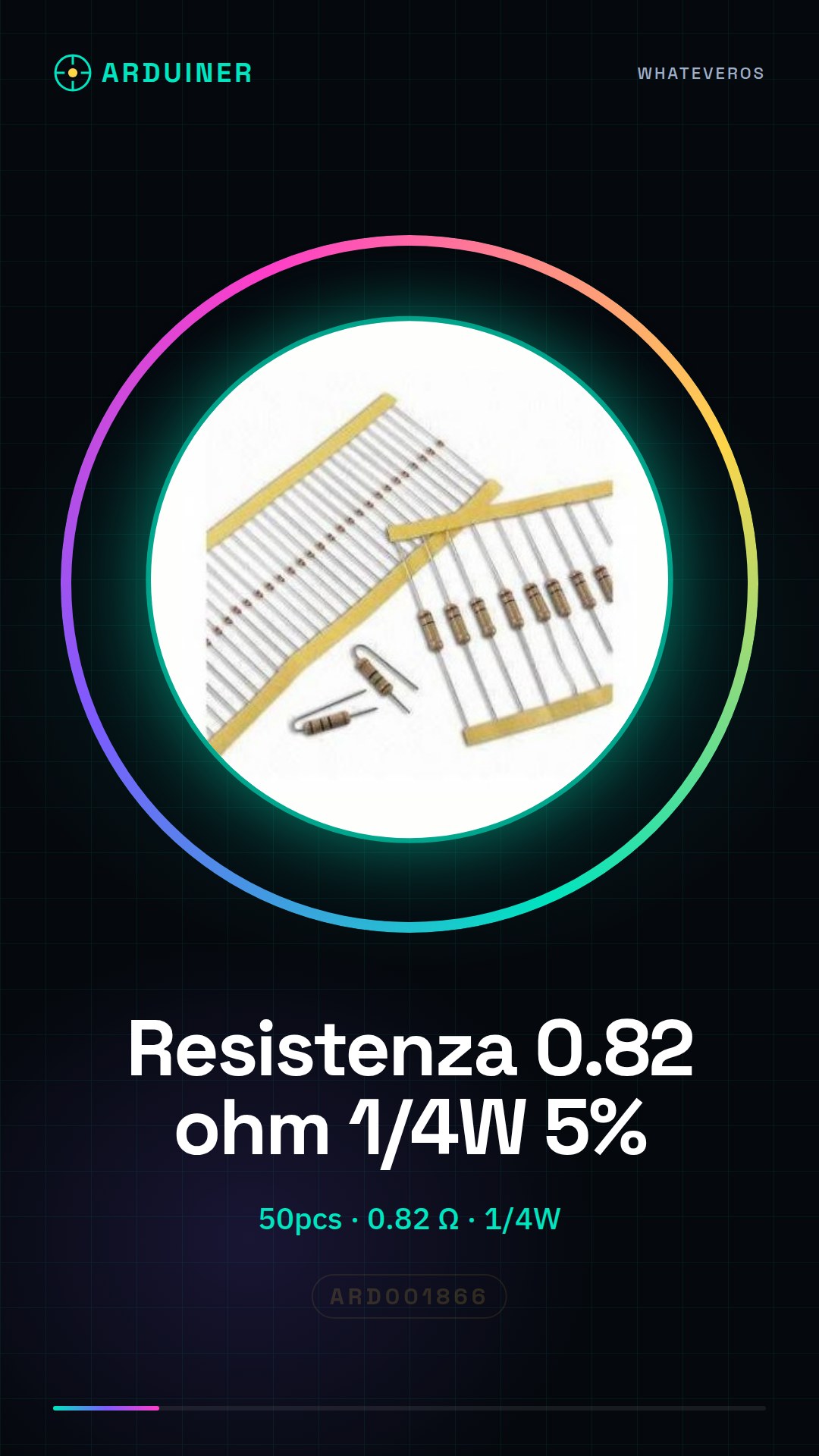
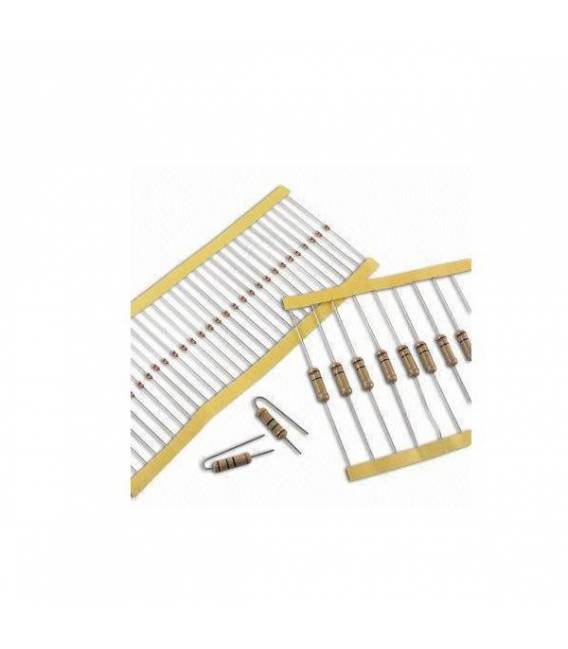
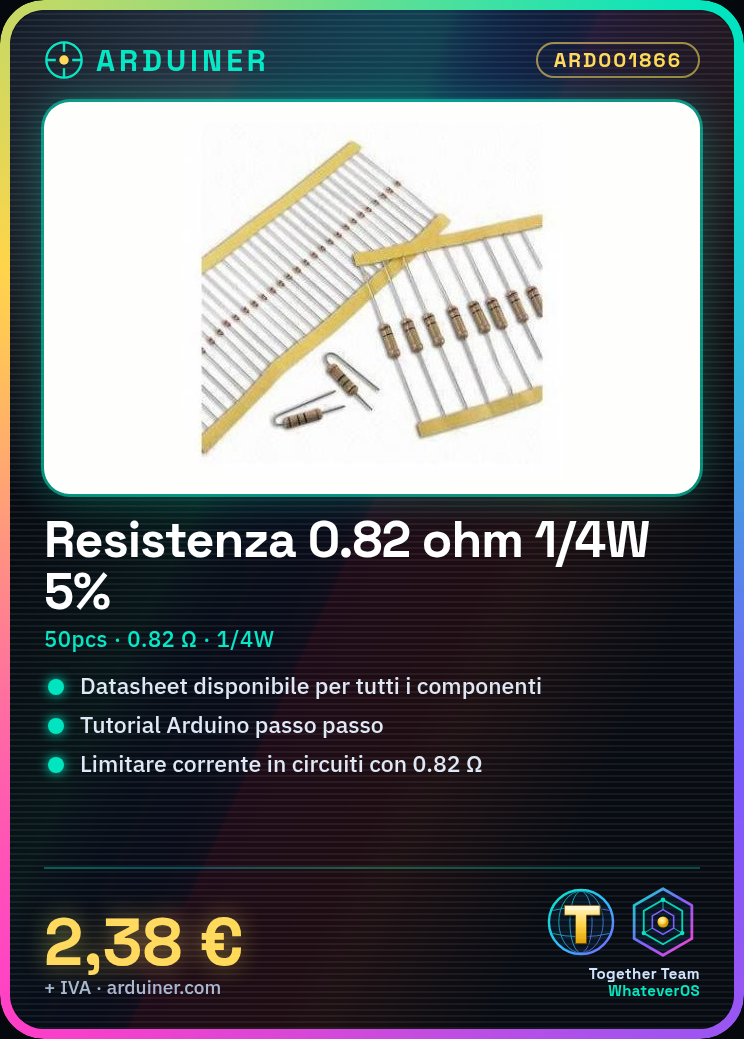
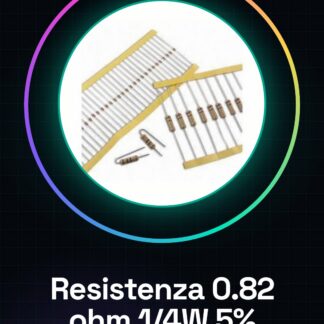
50PCS 0.82 ohm 1/4w 1/4 w 5%
We have datasheets available for all components, if not present in the product download sheet, send us a message from the contact us module and we will publish it as soon as possible on our website.
Tutorial: How to use 0.82 ohm Resistance
The 0.82 ohm resistance is a fundamental component to limit the flow of current in electronic circuits. This tutorial will guide you on how to use it effectively in your Arduino projects.
What you need
- Arduino Uno
- button
- LED
Steps
- Step 1: Connect one end of the resistance to a digital pin of the Arduino (for example, pin 2).
- Step 2: Connect the other end of the resistance to the pin of the button.
- Step 3: Connect one end of the button to the ground (GND) of the Arduino.
- Step 4: Connect one part of the LED to the digital pin of the Arduino connected to the resistance.
- Step 5: Connect the other end of the LED to GND through another resistor to limit the current (check the datasheet).
- Step 6: Download the code below to your Arduino.
- Step 7: Press the button and observe how the LED light intensity changes based on the resistance.
- Step 8: Modify the value of the resistance to see the effects on the circuit behavior.
Example code
void setup() {
  pinMode(2, OUTPUT);
}

void loop() {
  digitalWrite(2, HIGH);
}
Mini project
Create a lighting control system that changes the light intensity based on the connected resistance.
Common mistakes
- Connect the resistor directly to the LED pin without protection.
- Use a resistance that is too large or too small for your circuit.
- Ignore the polarity of the LED during connection.
Recommended accessories
- Variable resistors
- Push buttons
- Multicolor LEDs
Frequently asked questions
What is the main use of the 0.82 ohm resistor?
Limit electrical current in circuits to protect sensitive components.
How can I check if I have connected the resistor correctly?
Check that there is no short circuit between the Arduino and the component connected to the resistor.
Reviews
There are no reviews yet.