 EN
 IT Italiano
 ES Español
 FR Français
 DE Deutsch

Description
What it is
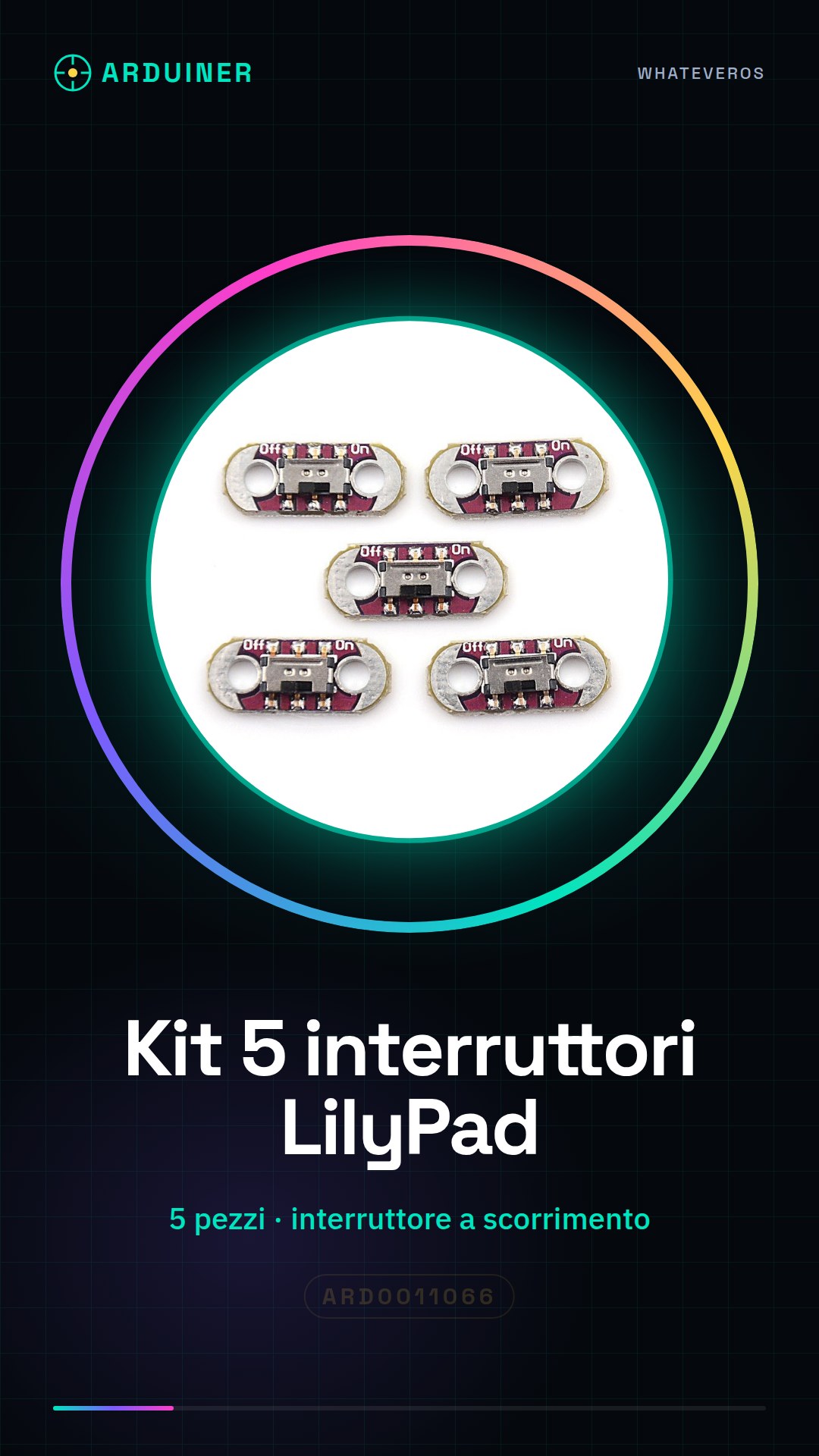
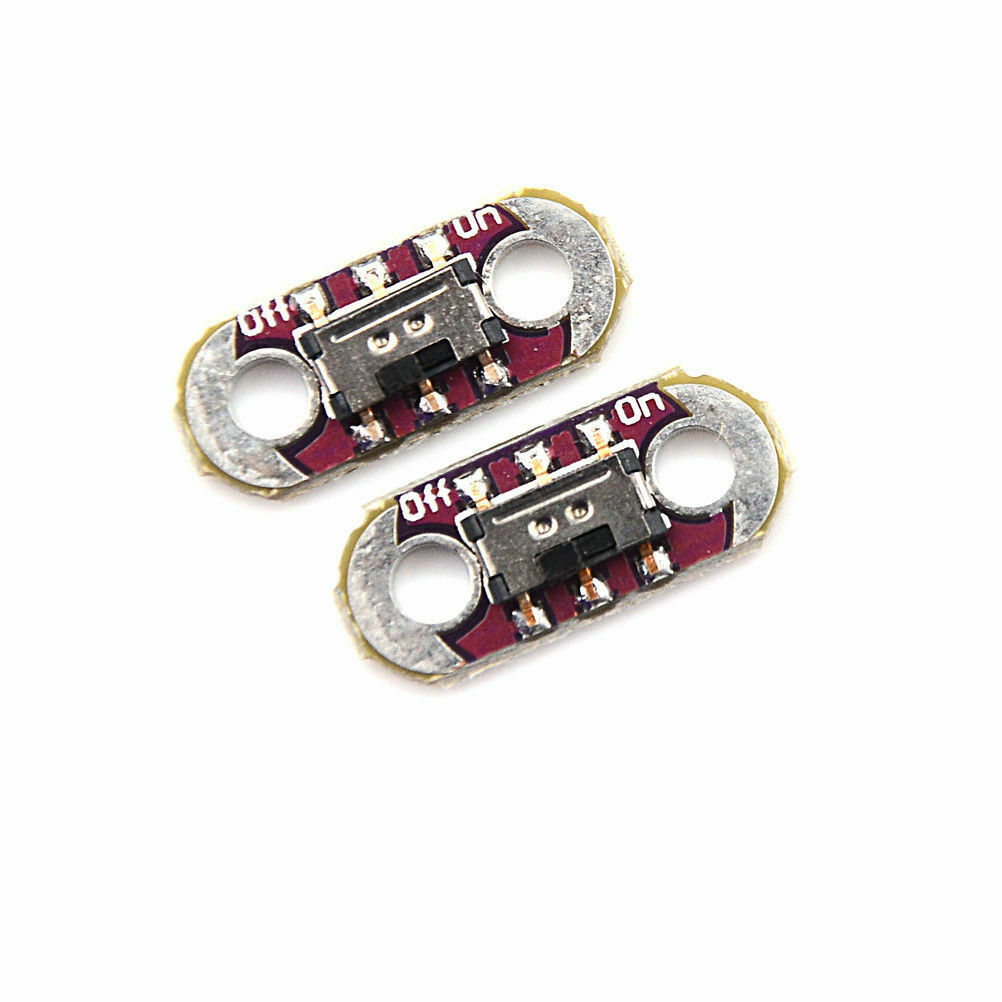
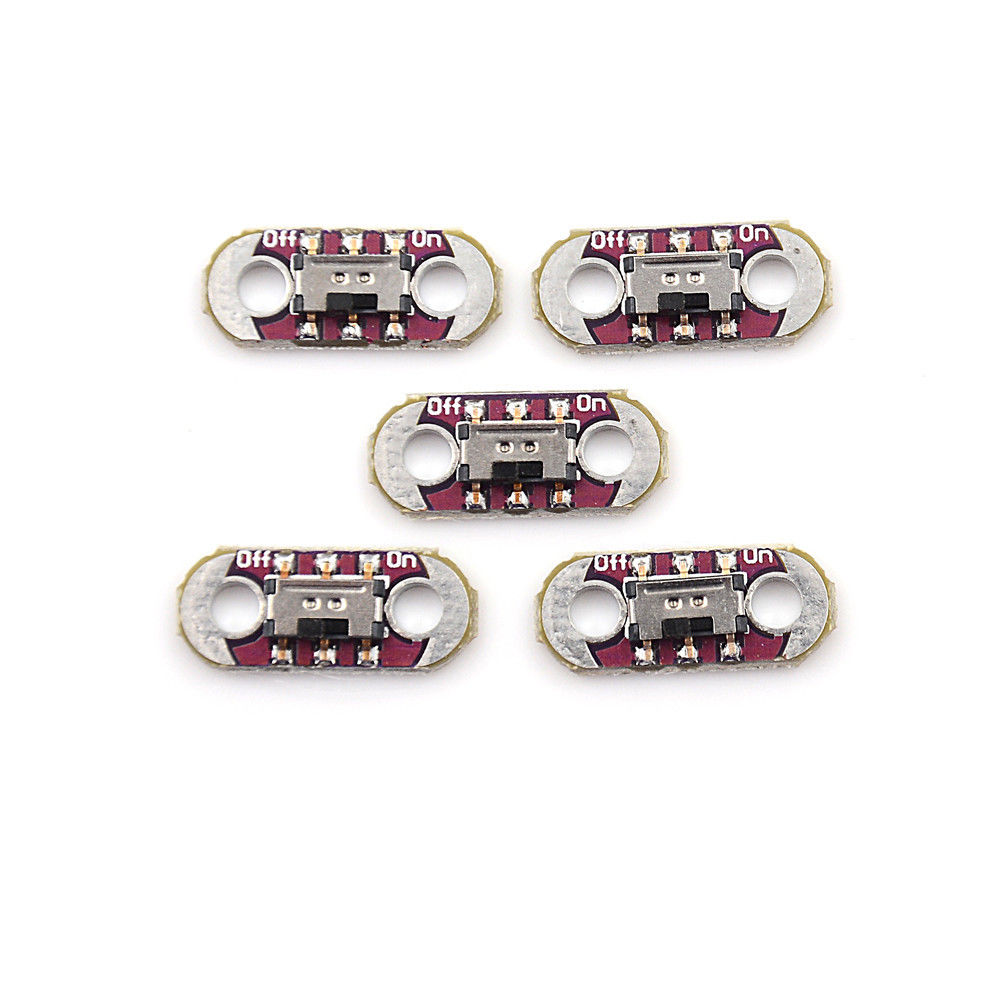
The DIY kit of LilyPad AYZ0202 slide switches contains five pieces of this electronic component, ideal for Arduino and creative electronics projects. This kit is particularly suitable for projects that require discreet interactive control.
Features
- Kit of 5 pieces
- LilyPad AYZ0202 Slide Switch
What it is for
The components in this kit can be used to create small portable devices or smart fashion projects. They are compatible with Arduino and similar microcontrollers.
Tutorial: How to use LilyPad AYZ0202 Slide Switch
The LilyPad AYZ0202 slide switch is an electronic component ideal for smart fashion or portable devices that require interactivity and control. This tutorial will guide you through the steps necessary to use it with Arduino.
What you need
- Arduino
- USB cable
- Breadboard (optional)
- Other project components
Steps
- Connect the slide switch to the breadboard or directly to the Arduino.
- Connect the switch contact pins to the Arduino input/output pins.
- Check the electrical connection with a multimeter.
- Upload the Arduino sketch to read the switch value.
- Test the switch by pressing the two contacts to see the code changes.
Example code
int ledPin = 13;
int switchPin = 2;
void setup() {
pinMode(ledPin, OUTPUT);
pinMode(switchPin, INPUT);}

void loop() {
if (digitalRead(switchPin) == HIGH) {
digitalWrite(ledPin, HIGH);} else {
digitalWrite(ledPin, LOW);}}
Mini project
Create a small digital clock that turns on and off by pressing the slide switch. Use LEDs to display the time.
Common mistakes
- Incorrect pin connection.
- Do not verify the connection before uploading the sketch.
- Missing the switch datasheet for necessary technical details.
Recommended accessories
- RGB LED
- Portable battery
- Other LilyPad sensors
Frequently asked questions
How can I control multiple switches with a single Arduino?
Use an input matrix or multiplexer to manage multiple switches.
What is the difference between this and another type of switch?
This slide switch offers tactile sensitivity, while other types can be mechanical or optical.

Reviews
There are no reviews yet.