 EN
 IT Italiano
 ES Español
 FR Français
 DE Deutsch
Description
What it is
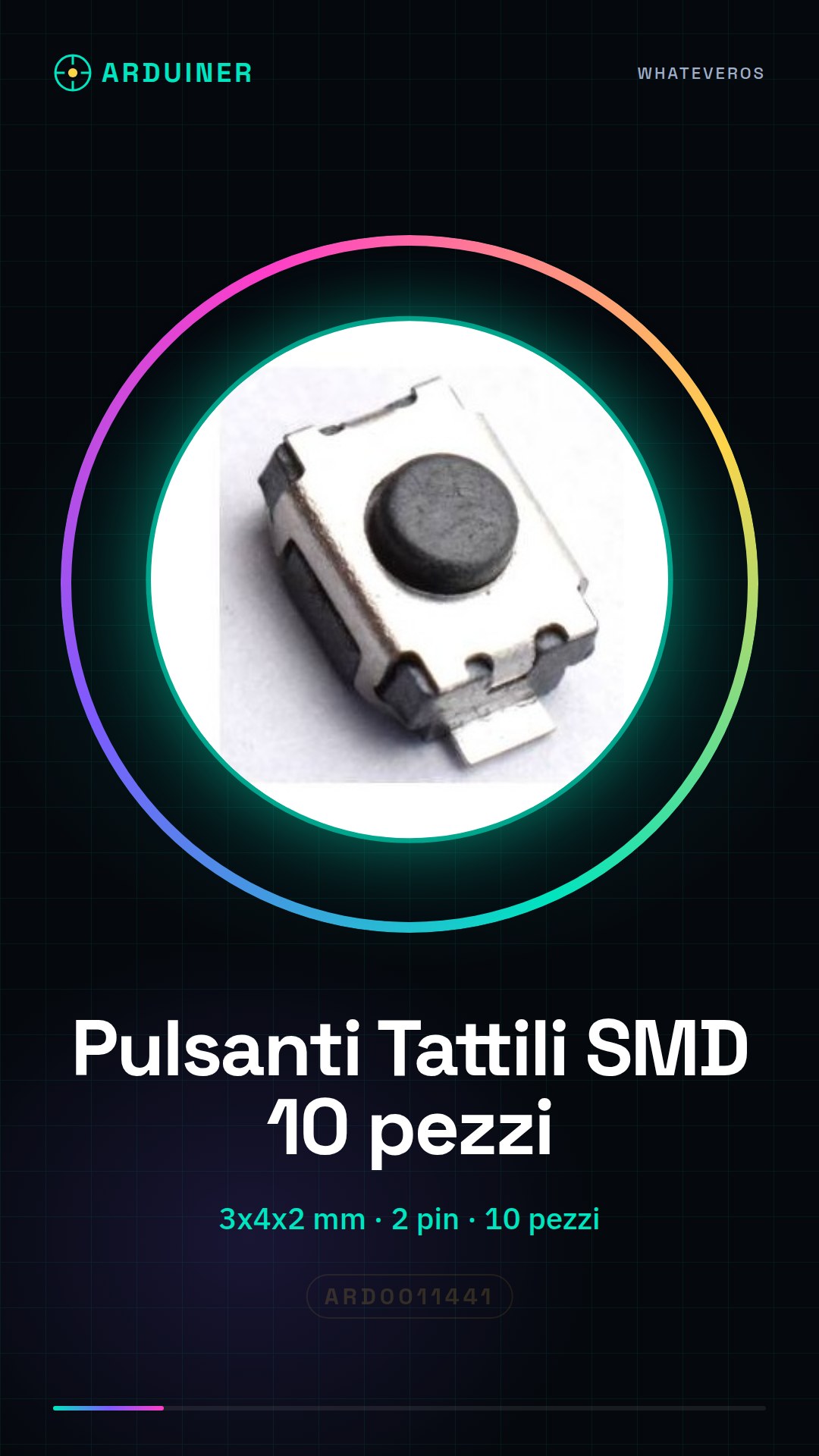
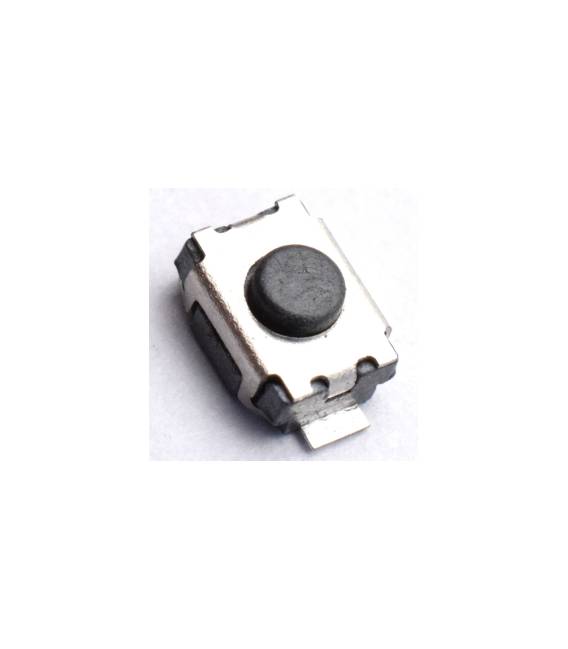
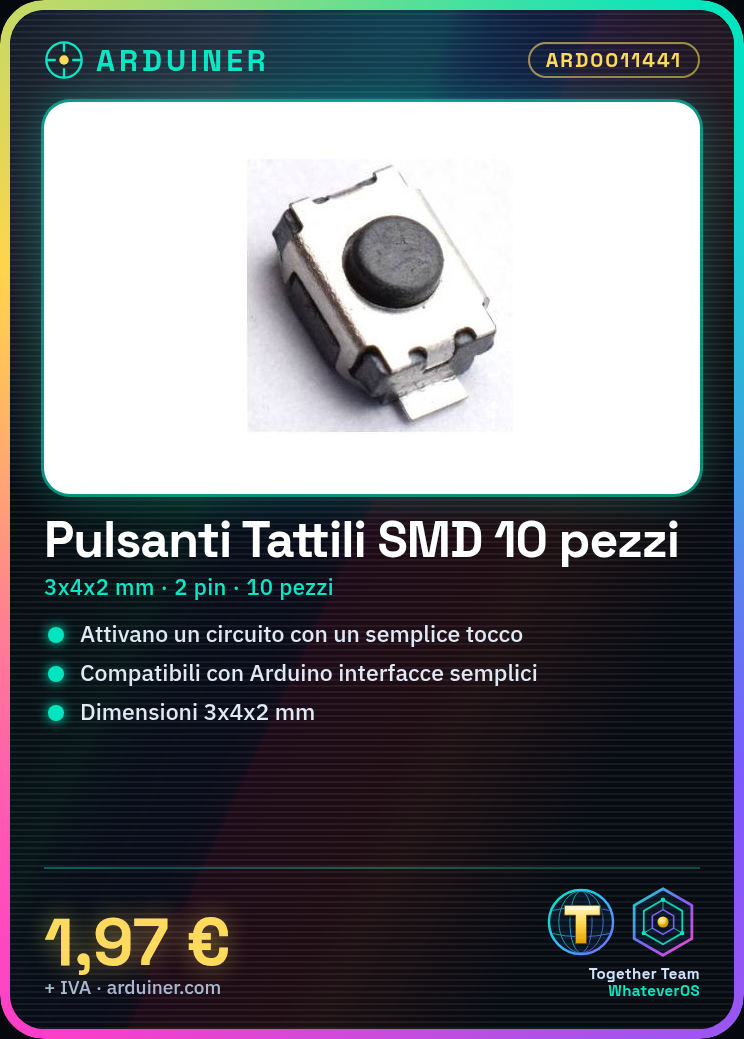
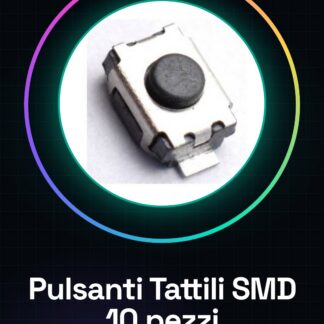
This product includes 10 tactile SMD push buttons with 2 contacts. They are small buttons that are pressed to activate an electronic circuit.
Features
- Quantity: 10 pieces
- Type: Tactile Button
- Dimensions: 3x4x2 mm
- Mounting Type: SMD
- Number of Pins: 2
What it is for
These SMD push buttons are ideal for Arduino projects that require simple user interfaces. They can be used to create command buttons, switches, virtual counters, and more. Suitable for both beginners and intermediate designers.
Tutorial: How to Use SMD Tactile Push Buttons 2pins
SMD tactile push buttons 2pins are ideal for Arduino projects that require simple user interfaces. Useful for beginners and intermediate designers.
What you need
- SMD Tactile Push Buttons 2pins (10 pieces)
- Arduino
- Resistor (10kΩ)
- Multimeter
- Pliers
Steps
- 1. Check specifications on datasheets.
- 2. Assemble a test circuit.
- 3. Connect the buttons to pin A0 of Arduino through a resistor.
- 4. Download the example code.
- 5. Upload the code to Arduino.
- 6. Check the functionality with a multimeter.
- 7. Connect the buttons to the final project.
- 8. Test the final functionality.
Example code
```void setup() {} void loop() { int val = analogRead(A0); Serial.println(val); }```Mini project
Create a virtual counter using 5 tactile SMD buttons.
Common mistakes
- Connect the buttons directly to the Arduino pins without a resistor.
- Use a digital pin instead of an analog pin.
- Forget to upload the code.
- Do not test the circuit before connecting it to the final project.
Recommended accessories
- Arduino
- Resistor (10kΩ)
- Multimeter
Frequently asked questions
How can I verify the functionality of the buttons before connecting them to the final project?
Connect the buttons to pin A0 through a resistor and check the reading with a multimeter.
Can I use a digital pin instead of an analog pin?
Yes, but the reading will be binary (0 or 1) instead of analog.
Which resistor to use?
A 10kΩ resistor is recommended to protect the Arduino.
Is there a limit to the number of buttons I can connect?
Check the specifications on the datasheets for the maximum limit.



Reviews
There are no reviews yet.