 EN
 IT Italiano
 ES Español
 FR Français
 DE Deutsch
Description
What it is
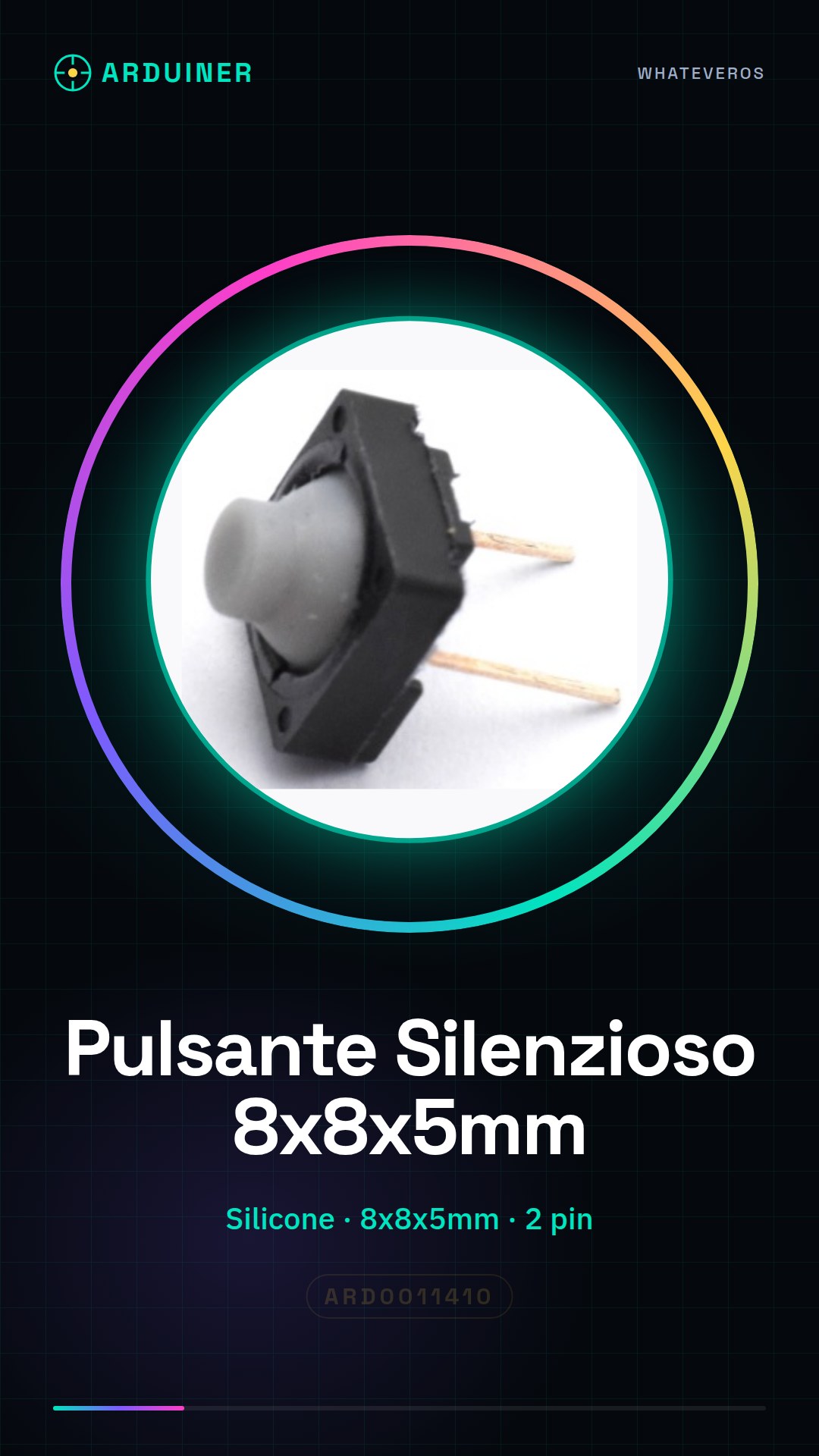
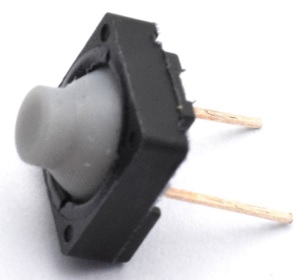
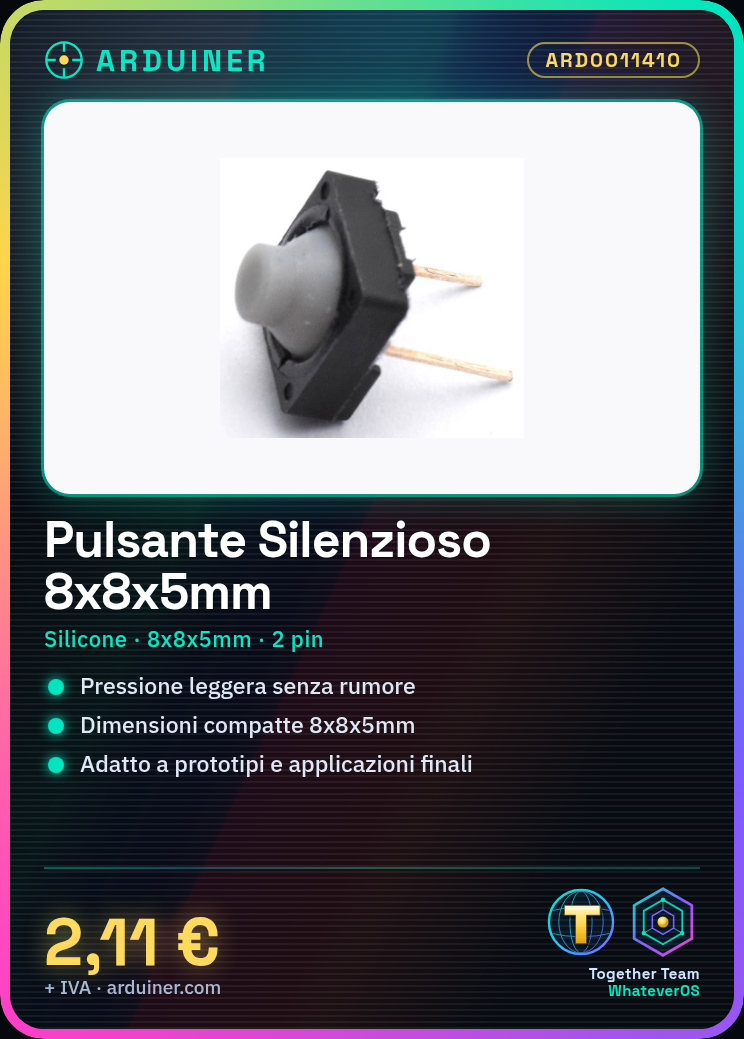
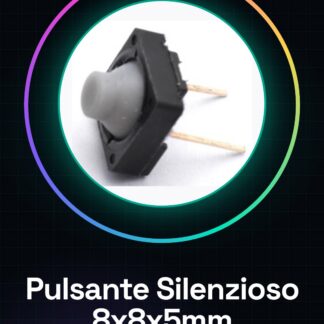
Product ARD0011410 is a silent tact button in silicone with dimensions of 8x8x5mm. This type of switch is designed for applications requiring light pressure and silent operation.
Features
- Type: Silent tact button
- Material: Silicone
- Dimensions: 8x8x5mm
- Pins: 2
What it is for
This button is ideal for projects that require a silent and delicate switch. You can use it in prototypes or final applications where minimal noise is essential, such as creating a switch to control a room light via a relay.
Tutorial: How to use Silent Silicone Button
The silent silicone button is ideal for projects that require a light touch and silent operation. Ideal for both prototypes and final applications where silence is crucial.
What you need
- Arduino uno or compatible
- Jumper wire
Steps
- Connect one end of the jumper wire to the input pin of the Arduino (for example, digital 2).
- Connect the other end of the jumper wire to the first pin of the button.
- Connect a second end of the jumper wire from the other pin of the button to GND on the Arduino.
- Open the Arduino software and upload the following sketch to the microcontroller.
- Monitor the serial console to see when the button is pressed.
Example code
void setup() {
  pinMode(2, INPUT_PULLUP);
}

void loop() {
  int buttonState = digitalRead(2);
  if (buttonState == LOW) {
    Serial.println("Pulsante premuto");
  }
}
Mini project
Create a silent switch to control the light in a room. Connect the button to a relay that controls a lamp.
Common mistakes
- Do not connect the pins of the button correctly.
- Omit INPUT_PULLUP in the Arduino setup.
- Connect the button directly to the voltage without a pull-up resistor.
- Use a low-quality jumper wire that can cause interruptions in the connections.
Recommended accessories
- Relay Module
- Headlamp
Frequently asked questions
How can I verify if the button is working correctly?
Check the internal resistance of the button when pressed and when not pressed. It should change significantly between the two conditions.
Can I use this button to activate a servo?
Yes, but make sure to use a relay or a transistor as an intermediary since servomotors require more current than what Arduino can provide directly.
What is the lifespan of the silent button?
Check the datasheet to get specific information about the lifespan. Generally, these buttons are designed to withstand thousands of presses.



Reviews
There are no reviews yet.