 EN
 IT Italiano
 ES Español
 FR Français
 DE Deutsch
Description
What it is
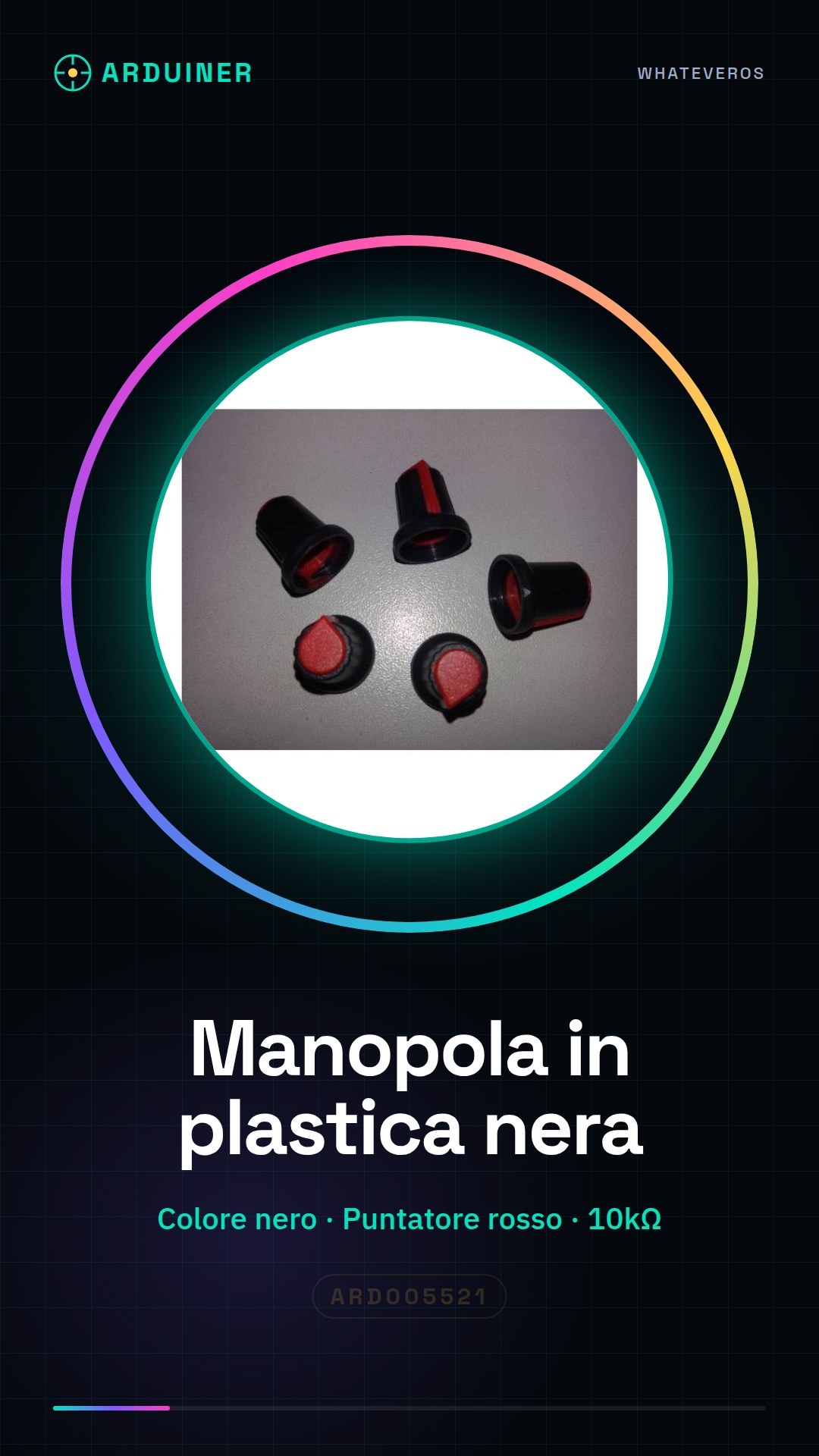
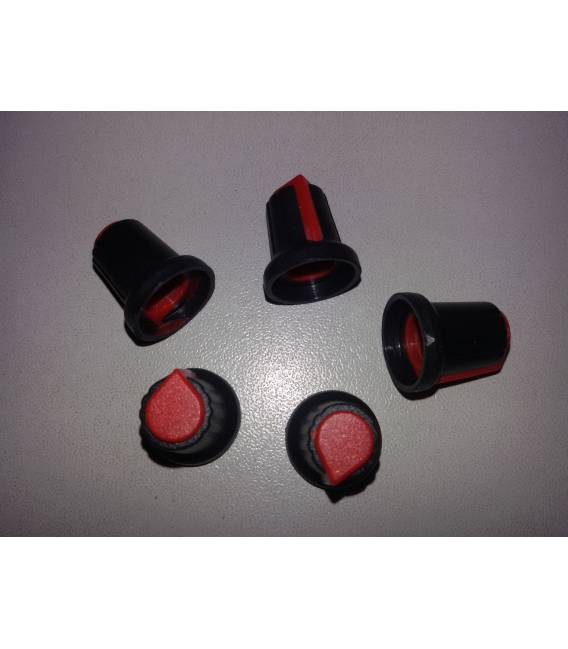
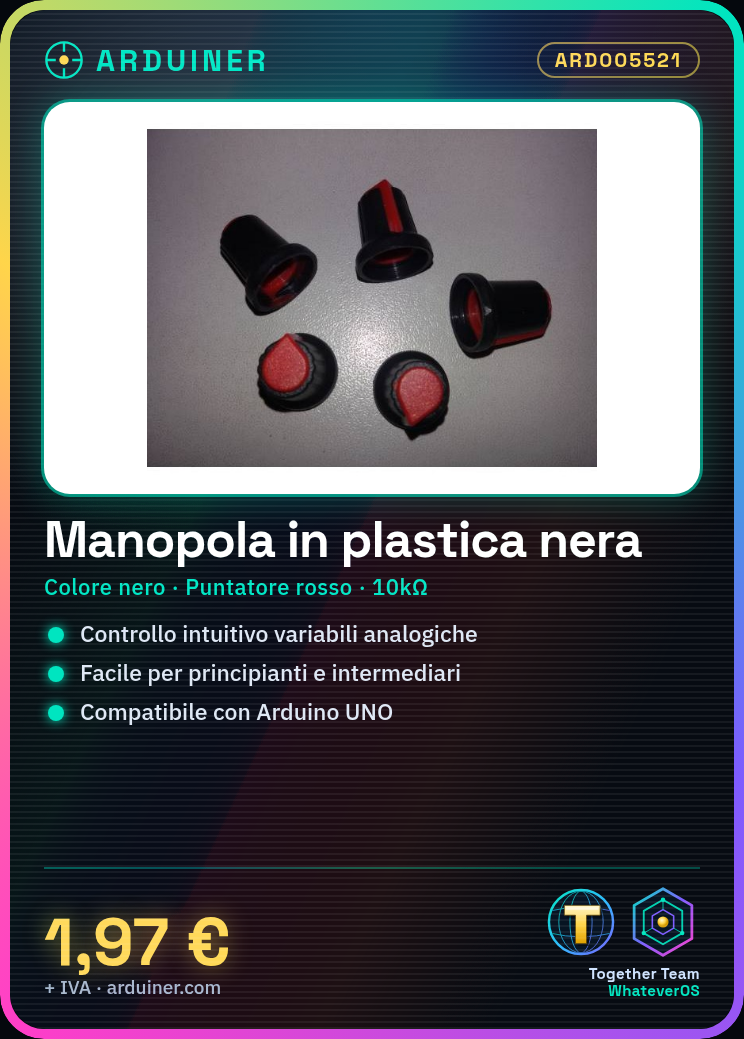
The black plastic knob with a red pointer is a fundamental component for Arduino-based electronics projects. This element allows for an intuitive management of potentiometer settings, making it easier to control analog variables.
Features
- Knob color: black
- Pointer: red
What it is for
Ideally suited for beginners and intermediates, this knob can be used to create an intuitive control of variables such as the brightness of an LED or other analog devices. It is compatible with a wide range of potentiometers.
Tutorial: How to use BLACK PLASTIC KNOB WITH RED POINTER
The potentiometer knob is an ideal component for controlling analog variables in electronics projects. Suitable for beginners and intermediates.
What you need
- Black plastic knob with red pointer
- Arduino or compatible microcontroller
- 10kΩ resistor (check the datasheet)
Steps
- 1. Assemble the knob on the circuit, ensuring that the pointer moves freely.
- 2. Connect pin A0 (or equivalent analog pin) of the knob to pin A0 of the Arduino.
- 3. Connect one end of the 10kΩ resistor to VCC and the other to GND.
- 4. Connect the other end of the resistor to pin A0 of the Arduino.
- 5. Upload the following code to the Arduino.
- 6. Attach the pointer of the knob to various projects to control analog variables.
- 7. Test the functionality with an LED or a servo.
- 8. Adjust the resistor if necessary (check the datasheet).
Example code
```
void setup() {}
void loop() {
  int val = analogRead(A0);
  Serial.println(val);
}
```
Mini project
Create a control for an LED that turns on and off depending on the position of the knob.
Common mistakes
- Connect pin A0 to GND instead of VCC.
- Omit the 10kΩ resistor.
- Use a digital pin instead of an analog pin.
- Do not test the functionality with an LED before connecting the potentiometer.
Recommended accessories
- LED
- 100Ω resistor
- Servo
- 220Ω resistor
Frequently asked questions
Can I use a digital pin instead of an analog pin?
No, the digital pin is not suitable for this component.
What is the recommended resistance?
10kΩ (check the datasheet).
Is the component compatible with Arduino UNO?
Yes, compatible with Arduino UNO.

Reviews
There are no reviews yet.