 EN
 IT Italiano
 ES Español
 FR Français
 DE Deutsch
Description
What it is
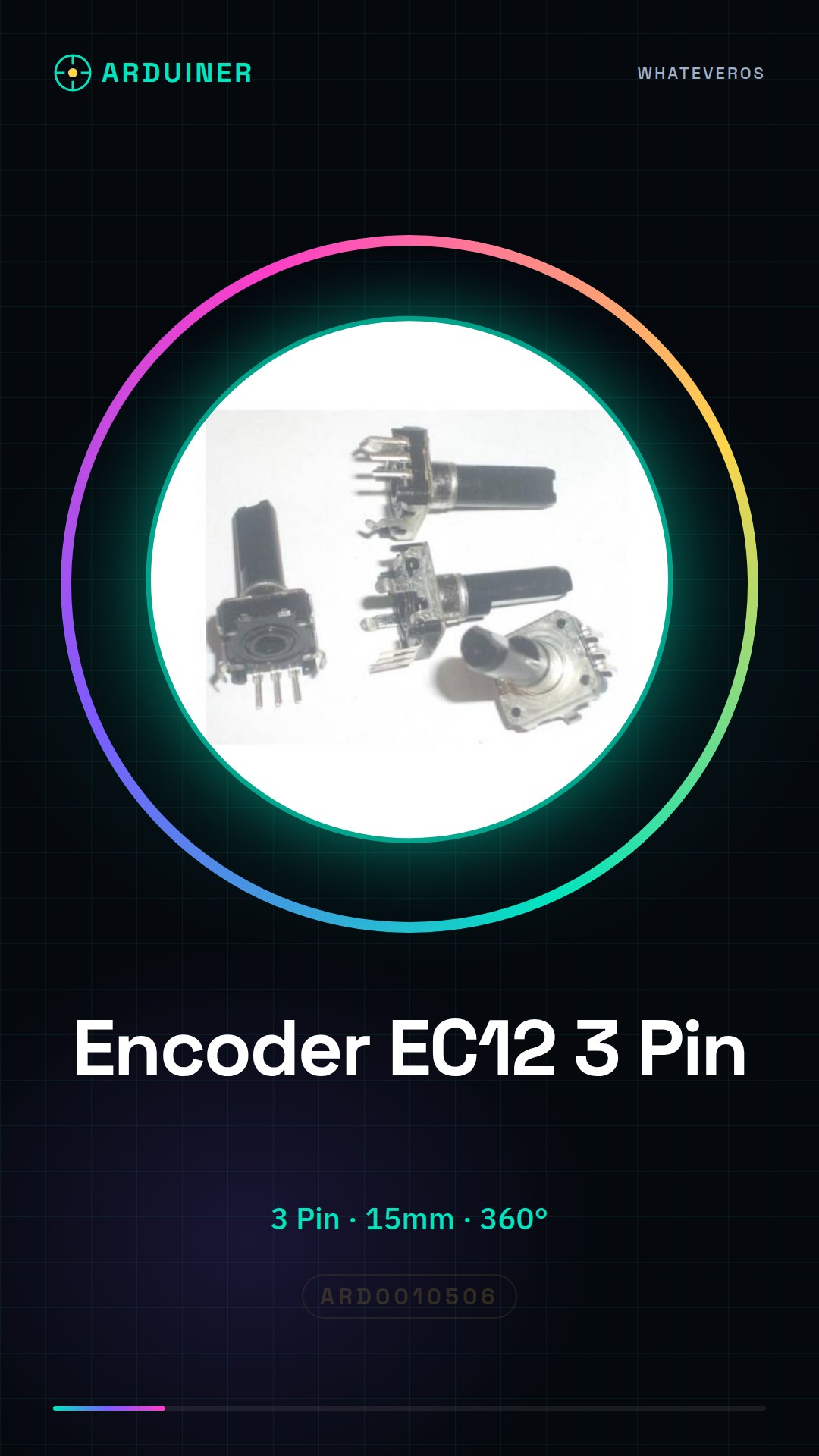
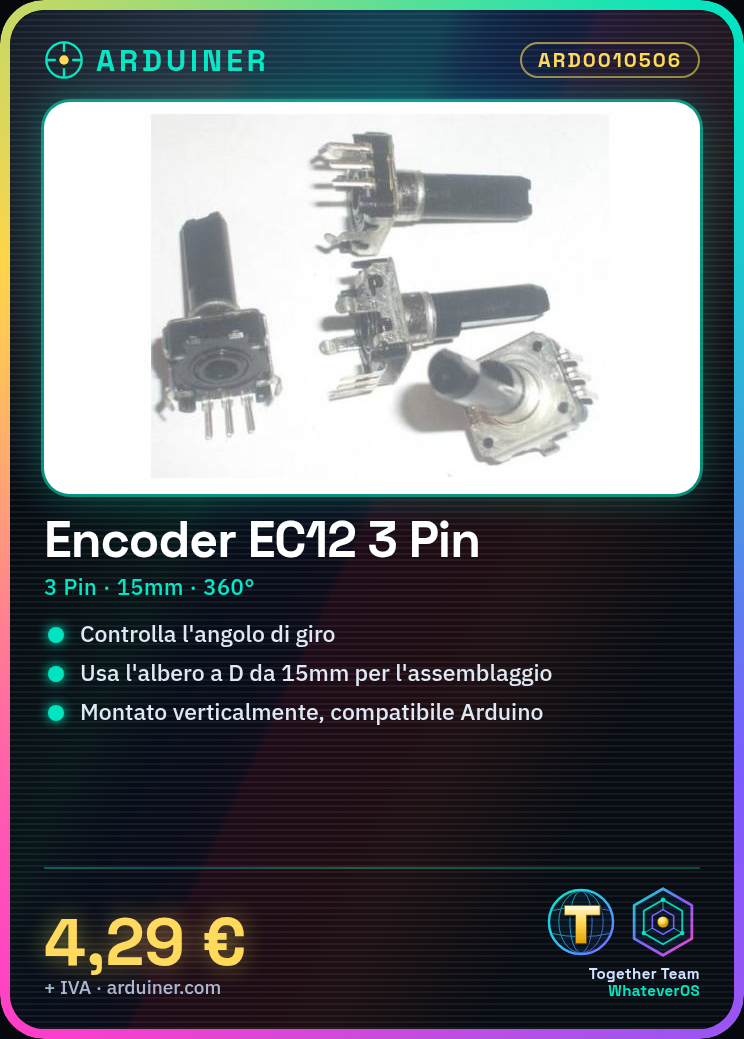
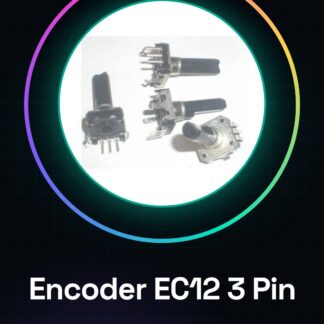
The EC12 rotary audio encoder is a vertical electronic component with three connectors, designed for use in various types of electronic projects. It has a total length of 15mm and includes a D shaft that allows for continuous 360-degree rotation.
Features
- Type: Vertical rotary audio encoder EC12
- Connection points: 3
- Total length: 15mm
- D shaft: present
- Rotation: 360 degrees
What it is for
The EC12 rotary encoder is ideal for projects requiring precise angle control, such as creating a volume control for a speaker or monitoring position in various mechanisms. It is compatible with Arduino and other microcontrollers.
Tutorial: How to use EC12 rotary encoder
The EC12 rotary encoder is an ideal component for controlling the angle of a shaft or mechanism. Useful for projects requiring precision in position monitoring.
What you need
- Arduino UNO or compatible
- Power supply cable
- Multimeter
- 15mm D-shaft
Steps
- 1. Ensure that the 15mm D-shaft is compatible with the EC12 encoder.
- 2. Mount the EC12 encoder vertically on the base of your project.
- 3. Connect the GND, VCC, and OUT pins of the encoder to the Arduino, respectively GND, 5V, and a digital pin.
- 4. Load the provided Arduino code.
- 5. Verify the output frequency from the datasheet.
- 6. Test the encoder with a sample sketch.
- 7. Adapt the code for your project.
- 8. Ensure that the encoder functions correctly.
Example code
```void setup() {
  Serial.begin(9600);
  pinMode(2, INPUT); // Pin di output dell'encoder
}

void loop() {
  int value = digitalRead(2);
  Serial.println(value);
  delay(100);
}```
Mini project
Create a volume control for a speaker using the EC12 encoder as a knob.
Common mistakes
- Do not connect the pins correctly.
- Use a D-shaft of a different size.
- Do not verify the datasheet.
- Do not adapt the Arduino code.
Recommended accessories
- Speaker
- Audio cable
- AA battery
- Wooden speaker
Frequently asked questions
How can I verify the encoder output?
Connect an output pin of the encoder to a digital pin and use a sample sketch to read the output.
Is the encoder compatible with Arduino compatible boards?
Yes, the EC12 encoder is compatible with any Arduino UNO or compatible board.
Can I use a shaft of different sizes?
Check the datasheet to see if a shaft of different sizes is compatible.
Does the provided code work for all encoders?
No, adapt the code based on the EC12 encoder specifications.
Reviews
There are no reviews yet.