 EN
 IT Italiano
 ES Español
 FR Français
 DE Deutsch
Description
What it is
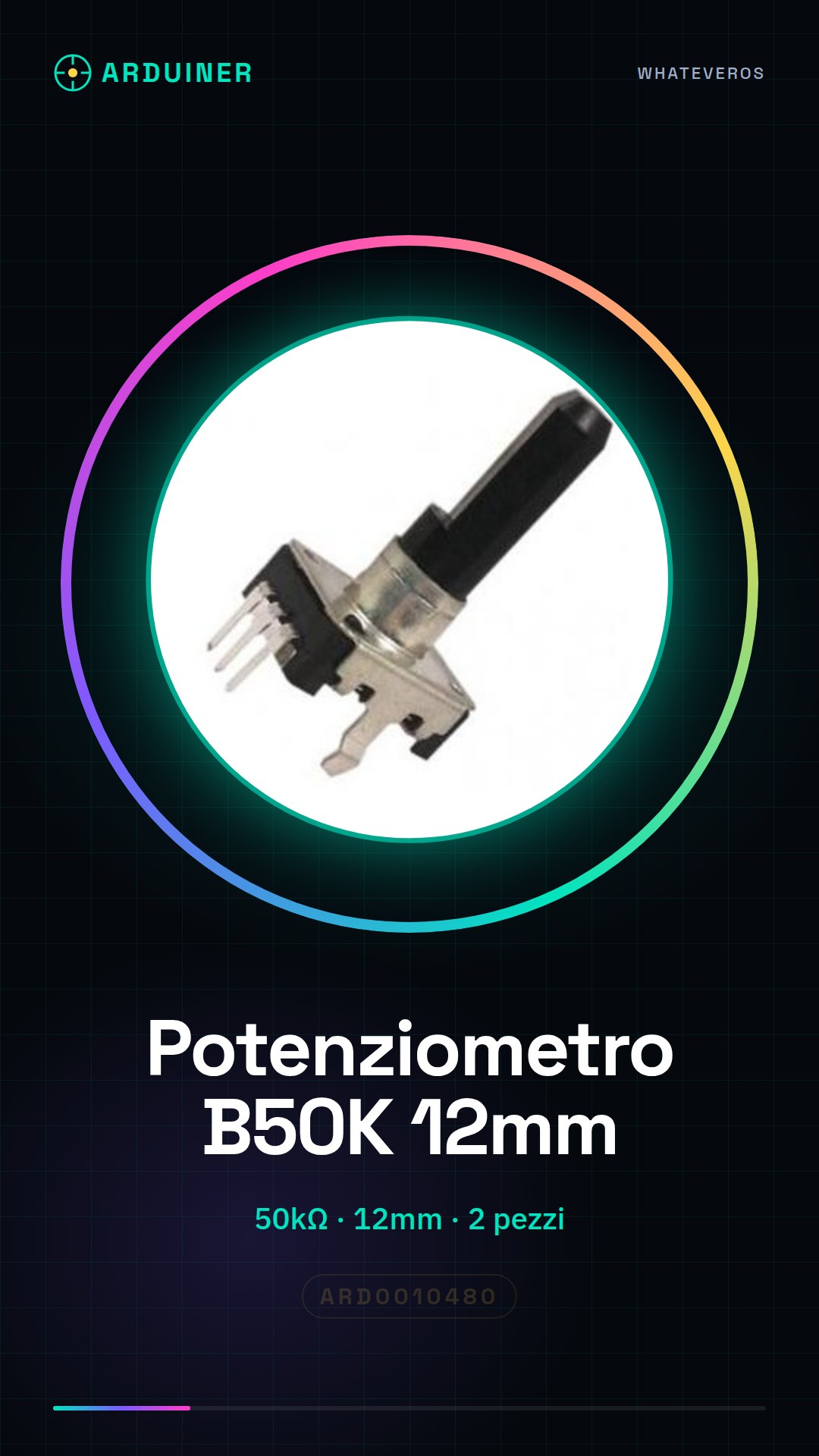
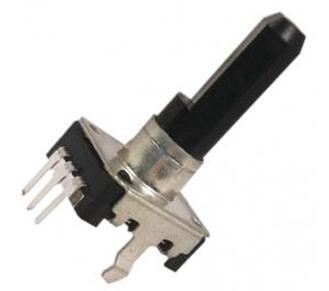
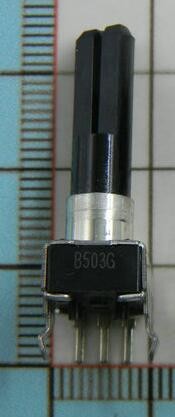
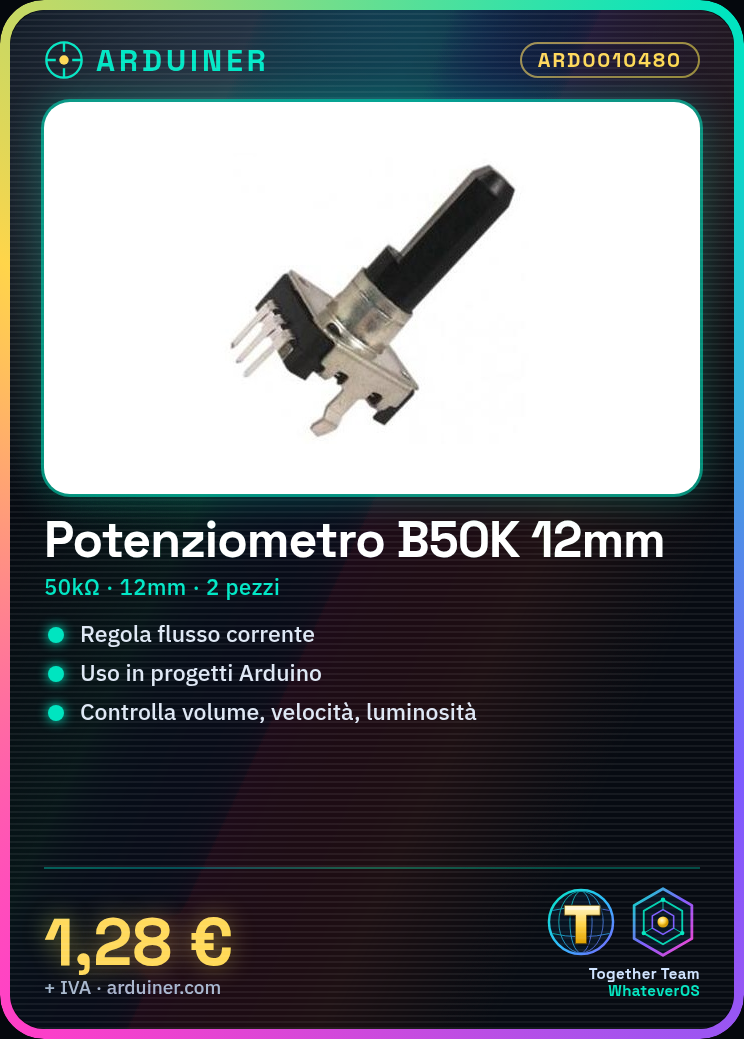
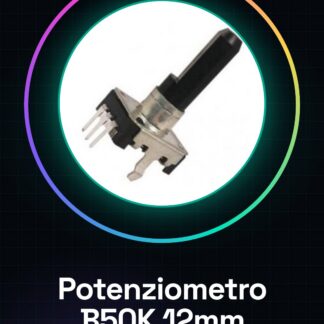
This product includes 2 potentiometer handle B50K, each with a length of 12 mm. They are electronic components used to adjust the flow of electrical current in a circuit.
Features
- 2 pieces per package
- Type: Potentiometer handle B50K
- Value: 50kΩ (B50K)
- Length: 12 mm
What it is for
Potentiometers handle B50K are ideal for electronic projects, such as those based on Arduino, to regulate values like volume, speed, or brightness. They can be used in virtual amplifiers, speed controls for motors, lighting adjustments, and many other projects.
Tutorial: How to use Potentiometers handle B50K
Potentiometers handle B50K are useful for controlling values like volume or speed in Arduino projects. Ideal for beginner and intermediate makers.
What you need
- 2 Potentiometers handle B50K
- Arduino
- Power cable
- Multimeter (optional)
Steps
- 1. Check the datasheet for the specifications of the potentiometer.
- 2. Connect a potentiometer to pin A0 of Arduino.
- 3. Connect the GND pin of the potentiometer to the GND of Arduino.
- 4. Connect the VCC pin of the potentiometer to the 5V of Arduino.
- 5. Upload the following code to Arduino.
- 6. Adapt the code to the pin number used.
- 7. Try turning the knob and observe the values.
- 8. Repeat for the other potentiometer.
Example code
```void setup() {} void loop() { int val = analogRead(A0); Serial.println(val); }```Mini project
Create a volume control for a virtual amplifier using a potentiometer.
Common mistakes
- Connect VCC correctly to 5V and GND to GND.
- Check the datasheet to see if the potentiometer supports direct connection to Arduino.
- Ensure that the potentiometer is properly connected to avoid intermittent connections.
- Check that pin A0 is correctly used in the code.
Recommended accessories
- Potentiometer handle B50K
- Arduino
- Power supply cable
- Multimeter (optional)
Frequently asked questions
How can I verify the resistance of the potentiometer?
Use a multimeter to measure the resistance between the VCC and GND pins of the potentiometer.
Can I use any Arduino pin?
Yes, but make sure the pin you choose is an analog pin.
Does the potentiometer work with Arduino Uno?
Yes, the potentiometer works with Arduino Uno.
What other functions can a potentiometer have?
Potentiometers can be used to control various parameters such as volume, speed, etc.
Reviews
There are no reviews yet.