 EN
 IT Italiano
 ES Español
 FR Français
 DE Deutsch
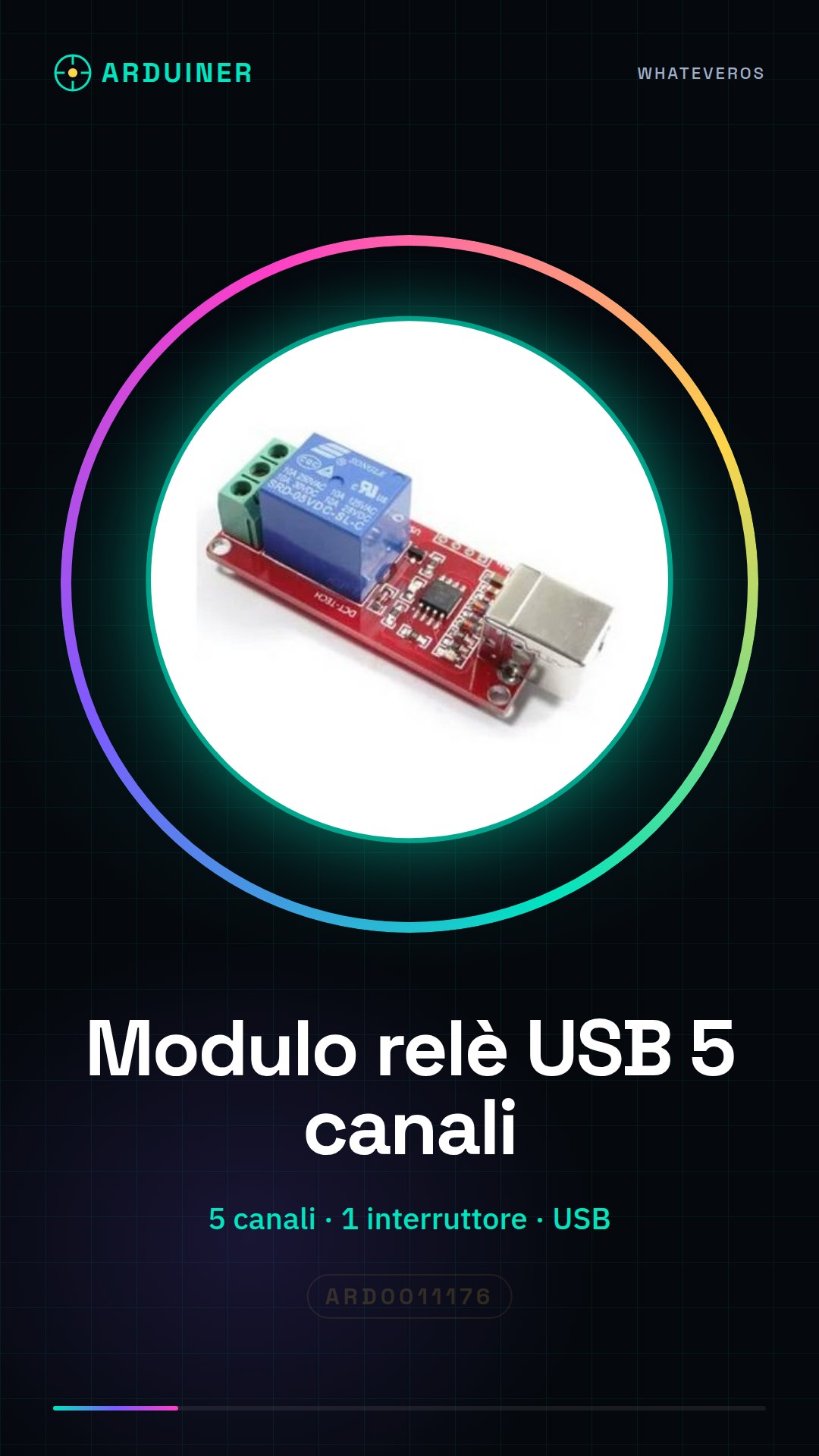
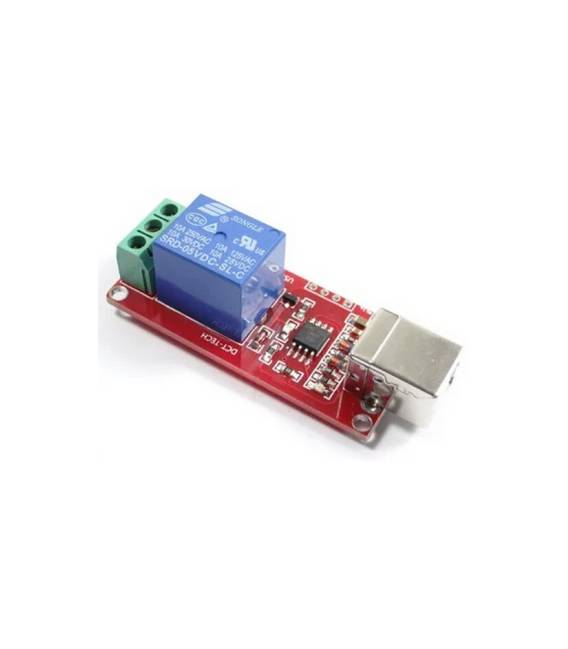
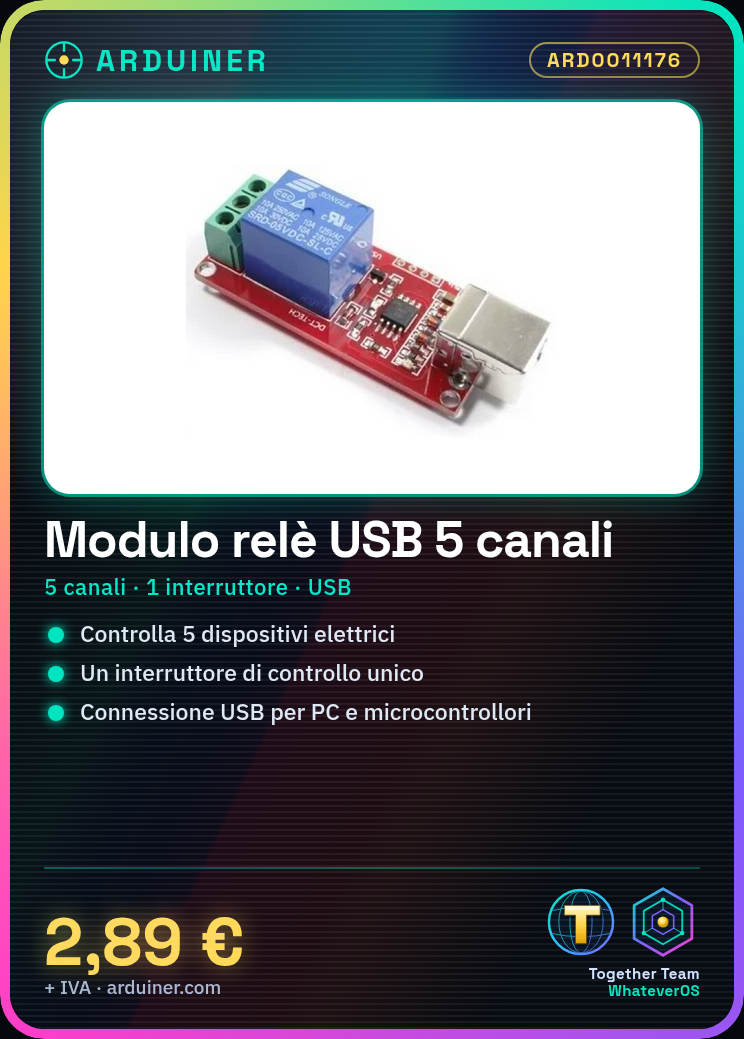
Description
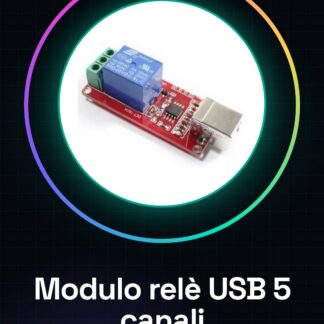
What is the 5 Channel USB Relay Module? The 5 Channel USB Relay Module is an electronic device that allows remote control of up to five electrical devices via a computer or microcontroller. Features: – 5 channels for control – 1 channel for switch control – USB connection Usage: Ideal for home and industrial automation projects, it can be used to control lights, appliances, motors, and other electronic devices. Compatibility with Arduino and other microcontrollers makes it versatile for robotics, smart home, and automation projects. Tutorial: How to Use the 5 Channel USB Relay Module This module allows you to control electrical devices via a computer or microcontroller. Ideal for home and industrial automation projects. What You Need – 5 Channel USB Relay Module – Computer or microcontroller with USB port – Devices to be controlled connected to relay channels Steps – Connect the USB relay module to your computer or microcontroller via the USB port. Verify the connection of the relay module in software or IDE. Configure the control channel for the switch. Connect electrical devices to the relay channels. Write and upload a sketch or script to control the relays. Test the operation of the relays. Ensure that connected devices turn on and off correctly. Optimize your sketch or script for more efficient control. Example Code void setup() { Serial.begin(9600); } void loop() { Serial.write(1); // Command to activate relay delay(2000); Serial.write(0); // Command to deactivate relay delay(2000); } Mini Project: Create an automatic lighting system that turns lights on upon receiving a signal from the relay module. Common Mistakes – Ensure the USB relay module is correctly recognised by your computer or microcontroller. Check that electrical devices are properly connected to the relay channels. Verify that your sketch or script contains correct commands for activating and deactivating relays. Make sure the relay module does not exceed the maximum power allowed for connected devices.



Reviews
There are no reviews yet.