 EN
EN IT Italiano
 ES Español
 FR Français
 DE Deutsch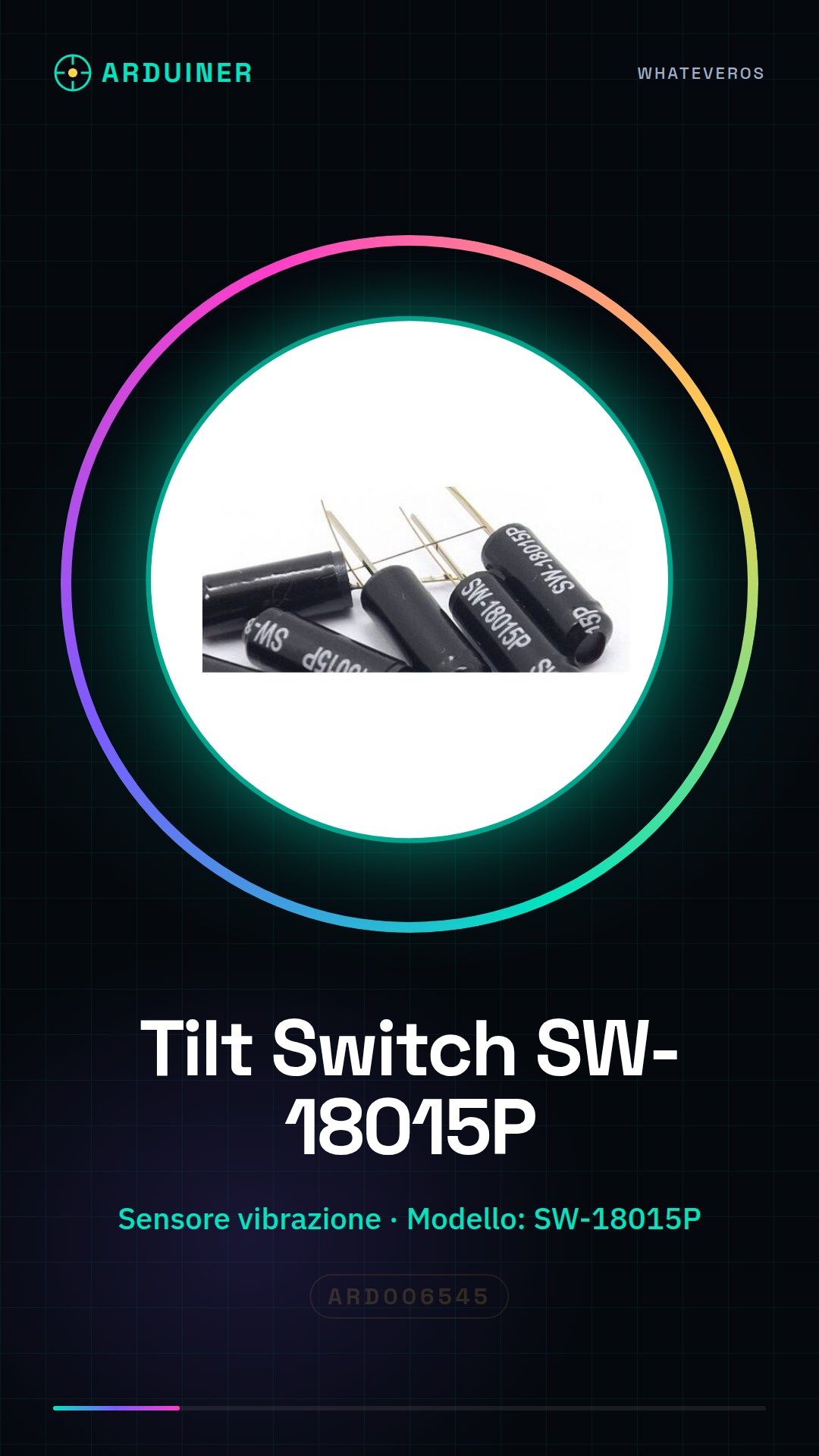
Description
What it is
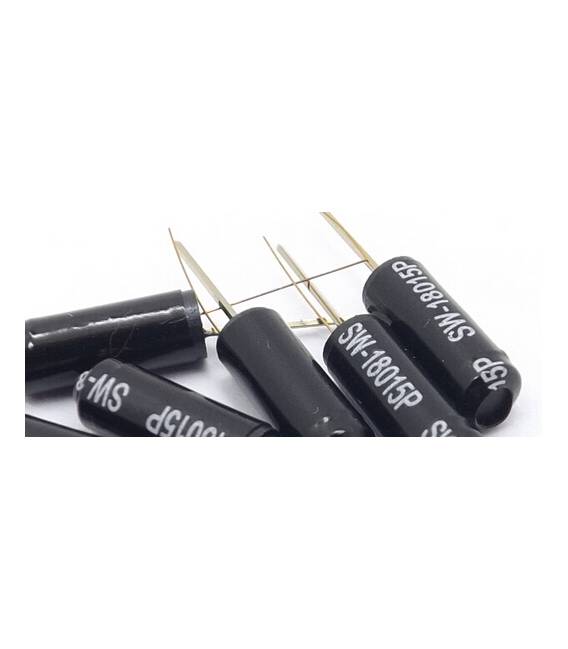
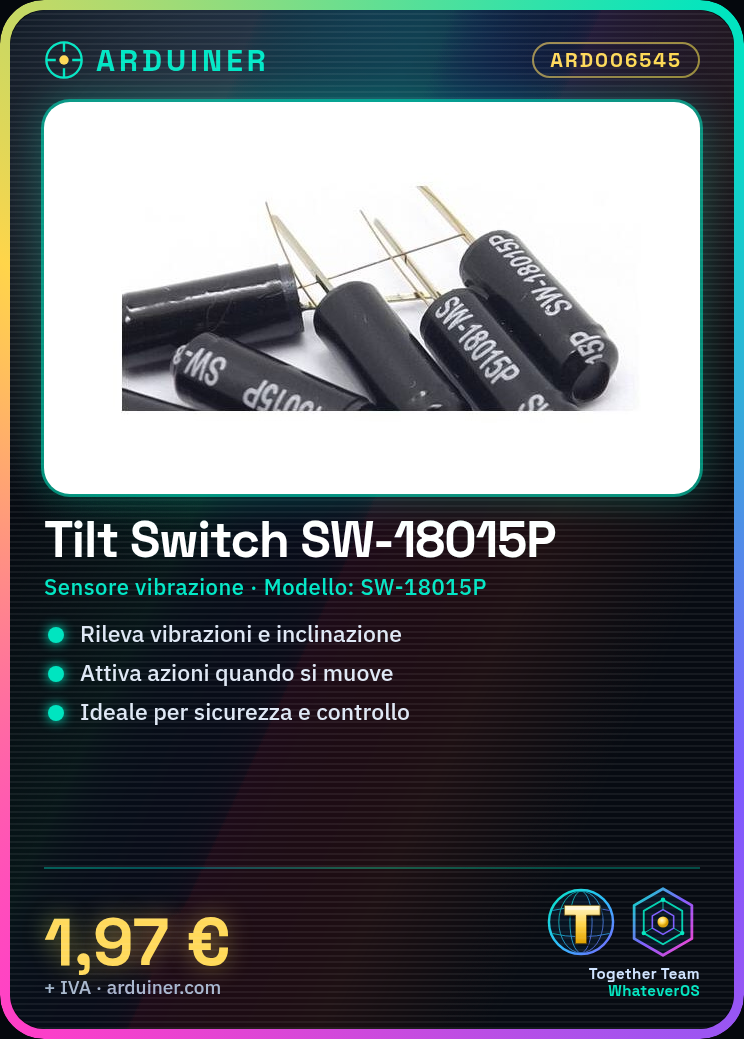
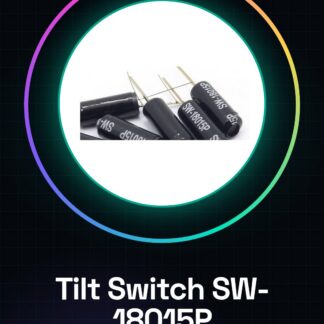
The vibration and tilt sensor Tilt Switch SW-18015P is an electronic device that detects both vibrations and changes in position. It can be used to control devices or trigger actions based on these events.
Features
- Type: Vibration and Tilt Sensor Tilt Switch
- Model: SW-18015P
- Quantity: 3 pieces
- Price: 1.97 €
What it is for
The Tilt Switch SW-18015P is ideal for mechanical control and movement projects. It can be used to create a movement control device for a door, connected to an Arduino and a relay to open and close the door when the sensor is triggered. Other uses include security systems, fall sensors, and vibration monitoring.
Tutorial: How to use 3 Pieces Vibration Tilt Switch Sensor SW-18015P
The Tilt Switch SW-18015P is ideal for monitoring vibrations and position changes. Useful for mechanical control and movement projects.
What you need
- 3 pieces Tilt Switch SW-18015P
- Mass filters for Arduino
- Multimeter (optional)
- Craft knife (for installation)
Steps
- 1. Check that the vibration sensor parts are complete and functioning correctly. Verify on the datasheet.
- 2. Connect the sensor pins to your Arduino: VCC to 5V, GND to ground, and OUT to a digital pin.
- 3. Connect a mass filter between VCC and GND to protect the sensor.
- 4. Load the provided Arduino code.
- 5. Test the sensor with a sample program.
- 6. Install the sensor so that it activates correctly when the device moves.
- 7. Check that the sensor functions correctly in different positions.
- 8. Connect the sensor to a display or another component to display the data.
Example code
int sensorPin = 2; int sensorValue = 0; void setup() { pinMode(sensorPin, INPUT); Serial.begin(9600); } void loop() { sensorValue = digitalRead(sensorPin); Serial.println(sensorValue); delay(1000); }Mini project
Create a motion control device for a door. Connect the sensor to an Arduino and a relay to open and close the door when the sensor is triggered.
Common mistakes
- Do not use an analog pin for the sensor, it is digital.
- Omitting the mass filter can cause interference.
- Connect VCC directly to 5V without a mass filter.
- Do not test the sensor in different positions.
Recommended accessories
- Relay for controlling electrified devices
- LED display
- Arduino UNO or compatible
- Electrical cords
Frequently asked questions
Does the vibration sensor only work with Arduino?
No, it works with any digital microcontroller.
Can I use this sensor to measure acceleration?
No, it is designed to detect vibrations and position changes.
Does the sensor work in all positions?
Check the datasheet to confirm compatibility with the specific positions of your project.
Reviews
There are no reviews yet.