 EN
 IT Italiano
 ES Español
 FR Français
 DE Deutsch
Description
Tutorial: How to Use DS1307N IC
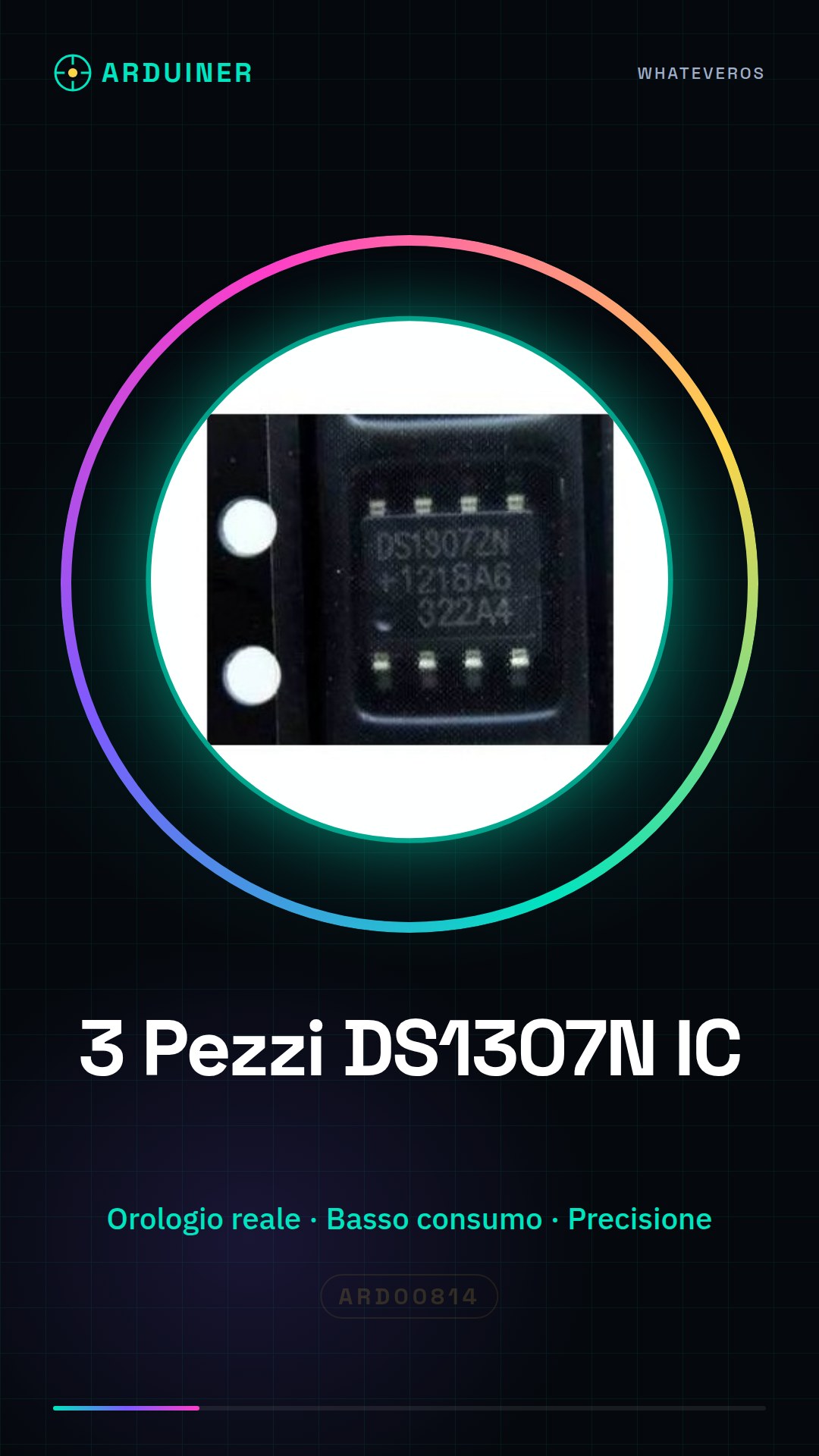
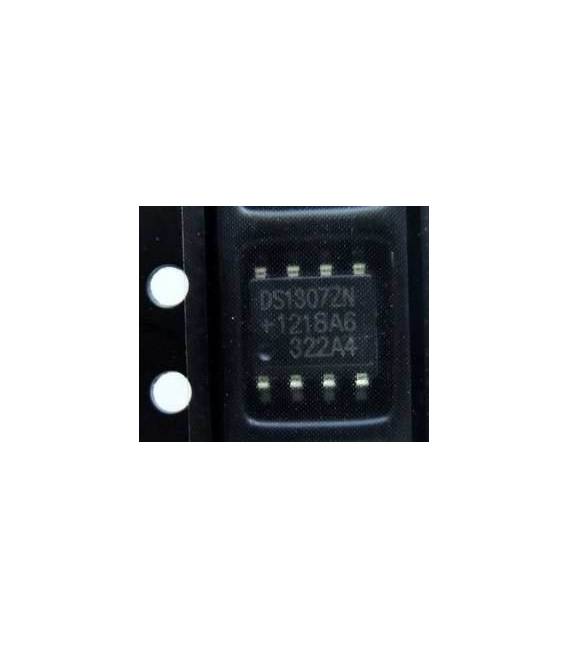
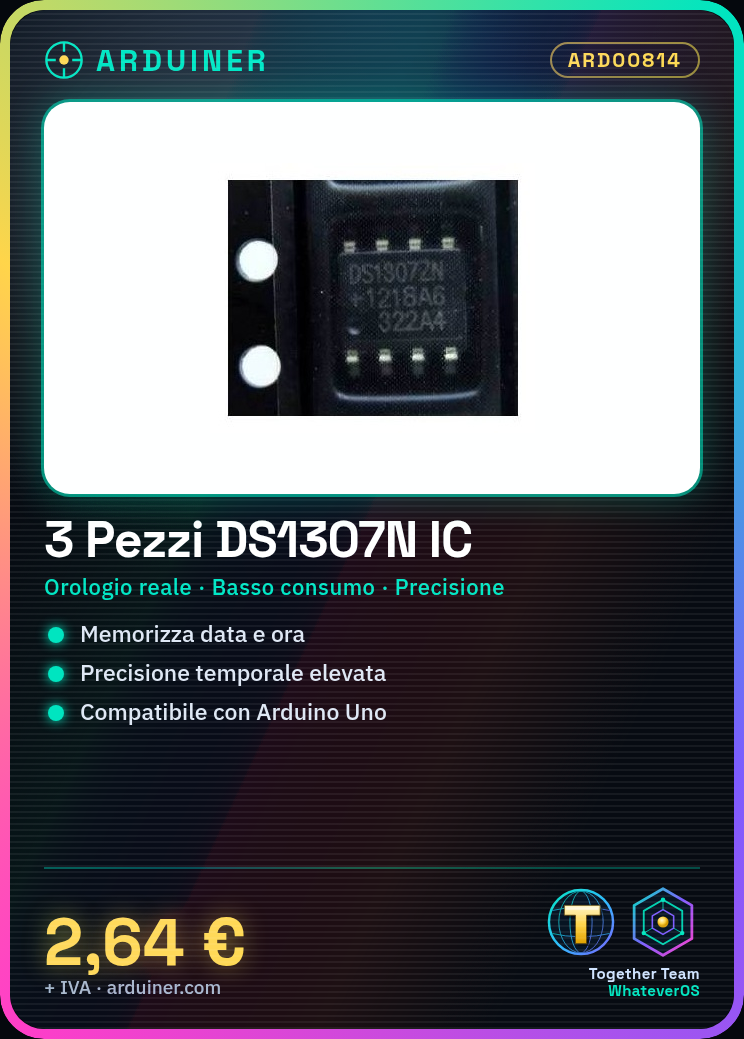
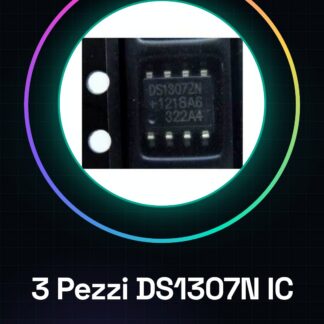
The DS1307N IC is a low-power real-time clock that stores date and time. It is ideal for Arduino projects that require high temporal accuracy.
What you need
- Arduino Uno
- USB A-MicroB Cable
- 5V Power Supply
Steps
- Connect the DS1307N to the VCC and GND pins of the Arduino for power.
- Connect the following pins of the DS1307N: SDA to A4, SCL to A5 on Arduino Uno.
- Install the RTClib library from the Arduino library manager.
- Include RTClib in the code and declare an RTC object.
- Set the time and date with rtc.adjust(DateTime(YYYY, MM, DD, HH, mm, ss));
- Read the digital clock with rtc.now() to get the current time.
- Print the clock data to the serial monitor.
- Check that the DS1307N is working by reviewing the code output.
Example code
RTC_DS1307 rtc;

void setup() {
  Serial.begin(9600);
  if (!rtc.begin()) {
    Serial.println("Errore: non riesco a trovare l'orologio.");
    while (true);
  }
}

void loop() {}
Mini project
Create a digital clock that displays the time and date on the serial monitor.
Common mistakes
- Power supply issue: make sure VCC is correctly connected to 5V or 3.3V.
- Issues with SDA/SCL pins: check connections and RTClib library.
- Incorrect clock configuration: verify that the time is set correctly.
Recommended accessories
- USB A-MicroB cable
- 5V power supply
- LCD or OLED display to show time and date
Frequently asked questions
How can I synchronize the clock with an NTP server?
Use a library like TimeNTP to automatically synchronize the clock.
What is the precision of the DS1307N clock?
Check the datasheet, but generally it has a precision of about 2 minutes per month.
Reviews
There are no reviews yet.