 EN
 IT Italiano
 ES Español
 FR Français
 DE Deutsch
Description
What it is
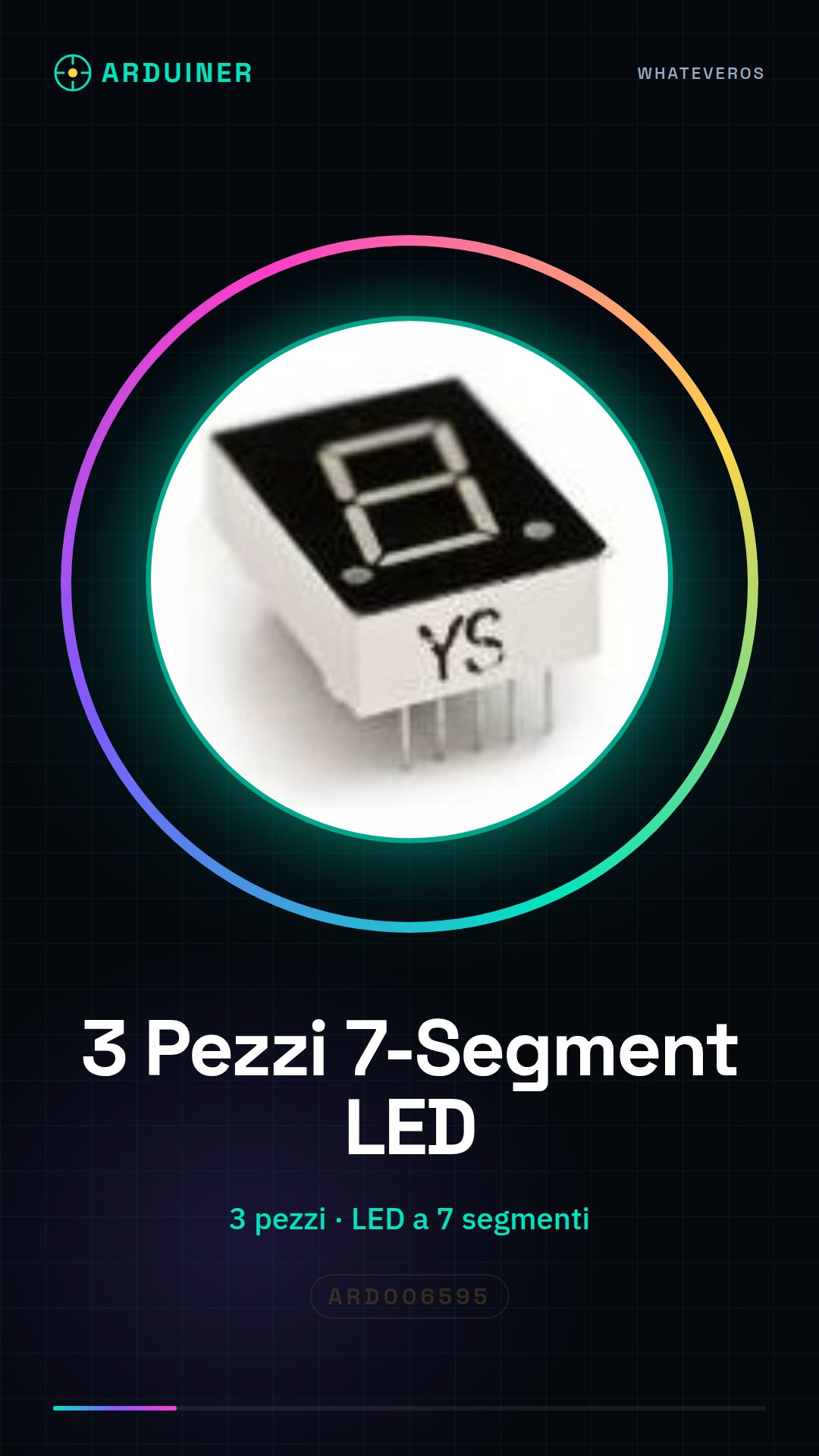
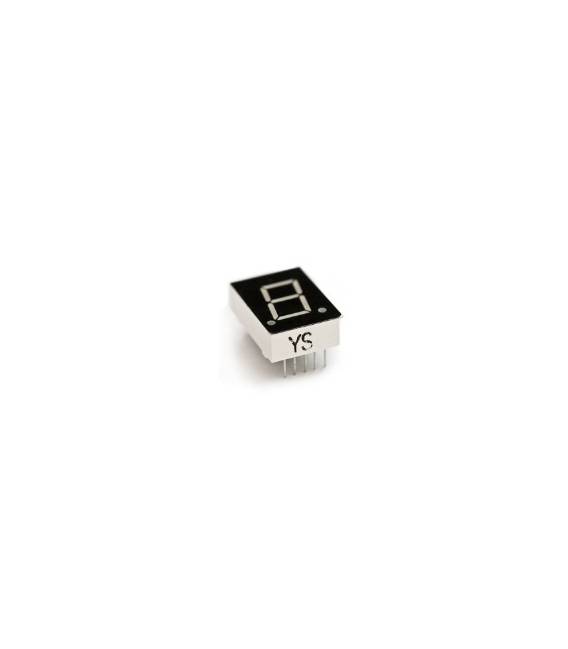
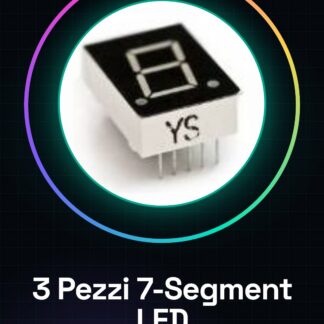
This product contains 3 seven-segment LEDs. They are electronic components that allow displaying numbers and, in some cases, letters.
Features
- Quantity: 3 pieces
- Type: Seven-segment LED
What it is for
Seven-segment LEDs are suitable for creating simple numeric displays, light signals, or indicators. They can be used in Arduino projects to display numbers, times, or status information.
Tutorial: How to Use 3 Pieces 7-Segment LED
Seven-segment LEDs are ideal for displaying numbers and letters. Useful for beginners and those who want to add displays to electronic projects.
What you need
- 3 Pieces 7-Segment LED
- Arduino
- 220 ohm resistor
- Connection cable
Steps
- Step 1: Assign one LED to each pin of the display. Each LED has 8 pins, but only 7 are used.
- Step 2: Connect the VCC and GND pins of the display to VCC and GND of the Arduino.
- Step 3: Connect a 220 ohm resistor between the anode pin (VCC) of each LED and VCC of the Arduino.
- Step 4: Connect the cathode pin (GND) of each LED to GND of the Arduino.
- Step 5: Upload the following code to the Arduino.
- Step 6: Check the datasheet for the specific pins of each LED.
- Step 7: Check the power supply current to avoid damage.
- Step 8: Test the display to ensure all segments work correctly.
Example code
```
void setup() {
  // Inizializza i pin
}

void loop() {
  // Mostra un numero
  digitalWrite(pino1, HIGH);
  delay(1000);
  digitalWrite(pino1, LOW);
}
```
Mini project
Create a simple stopwatch showing seconds on a 7-Segment LED.
Common mistakes
- Do not check the pins on the datasheet before connecting.
- Use resistors with different values than specified.
- Do not check the power supply current.
- Connect the wrong pins between LED and Arduino.
Recommended accessories
- Arduino Uno
- 220 ohm resistor
- Connection wire
- Multimeter
Frequently asked questions
How to connect to pins?
Follow the instructions on the datasheet for the correct order.
Which pins to use?
Check the datasheet for the specific pins of each LED.
How long can an LED function?
Check the datasheet for the function duration.
Can you use different resistors?
Check the datasheet for the power supply current.
Reviews
There are no reviews yet.