 EN
 IT Italiano
 ES Español
 FR Français
 DE Deutsch
Description
What it is
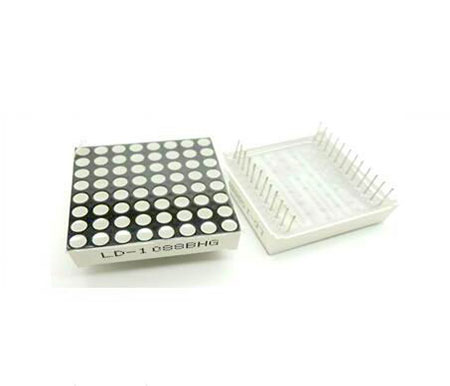
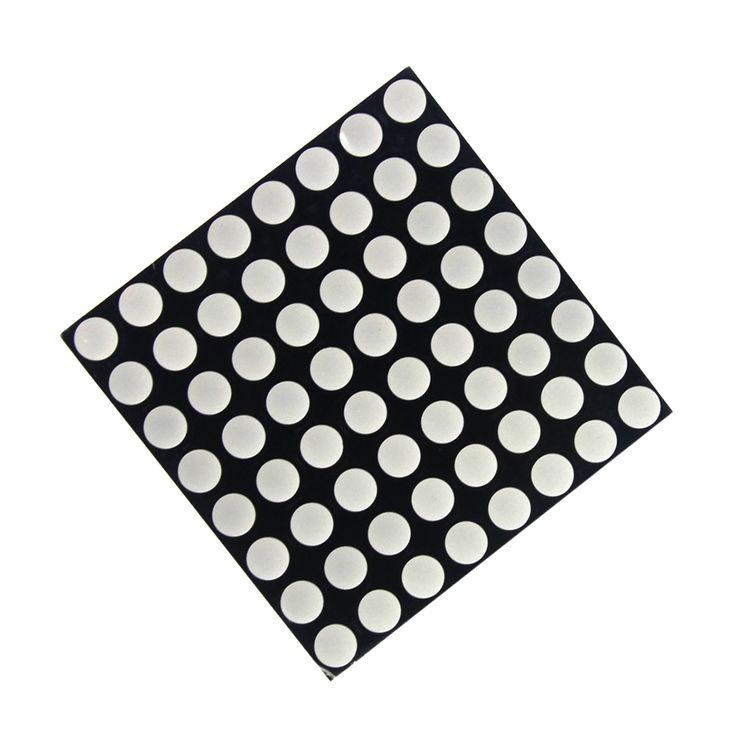
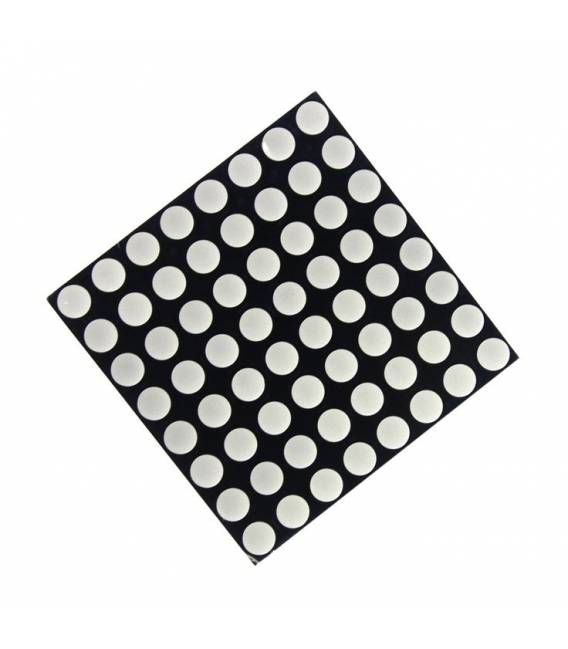
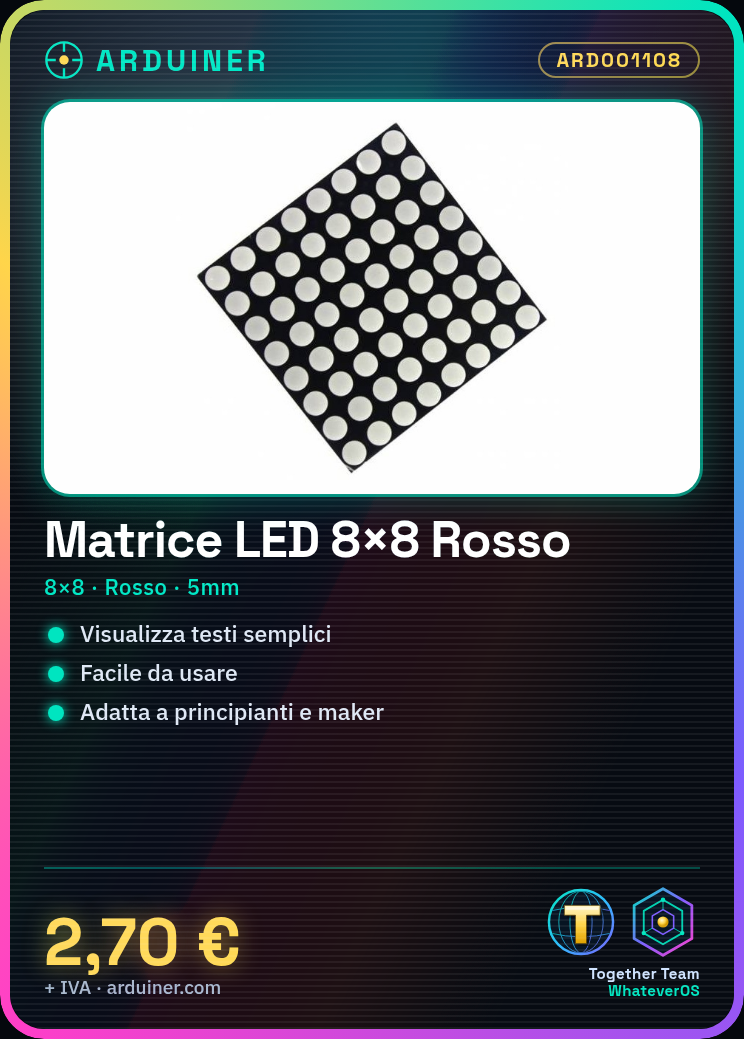
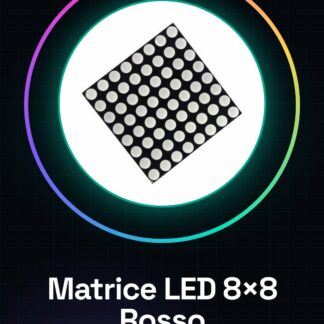
The 8×8 LED matrix in red color with a thickness of 5mm is an electronic component used for displaying text, symbols, or simple drawings. This matrix is suitable for both beginners and more experienced makers due to its ease of use.
Features
- Type: 8×8 LED Matrix
- Color: Red
- Thickness: 5mm
What it is for
Ideally used in Arduino and 3D printing projects, this matrix can be used to create simple displays that show messages like ‘WELCOME’ or basic drawings. It is compatible with various microcontrollers including those of the Arduino type.
Tutorial: How to Use 8×8 Red LED Matrix
The 8×8 red LED matrix is an ideal component for displaying simple messages or drawings in electronic projects. It is suitable for both beginners and more experienced makers.
What you need
- Arduino Uno
- USB Cable
- Jumpers
Steps
- Connect the 8×8 LED matrix to the Arduino data pin using jumpers. Check the datasheet for the required connection type (SPI, I2C, or parallel).
- Download and install the Adafruit NeoPixel library for Arduino.
- Upload the following sketch to your Arduino.
- Obtain a visual response from the 8×8 LED matrix when the code runs correctly.
- Verify that all LEDs are illuminated correctly and adjust the code values as needed to achieve the desired effect.
Example code
Adafruit_NeoPixel strip = Adafruit_NeoPixel(64, 2); // Numero di LED (8x8) e pin dati
strip.begin();
strip.setPixelColor(0, strip.Color(255, 0, 0)); // Imposta il colore rosso per la prima LED
strip.show();
Mini project
Create a simple display that shows ‘WELCOME’ in uppercase letters using the 8×8 LED matrix.
Common mistakes
- Set the code values without checking the LED matrix datasheet.
- Incorrectly connect the matrix to the Arduino data pin.
- Use an unsuitable electrical voltage to power the LED matrix.
Recommended accessories
- USB cable
- Jumpers
- Adafruit NeoPixel library
Frequently asked questions
How can I control individual LEDs in the matrix?
Use the setPixelColor() method from the NeoPixel library to set the color of a single LED.
What is the maximum refresh rate that the matrix can handle?
Check the product datasheet to obtain this information.
Reviews
There are no reviews yet.