 EN
 IT Italiano
 ES Español
 FR Français
 DE Deutsch
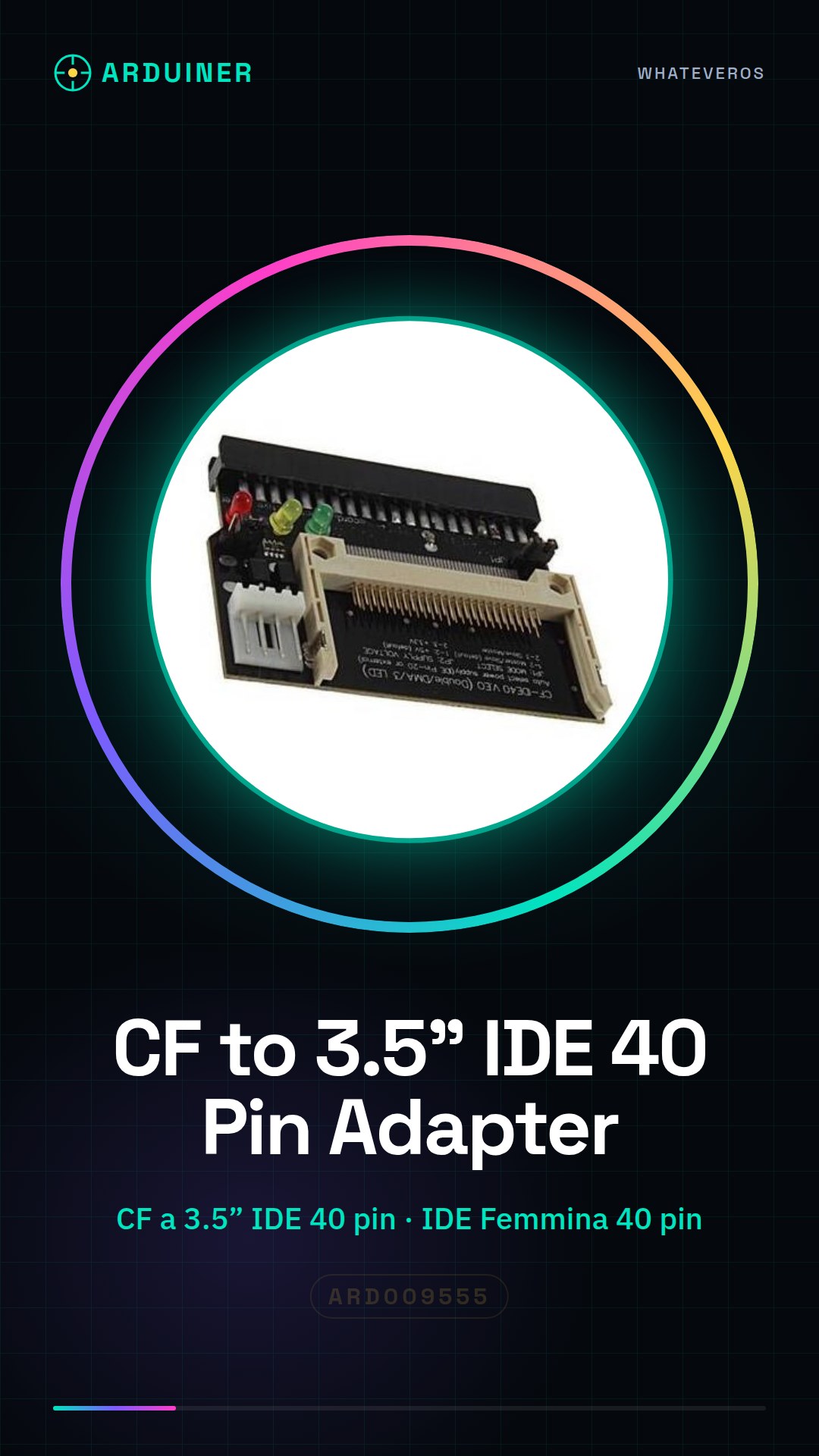
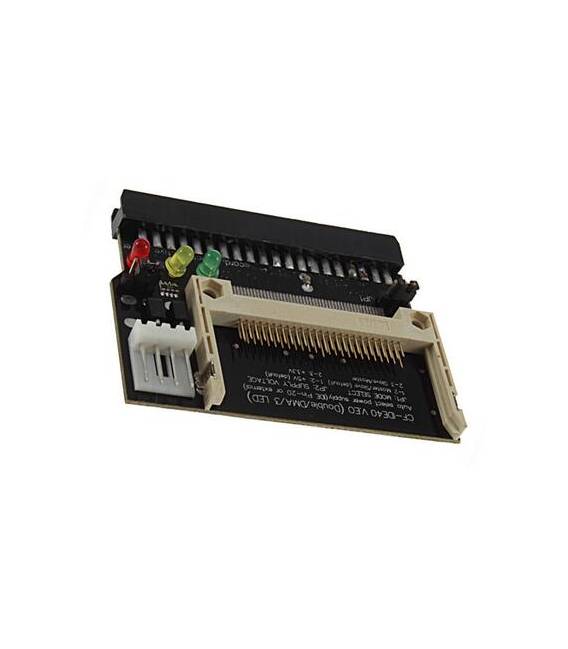
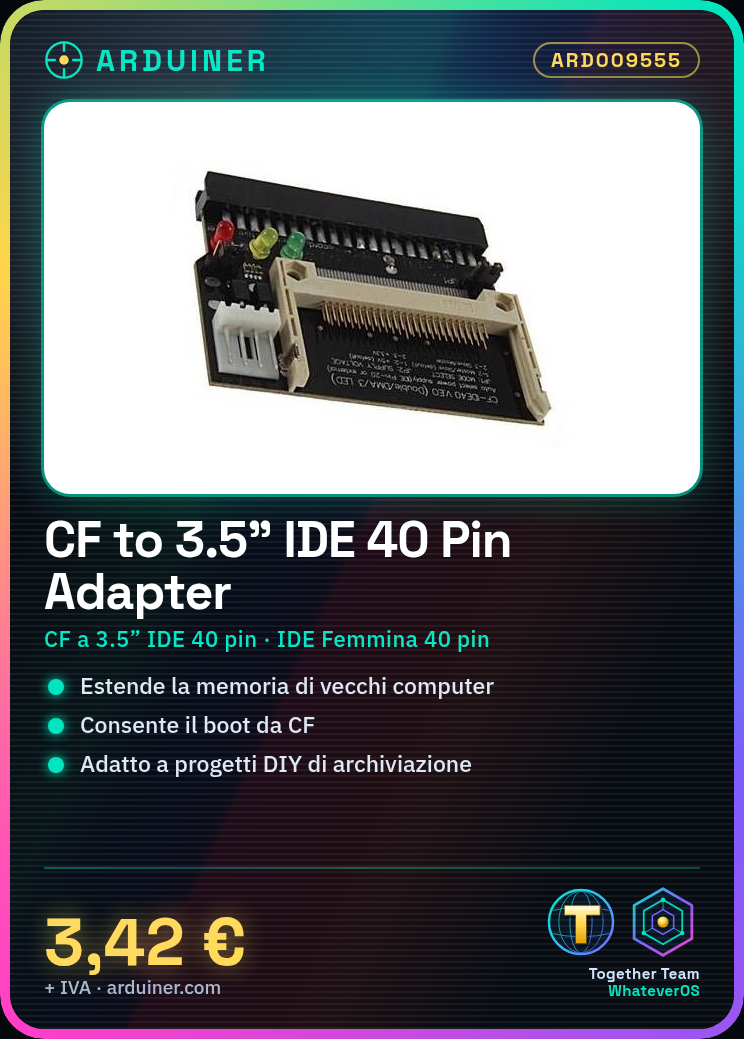
Description
What it is
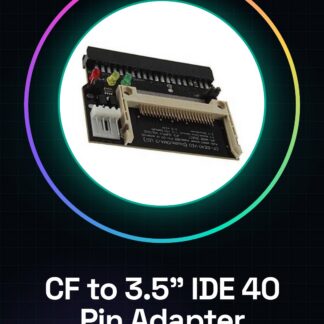
The CF to 3.5″ IDE 40 pin adapter is a device that allows the use of Compact Flash cards in systems requiring standard IDE connectors. This converter enables the reading and booting of data contained in Compact Flash cards as if they were a regular IDE card.
Features
- Type: CF to 3.5″ IDE 40 pin Adapter
- Compatible Platforms: Old computers and DIY projects
What it is for
The adapter is ideal for extending the memory of old computers using Compact Flash cards. Additionally, it can be integrated into DIY projects such as portable storage systems or custom backup solutions.
Tutorial: How to use CF to IDE 40 Pin Converter
The CF to IDE 40 pin converter allows Compact Flash cards to be used as if they were a regular IDE card. Ideal for those who want to extend the memory of old computers or create DIY projects.
What you need
- Compact Flash Card
- Computer with 40-pin female IDE connector
- CF to IDE Converter
Steps
- Check that the converter is compatible with your CF card and your boot system.
- Insert the CF card into the converter.
- Connect the adapter to the hard drive or computer’s IDE port using a 40-pin cable.
- Verify that the system correctly recognizes the CF card as an IDE device.
- Configure boot settings to boot from the converter if necessary (check the datasheet).
Mini project
Create a portable storage system using an old computer tower and the CF card as external memory.
Common mistakes
- The system does not recognize the converter, check connections.
- The CF card is not compatible with the adapter, check the datasheet.
- Boot problems: check BIOS/UEFI configuration.
- Read/write error: it could be a power issue, check the power cable.
Recommended accessories
- Compact Flash Card
- 40 Pin IDE Cable
- Antistatic
Frequently asked questions
Does the converter work with all CF cards?
No, check the compatibility in the product datasheet.
Can I use the converter to boot the system?
Yes, but it may be necessary to configure the BIOS/UEFI (check the product datasheet).
Reviews
There are no reviews yet.