 EN
 IT Italiano
 ES Español
 FR Français
 DE Deutsch
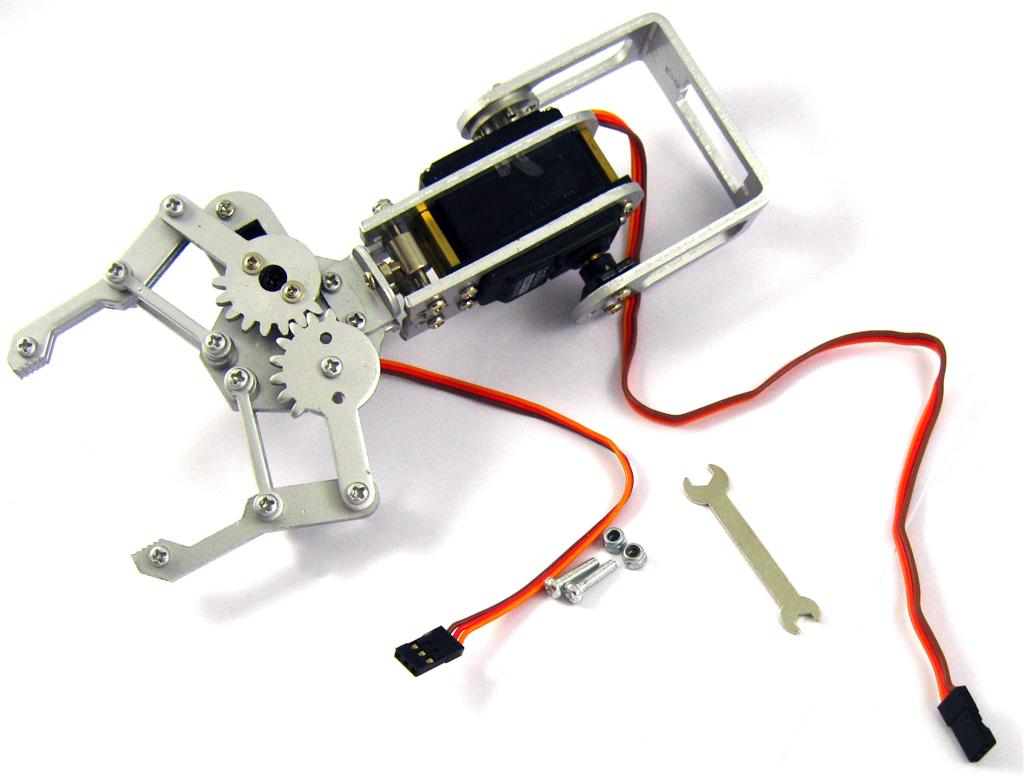
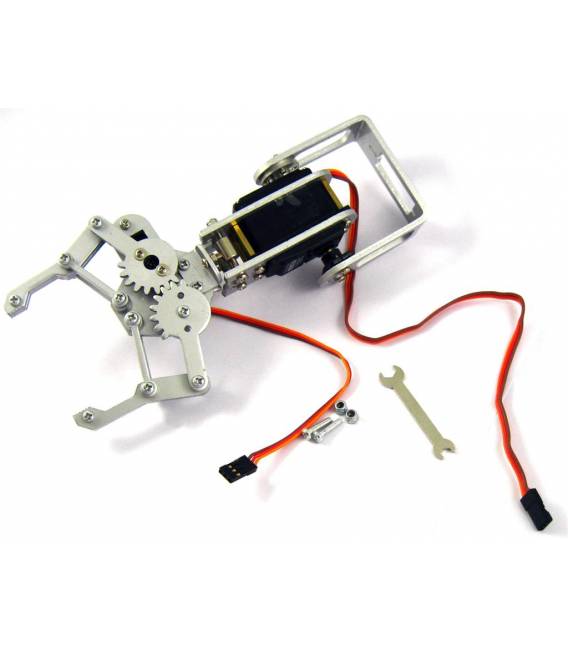
Description
What it is
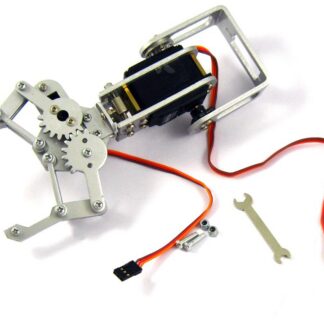
The 2DOF Robotic Arm with Clamp and Servo Motor is a multi-platform device designed for the manipulation of small objects. This robotic arm combines two degrees of freedom (2DOF) with a manual clamp, making it suitable for both beginners and intermediate makers.
Features
- 2DOF Robotic Arm
- Includes clamp for object manipulation
- Integrated servo motor
What it is for
The primary uses of the robotic arm include creating simple robots that can lift and position small objects on a surface. It is compatible with Arduino, making it easy to integrate into automation and robotics projects.
Tutorial: How to Use 2DOF Robotic Arm with Clamp and Servo Motors
The 2DOF robotic arm with clamp and servo motor is ideal for robotics and automation projects. Suitable for beginners and intermediate makers.
What you need
- Arduino UNO or compatible
- USB cable
- Clamp
- Servo motor
- Robot arm support
Steps
- 1. Mount the robot arm on a stable support.
- 2. Connect the servo motor to the Arduino board.
- 3. Attach the gripper to the servo motor.
- 4. Download the provided Sketch code.
- 5. Upload the code to Arduino.
- 6. Check the movements of the robot arm.
- 7. Program the robot arm to perform predefined movements.
- 8. Test the control interface.
Example code
void loop() { // Inserire il codice per controllare i movimenti del braccio robotico e la pinza }Mini project
Create a simple robot that lifts and positions objects on a surface.
Common mistakes
- Do not connect the cables correctly to the servo motor.
- Do not program the movement of the robot arm correctly.
- Do not carefully test the movements of the robot arm.
- Do not use a stable support for the robot arm.
Recommended accessories
- Distance sensors
- DC motor
- LiPo battery
- LCD display
Frequently asked questions
How can I control the robotic arm from a computer?
Use a serial communication software like PuTTY to send commands to the robotic arm.
Can the robotic arm handle heavy objects?
Check the datasheet to evaluate the maximum load capacity.
What are the predefined movements that I can program?
You can program movements of arm angle and positioning.
Reviews
There are no reviews yet.