 EN
 IT Italiano
 ES Español
 FR Français
 DE Deutsch
Description
What it is
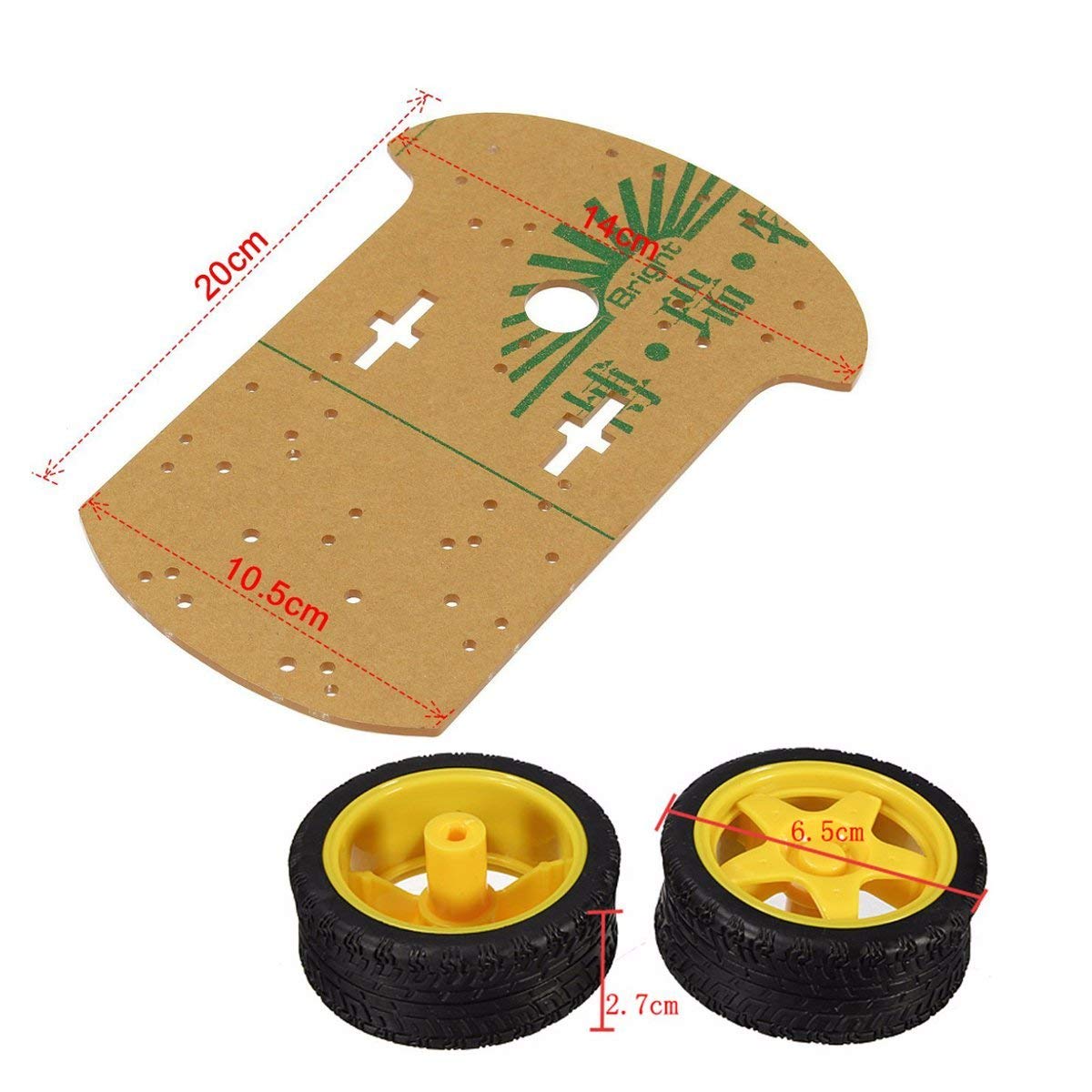
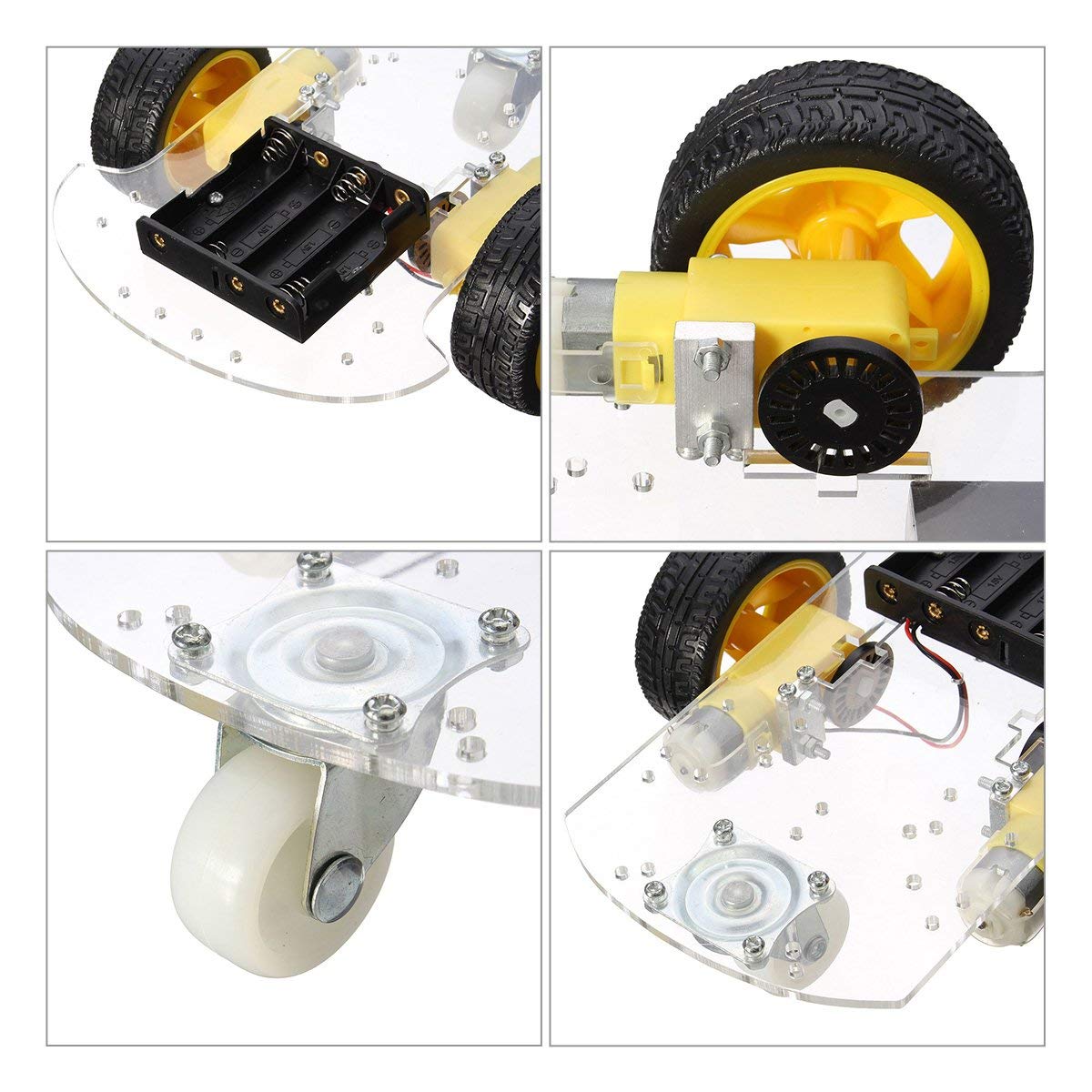
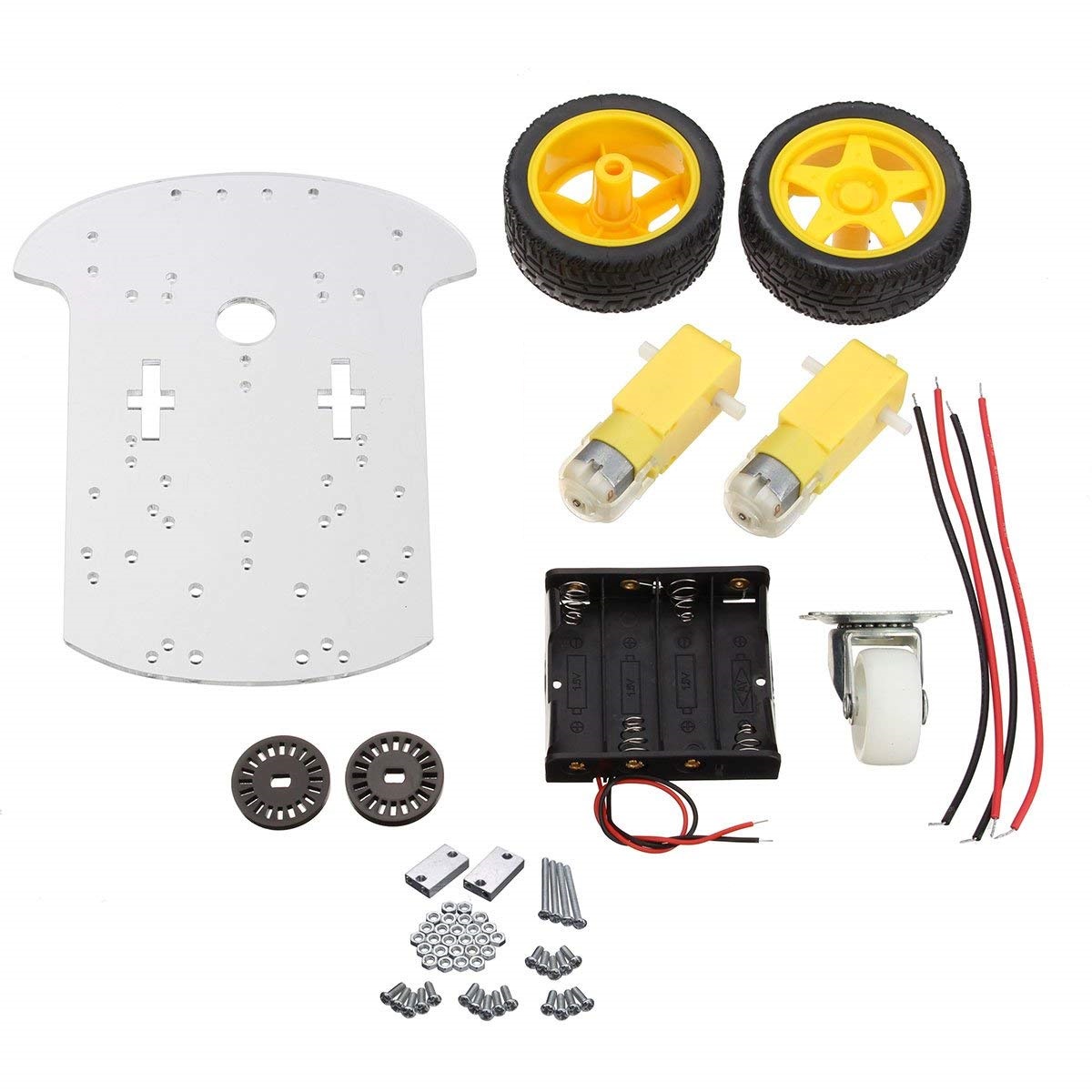
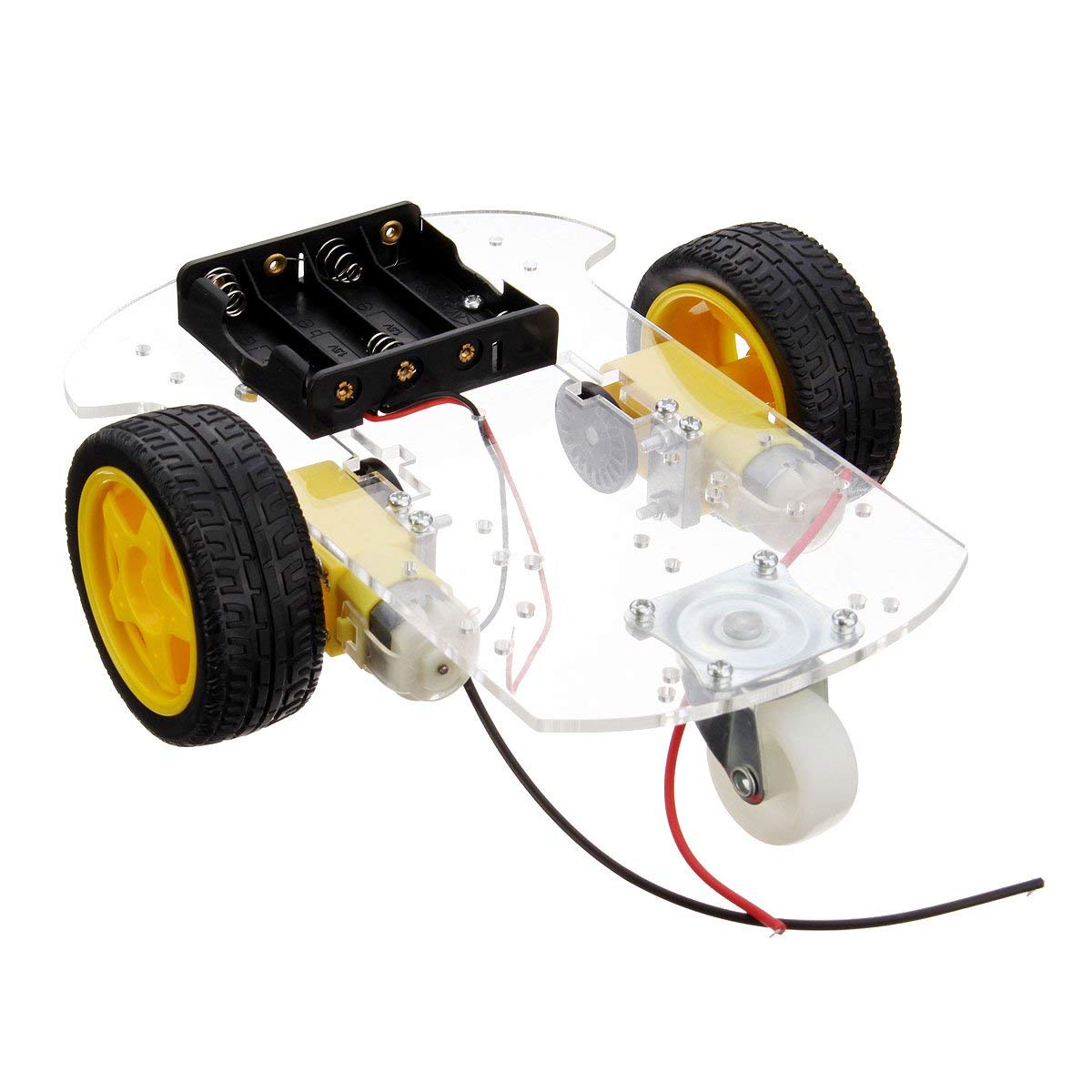
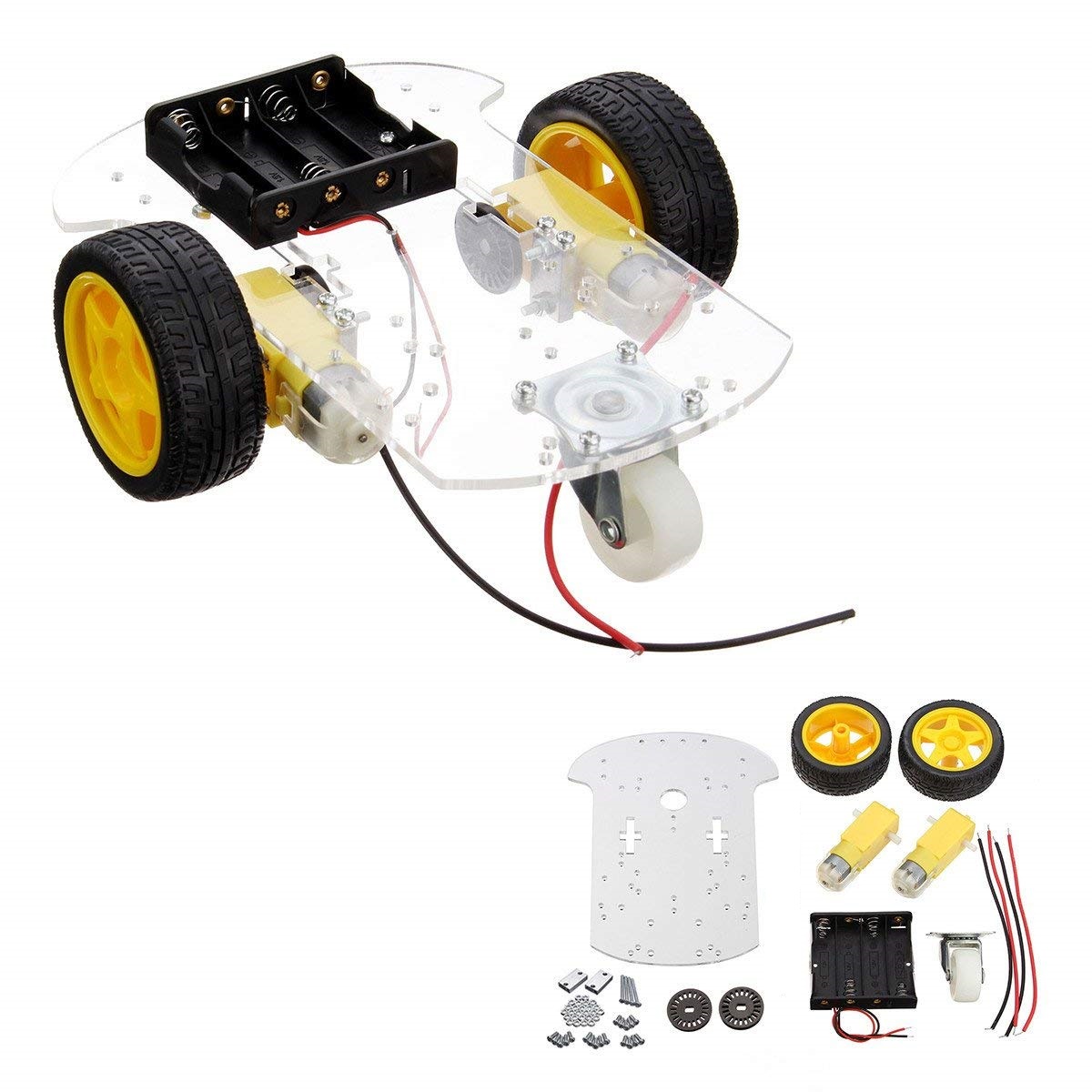
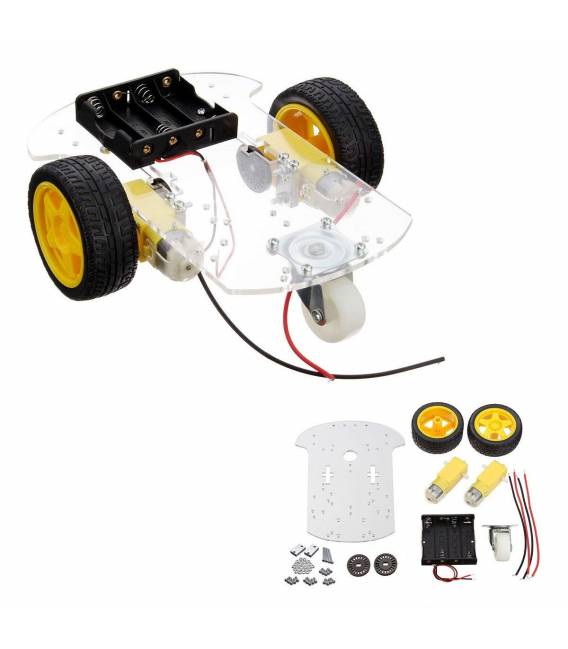
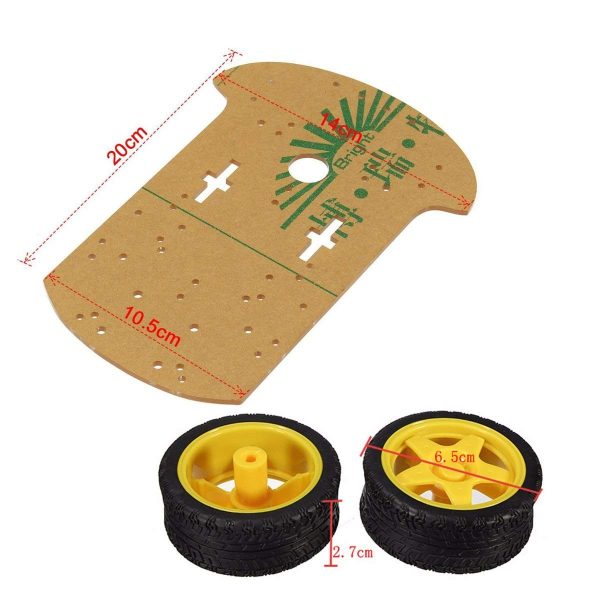
The Smart Car 2WD Robot Machine Kit + Omnidirectional Wheel is a complete package that allows you to build a robotic car with two driving wheels and omnidirectional functionality. This kit is perfect for those starting in robotics and wanting to explore programming and integrated electronics.
Features
- Complete kit to build a 2WD Smart Car
- Inclusion of an omnidirectional wheel
What it is for
Ideal for initial robotics projects, allowing the creation of an autonomous vehicle that can avoid obstacles and return to base when the battery is almost depleted. Compatible with Arduino.
Tutorial: How to use the Smart Car 2WD Robot Machine Kit + Omnidirectional Wheel Arduino
The Smart Car 2WD Robot Kit + Omnidirectional Wheel is ideal for those who want to start creating autonomous robots or remotely controlled vehicles. This kit allows you to explore programming and integrated electronics, providing a solid foundation for more complex projects.
What you need
- Arduino Uno
- LiPo Battery 3.7V
- Infrared Sensors
- Various Cables
- Electronic Assembly Tool
Steps
- Install the Arduino IDE on a computer.
- Connect the kit to the Arduino Uno microcontroller following the instructions provided in the package.
- Check the connection of the infrared sensors for obstacle detection.
- Load the example sketch onto the microcontroller.
- Test the basic functions of the vehicle, such as movement and obstacle avoidance.
- Customize the speed and behaviors of the robot by modifying the sketch.
- Add an omnidirectional wheel to improve maneuverability.
- Further test the new features added.
Example code
void setup() {
  Serial.begin(9600);
}

void loop() {
  // Codice di esempio da personalizzare
}
Mini project
Create a robot that moves autonomously, avoiding obstacles and returns to base when the battery is almost depleted.
Common mistakes
- Incorrect connection of the infrared sensors.
- Speed setting too high.
- Insufficient power supply for the kit.
- Missing adjustment of vehicle functions after physical modification.
Recommended accessories
- LiPo Battery 3.7V
- Infrared Sensors
- Electronic assembly tool
- Arduino prototyping kit
Frequently asked questions
How can I upload the sketch to the microcontroller?
Use the Arduino IDE software to connect to your Arduino Uno and upload the downloaded sketch.
Which sensors are included in the kit?
The kit includes infrared sensors for obstacle detection. Check the datasheet for specific details.


Reviews
There are no reviews yet.